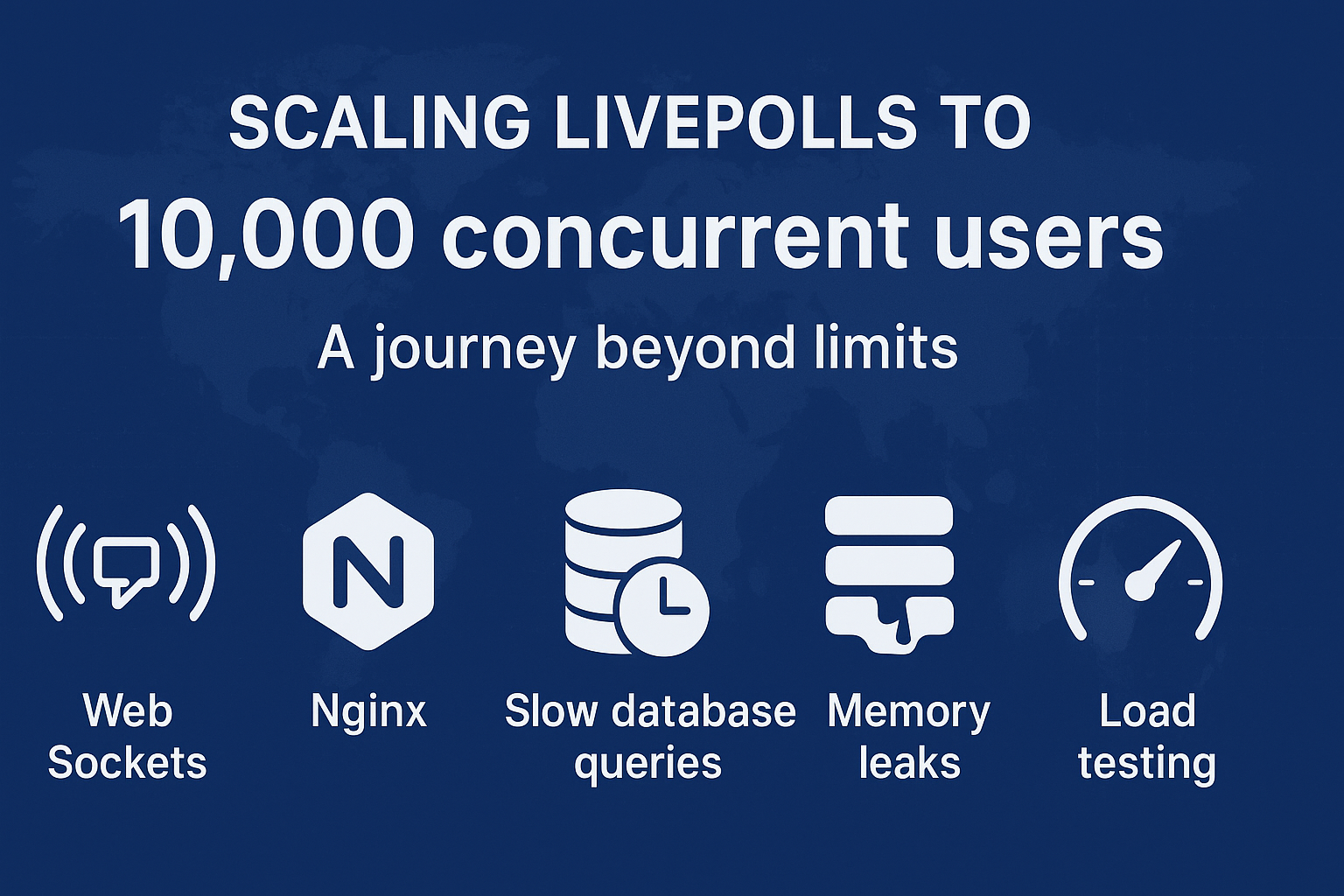
Scaling LivePolls to 10K Concurrent Users - A Journey Beyond Limits
A software product that solves a business problem is good. But a software product that scales as the business grows - that’s excellent!
As the saying goes:
“In the digital age, scaling is the compass that guides your product toward success in the vast ocean of possibilities.”
This blog is a story of how we scaled LivePolls, a real-time engagement product from QuestionPro, to handle a staggering 10,000 participants in a single session - on a single server.
You’ll see the problems we faced, the creative solutions we engineered, and the lessons we learned along the way. So grab your favorite drink and some snacks - this is a scaling story you’ll actually enjoy reading.
A Bit of Context
LivePolls is a free product from QuestionPro that allows users to engage audiences in real time - through polls, quizzes, and interactive questions.
- The Admin creates a quiz or poll and starts a live session
- Participants join using a session PIN
- Everyone engages together in real-time through dynamic charts, leaderboards, and results
At its core, LivePolls uses WebSockets for fast, real-time communication between clients and servers. And when we say real-time, we mean milliseconds matter.
The Challenge
One of QuestionPro’s enterprise customers wanted to host a LivePoll session with over 5,000 participants.
Our previous tests had maxed out around 2,000 participants per server. Beyond that, things… well, broke.
We lacked infrastructure, saw memory leaks, hit socket connection limits, and faced painfully slow queries. And thus began our epic journey to scale.
Problems We Faced
- No infrastructure to load-test beyond 2,000 participants
- Memory leak in the application
- Nginx limits on concurrent socket connections
- Slow MySQL queries causing high memory usage and timeouts
Solutions We Devised
1. Building Infrastructure for 10,000 Virtual Participants
Since LivePolls uses WebSockets, we first tried Artillery.io for load testing - it’s a solid library for socket-based tests.
But we quickly hit a wall:
- Only ~1,000 WebSocket connections per local machine
- A steep learning curve for complex test flows (like joining, answering, viewing results)
So, we decided to go rogue and wrote our own simple JavaScript script to simulate participant actions:
joining → answering → viewing results
Then came the real question - where do we run these thousands of connections?
We leveraged free-tier cloud VMs from AWS, since:
- There was no limit on the number of VMs we could spin up
- Each VM could handle around 1,000 socket connections
- So, 10 VMs = 10,000 virtual participants. Simple math. Beautiful scaling.
When we later moved the setup to our in-house test servers, we had to tweak some system parameters (like increasing file descriptors):
# /etc/security/limits.conf
your_user soft nofile 1000000
your_user hard nofile 1000000
Each socket uses one file descriptor - so, no descriptors = no sockets = no fun.
2. Fixing the Memory Leak
A memory leak occurs when an app allocates memory but doesn’t release it properly.
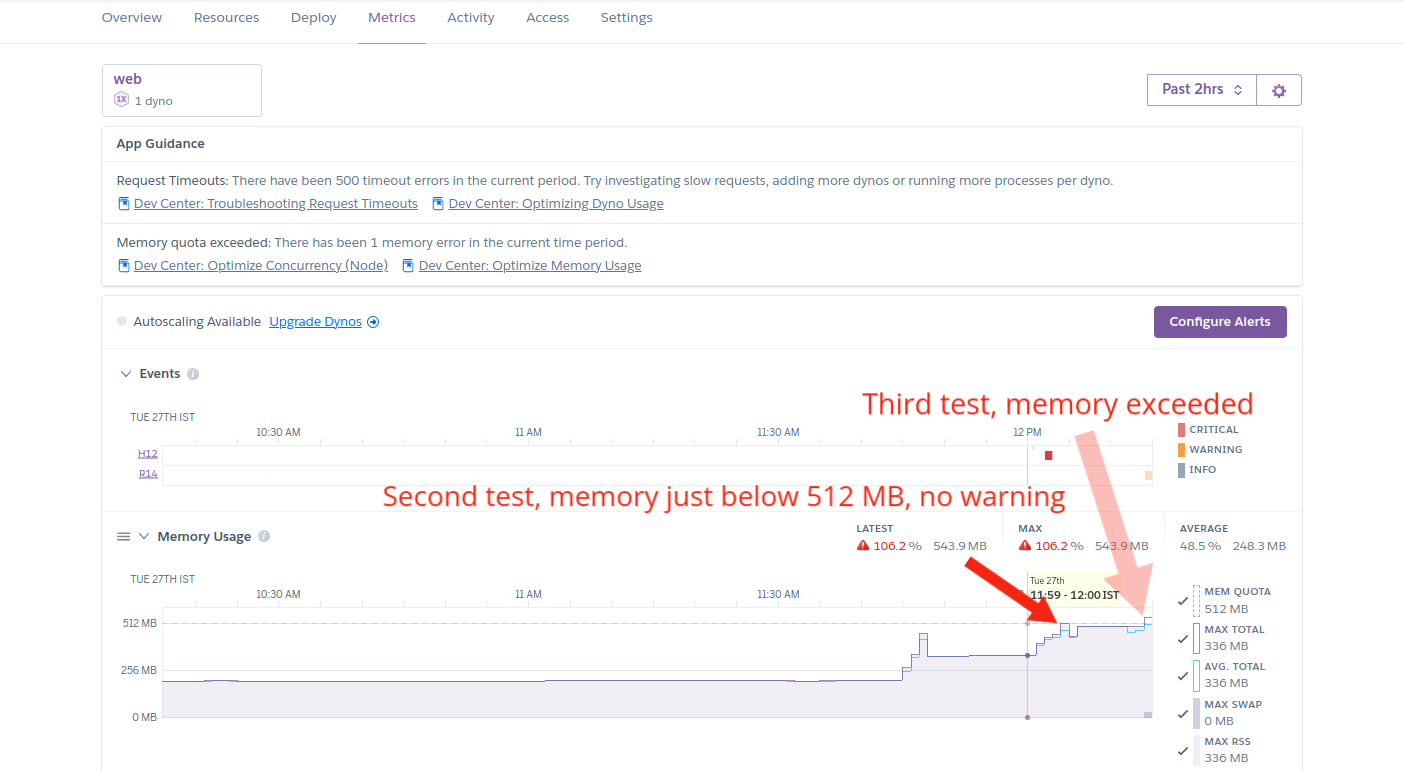
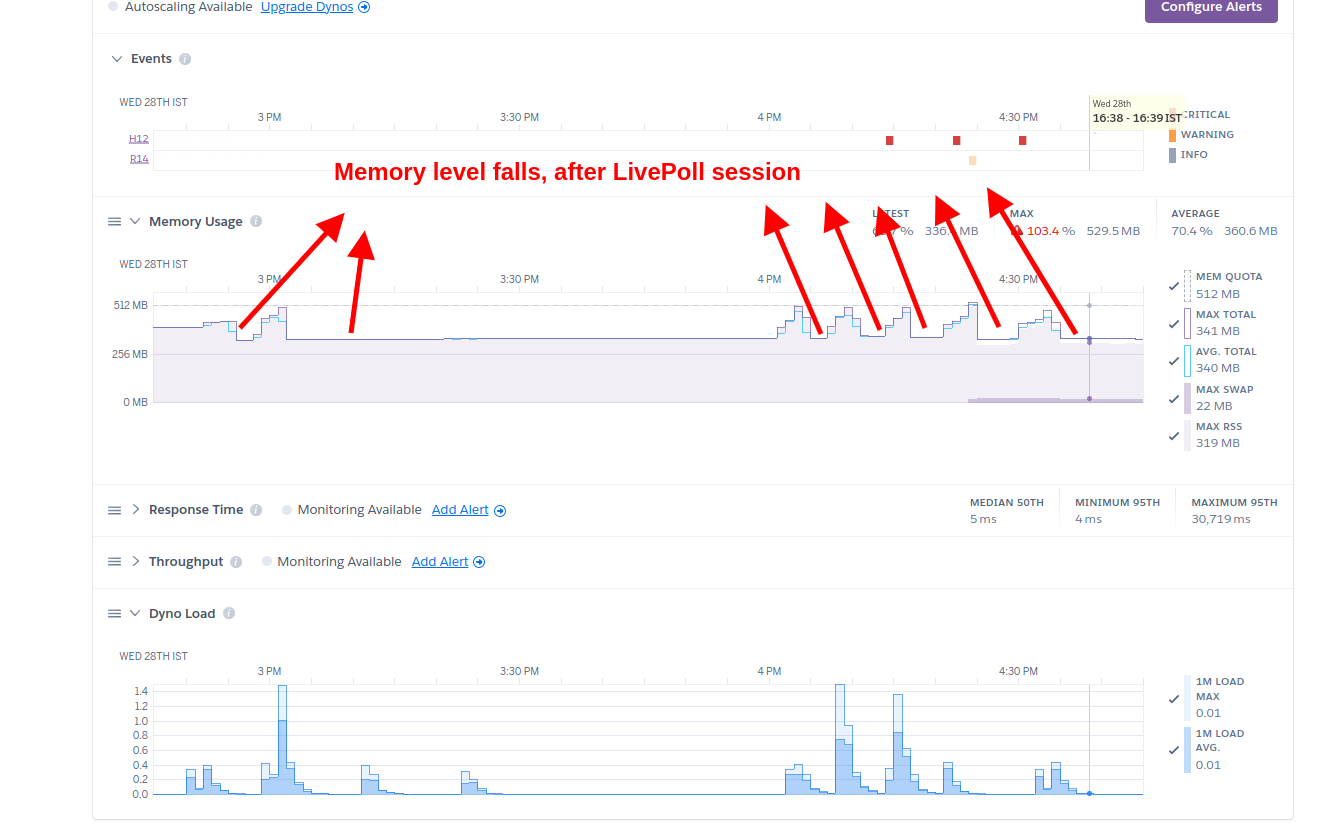
After several smaller tests, we found that memory usage never dropped back to normal even after participants disconnected. Suspicious. 🤔
We dug deeper using heap snapshots and discovered that WebSocket connections were not being released after closing. Our stack uses Socket.io, which internally uses the WS library for WebSocket handling.
Then came the “aha” moment - we found EIOWS, a C++-based, high-performance, low-memory WebSocket engine, fully compatible with Socket.io.
With just one line of code changed, we swapped WS with EIOWS - and boom, no more leaks. (If only all life’s problems could be solved this easily.)
3. Tuning Nginx for 10K+ Concurrent Connections
Once memory was stable, we went for the big one - 5K participants.
…and hit a wall again.
The error?
Too many open files
Classic. 😅
We increased:
worker_connections 8192;
worker_processes 8;
Expecting ~64K connections. But we still crashed around 4K.
Turns out, each connection in Nginx uses 2 file descriptors - one for the client, one for the upstream server.
So, we added:
worker_rlimit_nofile 16192;
This allowed each worker process to handle roughly 8K connections, comfortably crossing the 10K mark.
4. Optimizing Slow MySQL Queries
With 10K people connected, the next step was an end-to-end test: participants answer, admin views charts/leaderboards, participants view relative rank, etc.
We found the application server crashed when admin requested result charts. The culprit: queries pulling all rows into application memory and then aggregating in JavaScript - a disaster at 10K+ rows.
Below are concrete examples showing before (inefficient) and after (optimized) queries we used.
Naive / Inefficient Approach (what we had)
These queries fetch all rows into the app and then process them in JS:
-- inefficient, pulls all rows
SELECT * FROM responses WHERE question_id = 123;
If you then sort or aggregate on this in-app, memory usage explodes. 💥
Optimized Queries - Let MySQL Do the Heavy Lifting
1. Get response count for each answer option (for charting)
SELECT answer_option_id, COUNT(*) AS response_count
FROM responses
WHERE question_id = 123
GROUP BY answer_option_id;
Why better: MySQL aggregates rows on the server and returns a tiny result set (one row per option), not 10K rows.
2. Get respondents sorted by score and limit (leaderboard)
SELECT respondent_id, total_score
FROM respondents_scores
WHERE session_id = 456
ORDER BY total_score DESC
LIMIT 100;
Why better: Database-level ORDER BY + LIMIT avoids fetching all respondents into memory.
The Result
After fixing memory leaks, tuning Nginx, and optimizing queries:
✅ LivePolls successfully handled 10,000 concurrent users on a single app server (2 CPU, 4GB RAM)
✅ Multiple full-scale tests were conducted smoothly
✅ No crashes, no leaks, no long waits - just 10,000 people engaging in real-time
Final Thoughts
Scaling isn’t just about tweaking parameters - it’s about learning how your system breathes under pressure.
We hope this story gave you a few ideas, maybe even some laughs, and definitely the confidence to take your own systems beyond limits.
Remember:
“Scaling isn’t a destination; it’s a journey of continuous improvement and evolution.”
And sometimes, that journey starts with a single config file. 🚀