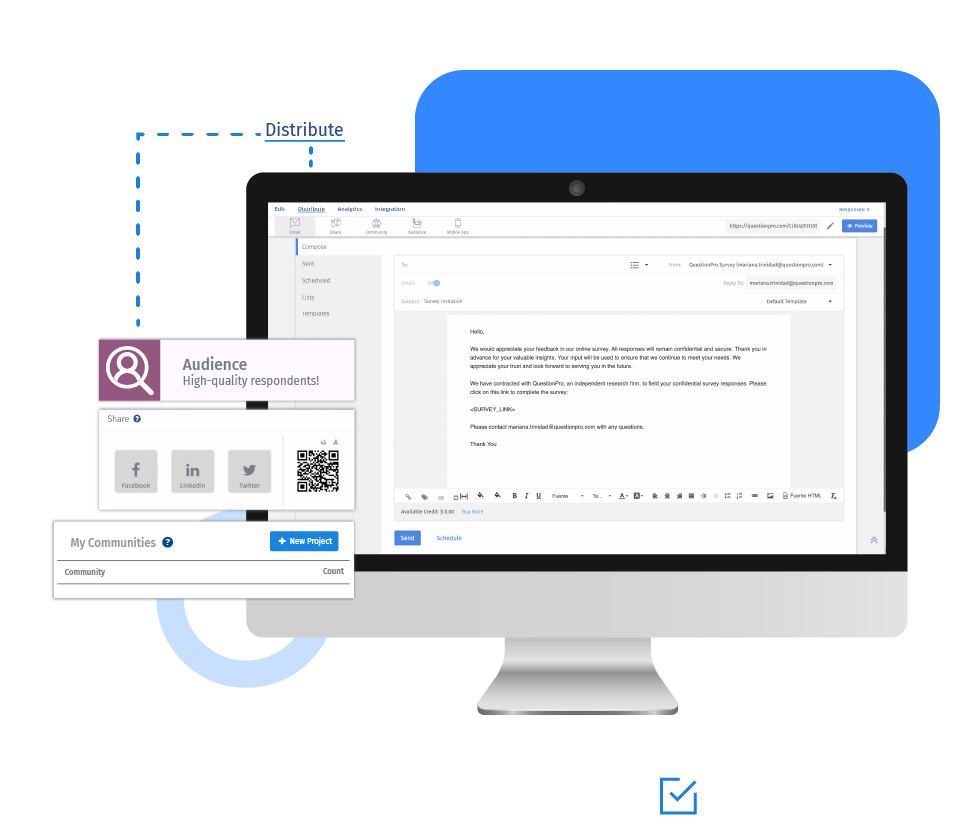
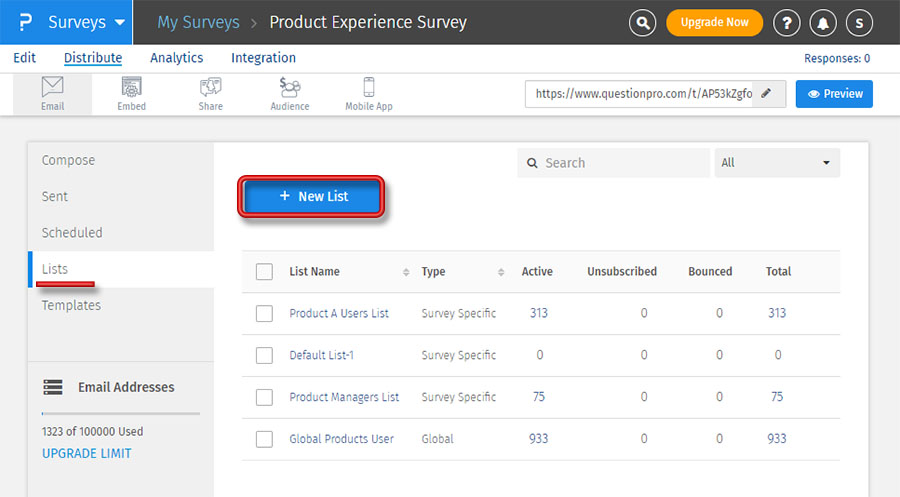
Create your address books by building custom email as desired. Send out email invitations only to the desired email addresses or lists of email addresses. Manage, edit, and build your custom email distribution lists for research.
Example of an online address book
For example, your organization is into the business of supplying apparel to men, women, and children of all ages. To research only a specific group of the audience like women, you can build a custom list of email addresses having only females in your address book and can deploy the survey only to them.
Uses of an online address book
Online address books are essential for those who conduct research frequently and those who research audiences from varied demographics. Some organizations have vast amounts of email address data, and it gets tough to create curated email lists for every new survey. Instead, they can maintain different email lists for different research purposes. They can pull-up lists and deploy emails to only specific people who fit their research criteria, making surveying easy and saving significant amounts of time.

Advantages of an online address book
Here are the advantages of an online address book:
An online address book helps you manage email campaigns efficiently.
Creating email lists is simple.
You can manage your lists by editing, deleting, or adding contacts.
Email lists save a lot of time and effort for the researcher.
How to use an online address book?
Learn how to set up online address books with our help file on creating and managing email lists.

 Survey Software
Easy to use and accessible for everyone. Design, send and analyze online surveys.
Survey Software
Easy to use and accessible for everyone. Design, send and analyze online surveys.
 Research Suite
A suite of enterprise-grade research tools for market research professionals.
Research Suite
A suite of enterprise-grade research tools for market research professionals.
 Customer Experience
Experiences change the world. Deliver the best with our CX management software.
Customer Experience
Experiences change the world. Deliver the best with our CX management software.
 Employee Experience
Create the best employee experience and act on real-time data from end to end.
Employee Experience
Create the best employee experience and act on real-time data from end to end.