
Saving, Versioning, and Publishing
ListenAI automatically saves your progress as you work. When you make edits to an existing study, the system creates an unpublished draft, indicated by the Draft badge next to the study name in the top left corner.
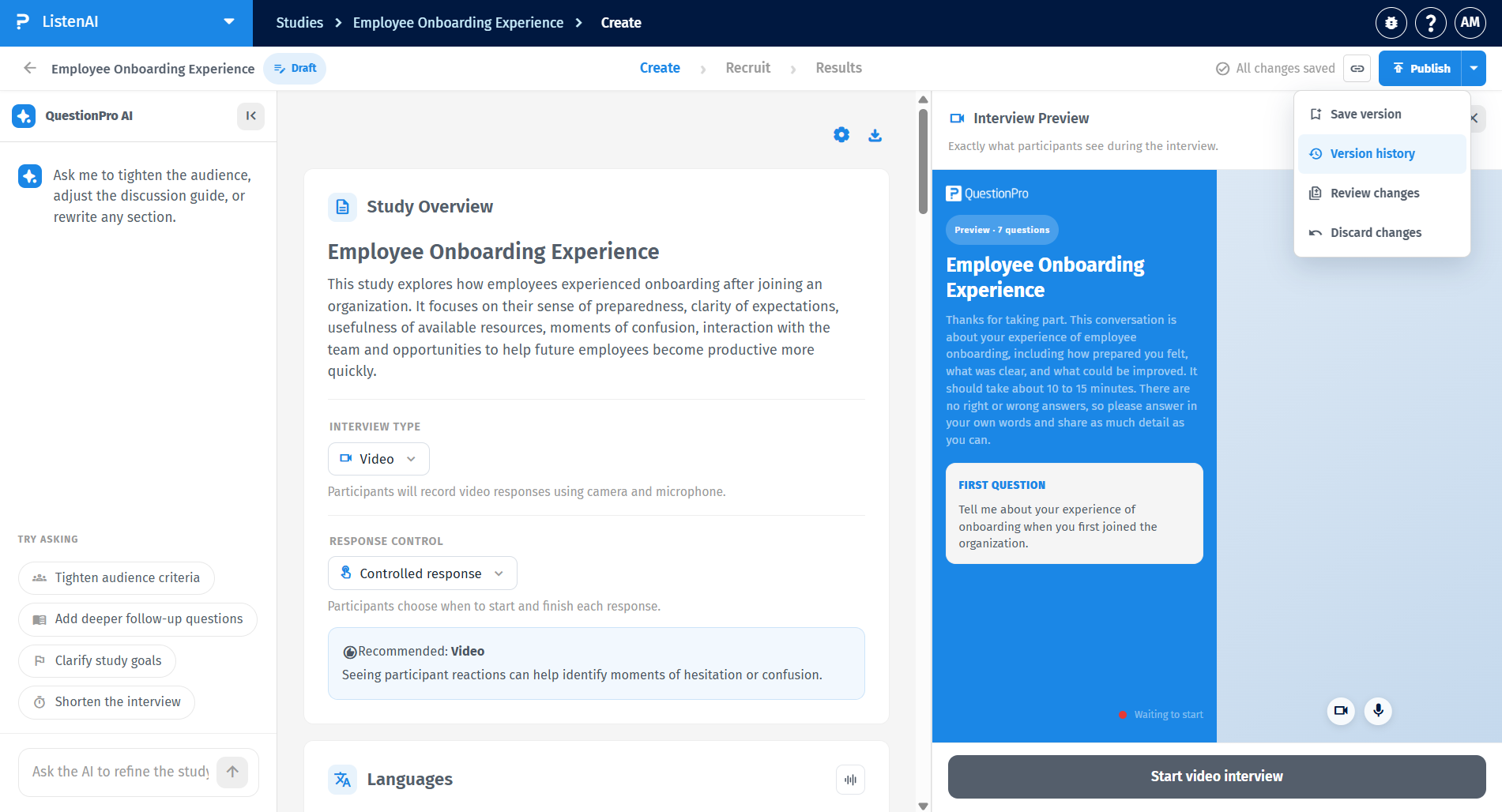
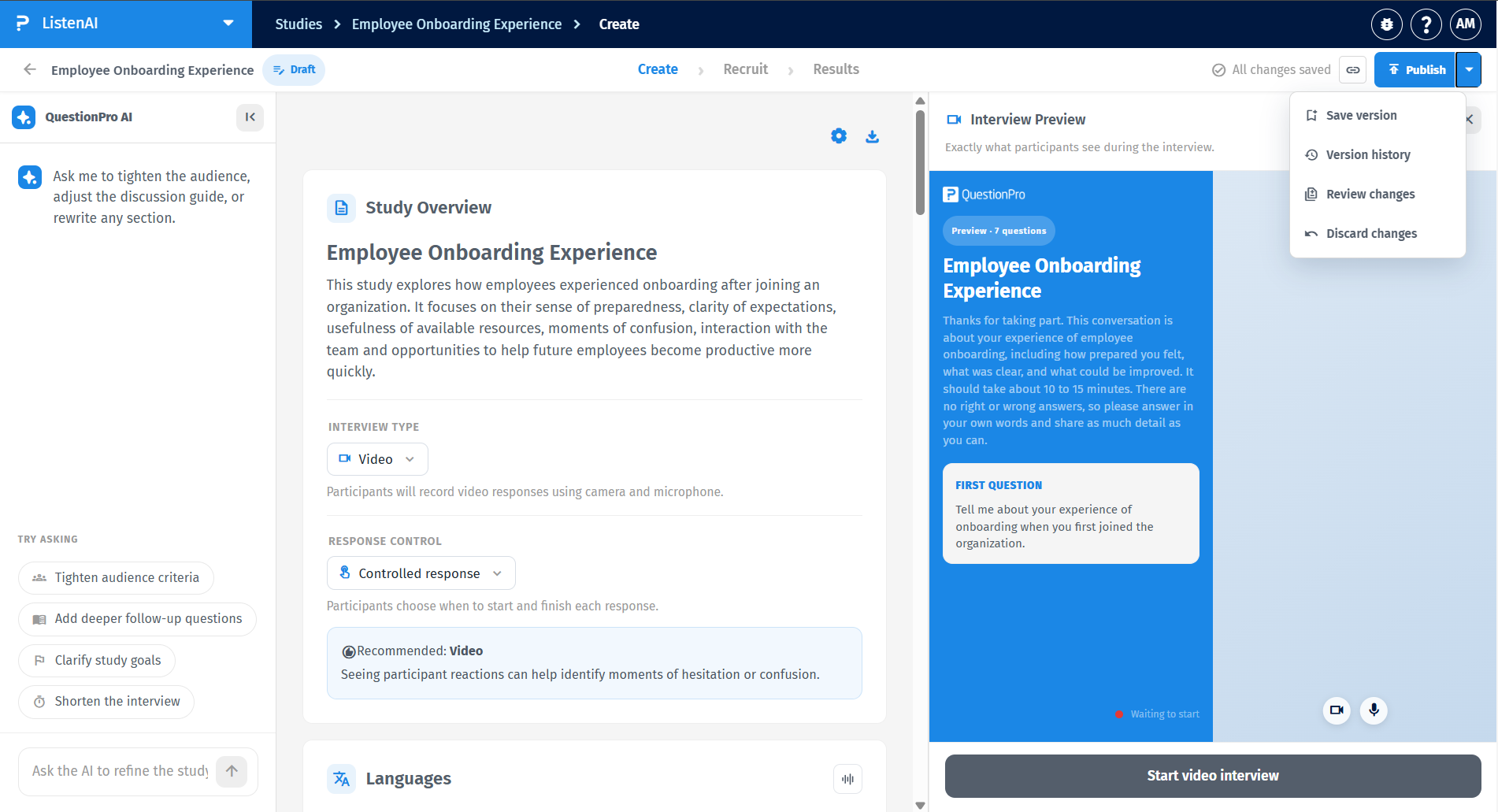
If you decide you do not want to keep your unpublished changes, you can easily revert them. Click the dropdown arrow next to the Publish button in the top right corner and select Discard changes to return the study to its last published state.
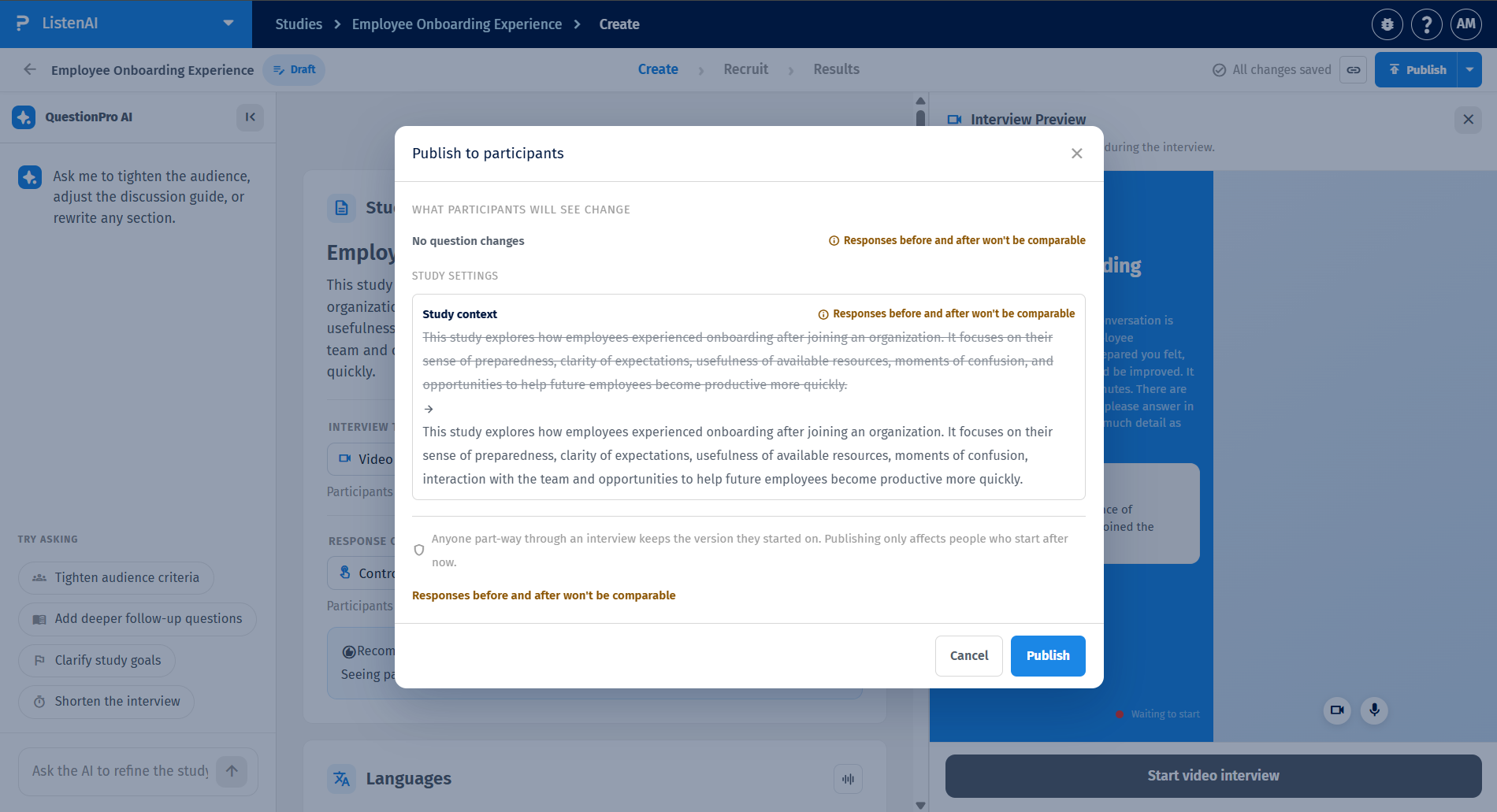
When you are ready to make your draft live, clicking Publish will open a "Publish to participants" preview window. This screen acts as a safety check, highlighting exactly what was modified in your study settings, context, or questions by showing a side-by-side comparison of the old text crossed out and the new text added.
When reviewing your changes before publishing, the system categorizes modifications to help you understand their impact on your data:
- Safe changes: Minor tweaks, such as fixing a typo in the introduction. These do not disrupt the data structure.
- Significant changes: Altering follow-up settings or adjusting the study context. The system may warn you that "Responses before and after won't be comparable" because the AI will approach the interview differently.
- Breaking changes: Adding, deleting, or entirely rewriting core guide questions. This drastically changes the data output and triggers a strict warning that the data sets will not align.
You can safely publish updates even if participants are currently taking your study. The system ensures a seamless experience: anyone part-way through an interview keeps the version they started on. Publishing a new version only affects participants who start the interview after the moment you click Publish.
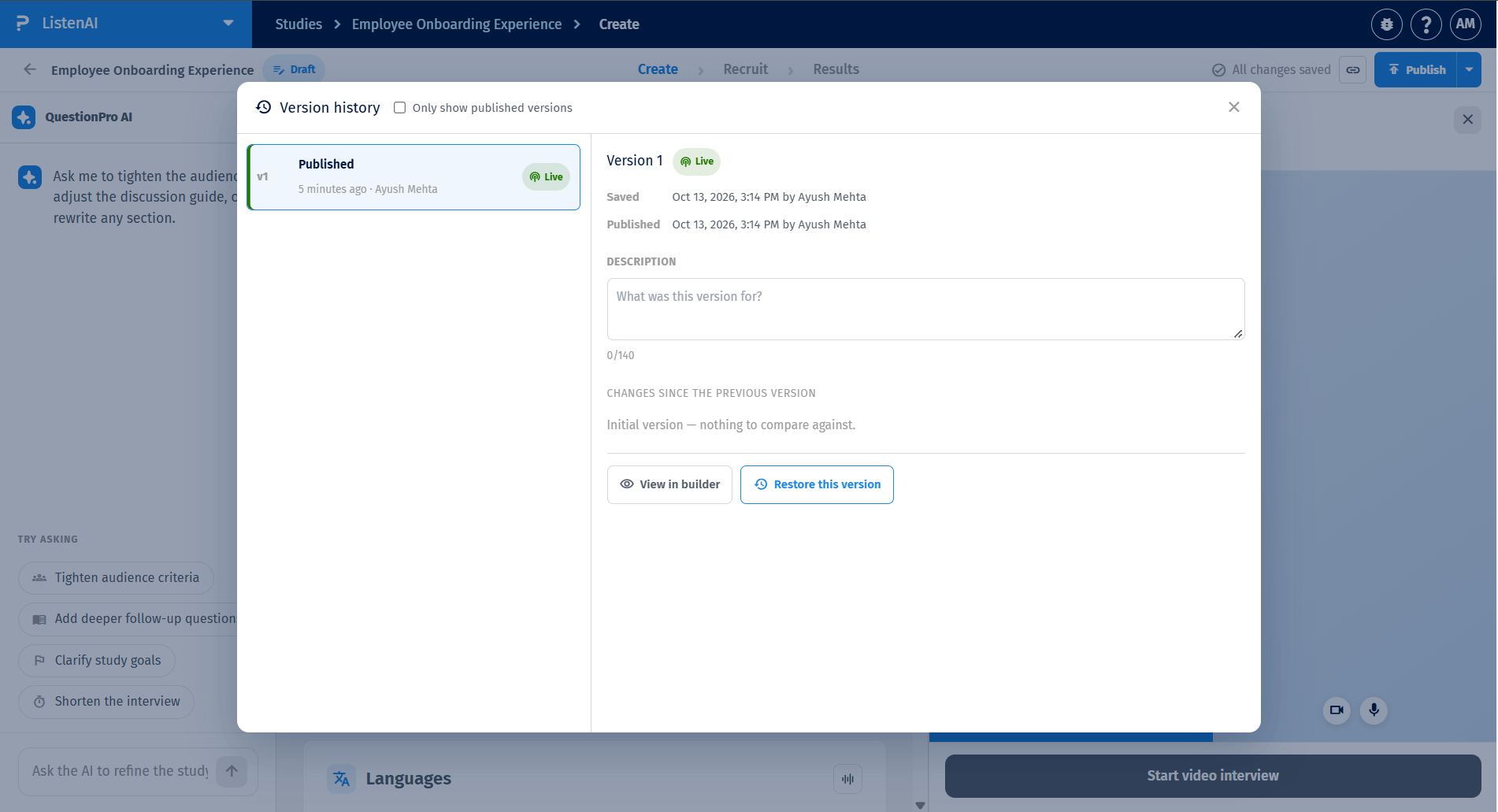
To view a log of all your study's past iterations, open the Publish dropdown menu and select Version history.
In the Version history modal, you can select any past published version to view its details, including when it was saved and published, and any descriptions added by the creator. If you need to roll back to an older setup, simply select the desired version and click the Restore this version button.