
Hiding, Deleting, and Moving Discussion Guide Questions
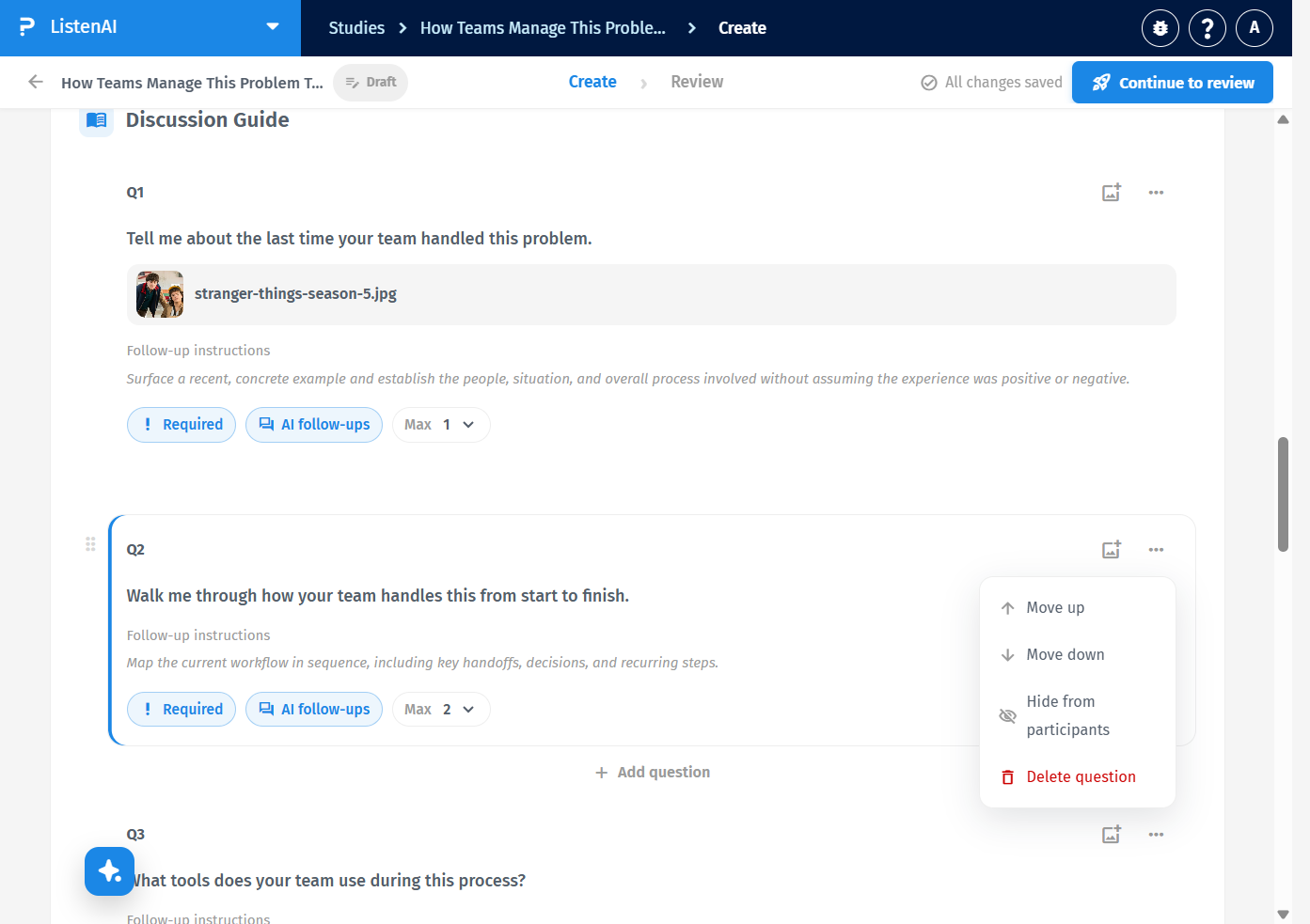
In Discussion Guide, each question has a six-dot handle on the left, labeled Reorder question plus its number (for example Reorder question 1). Drag that handle to move the question. The card stays in the guide; only its order changes.
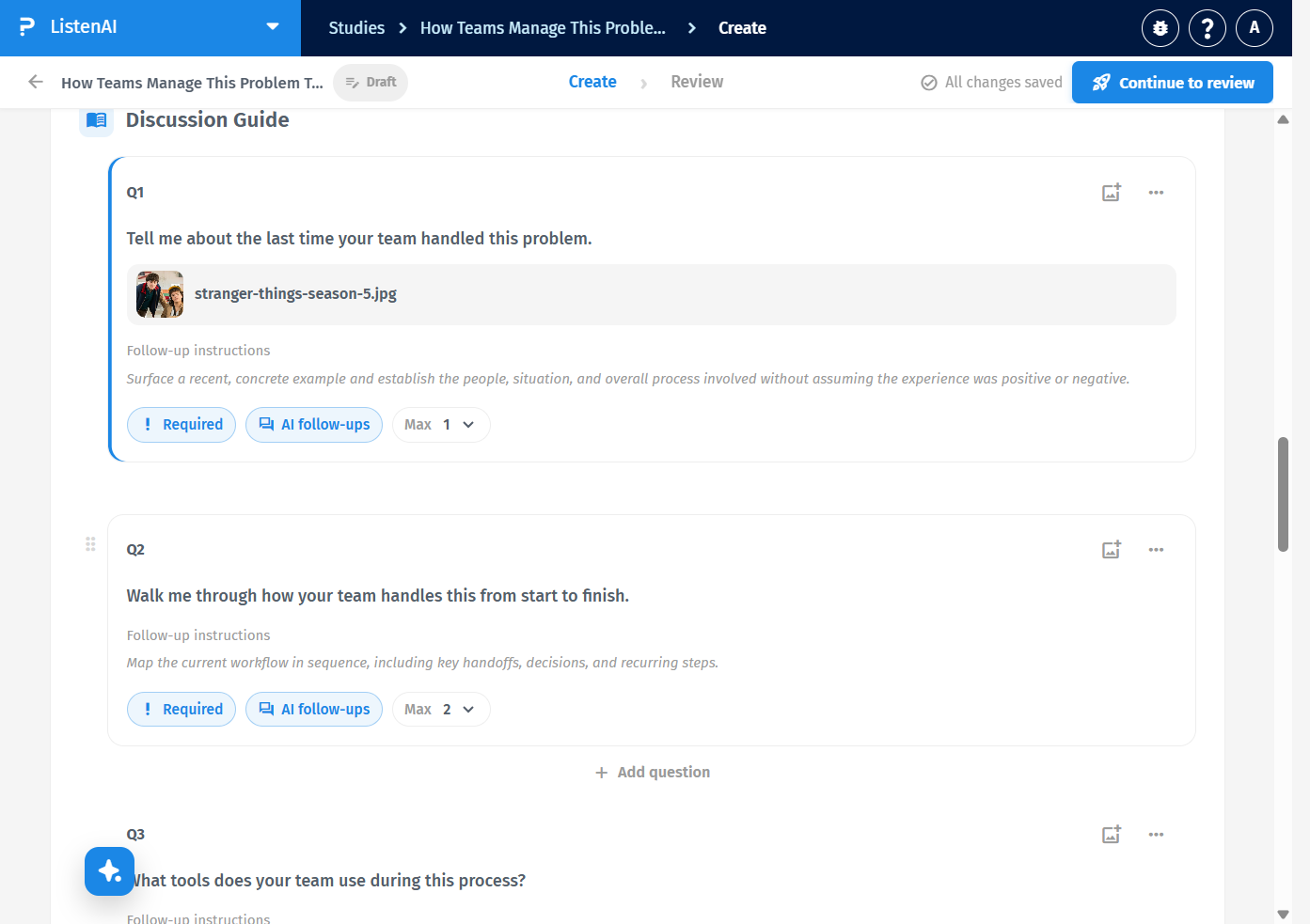
Click the … control labeled Question 2 actions (or the matching number for that card). The menu lists Move up, Move down, Hide from participants, and Delete question in red. Do not use Delete question unless you mean to remove the question from the guide.
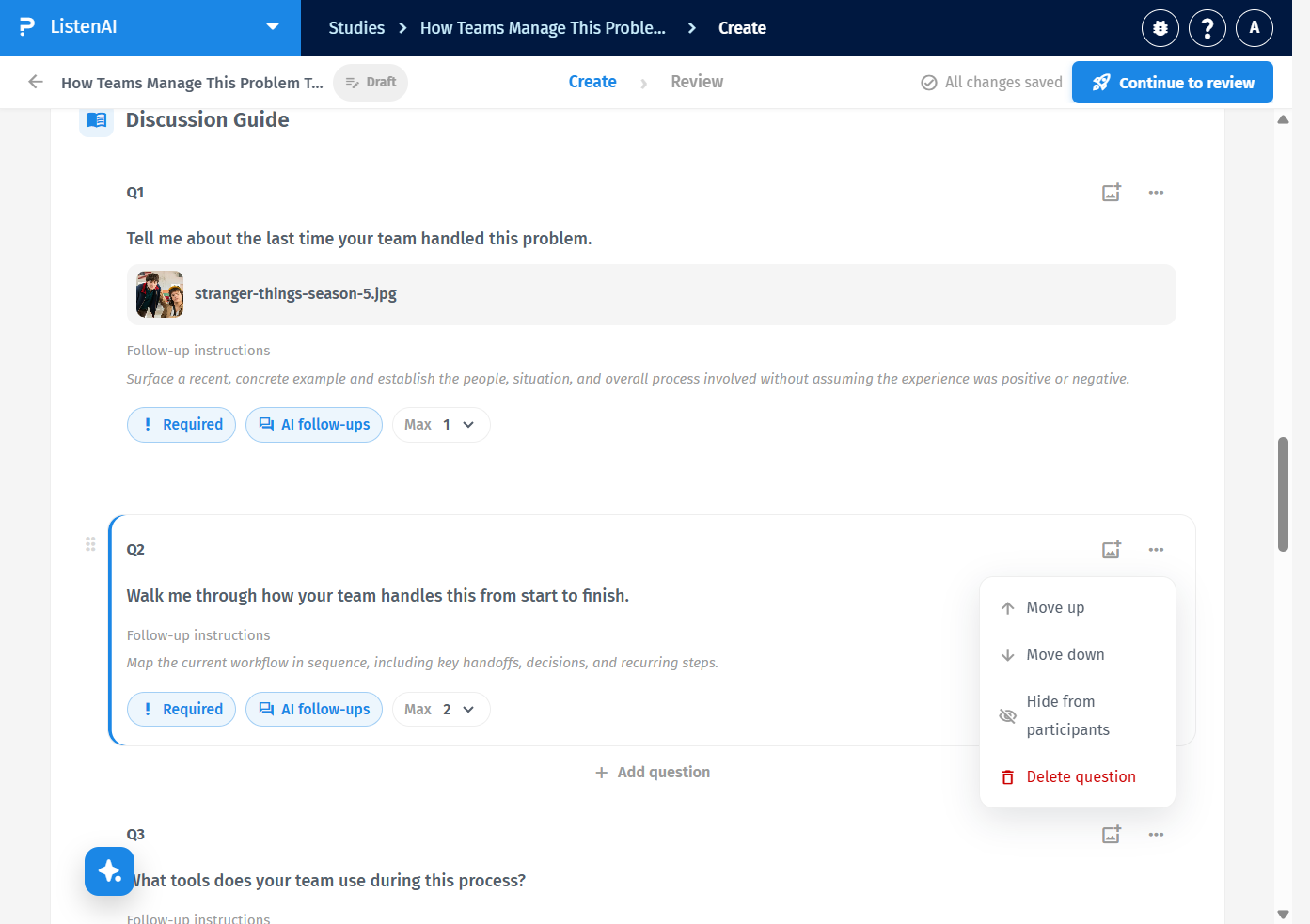
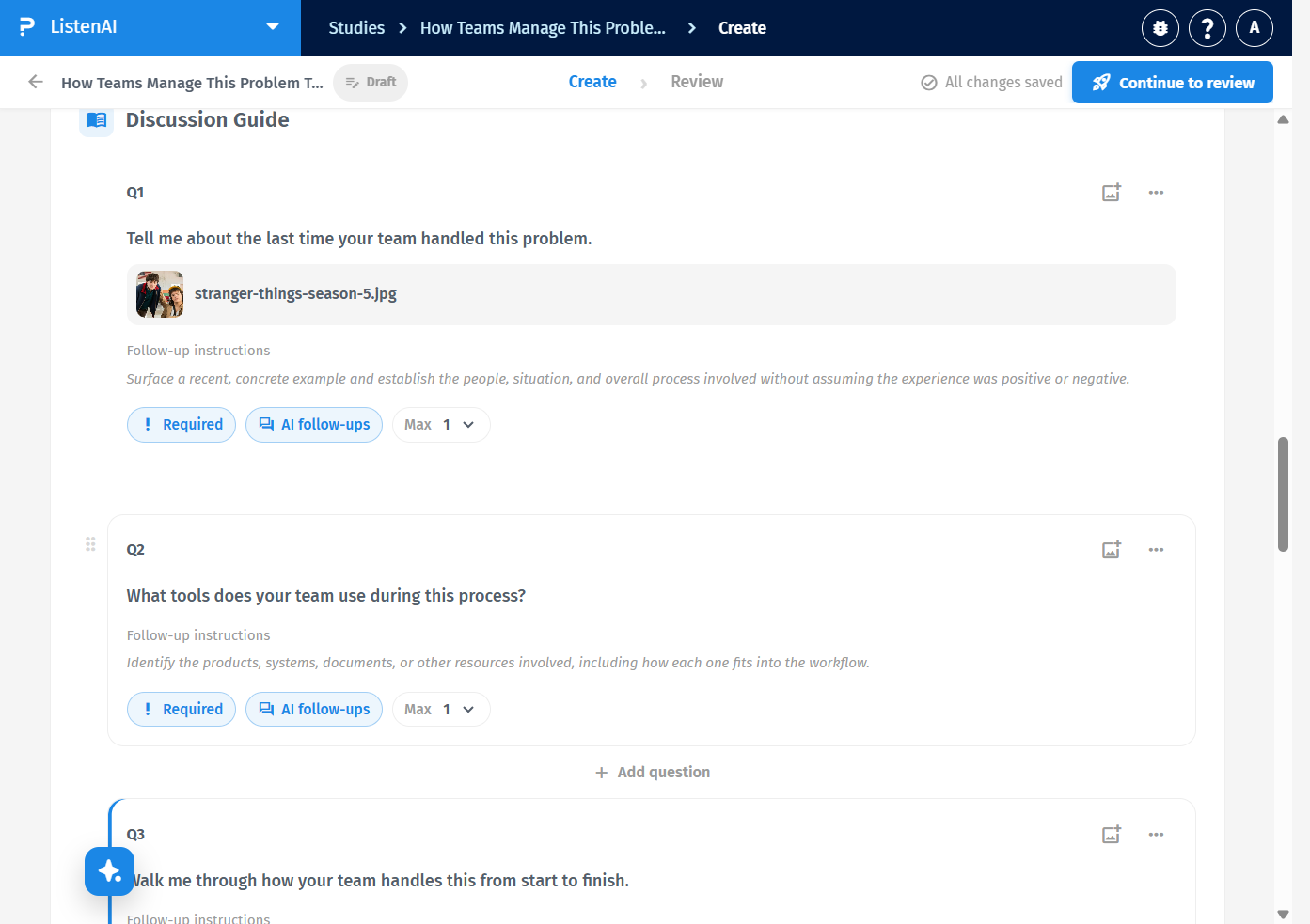
Open the … menu and click Move down. The question swaps with the one below it. For example, Walk me through how your team handles this from start to finish. moves from Q2 to Q3, and the former Q3 becomes Q2. Open the same question’s menu and click Move up to restore the original order. Move up is unavailable on the first question.
Open the … menu and click Hide from participants (visibility-off icon). On a question that already has an image, the same menu also includes Replace image and Remove image above Hide from participants. The question remains on the Create page so you can keep editing it.
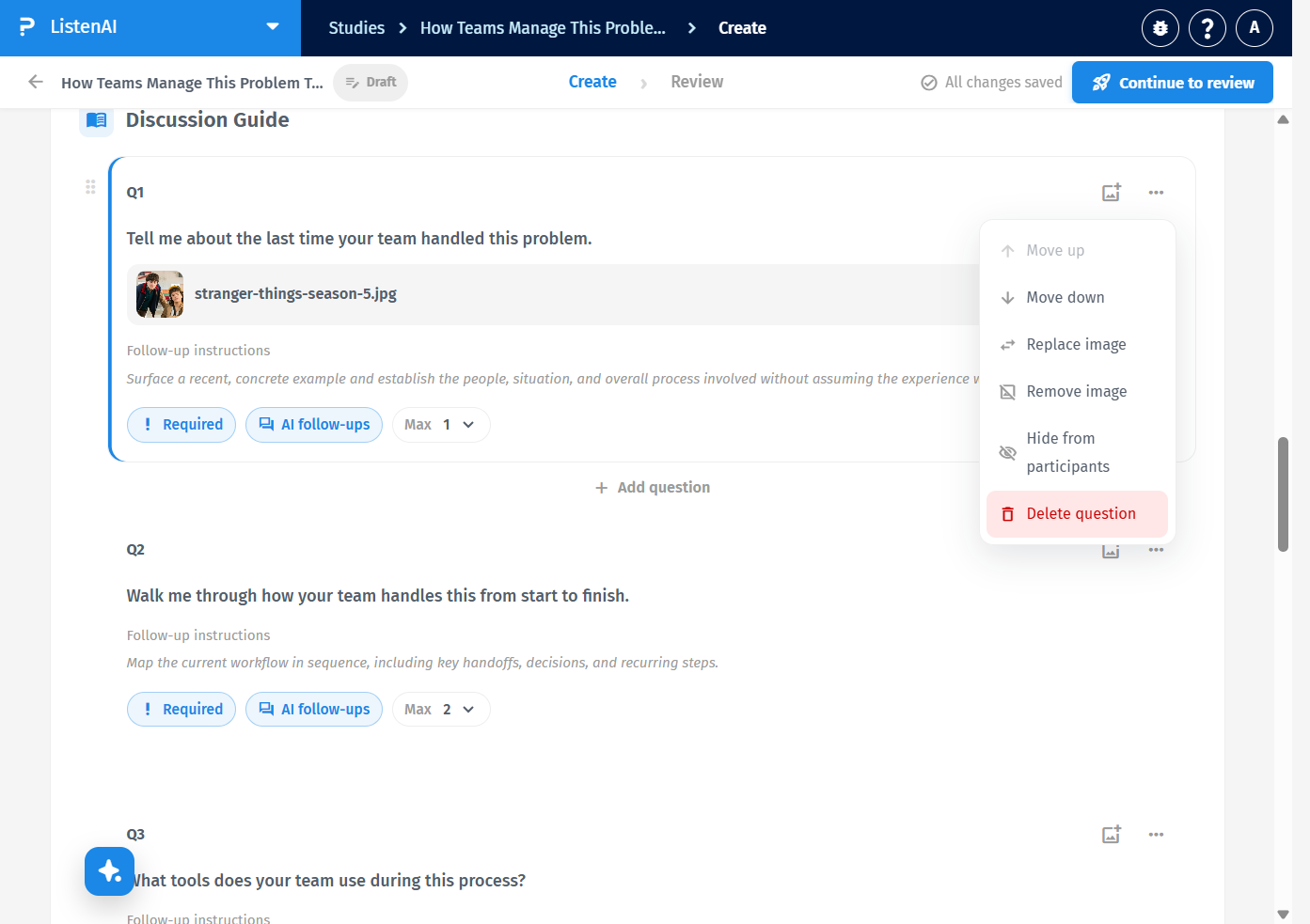
Open … and find Delete question (red, trash icon). The control’s hint is Deleting leaves any answers already collected without a question. Hiding does not. Confirm only if you intend to remove the question from the guide. Hiding is the safer way to keep the question out of the interview without deleting it.