- Add widgets
- Survey Comparison
- Heatmap
- Anonymity Settings
- eNPS in Workforce Analytics Portal
- Notes Widget
- Text Analysis Widget
- Response rate
- Text Report
- Trend analysis widget
- Show/hide Markers and Building blocks
- Question Filter
- Single Question Widget
- Heatmap default
- Sentiment analysis
- Scorecard
- Driver analysis
- Scorecard: All options view
- Heatmap Custom Columns
- 360 feedback introductory text
- 360 feedback display configurations
- 360 feedback display labels
- Multi Level Priority Logic
- 360 Surveys- Priority Model
- 360 feedback - skip logic
- 360 feedback - show hide question logic
- 360 Survey Settings
- 360 feedback configuration
- Customize the validation text
- 360 Survey design
- 360-Reorder section
- 360 Section Type - Single Select Section
- 360 Delete Sections
- 360 Add Sections
- 360 section type - Free responses text section
- 360 Section Type - Presentations text section
- 360 Section-Edit Configurations
- 360 Survey- Languages
- Matrix section

Pulse - Settings
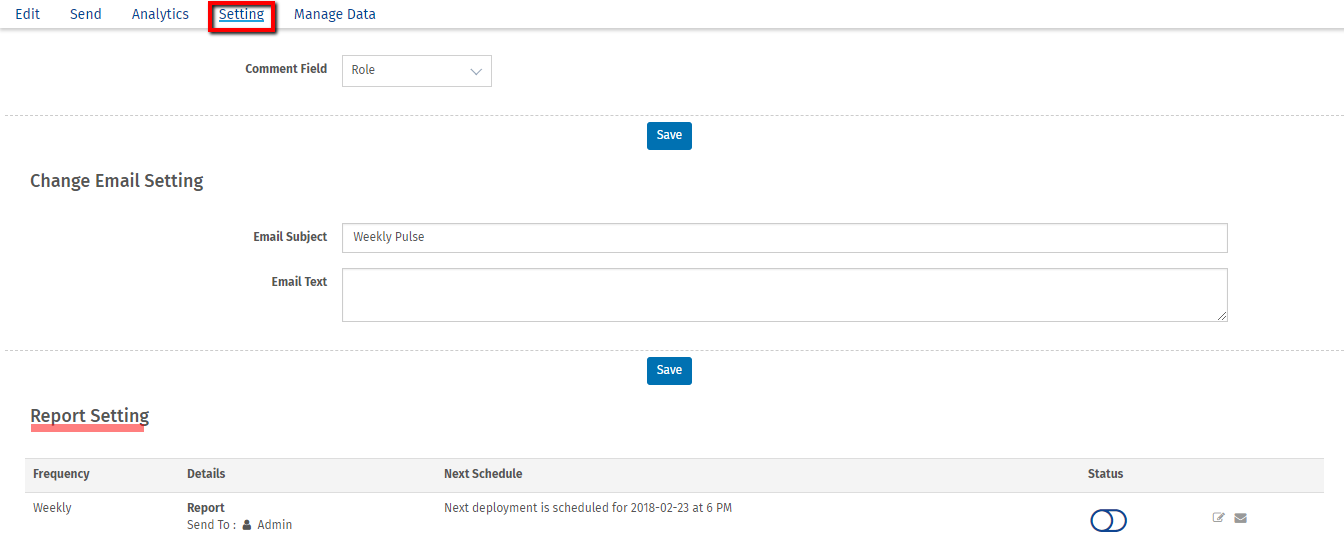
Pulse settings allows you to setup custom field to be shown in comment section in analytics, configure email content for the pulse and also schedule a report.
How can I change comment settings?
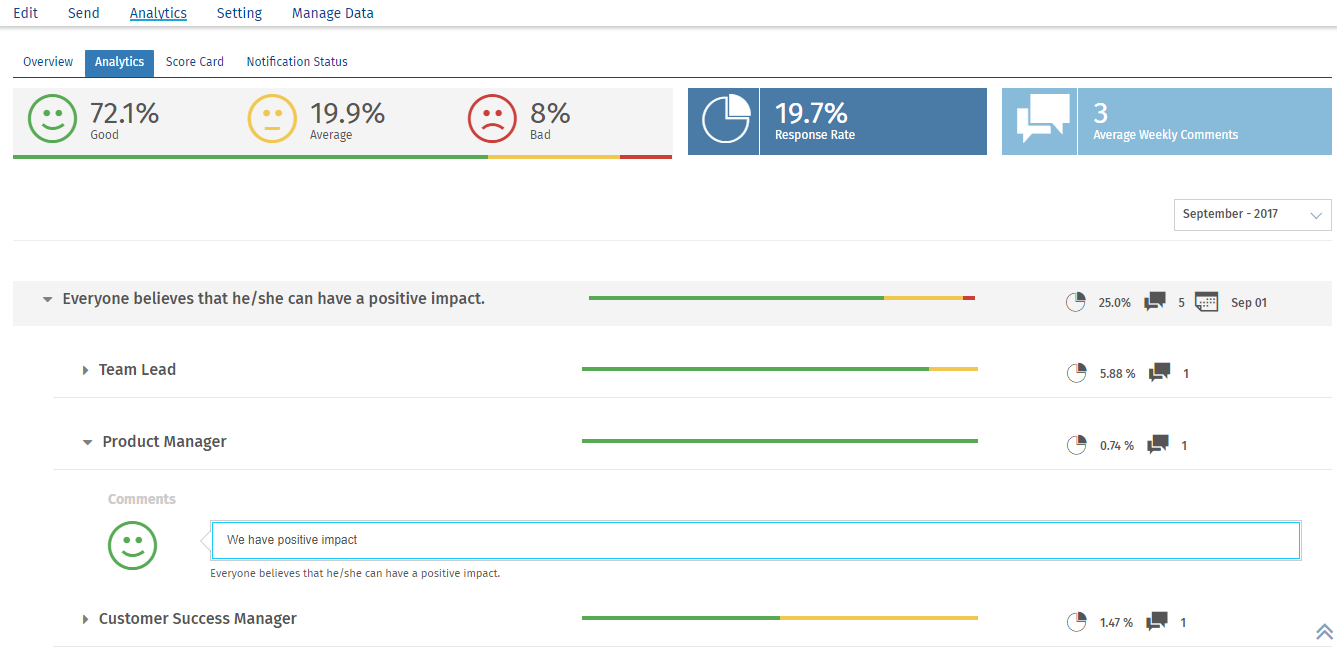
Comment setting allows you to select the custom field to be shown in the comment section of pulse analytics. For example, you can choose "role" in the setting which will show the comment as per role in the analytics
To change comment setting, go to: Login >> Workforce >> Pulse survey- Click on Settings.
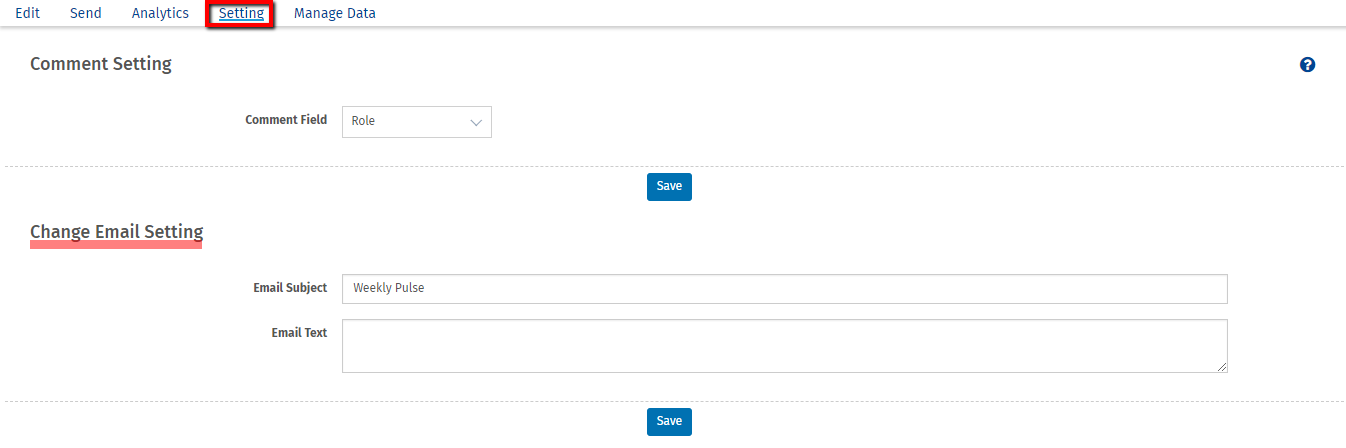
- Select the comment field from the dropdown and click on Save.
- Comment view in Analytics section.

How can I configure email content?
To change email content, go to:
Login >> Workforce >> Pulse survey- Click on Settings.
- Update the email content and subject under change email settings and click on Save.
How do I schedule pulse report?
To schedule pulse report, go to:
Login >> Workforce >> Pulse survey- Click on Settings.
- Change the status of the report schedule
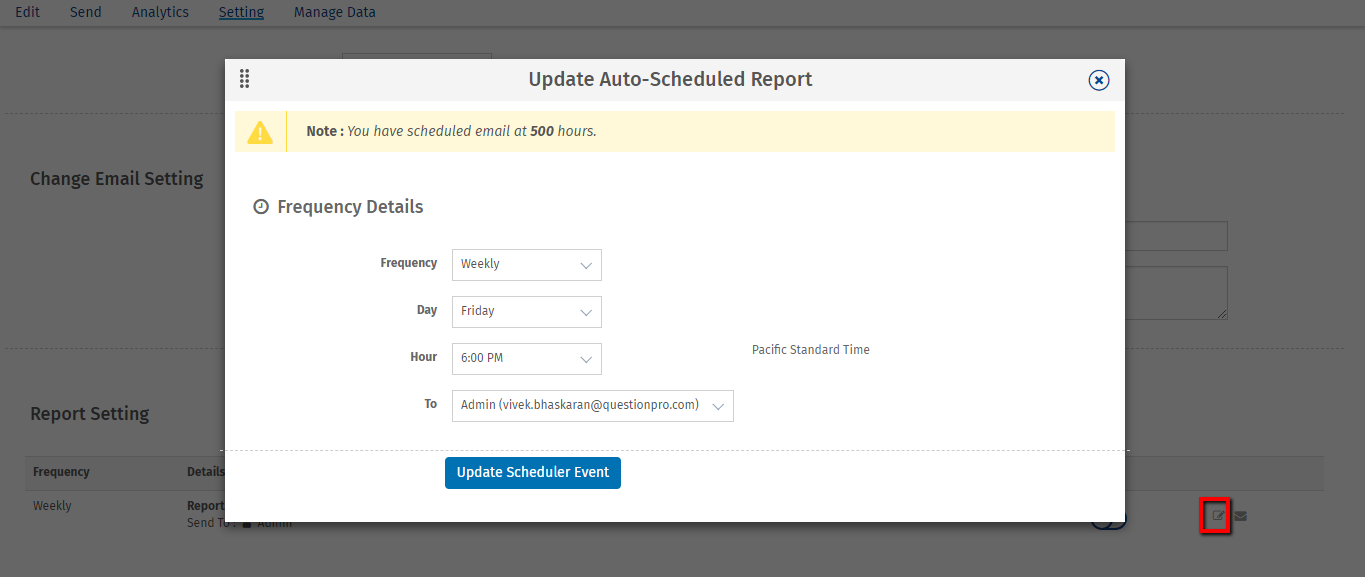
- Click on edit icon to update the frequency of scheduled report
- Click on run now icon to send the report immediately