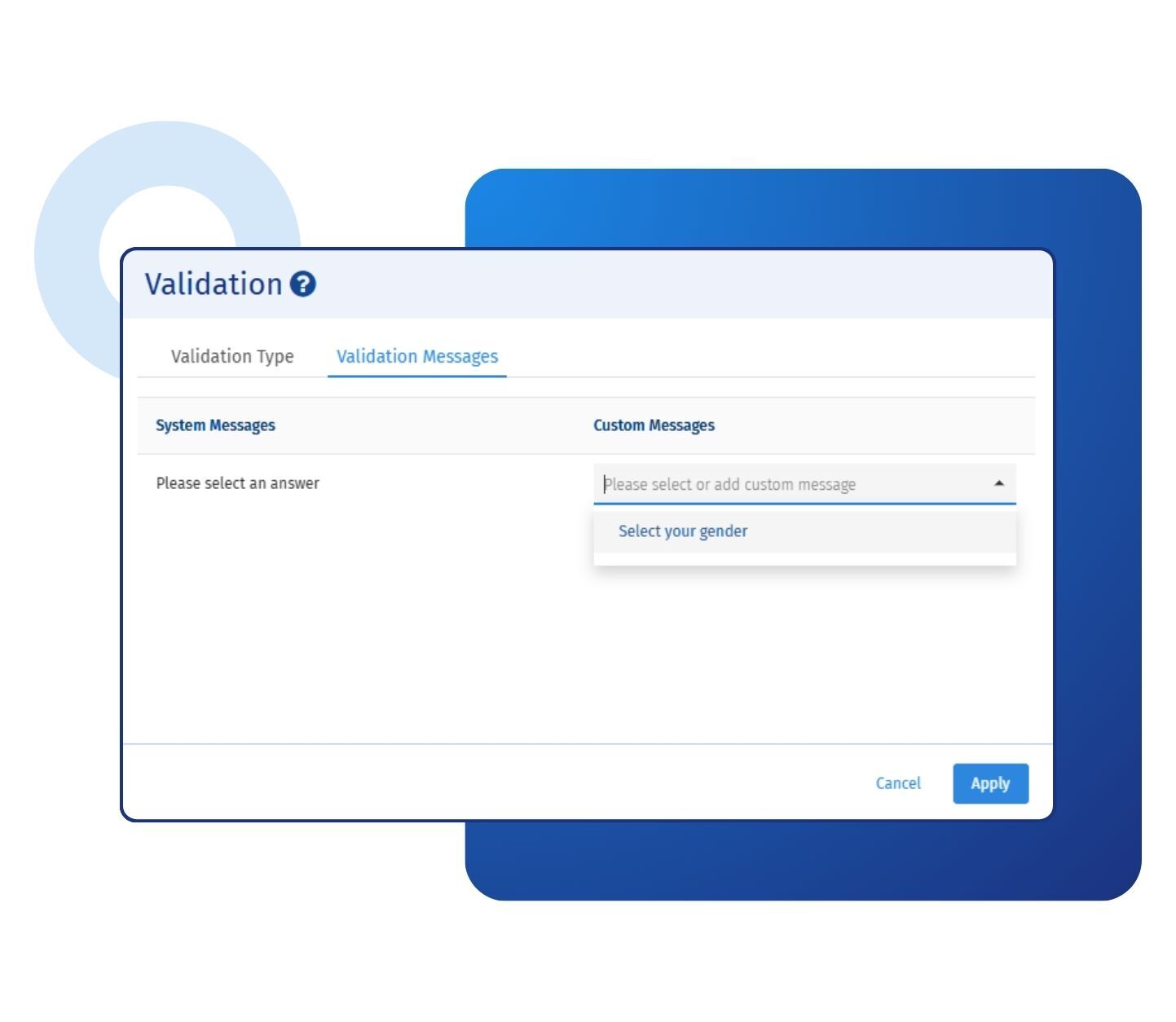
Every question in QuestionPro ships with a default validation message, but that default rarely matches your study, your audience, or your brand voice. Custom validation messages in surveys solve this by letting you write plain, specific instructions for each question, such as asking a respondent to select at least one product they have purchased in the last month. Once you write a message, it saves to a reusable library, so you do not have to retype it across studies. You can review the full setup process in the help file on custom validation messages.
Example of custom validation messages in your surveys
Consider a US-based market research firm conducting a concept-testing study across several product categories for a consumer packaged goods client. One required question asks respondents to rank their top three product concepts, and the default system message simply states that the field is required. The research team replaces it with a custom validation message that reads, "Please rank at least three concepts before continuing so we can compare your preferences accurately." Respondents immediately understand what is missing, completion rates on that question improve, and the research team spends less time cleaning incomplete responses during analysis.
The uses of custom validation messages in surveys
The uses of custom validation messages in surveys:
Clarifying required fields: Replace a generic required-field warning with plain language that tells the respondent exactly what response format or detail is missing.
Guiding multi-select minimums: Tell respondents how many options to choose when a question requires a minimum or maximum number of selections.
Personalizing messages with custom variables: Pull in a respondent's name or another custom variable so the validation message reads as if it were written for that person.
Supporting multilingual studies: Translate validation messages manually or import translations in bulk, so global research panels see instructions in their own language.
Reinforcing data quality: Use specific wording on numeric, date, or contact fields to reduce format errors before a response ever reaches your dataset.
Reusing proven wording across studies: Save messages to a shared library so research teams standardize instructions across related projects instead of rewriting them each time.
The advantages of custom validation messages in surveys
The advantages of custom validation messages in surveys are:
Fewer incomplete responses: Clear, specific instructions reduce respondent confusion at the exact moment they might otherwise abandon a question.
Cleaner data for analysis: Well-written validation messages catch formatting and completeness issues at the point of entry, so research teams spend less time cleaning raw data later.
Consistent brand voice: Messages can match the tone of the rest of your survey rather than read like generic software text.
Built-in translation support: QuestionPro lets you manually translate, or bulk-import validation message translations, which is important for research suite studies run across multiple countries and languages.
A reusable message library: Every custom message you write is saved automatically, so your team builds a growing library of tested, approved wording instead of starting from scratch on every survey.
How to use custom validation messages in QuestionPro
To use custom validation messages in your surveys, read our help file on how to set them up.

 Survey Software
Easy to use and accessible for everyone. Design, send and analyze online surveys.
Survey Software
Easy to use and accessible for everyone. Design, send and analyze online surveys.
 Research Suite
A suite of enterprise-grade research tools for market research professionals.
Research Suite
A suite of enterprise-grade research tools for market research professionals.
 Customer Experience
Experiences change the world. Deliver the best with our CX management software.
Customer Experience
Experiences change the world. Deliver the best with our CX management software.
 Employee Experience
Create the best employee experience and act on real-time data from end to end.
Employee Experience
Create the best employee experience and act on real-time data from end to end.