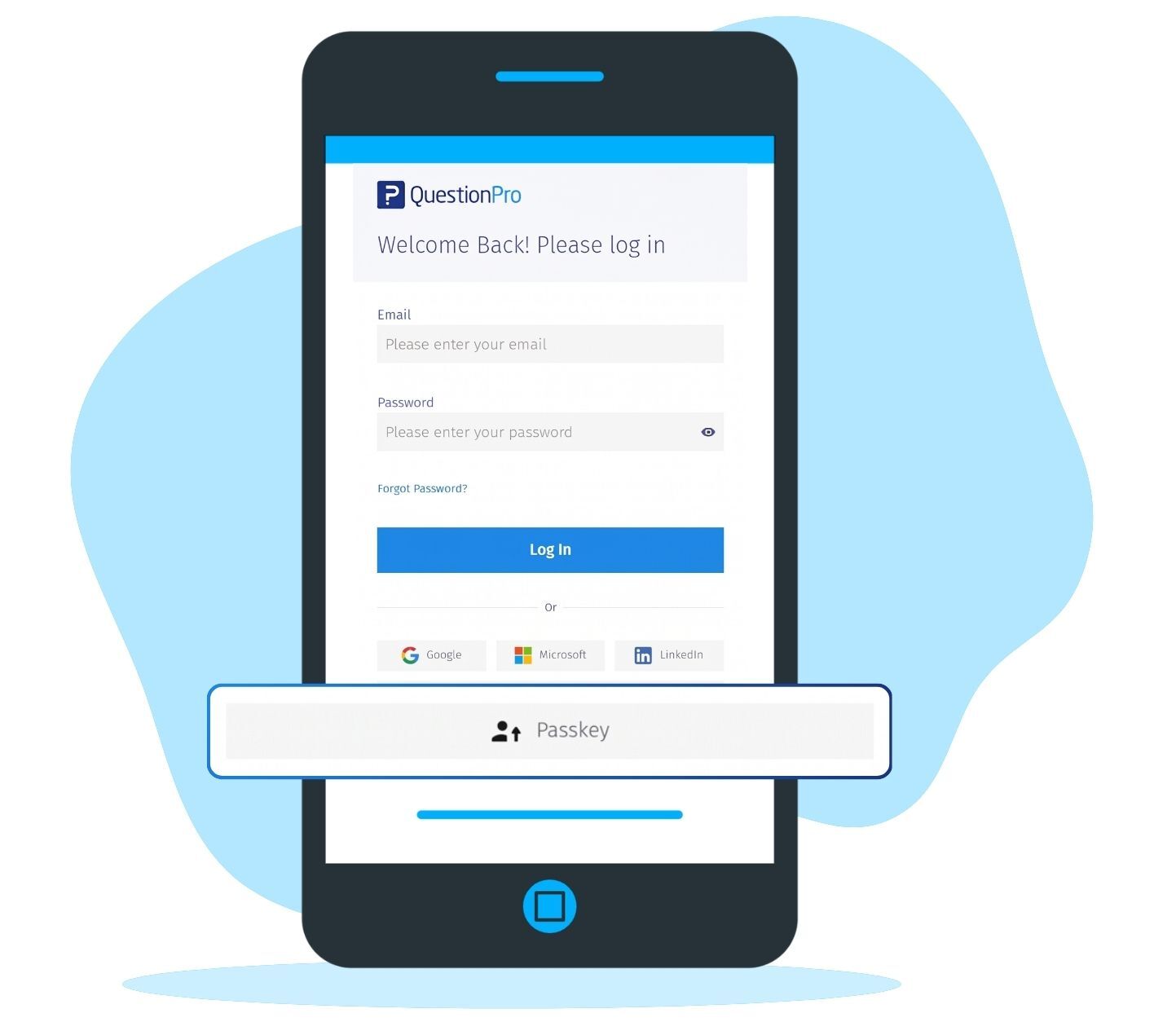
Think of a passkey as a key made for one door. It works on QuestionPro and nowhere else. You can save passkeys in a password manager, on your device, on a nearby phone through a QR code, or on a security key. You can register several.
Passkey login features at a glance
Here is what each part of passkey login enables and what you get from it:
Passwordless sign-in: Sign in to QuestionPro without typing a password. You get easier access to your account.
Device-based verification: Confirm it is you with a supported fingerprint, face check, or device PIN. You get a check you already know how to do.
Public-key cryptography: Authenticate without sharing your private key with QuestionPro. You get stronger protection against common phishing attacks.
Multiple passkeys: Register more than one passkey on your account. You get a way in from several devices, or when one is unavailable.
Passkey management: Create, view, rename, and delete passkeys in My Account. You get clear visibility over what is registered.
Organization setting: Turn passkey login on or off for the organization. You get administrator control over availability.
Flexible providers: Save passkeys in a password manager, on a device, on a phone, or on a security key. You can choose how people access their accounts.
Examples of passkey login in your research work
A research team across three offices. Consider a consumer packaged goods brand in the US with a research team spread across three offices. Analysts open QuestionPro on office laptops, personal tablets, and phones while they travel. The organization administrator enables passkey login in the organization settings. Each analyst registers a passkey on a main device. They add a second on a phone, give both recognizable names, and sign in from then on with a fingerprint or face check. No one has to hunt for a password to open a survey report.
A security team reviewing password risk. Consider a research operations team at a financial services company that wants fewer people typing passwords into pages they cannot fully verify. The security team reviews passkey login, confirms the organization does not use SAML authentication, and switches it on in organization settings. Eligible users register a passkey and use it as another way in. Their current sign-in methods stay available, so nobody is stranded while the change settles.
Staff who open QuestionPro now and then. Consider a large organization whose employees open QuestionPro weekly for a report and often forget their password by their next visit. Once the administrator enables passkey login, each employee registers a passkey in My Account. From then on, the weekly report is one confirmation away.
The Uses of passkey login
The uses of passkey login are:
Faster daily sign-in: Open QuestionPro with a fingerprint, face check, or device PIN instead of typing a password.
Phishing-resistant access: Each passkey is tied to the QuestionPro website, so a lookalike login page has no password to capture.
Access across devices: Register several passkeys so you can sign in from a laptop, a tablet, or a phone. Name each one so you can tell them apart.
Fewer reset detours: People who sign in often spend less time waiting on password reset emails.
Administrator control: Organization administrators decide whether passkey login is available to their organization through organization settings.
Tidy credential management: Create, view, rename, and delete passkeys from My Account, for example, when a device is retired.
The advantages of passkey login
The advantages of passkey login are:
Nothing to remember: There is no password to forget, reuse, or read out loud when you sign in with a passkey.
Your private key stays put: It remains with your passkey provider and is not shared during login, so it never travels to QuestionPro.
Familiar verification: Your device handles the check with the fingerprint, face, or PIN you already use to unlock it.
Flexible storage: Choose the provider that fits how you work, from a password manager to a security key.
Control for administrators: One setting in organization settings turns passkey login on or off for the whole organization.
One more option within QuestionPro sign-in choices: QuestionPro already supports SAML single sign-on and two-factor authentication. Passkey login gives organizations another option to evaluate against those.
How to use passkey login in QuestionPro
To use passkey login in your research studies, read our help file on how to set up passkey login.

 Survey Software
Easy to use and accessible for everyone. Design, send and analyze online surveys.
Survey Software
Easy to use and accessible for everyone. Design, send and analyze online surveys.
 Research Suite
A suite of enterprise-grade research tools for market research professionals.
Research Suite
A suite of enterprise-grade research tools for market research professionals.
 Customer Experience
Experiences change the world. Deliver the best with our CX management software.
Customer Experience
Experiences change the world. Deliver the best with our CX management software.
 Employee Experience
Create the best employee experience and act on real-time data from end to end.
Employee Experience
Create the best employee experience and act on real-time data from end to end.