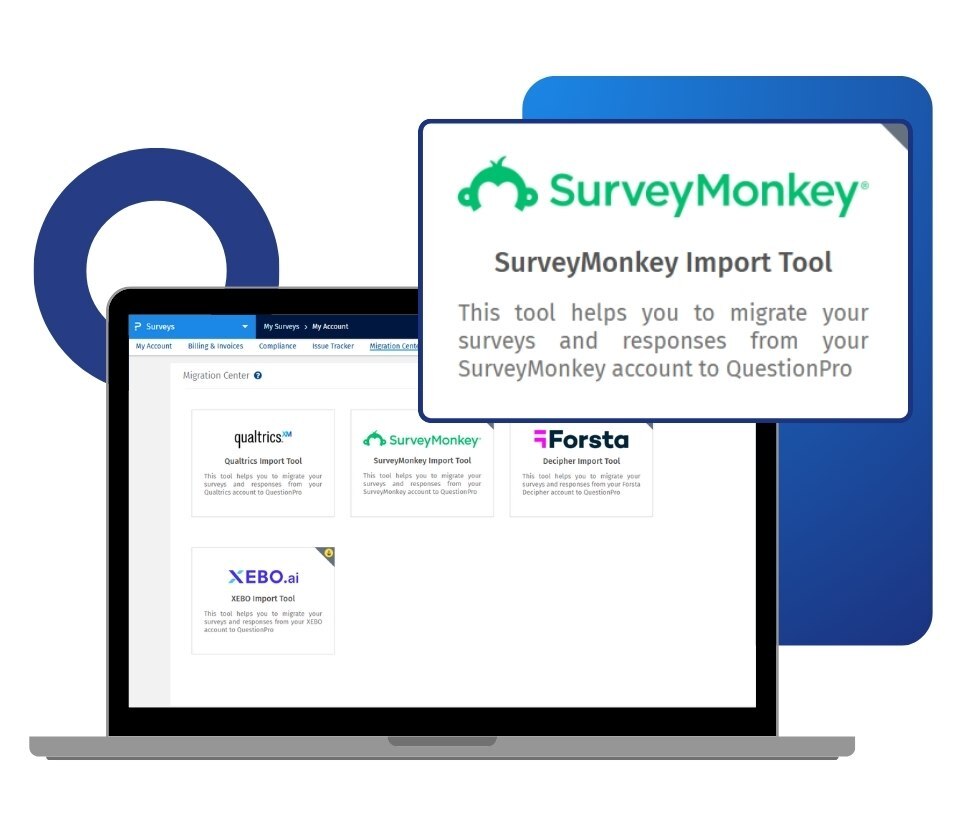
You can import up to 50 surveys in a single batch. Once the import is complete, your surveys are available in QuestionPro and ready to edit, distribute, or analyze. The tool is built into the Migration Center inside your account, so no external software or manual file handling is required.
Example of SurveyMonkey data import tool in your surveys
Consider a consumer insights team at a regional healthcare network in the Southeast that has been running patient experience surveys for several years. Their survey library spans dozens of studies, each with accumulated response data tied to ongoing tracking programs. Rebuilding those surveys from scratch in a new platform would take weeks and put historical trend data at risk. Using the SurveyMonkey Import Tool, the team connects to their existing account via API, selects the surveys they need, and imports both the survey structure and all collected responses in a single batch. Within hours, the team is working inside QuestionPro with their full survey history intact.
Uses of the SurveyMonkey data import tool
The uses of the SurveyMonkey data import tool are:
Platform migration without rebuilding: Research teams switching platforms use the import tool to carry their existing survey library across without recreating studies from scratch. For teams with dozens of active designs or years of accumulated work, the import preserves that investment so the transition does not set the program back.
Protecting longitudinal tracking data: Insights teams running continuous tracking studies use it to bring historical response data into QuestionPro alongside survey structure. Trend analysis only holds value when new data can be compared to what came before, and the import keeps that continuity intact.
Consolidating feedback programs: CX and VoC teams use it to bring all touchpoint surveys into a single platform. Teams that have been managing feedback studies across multiple tools can consolidate into QuestionPro's Research Suite and work from one unified environment.
Running a side-by-side pilot: Organizations evaluating platforms use the import tool to test QuestionPro with real data before committing to a full switch. You can import a selection of surveys, work with them in the QuestionPro environment, and make an informed decision without disrupting ongoing research.
Advantages of the SurveyMonkey data import tool
The advantages of the SurveyMonkey data import tool are:
Surveys transfer as-is: The import tool brings across your survey structure, question text, and answer options without requiring manual recreation. For teams with large libraries, this removes the biggest practical barrier to switching platforms.
You control what response data comes across: You can choose to import all responses, completed responses only, or survey structure alone. This flexibility means the migration matches your data governance and analysis needs, not a fixed default.
Up to 50 surveys migrate in one batch: You are not limited to moving one survey at a time. Selecting and importing an entire program of studies in a single operation keeps the migration manageable regardless of how many surveys you are moving.
Surveys land in the folder you choose: During the import process, you direct surveys into a specific folder inside your QuestionPro account. Imported studies stay organized from day one without requiring manual sorting after the fact.
You arrive on a platform built for serious research: QuestionPro serves over 5.3 million users worldwide and supports 80+ question types, advanced logic, conjoint, MaxDiff, and AI-powered survey building. The migration is not just a change of tools; it is a move to a research environment with significantly more depth.
How to use the SurveyMonkey data import tool in QuestionPro?
To use this migration tool in your research studies, read our help file on how to use the SurveyMonkey data import tool..

 Survey Software
Easy to use and accessible for everyone. Design, send and analyze online surveys.
Survey Software
Easy to use and accessible for everyone. Design, send and analyze online surveys.
 Research Suite
A suite of enterprise-grade research tools for market research professionals.
Research Suite
A suite of enterprise-grade research tools for market research professionals.
 Customer Experience
Experiences change the world. Deliver the best with our CX management software.
Customer Experience
Experiences change the world. Deliver the best with our CX management software.
 Employee Experience
Create the best employee experience and act on real-time data from end to end.
Employee Experience
Create the best employee experience and act on real-time data from end to end.