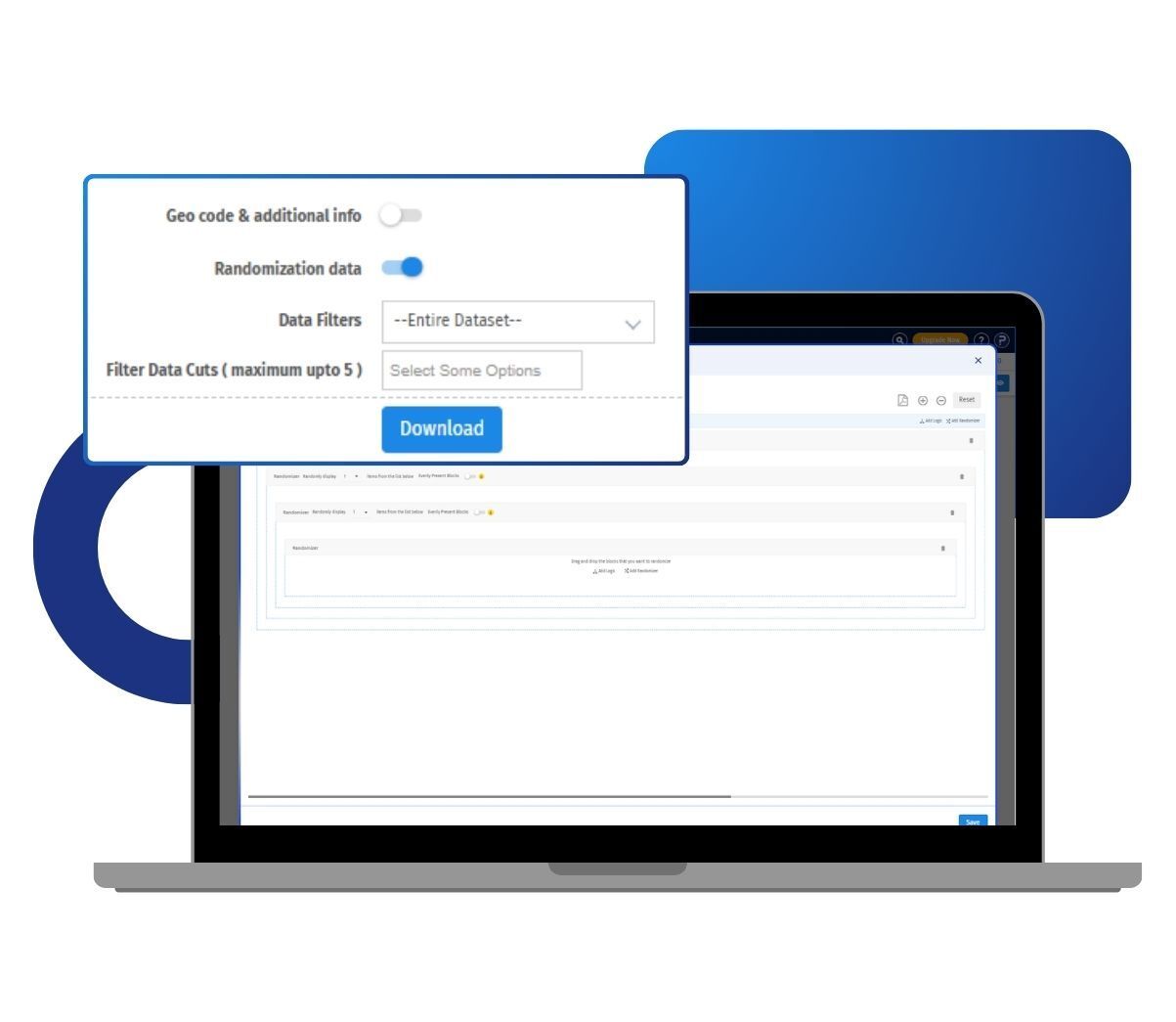
You run A/B testing by building separate survey blocks and randomly showing each respondent one version. Because respondents never see the other condition, their answers stay unbiased. This helps you decide which question wording, layout, or flow works best before you scale the study.
Example of A/B testing in your surveys
Consider a mid-size ecommerce retailer in the US planning a customer feedback survey. The team is unsure whether a short, five-question form or a longer, more detailed form will yield higher completion rates. They build both versions as separate survey blocks and let A/B testing randomly assign each respondent to one. After collecting responses, they compare completion and answer quality across the two groups, then roll out the version that performs best.
The uses of A/B testing surveys
The uses of A/B testing surveys are:
Question wording tests: Compare two phrasings of the same question to see which one respondents understand and answer more clearly.
Layout and design checks: Show different survey layouts or page orders to find the version that keeps respondents engaged.
Concept and stimulus testing: Present different images, product concepts, or messages to separate groups and measure which draws the stronger response.
Completion rate improvement: Test a short survey against a longer one to see which version reduces dropout.
Statistical comparison: Check whether the difference between two respondent groups is real or down to chance before you act on it.
The advantages of A/B testing surveys
The advantages of A/B testing surveys are:
Unbiased responses: Respondents see only one condition, so their answers are not influenced by comparisons between options.
Evidence-based decisions: You choose survey designs based on actual respondent behavior rather than assumptions.
Built-in randomization: QuestionPro automatically assigns respondents to conditions using the block randomizer, so the split stays fair every time.
Full randomization data: Every respondent's block order is saved and can be exported to Excel or CSV for deeper analysis.
Flexible test design: Compare two versions, or more than two, depending on what your study needs.
How to use A/B testing of surveys in QuestionPro
To use A/B testing in your research studies, read our help file on how to set up A/B testing.

 Survey Software
Easy to use and accessible for everyone. Design, send and analyze online surveys.
Survey Software
Easy to use and accessible for everyone. Design, send and analyze online surveys.
 Research Suite
A suite of enterprise-grade research tools for market research professionals.
Research Suite
A suite of enterprise-grade research tools for market research professionals.
 Customer Experience
Experiences change the world. Deliver the best with our CX management software.
Customer Experience
Experiences change the world. Deliver the best with our CX management software.
 Employee Experience
Create the best employee experience and act on real-time data from end to end.
Employee Experience
Create the best employee experience and act on real-time data from end to end.