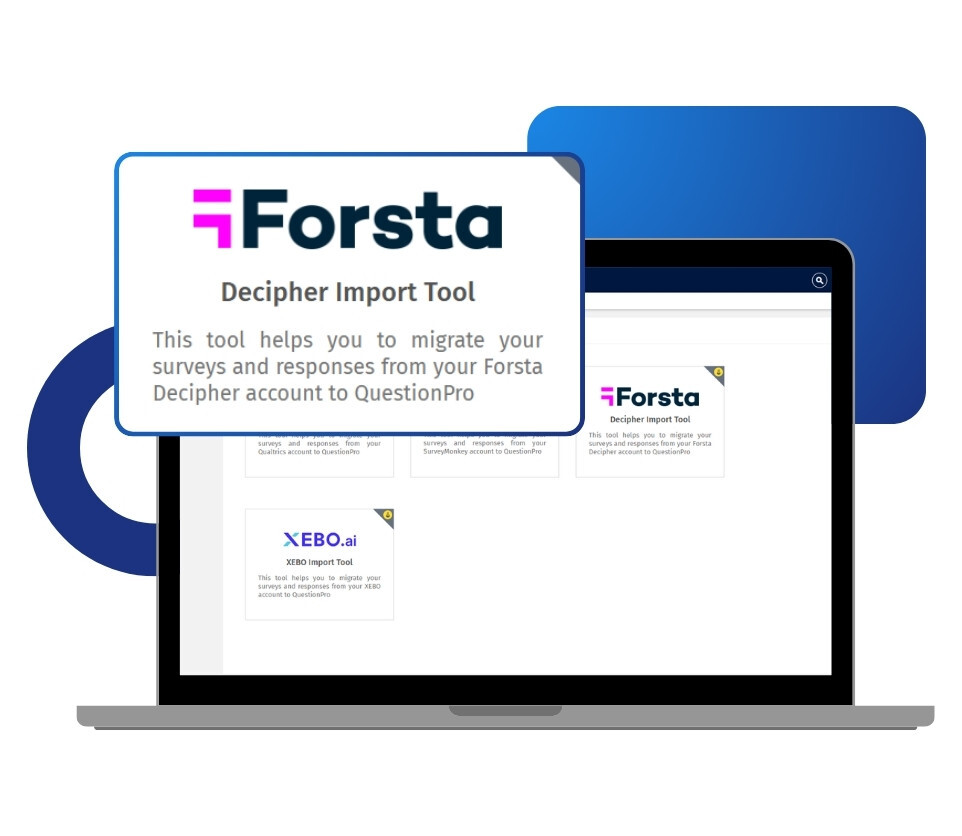
You authenticate with your Decipher API key and your server domain, so accounts hosted on regional Forsta servers connect the same way as any other. The tool then fetches your survey library and displays it, allowing you to select exactly what you want to move. For each batch, you decide whether to bring across all responses, only completed responses, or the survey structure on its own. You also pick the destination folder, so imported studies land organized and ready to work with.
Example of the Decipher Forsta data import tool in your surveys
Consider a market research agency in the US running concept and product tests for consumer goods clients. Its scripting team has built a large library of studies in Decipher over several years, each with response data attached to client tracking programs. Rebuilding those surveys by hand in a new platform would take weeks of scripting time and put historical comparability at risk. Using the Decipher Forsta data import tool, the team connects via the API, selects the studies it needs, and imports the survey structures and their completed responses in a single batch. The agency is working within QuestionPro, preserving its research history intact without a manual rebuild.
Uses of the Decipher Forsta data import tool
The uses of the Decipher Forsta data import tool are:
Platform migration without rebuilding: Research and scripting teams that switch platforms move their existing Decipher library across without having to recreate every study by hand. Years of design work carry over instead of being repeated.
Protecting tracking and trend data: Teams running continuous tracking studies bring historical response data over alongside the survey structure. Trend analysis holds its value when new waves can be compared against what came before.
Consolidating research programs: Insights and CX teams working across multiple tools pull their studies into a single place and run everything through the QuestionPro Research Suite.
Running a pilot before you commit: You can import a small selection of Decipher surveys, work with them in QuestionPro using real data, and evaluate the platform properly before moving the full program.
Migrating in controlled batches: Larger libraries can be moved in stages of up to 50 surveys, so the transition fits around live fieldwork rather than interrupting it.
Advantages of the Decipher Forsta data import tool
The advantages of the Decipher Forsta data import tool are:
Surveys transfer with their structure intact: Question text and answer options come across as built, which removes the biggest practical barrier to changing platforms.
You decide what response data comes with them: Import all responses, only completed responses, or no responses at all. The migration matches your data governance rules rather than a fixed default.
Up to 50 surveys per batch: You are not moving studies one at a time. An entire program can transfer in a single operation.
Regional server domains are supported: You supply your Decipher server domain along with your API key, so Forsta accounts hosted outside the US connect without a workaround.
Full visibility on every import: Each batch includes a status view and detailed logs, filterable by survey, so you can confirm exactly what landed and open any study directly in your workspace.
You arrive on a platform built for serious research: QuestionPro supports advanced logic, conjoint analysis, MaxDiff, and AI-powered survey building, so the migration gives you greater research depth, not just a new address.
How to Use the Decipher Forsta data import tool in QuestionPro
To use the Decipher Forsta data import tool in your research studies, read our help file on how to set up the Decipher import tool .

 Survey Software
Easy to use and accessible for everyone. Design, send and analyze online surveys.
Survey Software
Easy to use and accessible for everyone. Design, send and analyze online surveys.
 Research Suite
A suite of enterprise-grade research tools for market research professionals.
Research Suite
A suite of enterprise-grade research tools for market research professionals.
 Customer Experience
Experiences change the world. Deliver the best with our CX management software.
Customer Experience
Experiences change the world. Deliver the best with our CX management software.
 Employee Experience
Create the best employee experience and act on real-time data from end to end.
Employee Experience
Create the best employee experience and act on real-time data from end to end.