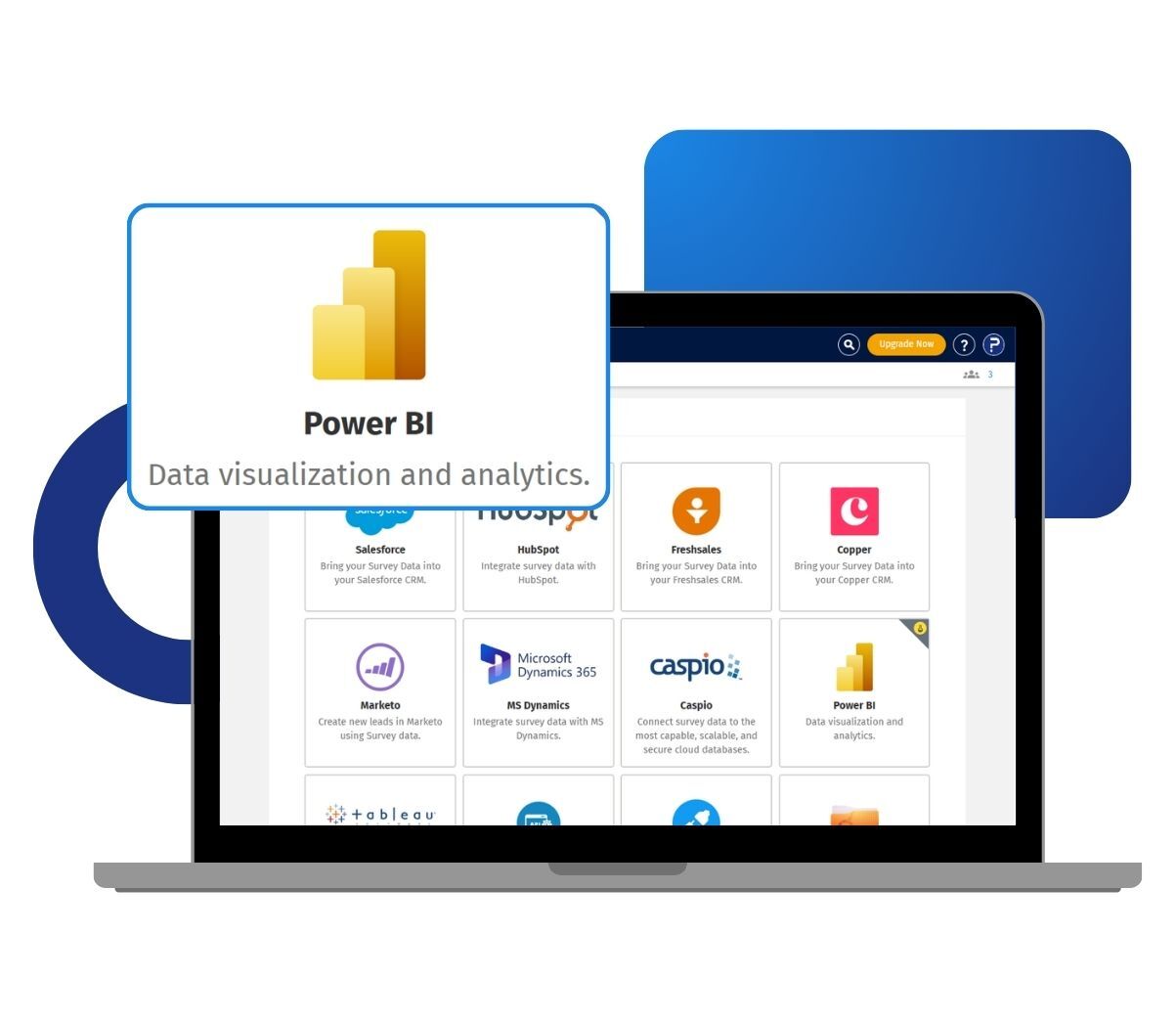
You connect using your QuestionPro API key and survey ID, then choose how your data comes across. You decide whether to import all responses or only completed ones, and whether questions and answers appear as codes or as full text. Once the data loads, you can refresh it inside Power BI whenever you need the latest numbers.
Example of Power BI integration in your surveys
Consider a national retail chain in the US that runs monthly customer satisfaction surveys across hundreds of store locations. Its insights team already reports on sales and operations inside Power BI. With the connector, they pull each month's survey responses straight into their existing Power BI workspace. They blend satisfaction scores and store performance data into a single dashboard, with no manual file transfers between systems. When new responses arrive, a single refresh updates every chart at once.
The uses of Power BI integration in your research
The uses of Power BI integration in your research studies are:
Live survey dashboards: Pull QuestionPro response data into Power BI Desktop and build interactive dashboards that update on demand.
Blended reporting: Combine survey results with sales, operational, or CRM data already in Power BI to see the full picture in one place.
Flexible data imports: Choose to bring in all responses or only completed ones, so your reports match the analysis you need.
Coded or text views: Display questions and answers as codes for modeling, or as full text for stakeholder-friendly reports.
On-demand refresh: Update your dataset in Power BI whenever you want the latest responses, without manually exporting files.
Advantages of Power BI integration for your surveys
The advantages of Power BI integration for your surveys are:
No manual exports: Your survey data flows straight into Power BI, so you skip the download-and-upload cycle every reporting period.
Always current: A refresh inside Power BI syncs the latest responses, keeping dashboards accurate as new data comes in.
Research-grade data: Responses come from the QuestionPro Research Suite, built for large-scale surveys and rigorous analysis.
Your choice of format: Control response type, answer format, and header format at connection time, so the data lands the way your model expects.
Fewer errors: A direct connection removes the copy-and-paste steps where reporting mistakes often creep in.
How to use Power BI integration in QuestionPro
To use Power BI Integration in your research studies, read our help file on how to set up the Power BI Connector.

 Survey Software
Easy to use and accessible for everyone. Design, send and analyze online surveys.
Survey Software
Easy to use and accessible for everyone. Design, send and analyze online surveys.
 Research Suite
A suite of enterprise-grade research tools for market research professionals.
Research Suite
A suite of enterprise-grade research tools for market research professionals.
 Customer Experience
Experiences change the world. Deliver the best with our CX management software.
Customer Experience
Experiences change the world. Deliver the best with our CX management software.
 Employee Experience
Create the best employee experience and act on real-time data from end to end.
Employee Experience
Create the best employee experience and act on real-time data from end to end.