You’re Collecting Website and In-App Feedback. But Are Your Intercepts Actually Working?
Every day, businesses invest in improving their digital experiences across websites and mobile applications. They redesign pages, simplify checkout processes, improve app navigation and introduce new features to make customer interactions smoother.
And to understand whether these experiences are working, they collect customer feedback through website and in-app intercepts.
But there’s a question many businesses don’t ask often enough: Are these feedback intercepts actually working?
A feedback popup may be live on your website. An in-app feedback prompt may appear when customers interact with a particular feature. A survey invitation may be displayed after a customer completes a transaction or explores a service.
But how many visitors or app users actually see these invitations? How many choose to participate? And how many complete the survey?
Simply deploying an intercept on a website or mobile application doesn’t guarantee that you’re collecting feedback effectively.
Understanding how people interact with these invitations can help businesses make smarter decisions about when, where and how they collect feedback across their digital touchpoints.
Imagine an e-commerce business that collects feedback through website popups and in-app intercepts. The website team wants to understand the product discovery experience, while the mobile app team wants to evaluate how easily customers navigate the app and complete purchases.
Both teams have introduced feedback invitations at relevant points in the customer journey.
After a few weeks, they review the survey responses. While the feedback they have collected is useful, the number of responses is lower than expected.
But what is actually happening?
- Are website visitors and app users seeing the feedback invitations?
- Are they seeing the invitations but choosing not to participate?
- Are they starting the surveys but abandoning them?
- Are certain intercepts generating more engagement than others?
- Are different digital touchpoints producing different levels of participation?
Without understanding what happens between displaying an intercept and collecting a completed response, the business has limited visibility into the effectiveness of its feedback collection strategy.
This is where measuring intercept performance becomes important.
Why understanding intercept performance matters
Website and SDK-based mobile app intercepts help businesses capture feedback at relevant moments in the digital customer journey.
However, the effectiveness of this approach depends on whether visitors and app users actually engage with these invitations.
Understanding intercept performance helps businesses move beyond simply collecting responses and begin evaluating the feedback collection experience itself.
1. Understand whether your feedback invitations are reaching customers
A business may have multiple feedback intercepts configured across its website and mobile application, but it may not know how frequently those invitations are being displayed.
For example, a retail business may want to collect feedback about product discovery on its website and the shopping experience within its mobile app.
By understanding how many visitors and app users see the intercepts, the team can evaluate the exposure its feedback initiatives are receiving and whether they are reaching enough people to generate meaningful insights.
2. Understand why customers choose to participate—or don’t
Not every person who sees a feedback invitation will want to participate. Some will click to take the survey, others will close the invitation, and some will simply continue browsing or using the app without interacting.
Consider a banking organization that introduces feedback intercepts on its website and mobile app to understand customer experiences with its digital banking services.
If a large proportion of customers close the invitations or take no action, the team may want to investigate whether the invitation is appropriately timed, relevant to the interaction or presented in a way that encourages engagement.
Understanding these interaction patterns gives teams a starting point for evaluating how their feedback invitations are being received.
3. Identify where customers drop off
Getting someone to start a survey doesn’t necessarily mean they will complete it.
For example, a travel company may invite customers to share feedback about their booking experience through its website and mobile app.
Customers may engage with the invitation and launch the survey, but a significant proportion may not complete it.
Knowing where customers drop off helps the team investigate potential friction in the feedback experience. It may prompt them to review the survey design, its length or the overall experience of providing feedback.
Without visibility into this journey, teams may only see the responses they received without understanding the participation they lost along the way.
4. Understand how different audiences engage
Your digital customers are not a single audience. They may interact with your business through different devices, platforms, locations and digital touchpoints.
For example, an e-commerce business may want to understand whether customers engage differently with feedback invitations on its website compared with its mobile app.
Similarly, a business may want to compare engagement between first-time and returning visitors or understand how feedback participation varies across different geographical regions.
These differences can help teams explore whether their feedback collection approach is working effectively across audiences and digital environments.
5. Know which feedback intercepts are performing better
Businesses often run multiple feedback initiatives across different website pages and mobile app experiences.
A popup on a product page may generate more engagement than an invitation on the homepage. An in-app feedback prompt may perform differently from a website intercept.
Comparing their performance helps teams understand which intercepts are generating engagement and which may require further attention.
Rather than assuming that every feedback invitation is equally effective, businesses can use engagement insights to make more informed decisions.
Real-world use cases: How businesses can use intercept performance insights
Understanding intercept performance isn’t just about reporting numbers. It can help businesses identify opportunities to improve how they collect customer feedback across websites and mobile applications.
Use case 1: Improve the online shopping experience
Scenario: An e-commerce business wants to understand how customers experience its product discovery and shopping journey across its website and mobile app.
The business deploys feedback intercepts across product listing pages, product detail pages and key app interactions. However, the CX team wants to understand whether customers are engaging with these invitations and whether the feedback collection approach is effective.
By analyzing intercept performance, the team can:
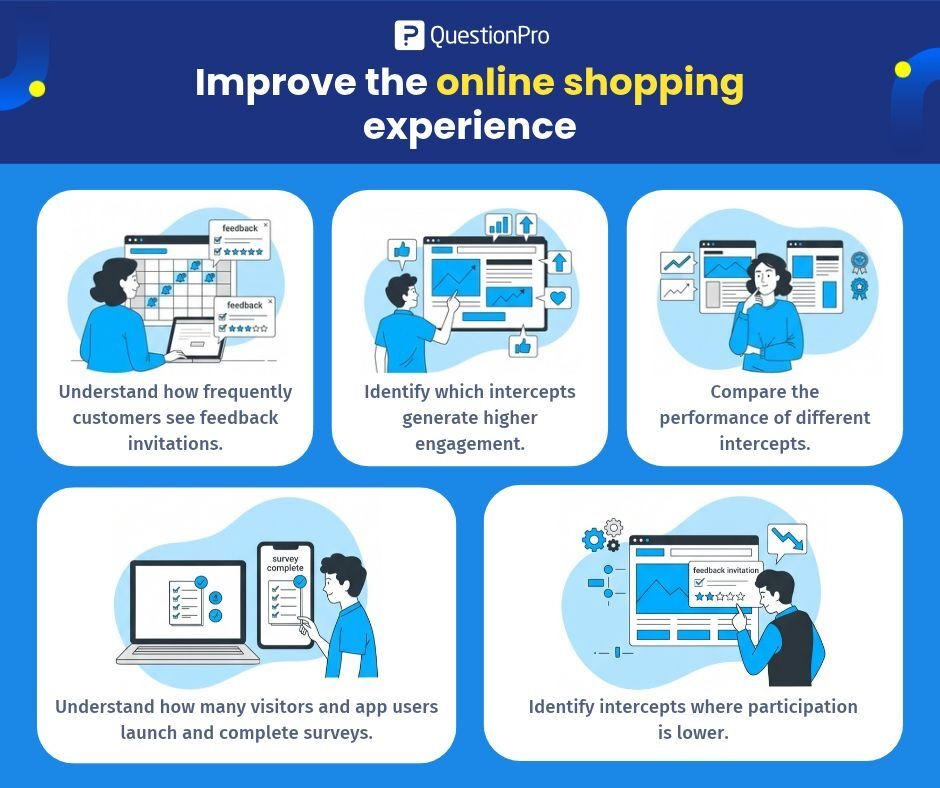
- Understand how frequently customers see feedback invitations.
- Identify which intercepts generate higher engagement.
- Compare the performance of different intercepts.
- Understand how many visitors and app users launch and complete surveys.
- Identify intercepts where participation is lower.
These insights can help the team evaluate its feedback collection strategy and make more informed decisions about where and how it asks customers for feedback.
Use case 2: Identify friction in the digital checkout journey
Scenario: An online retailer wants to understand the checkout experience but is struggling to collect enough feedback from customers.
The team has introduced feedback intercepts around the checkout journey on its website and mobile app. However, it doesn’t know whether customers are engaging with the invitations or completing the surveys.
By examining intercept engagement and survey completion patterns, the team can identify where participation declines and investigate potential reasons.
For instance, if customers see the invitation but rarely launch the survey, the team may explore whether the invitation is relevant or appropriately timed. If customers launch the survey but don’t complete it, the team may investigate the feedback experience itself.
This helps the business evaluate how effectively it is collecting feedback at a critical digital touchpoint.
Use case 3: Understand digital banking experiences
Scenario: A financial services organization wants to collect feedback from customers exploring digital banking services through its website and mobile banking application.
The organization runs multiple feedback intercepts across these digital channels and wants to understand how effectively they are performing.
By comparing intercept performance, the CX team can:
- Identify which digital touchpoints generate greater engagement.
- Compare performance across different intercepts.
- Monitor engagement changes over time.
- Understand visitor engagement across available segments.
- Identify intercepts that may need further investigation.
Rather than treating all feedback initiatives equally, the team can use engagement insights to better understand how customers interact with its feedback invitations.
Use case 4: Evaluate feedback collection across digital platforms
Scenario: A SaaS company collects feedback from visitors exploring its website and users interacting with its mobile application.
The team wants to understand whether its feedback collection initiatives are performing effectively across both digital experiences.
By evaluating intercept performance, the team can understand how frequently invitations are displayed, how many users engage with them and how many ultimately complete the surveys.
This gives the organization a better understanding of its feedback collection efforts across its digital channels and helps identify opportunities for improvement.
Use case 5: Evaluate multiple feedback campaigns
Scenario: A digital experience team runs several intercepts across its website and mobile application, each designed to collect feedback at different touchpoints.
Over time, the team wants to understand which intercepts are generating more engagement and completed responses.
By comparing intercept performance, the team can:
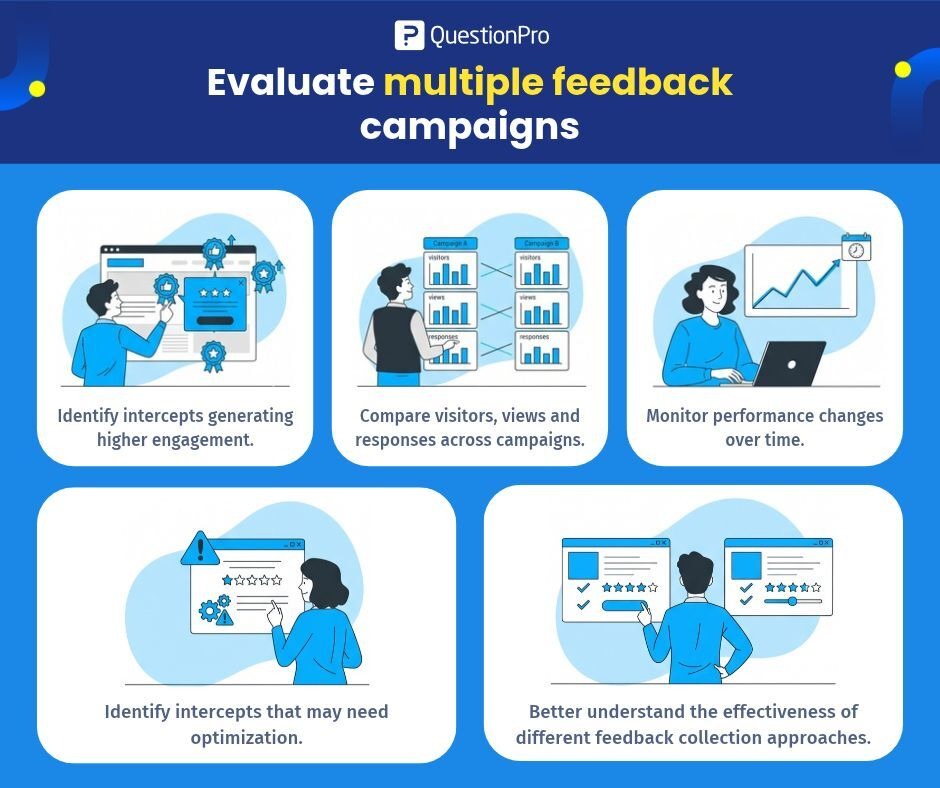
- Identify intercepts generating higher engagement.
- Compare visitors, views and responses across campaigns.
- Monitor performance changes over time.
- Identify intercepts that may need optimization.
- Better understand the effectiveness of different feedback collection approaches.
This gives teams a more consolidated view of their feedback initiatives and helps them make data-informed decisions.
How QuestionPro Intercept Analytics helps you understand the feedback collection journey
Understanding how visitors and app users interact with feedback invitations requires more than looking at completed responses. Businesses need visibility into the different stages of engagement, the audiences interacting with their intercepts and the performance of their feedback initiatives over time.
QuestionPro Intercept Analytics brings these insights together in a centralized dashboard within QuestionPro CX.
It helps organizations understand how their website and SDK-based mobile app intercepts perform, identify engagement patterns and explore opportunities to improve feedback collection.
With QuestionPro Intercept Analytics, teams can:
- Understand overall performance: Get an overview of visitor activity, intercept views, survey launches and completed responses.
- Identify participation drop-offs: Understand how visitors move from seeing an intercept to launching and completing a survey.
- Explore visitor behavior: Analyze engagement across available visitor segments and dimensions.
- Compare intercepts: Evaluate how different intercepts perform within a project.
- Monitor trends: Compare performance across time periods to identify changes in engagement.
- Get AI-powered summaries: Quickly understand key performance patterns through an AI-generated summary.
With interactive filters, date-range selection and widget-level filtering, QuestionPro Intercept Analytics helps teams explore their data and focus on the insights that matter.
Note: Certain analytics dimensions, including device types, browsers, operating systems and referral URLs, are available for web intercepts only. Mobile app SDK intercepts do not report these particular analytics.
Collecting feedback is only the beginning
Businesses invest in customer feedback because they want to understand what customers think, feel and experience. But the effectiveness of a feedback initiative also depends on how well businesses collect that feedback in the first place.
Whether a customer is browsing a website or interacting with a mobile application, a feedback invitation that goes unnoticed, a survey that isn’t launched or a survey that isn’t completed represents an opportunity for businesses to investigate and improve their feedback collection strategy.
By understanding intercept performance across websites and mobile applications, businesses can move beyond simply counting responses and begin evaluating the entire feedback collection journey.
Because better feedback starts with understanding how effectively you’re collecting it.
Explore QuestionPro Intercept Analytics to understand visitor engagement, evaluate website and SDK intercept performance, and uncover opportunities to improve your digital feedback collection.