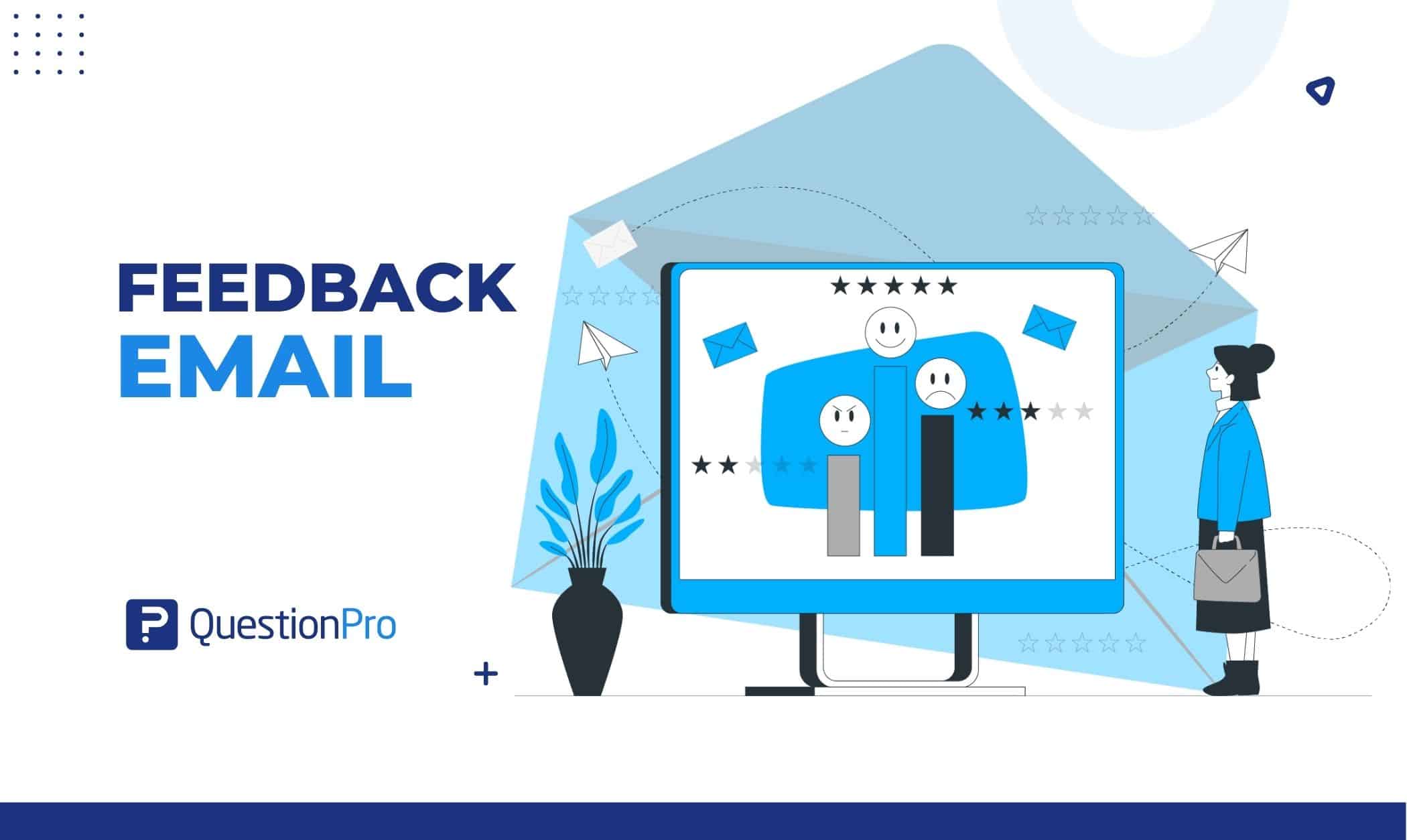
A feedback email is a direct message asking a customer, employee, or event attendee to share their opinion about a product, service, or experience. It works because it goes straight to an inbox people already check, instead of waiting for someone to volunteer an opinion on their own.
Done well, a feedback email does more than collect data. It tells the recipient their opinion changed something, which is exactly what turns a one-time reply into a habit of honest feedback.
We’ll cover what a feedback email is and how it differs from a feedback survey. We’ll also walk through the most common types, a step-by-step writing process, a free template, and real examples you can adapt today.
What is a feedback email?
A feedback email is a message sent by a business, team, or individual to collect opinions, ratings, or comments. The recipient can be a customer, employee, or event attendee, and the ask focuses on one specific product, service, or interaction.
Most feedback emails take one of these formats.
- A direct question asking the recipient to reply with their thoughts
- A short embedded question, like a 1-to-5 rating, answered right inside the email
- A link to a longer survey with multiple-choice or open-ended questions
- A request tied to one specific moment, like a recent purchase, support ticket, or event
The format you choose depends on how much depth you need and how much time you can reasonably ask the recipient to spend. A single rating question works for a quick pulse check. A linked survey works when you need detail a one-line question can’t capture.
Feedback email vs. Feedback survey: What’s the difference?
A feedback email is the message itself. A feedback survey is often what that message links to. The two get used interchangeably, but they’re not the same thing. Mixing them up leads to problems. The email either asks too much inside the inbox, or it sends people to a survey that repeats what the email already asked.
| Aspect | Feedback email | Feedback survey |
|---|---|---|
| What it is | A message sent to request input | A structured set of questions |
| Where it lives | Inbox, sometimes with embedded questions | A separate page or form, often linked from an email |
| Typical length | One to three questions, or a short ask | Several questions, sometimes across pages |
| Best for | Quick reactions tied to a specific moment | Deeper research, tracking, or benchmarking |
A short embedded rating question can live entirely inside the email. Anything longer belongs in a linked feedback survey, with the email acting as the invitation rather than the questionnaire.
Why feedback emails matter
Feedback emails matter because they turn a one-way announcement into a two-way conversation, and that shift changes how recipients feel about the sender.
A well-timed feedback email signals that the business is paying attention, not just broadcasting. That signal has a measurable effect on both customers and employees:
- It surfaces specific problems in a product or service before they show up as churn or complaints elsewhere.
- It builds trust, since asking for an opinion is itself a form of respect.
- On the employee side, the effect is well documented. Employees who receive feedback and recognition from their manager at least once a week are 61% engaged, compared to a much lower rate among those who receive it less often, according to Gallup and Workhuman’s joint research.
- It creates a paper trail of what customers or employees actually want, which is more reliable than assuming.
None of that happens automatically, though. The email still has to earn the reply. Format and wording matter just as much as the decision to send one at all.
Common types of feedback emails
Feedback emails show up across nearly every part of a business. The right type depends on who you’re asking and what decision the answer will inform.
- Customer feedback emails: Sent after a purchase, support interaction, or renewal to gauge satisfaction and surface product or service gaps.
- Employee feedback emails: Used to collect input on workplace conditions, manager effectiveness, or process changes. These often feed into a broader employee feedback program rather than a single one-off ask.
- Event feedback emails: Sent right after a conference, webinar, or training session, while the experience is still fresh enough to describe accurately.
- Product feedback emails: Sent to active users of software or physical products to catch bugs, usability friction, and feature requests.
- Market research emails: Sent to a broader audience to understand preferences, trends, or competitive perception, not tied to a single transaction.
- Training and workshop feedback emails: Sent to participants to measure whether the session met its goal and to gather ideas for the next one.
Match the type to the decision you need to make. If you’re deciding whether to keep a feature, send a product feedback email to active users. If you’re deciding whether a manager needs coaching, an employee feedback email tied to a specific team beats a company-wide survey every time.
How to write a feedback email that gets responses
A feedback email earns a reply by being specific, short, and clear about what happens with the answer. These are the elements that consistently move response rates.
- Personalize the greeting.
Use the recipient’s name and reference the specific purchase, ticket, or event. A generic “Dear Customer” reads as a mass send before it’s even opened.
- State the purpose in the first line.
Tell the recipient you’re asking for feedback on something specific, not “your experience” in general.
- Ask one clear question first.
Lead with a single rating or yes/no question, then offer an optional open-ended follow-up for detail.
- Say how long it takes.
“This takes two minutes” sets expectations and reduces abandonment. Time it yourself before you promise a number.
- Give one clear way to respond.
A single survey link or a direct reply option. Offering three different ways to respond usually lowers completion, not raises it.
- Confirm privacy.
A short line stating the feedback is used only to improve the product or service builds the trust needed for an honest answer.
- Thank the recipient before you ask for anything else.
Gratitude belongs before any upsell or cross-sell, not after.
A subject line matters more than most senders expect. Something like “Quick question about your recent order” outperforms “We Value Your Feedback!” because it’s specific about what’s inside.
Free feedback email template you can copy
Use this template as a starting point for a customer feedback email. Adjust the tone and questions to match the specific interaction you’re asking about.
Subject: Quick question about your recent [purchase/service].
Hi [Customer Name].
Thanks for [specific interaction, e.g., “your order last week” or “your call with our support team on Tuesday”]. We’re always working to improve. Your take on this would help us do that.
This takes about two minutes.
- On a scale of 1 to 5, how satisfied were you with [specific product/service/interaction]?
- What worked well?
- What could we have done better?
[Reply directly to this email, or click here: Survey Link].
Your answers are used only to improve our products and services. They won’t be shared outside our team.
Thanks for taking the time. It genuinely helps.
[Your Name]. [Your Title, Company Name].
A few adjustments make this template perform better in practice.
- Swap the rating question for an NPS-style “how likely are you to recommend us” question if loyalty matters more than satisfaction for this interaction.
- Keep the reply option even when a survey link is included, since some recipients will always prefer typing a quick reply over clicking through.
- Test the subject line against one alternative before a large send, since small wording changes can shift open rates noticeably.
Feedback email examples
Seeing a feedback email in context makes it easier to adapt one for your own use case. Here are three, each built around a different goal.
Customer feedback email example
This one works after a purchase or support resolution, when the interaction is still recent enough to describe accurately.
Subject: How did we do with your recent order?
Hi Priya,
Your order shipped last week, and we’d love to know how it went. Just one question: on a scale of 1-5, how satisfied were you with the delivery experience? Reply with a number, and feel free to add anything else.
Why it works.
- One question, one clear scale, no scrolling required.
Employee feedback email example
This one fits a manager checking in after a process change, rather than waiting for the next annual review cycle.
Subject: Quick check-in on the new ticket workflow
Hi team,
We switched to the new ticketing process two weeks ago. What’s working, and what’s getting in your way? Reply directly, or add a comment to the shared doc by Friday. This helps us adjust before it becomes permanent.
Why it works.
- Tied to a specific, recent change instead of a vague “how are things” ask.
Event feedback email example
Sent within 24 hours of the event, while details are still fresh enough for accurate answers.
Subject: One question about yesterday’s webinar
Hi Marcus,
Thanks for joining yesterday’s session. On a scale of 1-5, how useful was the content for your role? A quick reply helps us plan the next one.
Why it works.
- Sent within a day, while the session details are still easy to recall accurately.
How to measure feedback email performance
Response rate is the clearest signal a feedback email is working, and it’s usually the first number worth tracking before anything else.
Response rate is calculated as completed responses divided by emails delivered, multiplied by 100. Benchmarks vary by audience and channel, so compare your number against a range instead of a single target.
| Feedback email type | Typical response rate |
|---|---|
| Customer feedback (post-purchase or post-support) | 15% to 25% |
| Employee feedback (internal, tied to a specific team) | 30% to 60% |
| Event feedback (sent within 24 hours) | 20% to 35% |
| General product feedback (broad customer base) | 5% to 15% |
These ranges reflect what most digital feedback channels see today, with email link surveys generally landing in the 15% to 30% band. If your number sits well below the range for your type, the fix is usually timing, subject line clarity, or length, not a bigger incentive.
Common mistakes that kill feedback email response rates
A handful of avoidable mistakes account for most underperforming feedback emails, and most are easy to catch before a send goes out.
- Asking too many questions inside the email body.
Once a recipient has to scroll, completion drops fast.
- Sending too long after the interaction.
Feedback about a support call loses accuracy after a few days, since the details fade.
- Skipping the time estimate.
People abandon emails more often when they don’t know upfront how long the ask will take.
- Using a vague subject line.
“We Value Your Feedback!” gets skipped more often than a subject line naming the specific interaction.
- Offering no privacy assurance.
Recipients give more honest answers when they know feedback won’t be tied back to them in a way that affects them.
- Ignoring legal requirements for commercial email.
A valid “from” name, a working reply-to address, and a physical mailing address are required under the FTC’s CAN-SPAM Act, not optional extras.
Turning feedback emails into real product and experience changes
A feedback email only pays off when the answers actually change something. Collecting responses and never closing the loop is worse than not asking, since it teaches recipients that replying doesn’t matter.
The businesses that get the most out of feedback emails treat them as one input into a bigger listening system, not a one-off campaign. That means routing responses to the team that can act on them. It also means tracking response rate over time, and following up with the people who flagged a real problem. Customer Experience Software that connects feedback emails to survey distribution and reporting in one place makes that follow-through easier to sustain. The response and the action live in the same system, instead of a separate spreadsheet.
On the employee side, the same principle holds. A one-time email rarely captures the full picture the way a structured 360 Feedback process or an ongoing survey software does. It’s often the right first step, though, when you need a fast read before committing to something bigger.
Frequently Asked Questions (FAQs)
Name the specific interaction, not a generic phrase. “Quick question about your recent order” outperforms “We Value Your Feedback!” because the recipient knows exactly what’s being asked before they open it.
Short enough to read in under 30 seconds, ideally one to three questions. Anything requiring more depth belongs in a separate linked survey instead of a longer email. Scrolling through several questions inside an inbox usually drives completion rates down.
Yes, provided the sender follows CAN-SPAM requirements. A valid “from” name, a working reply-to address, and a physical mailing address are required on every commercial message, as outlined in the FTC’s compliance guidance for businesses.
An incentive can lift response rates, particularly for longer surveys linked from the email, and tends to matter more for less-engaged recipients. It’s rarely necessary for a short embedded question tied to a recent, relevant interaction with an already loyal customer.
Within 24 to 48 hours for support or event feedback, since accuracy drops as the details fade. Post-purchase feedback can wait slightly longer, often three to seven days, to allow time for the product or service to be used.