



The best event feedback software helps organizers collect attendee, speaker, and sponsor input during and after an event, then turns that input into decisions for the next one. Choosing the wrong tool usually shows up months later, when low response rates leave organizers guessing instead of knowing what worked.
In this guide, we’ll compare 10 event feedback software tools worth considering in 2026, based on how each one handles survey design, real-time collection, and reporting. It also covers what event feedback software actually does, the features that matter most, and how to measure whether feedback collection is working.
What is event feedback software?
Event feedback software is a tool that collects, organizes, and analyzes input from attendees, speakers, sponsors, and exhibitors before, during, and after an event.
It replaces paper comment cards and scattered email replies with structured surveys that can be sent through email, QR codes, on-site kiosks, or mobile apps. Most platforms also include real-time reporting, so organizers can see satisfaction trends while an event is still happening rather than weeks later.
The strongest event feedback tools share a few core capabilities: customizable survey templates, multi-channel distribution, real-time dashboards, and integration with event management or CRM systems already in use.
Why does event feedback matter for event organizers?
Event feedback matters because it is the clearest signal organizers have for what to repeat, fix, or cut before the next event.
Attendee expectations shift quickly, and a session that worked well last year can fall flat this year for reasons that are hard to guess without direct input. Feedback collected close to the moment of the experience, rather than weeks later, tends to be more specific and more actionable.
Feedback also matters to sponsors and speakers, who increasingly expect data on how their session or booth performed. Organizers who can share attendee sentiment and engagement numbers have an easier time renewing sponsorships and booking repeat speakers.
What features should event feedback software include?
Event feedback software should include flexible survey design, multiple response channels, real-time analysis, and integration with the rest of an organizer’s event stack.
- Customizable survey templates for pre-event, in-session, and post-event surveys
- Multi-channel distribution, including email, QR codes, SMS, and on-site kiosks
- Real-time dashboards that update as responses come in
- Skip logic and branching to keep surveys short and relevant
- Integration with event management, CRM, or marketing automation tools
- Support for open-ended feedback alongside rating scales
Not every event needs all of these features. A single-day workshop has different needs than a three-day conference with parallel sessions, so the right tool depends on event size and complexity as much as feature count.
What are the best event feedback software tools in 2026?
The tools below were selected based on how consistently they appear across current event technology comparisons, weighted toward platforms built for or adapted well to structured feedback collection.
1. QuestionPro
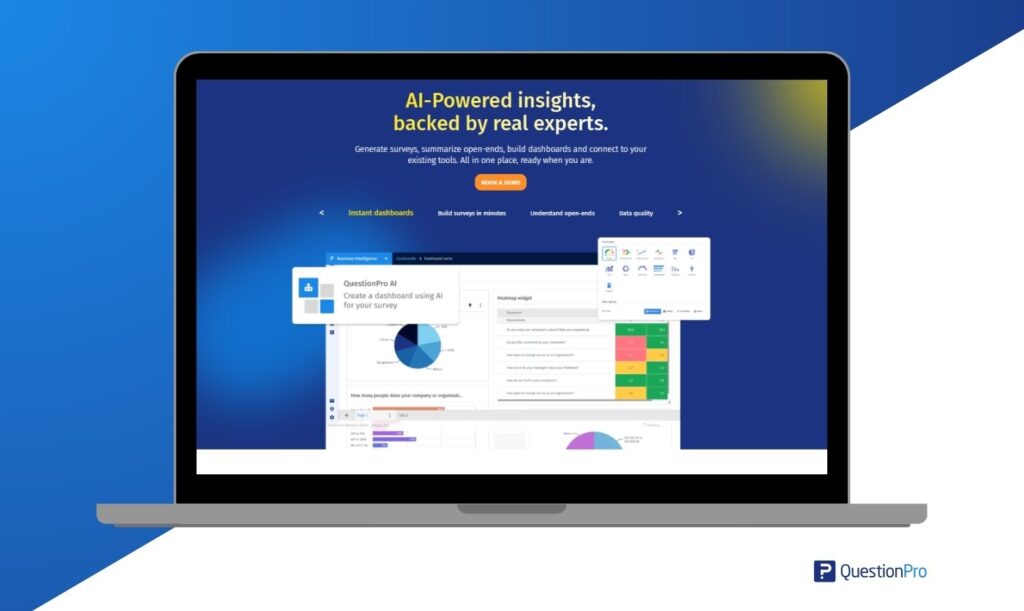
QuestionPro is a survey and experience management platform with dedicated features for event feedback, including customizable templates, advanced logic, and real-time reporting.
Pros:
- Advanced branching and skip logic for longer, multi-session events
- Real-time reporting during live events
- Mobile-friendly and multilingual surveys for global audiences
Cons:
- Advanced features have a learning curve for first-time users
- Best value comes from using the full platform rather than a single survey
2. SurveyMonkey
SurveyMonkey is a widely used survey tool known for its simple builder and broad integration options, making it a common choice for general event feedback.
Pros:
- Fast to set up for straightforward post-event surveys
- Large template library and strong analytics dashboard
Cons:
- Advanced survey logic requires a higher-tier plan
- Less specialized for live, in-session feedback than purpose-built event tools
3. Google Forms
Google Forms is a free tool for building simple surveys, popular with smaller events and teams already working inside Google Workspace.
Pros:
- Free with any Google account
- Simple interface with direct export to Google Sheets
Cons:
- Limited branching logic for complex, multi-track events
- Basic reporting compared to dedicated feedback platforms
4. Typeform
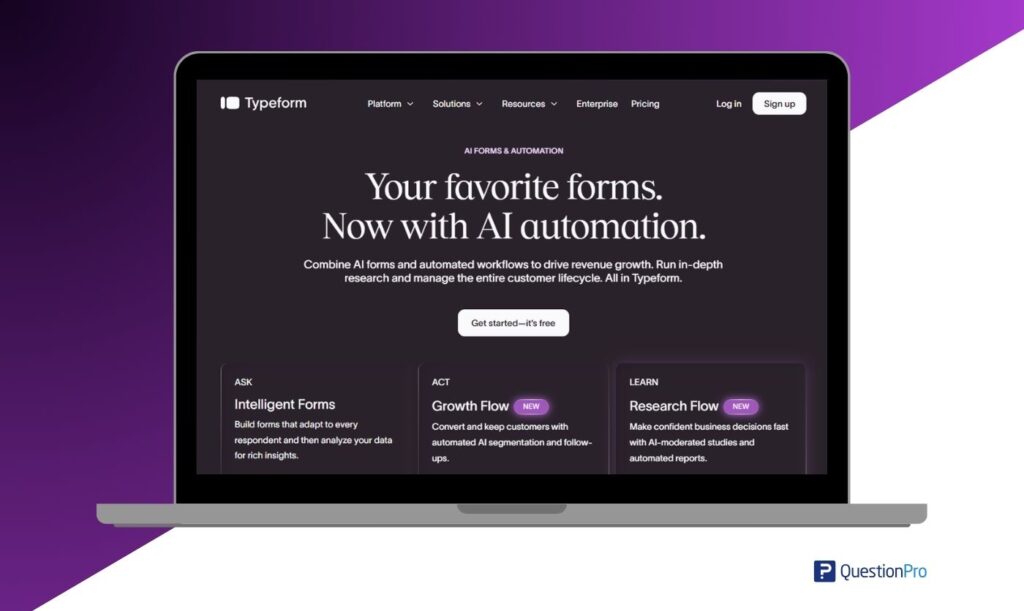
Typeform is known for conversational, visually polished surveys that tend to see higher completion rates than traditional form-style surveys.
Pros:
- Engaging, one-question-at-a-time format
- Strong integration options with marketing and CRM tools
Cons:
- Pricing scales quickly for larger response volumes
- Fewer advanced question types than enterprise-grade platforms
5. Qualtrics
Qualtrics is an enterprise experience management platform with survey capabilities suited to large organizations running feedback programs across many events.
Pros:
- Enterprise-grade security and compliance features
- Sophisticated analytics and automation
Cons:
- Pricing is often out of reach for small or mid-sized event teams
- Overbuilt for simple, single-event feedback needs
6. Slido
Slido is a live polling and Q&A tool used heavily during sessions and keynotes to collect real-time reactions and audience questions, similar in purpose to live polls and quizzes built for in-session engagement.
Pros:
- Strong live polling and word cloud features for in-session engagement
- Easy for attendees to join without downloading an app
Cons:
- Not built for long-form, detailed post-event surveys
- Best used alongside a separate tool for deeper feedback analysis
7. Zoho Survey
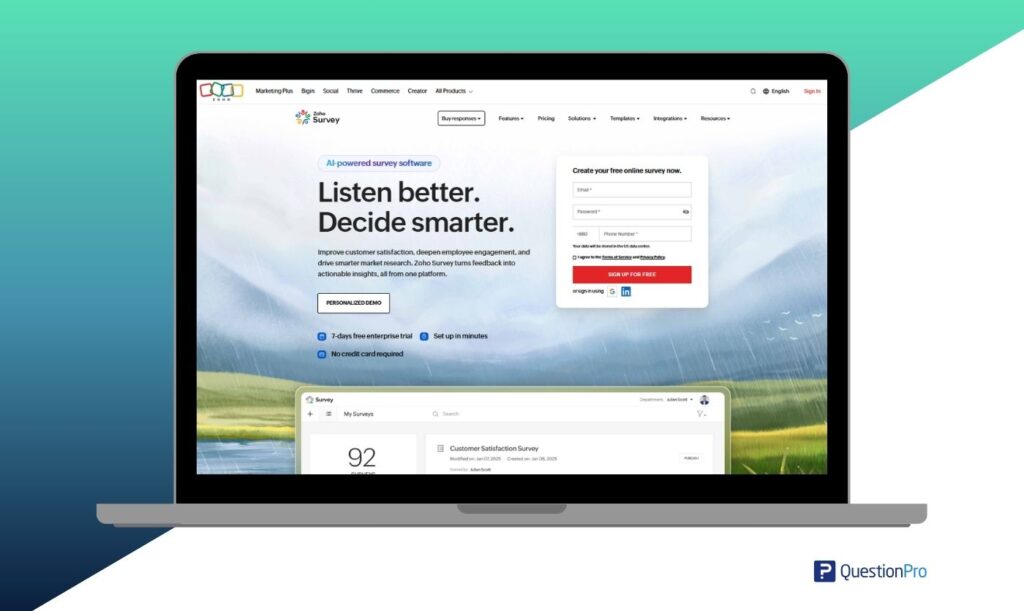
Zoho Survey is part of the Zoho suite and offers a straightforward survey builder with reporting and collaboration features.
Pros:
- Easy drag-and-drop builder
- Multilingual survey support
Cons:
- Fewer advanced features on entry-level plans
- Less commonly integrated with dedicated event platforms
8. Poll Everywhere
Poll Everywhere focuses on live audience engagement through polls, quizzes, and interactive Q&A during sessions.
Pros:
- Strong for real-time audience participation
- SMS and web-based response options widen accessibility
Cons:
- Limited functionality for detailed, long-form feedback
- Costs can rise for very large audiences
9. GetFeedback
GetFeedback is a customer experience platform with survey tools that collect feedback across web, mobile, and email channels, often used by teams already on Salesforce.
Pros:
- Strong CRM integration, particularly with Salesforce
- Visual survey builder that matches event branding easily
Cons:
- Pricing may be high for smaller event teams
- Fewer dedicated event-specific templates than purpose-built tools
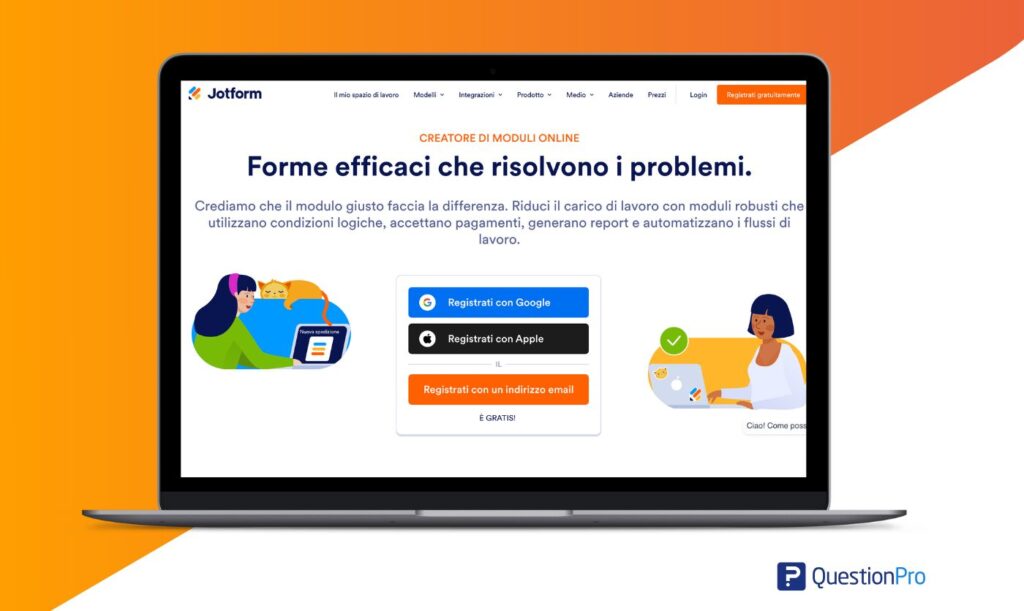
10. Jotform
Jotform is a general-purpose form builder that supports event feedback collection alongside registration and other event forms.
Pros:
- Large template library, including event-specific forms
- Wide app integration through Zapier
Cons:
- Advanced features often locked to higher-tier plans
- Not purpose-built for live, in-session feedback
How do you measure whether event feedback is working?
You measure event feedback effectiveness through response rate, sentiment trends, and whether the feedback actually changes decisions for the next event.
A high response rate means little if the data sits unused. Track whether specific complaints or suggestions from one event show up as changes in the next one, since that link is the clearest sign a feedback program is doing its job. Net Promoter Score is also useful here, since a rising or falling NPS across multiple events can reveal trends a single survey would miss.
What mistakes should organizers avoid with event feedback?
The most common mistake is sending one long survey after the event and hoping for a strong response rate.
- Waiting too long after the event to send the survey, when memories have already faded
- Asking too many questions, which drives incomplete responses
- Collecting feedback but never sharing results with speakers or sponsors
- Ignoring open-ended comments in favor of only rating-scale questions
- Using the same survey for every event type regardless of size or format
Short, well-timed surveys sent close to the moment of the experience consistently outperform long surveys sent days later.
How does QuestionPro support event feedback collection?
QuestionPro Survey Software supports event feedback through customizable survey templates, real-time reporting, and multi-channel distribution that works across registration desks, mobile apps, and post-event email. Its branching logic keeps surveys short for attendees while still capturing detailed input for organizers to act on. Learn more about customer feedback surveys and how the same principles apply to event settings.
Choosing event feedback software is less about finding the tool with the most features and more about matching a platform to how the event actually runs, from a single-day workshop to a multi-track conference with thousands of attendees.
Frequently Asked Questions (FAQs)
Within 24 hours is generally best. Attendee impressions fade quickly, and response rates tend to drop the longer organizers wait, particularly for multi-day US conferences where attendees return to work immediately after.
Yes. Most modern event feedback tools support virtual and hybrid formats through embedded survey links, chat prompts, and post-webinar email surveys, though live polling tools tend to work best during virtual sessions.
Often, yes. Free tools like Google Forms work well for single-session workshops or small internal events, but they typically lack the branching logic and reporting depth needed for larger, multi-track conferences.
Anonymous surveys often produce more candid feedback, especially about speakers or logistics. Some organizers use identified surveys for prize drawings but should clearly separate identity from sensitive feedback questions.
Five to eight questions is a reasonable target for most events. Longer surveys reduce completion rates, so organizers should prioritize the two or three insights that will actually shape the next event.



