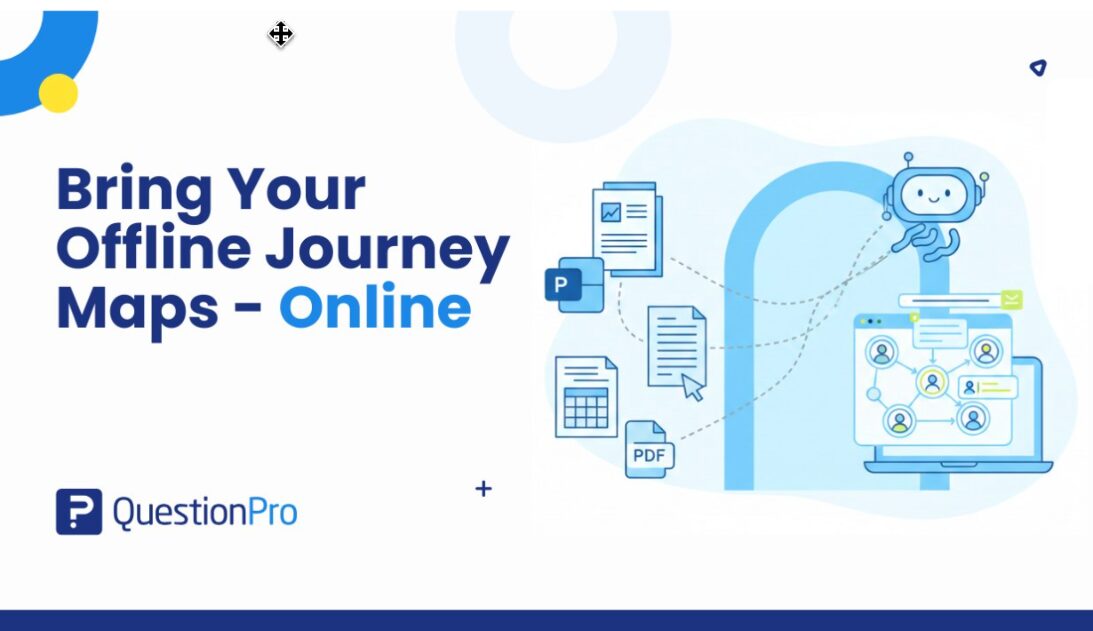
Turn PPT, Word, Excel, and PDF Journey Maps into Living CX Assets with AI
Every organization that takes customer experience seriously has created journey maps at some point.
They’ve run the workshops.
They’ve gathered sticky notes.
They’ve aligned teams in long working sessions.
They’ve translated ideas into polished deliverables.
And then?
Those journey maps were saved as PowerPoint files.
Or documented in Excel.
Or written up in Word.
Or exported as PDFs and shared in presentations.
Valuable work now sitting in folders, shared drives, or archives.
The reality is that most journey maps today live offline, disconnected from the systems meant to act on them. Instead of guiding decisions, they become static documentation insightful, but underutilized.
It’s time to change that.
The Offline Journey Mapping Trap
Journey mapping often starts as a collaborative, hands-on process. Teams use familiar tools because they’re accessible and flexible:
- Presentation decks to visualize experiences
- Spreadsheets to structure steps and ownership
- Documents to capture research insights
- PDFs to finalize and distribute maps
Tools like Microsoft PowerPoint and Excel are excellent for creating and sharing ideas. But they were never designed to manage living customer journeys.
As a result, organizations unknowingly fall into what we call the Offline Journey Mapping Trap.
The Map Exists- But It Doesn’t Work for You
Offline journey maps:
- Don’t connect to Voice of Customer data
- Can’t evolve dynamically with customer behavior
- Are hard to update without version confusion
- Rarely get revisited after initial creation
- Don’t drive measurable CX improvements
They become artifacts of alignment rather than engines of change.
Why Rebuilding Isn’t the Answer
When companies decide to operationalize CX, they often assume they must rebuild journey maps inside a platform from scratch.
That assumption creates resistance:
“We’ve already invested months building these.”
“We don’t have time to recreate everything.”
“The team won’t want to redo this work.”
So transformation gets delayed not because the value isn’t clear, but because the migration effort feels overwhelming.
But what if you didn’t have to start over?
From Static Files to Living Journeys- Instantly
AI-Assisted Import eliminates the biggest barrier between journey mapping and journey management.
Instead of recreating your maps manually, you can upload the files you already have whether they’re in PPT, Word, Excel, or PDF and transform them into structured, editable journey maps automatically.
Using AI capabilities within QuestionPro, your existing documentation is interpreted, organized, and converted into a dynamic framework that can now connect to real CX data.
No rebuilding
No reformatting.
No lost effort.
Just activation.
Your Existing Work Is More Valuable Than You Think
Most offline journey maps already contain everything needed to drive experience improvements:
- Defined stages across the lifecycle
- Customer actions and touchpoints
- Internal ownership and processes
- Pain points and opportunity areas
- Supporting research insights
The challenge isn’t the content, it’s the format.
AI bridges the gap by recognizing patterns inside your files and translating them into structured journey architecture.
Think of it as converting a blueprint into a functioning system.
What Happens When You Bring Journey Maps Online?
Once digitized inside a CX platform, journey maps shift from visual representations to operational tools.
They can now:
- Align directly with Voice of Customer programs
- Connect satisfaction data to specific journey stages
- Reveal where experiences break down in real time
- Enable continuous updates instead of periodic revisions
- Serve as a shared framework across CX, operations, and product teams
Your journey map stops being a presentation slide and starts becoming a decision-making engine.
The Cost of Letting Journey Maps Sit Idle
Many organizations underestimate the opportunity cost of unused journey maps.
When maps remain offline:
- Insights from workshops fade over time
- Teams revert to siloed decision-making
- Experience issues resurface because they’re not tracked
- New employees never engage with the original thinking
- CX becomes reactive rather than structured
In short, the organization forgets what it already learned.
Bringing those maps online preserves institutional knowledge and puts it back into action.
Designed for Real-World Journey Mapping (Not Idealized Formats)
One of the biggest fears teams have is:
“Our maps aren’t standardized. Will this still work?”
They will.
QuestionPro’s AI-Assisted Import is built for the reality that no two journey maps look the same.
- Some are highly visual.
- Some are spreadsheet-driven.
- Some are narrative-heavy.
- Some combine multiple approaches.
AI analyzes relationships between elements identifying stages, steps, and lanes regardless of layout so organizations can import journeys as they exist, not as they “should” have been created.
From One-Time Exercise to Continuous Discipline
Traditional journey mapping follows a familiar lifecycle:
Workshop >> Documentation >> Presentation >> Storage
But modern CX leaders need something very different:
Import >> Connect >> Measure >> Improve >> Evolve
By bringing offline journeys into a connected environment, organizations create a foundation for continuous experience management instead of periodic mapping exercises.
This shift is what separates companies that map journeys from those that manage journeys.
A Faster Path to CX Maturity
Digitizing journey maps manually can take weeks.
AI-Assisted Import reduces that process to minutes accelerating CX maturity without increasing workload.
This allows teams to focus on:
- Validating insights
- Acting on feedback
- Driving improvements
- Monitoring impact
instead of redrawing diagrams.
Speed matters because customer expectations don’t wait for internal transformation timelines.
Who Should Bring Their Journey Maps Online Now?
This approach is especially valuable for organizations that:
- Have already completed journey mapping workshops
- Maintain operational journeys in spreadsheets
- Store finalized maps in presentations or PDFs
- Want to connect VoC programs to real experiences
- Are scaling CX initiatives across departments
If your journey maps exist you’re ready.
You don’t need to recreate value that’s already been built.
The Beginning of a More Actionable CX Strategy
Bringing offline journey maps online isn’t just a technical upgrade.
It’s a mindset shift:
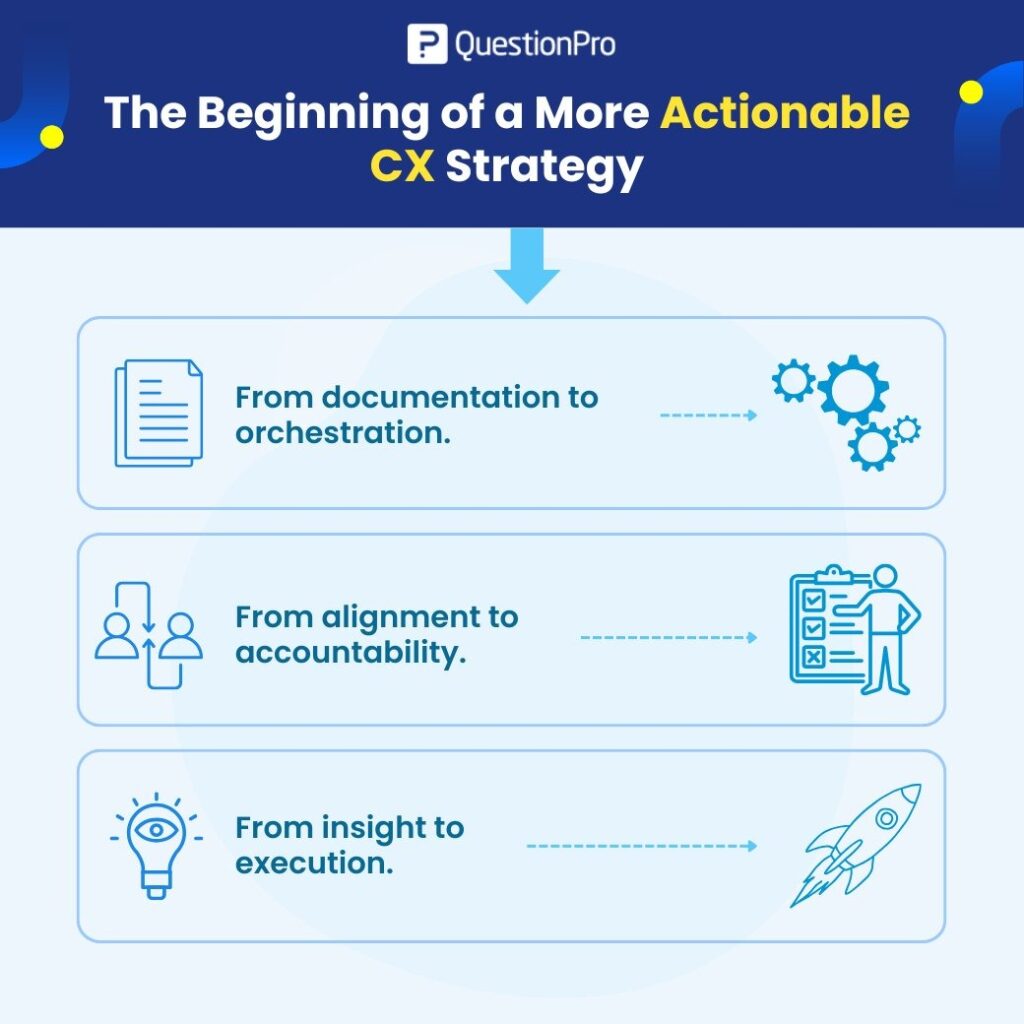
- From documentation to orchestration.
- From alignment to accountability.
- From insight to execution.
QuestionPro AI enables that shift by removing the friction between what you’ve already done and what you want to achieve next.
Your Journey Maps Were Never Meant to Sit Still
Journey maps are living representations of customer reality.
- They should adapt.
- They should inform decisions.
- They should evolve alongside your customers.
If they’re locked inside files, they can’t do that.
QuestionPro’s AI-Assisted Import ensures the work you’ve already invested in finally becomes part of a connected, measurable, and continuously improving CX ecosystem.
Bring Them Back to Life- Starting Now
You don’t need another workshop or another redesign or even start from zero.
You just need to bring your existing journey maps online.
Upload them. Let QuestionPro AI structure them. Start using them the way they were always intended – as tools to improve real customer experiences.
Product Roadmap & Vision
- Launched – Import Excel & PDF based Maps
- Coming Soon – Add support for PowerPoint
- Coming Soon – Bulk Import of Maps – from a ZIP File – Import 100’s of Maps at once
- Future – Sync & Import maps from other platforms like Miro/Mural etc.