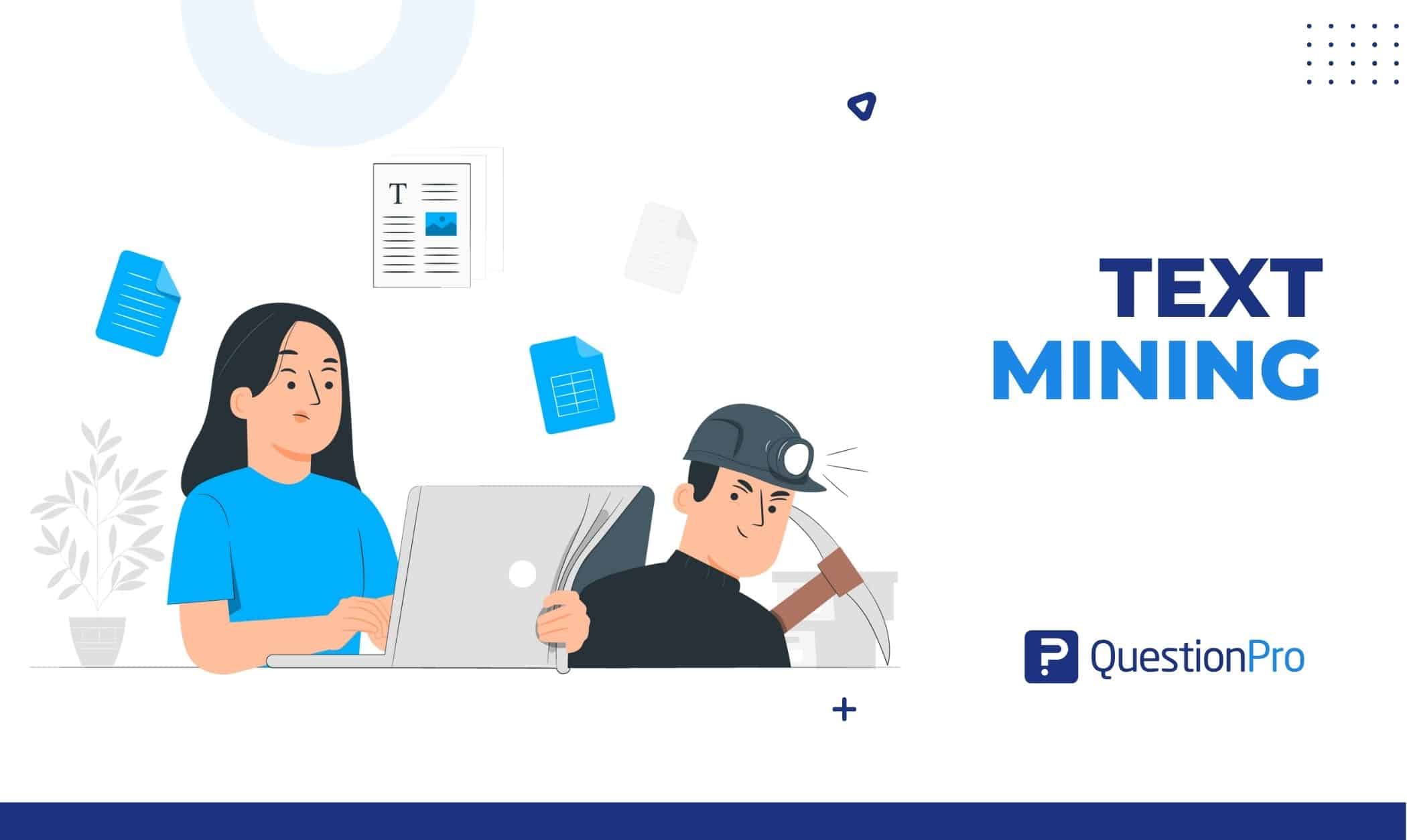
Text mining is the process of using natural language processing and machine learning to pull patterns, themes, and sentiment out of unstructured text, such as survey comments, reviews, emails, and support tickets. It lets a team understand thousands of written responses without reading every one.
Numbers show what happened. Words explain why. Most teams collect plenty of text but read only a small share of it, so the reasons behind their scores stay buried. In this blog, we’ll break down how text mining works, the main techniques, real examples, and how to measure results and avoid common mistakes.
What is text mining?
Text mining is the process of extracting structured information, patterns, and themes from unstructured text using natural language processing (NLP), machine learning, and statistics. It is also called text data mining. NLP is the field of AI that helps computers read and interpret human language.
Unstructured data is information with no predefined format, such as free-text survey answers, emails, chat logs, and social posts. Structured data, by contrast, fits neatly into rows and columns, like ratings, dates, and order numbers.
Most business data is the unstructured kind. Research World reports that Gartner puts unstructured data at 80 to 90 percent of all new enterprise data. Survey researchers see the same gap. A paper in Survey Practice notes that teams often analyze only the numbers because text is harder to work with.
Text mining is also a sub-field of data mining, the broader practice of finding patterns in large data sets. IBM describes it as data mining focused on bringing structure to unstructured data. A simple case: thousands of open comments become a short list of themes, such as pricing, delivery, and support speed.
Text mining vs text analytics vs NLP: What is the difference?
Text mining extracts patterns from text, text analytics measures and interprets those patterns, and NLP is the language technology behind both. In everyday use the terms overlap. IBM notes that text mining and text analytics are largely synonymous in conversation, with small differences in emphasis.
| Term | Core question | Typical output |
|---|---|---|
| Text mining | What is in this text? | Entities, keywords, categories, patterns |
| Text analysis | What does it mean? | Themes, sentiment, intent labels |
| Text analytics | What is changing, and why? | Trends, segment comparisons, dashboards |
| NLP | How can a computer read language? | Models that parse, tag, and classify text |
| Data mining | What patterns exist in this data? | Clusters, rules, and predictions from any data type |
Sources draw these lines differently, so treat the table as a working guide. An example makes the split concrete. Text mining can flag that “delivery delay” appears often in reviews. Text analytics then shows whether that theme is rising, which customer segments mention it, and how it affects satisfaction.
For more on the interpretation side, see this guide to text analysis and how text analytics works on a live dashboard.
How does text mining work?
Text mining works in five stages: collect the text, clean it, extract features, apply a method, and turn the output into decisions.
- Collect the text.
Gather comments from online surveys, reviews, emails, chats, call transcripts, and tickets. Open-ended questions are a rich source because people explain their reasons in their own words. - Preprocess the text.
Clean and standardize it so a model can read it. The details follow below. - Extract features.
Convert words into signals a model can use, such as word counts, phrases, entities, or lists of numbers that represent meaning. A feature is any measurable property of the text. - Apply a method.
Run techniques such as classification, topic modeling, or sentiment analysis. The next section covers them. - Interpret and act.
Turn tags and scores into tables, charts, and priorities. A theme only matters once it connects to a decision.
What happens during text preprocessing?
Text preprocessing is the cleanup stage that turns messy language into a consistent format. IBM lists language identification, tokenization, and part-of-speech tagging among the common steps.
Tokenization splits text into small units called tokens, usually words or short phrases. Stop-word removal drops very common words, such as “the” and “and,” that add little meaning.
Stemming chops word endings, so “running” and “runs” both become “run.” Lemmatization uses a dictionary instead, so “better” maps to “good.”
Skipping this stage is the fastest way to get noisy results. Every later step inherits the mess.
What are the main text mining techniques?
Text mining techniques fall into two groups: those that find what is in the text, and those that sort, group, or score it. Most projects combine several.
Techniques that find what is in the text
- Word frequency counts how often terms appear. Repeated words like “expensive” and “overpriced” can point to a pricing concern.
- Collocation finds words that often appear together. A bigram is a two-word phrase like “customer support.” A trigram is a three-word phrase like “time to value.” Phrases carry more meaning than single words.
- Concordance shows a word in context. It separates “light” as in weight from “light” as in color.
- Named entity recognition (NER) tags names of people, brands, products, places, and dates. It can spot competitor names in open-ended answers.
- Text extraction pulls specific details, such as order numbers, dates, or product features, out of free text.
Techniques that sort, group, and score text
These techniques turn text into labels and numbers. Sentiment analysis, which classifies text as positive, negative, or neutral, is the most common in customer research.
| Technique | What it does | Example |
|---|---|---|
| Text classification | Assigns text to predefined categories | A ticket reading “my order never arrived” is tagged as a shipping issue |
| Topic modeling | Discovers themes without predefined labels | Comments about a “slow app,” “laggy screen,” and “freezes” group into performance |
| Clustering | Groups similar documents by shared traits | Spam messages that reuse the same phrases land together |
| Sentiment analysis | Scores emotional tone | Two comments mention pricing, but one is angry and one is neutral |
| Intent detection | Identifies what the writer wants | A message is labeled a cancellation request, sales inquiry, or complaint |
| Language detection | Identifies the language used | Tickets are routed to the right regional team |
What does text mining look like on real survey comments?
Here is a small worked example. Say a US online retailer asks buyers, “What is the main reason for your score?” after each order. Four of the answers might be tagged like this:
- “The checkout kept timing out on my phone, so I gave up twice.” Tags: checkout reliability, mobile, negative.
- “Love the fast shipping, but the return label never arrived.” Tags: shipping speed (positive), returns (negative), mixed sentiment.
- “Support answered in minutes and fixed it.” Tags: support speed, positive.
- “Prices went up again. Thinking about switching.” Tags: pricing, negative, churn intent.
Each tag comes from a codebook, which is the set of themes and sub-themes used to classify responses. Teams can write one by hand or let AI draft it, then adjust it. This guide to survey text analysis shows how a codebook can be reused across survey waves so trackers stay consistent.
Once every comment carries tags, the counts become useful. The retailer can see which theme dominates, compare it across customer segments, and check whether “checkout reliability” is growing week over week.
The second comment shows why one label per response is not enough. One sentence can praise shipping and criticize returns. The fourth needs a person to follow up, since it signals a customer at risk of leaving.
Where is text mining used in business?
Text mining is used wherever people write more than teams can read. The most common uses fall into three groups.
Customer and market research
Teams mine survey comments, reviews, and chats to find recurring complaints, feature requests, and buying barriers. A market researcher can compare how customers describe a brand against its competitors. A product manager can rank requests by how often they appear. Text mining pays off fastest when feedback arrives from many channels at once, such as surveys, app reviews, and chat.
Operations and risk
IBM lists customer service, risk management, maintenance, healthcare research, and spam filtering among common applications. NetSuite adds examples such as reviewing insurance claim forms for fraud patterns and adjusting maintenance schedules based on trouble tickets. In each case, the text holds early warning signs that numbers alone miss.
Employee and people teams
HR teams apply the same methods to open-ended employee survey answers. Themes such as workload, manager support, and career growth surface quickly. Sentiment by team shows where morale is slipping. The only real difference from customer work is the entities, since managers and departments replace products and store locations.
How do you choose the right text mining approach?
Choose a text mining approach by matching the method to your question, your data volume, and how much control you need over the results. Five questions narrow the choice fast.
- What decision will this inform?
A pricing review needs theme counts. A churn alert needs intent detection. Start from the decision, not the algorithm. - Do you already know your categories?
If yes, use classification with a fixed codebook. If not, use topic modeling to discover themes first, then lock them in. - How much text do you have?
A few hundred responses can be coded by hand and checked. Thousands across channels call for automation. - How much control do you need?
Rule-based tagging, where you define keywords for each theme, is transparent but needs upkeep. AI models handle varied wording better but need review. - Should you build or buy?
Open-source libraries suit teams with data science skills. A survey or research platform suits teams that want results inside the tools where responses already live.
Whatever you pick, test it on a sample you coded by hand first. If the tool cannot match your own tags reliably, it is not ready for real decisions.
How does QuestionPro support text mining on survey responses?
QuestionPro supports text mining on survey responses through TextAI, the AI text analysis module in QuestionPro BI, and through tag-based text analysis in its survey reports.
TextAI in QuestionPro BI reads open-ended answers, groups them into topics and sub-topics, and scores sentiment. Results appear in word clouds, sentiment charts, and stacked bars, and teams can filter them by segment or KPI. Because the themes sit beside the numeric results, a team can see how a theme relates to a score.
The workflow follows the stages above. QuestionPro AI can draft a codebook from your responses, or you can upload a code frame you already use or reuse one from an earlier report. A short objective line and a note per question help the themes come back more relevant. A researcher then reviews and reshapes them, since AI gives a fast first pass and the person who knows the study makes the final call.
For simpler needs, tag-based text analysis lets you name a tag, add keywords, and count tagged responses in a chart. TextAI is one of the AI capabilities in the QuestionPro Market Research Software, which also covers survey design, respondent sourcing, and dashboards.
How do you measure whether text mining is working?
Measure text mining by checking accuracy against human coding, how much of the text it covers, and whether the themes lead to action. A tool that produces neat charts nobody acts on is still a failed project.
- Accuracy: Have a person code a random sample, then compare. Precision is the share of machine tags that are correct. Recall is the share of true tags the machine found. Track both.
- Coverage: Check what share of responses received at least one theme. A large “other” bucket signals a weak codebook.
- Consistency: Confirm that similar comments get the same tag across sources and survey waves.
- Stability over time: Stable themes make trends believable. When the codebook changes, note it in the report.
- Speed: Compare the time from last response to first readout against manual coding.
- Business impact: Look for a fix that followed a theme, and a score that moved afterward. Fewer “checkout reliability” comments after a bug fix is a clear win.
What are the most common text mining mistakes and risks?
Most text mining failures come from weak inputs and unchecked outputs, not weak algorithms. The table lists the common mistakes and how to avoid each.
| Mistake | Why it hurts | How to avoid it |
|---|---|---|
| Skipping preprocessing | Typos and noise scramble counts | Clean and standardize the text first |
| Trusting word clouds alone | Frequent words like “good” say little | Pair counts with themes and sentiment |
| Ignoring sarcasm and negation | “Great, another delay” can read as positive | Use aspect-level sentiment and spot-check flagged comments |
| Mixing sources without labels | Tickets and surveys are written differently | Tag the source and compare each one separately |
| Skipping privacy review | Comments can contain names, emails, or health details | Remove personal data where possible and review rules such as the CCPA |
| Skipping human review | Errors go unnoticed and spread into reports | Spot-check every run before sharing results |
Start with the question, not the algorithm
Good text mining starts with a clear question. Decide what you need to learn, collect text that can answer it, and choose the lightest method that works. Then check the output against human judgment before anyone acts on it.
The tools will keep getting faster. The habit that separates useful projects from noisy ones stays the same. Every theme should connect to a decision someone can actually make. Read a few comments yourself, trust the counts second, and let the words explain the numbers.
Frequently Asked Questions (FAQs)
Mining feedback you collected yourself is common practice, but privacy laws such as the CCPA can apply when comments contain personal information. Scraping third-party sites raises separate terms-of-service and copyright questions, so check with legal counsel first.
No. Programmers often use Python libraries such as NLTK or spaCy for custom projects, but survey and research platforms now include built-in tagging, topic detection, and sentiment scoring. Coding helps when you need custom models or unusual data sources.
There is no fixed threshold. If you can read every response in an afternoon, careful manual coding may be more accurate. Automation pays off as volume, channels, and repeat survey waves grow, because consistency and speed start to matter more than perfect nuance.
Often yes, but accuracy varies by language. Most tools detect the language first, then apply language-specific models. Test each language on a hand-coded sample, because slang, idioms, and sarcasm can lower accuracy where models have less training data.
Web scraping collects text from websites. Text mining analyzes text from any source, including surveys, emails, and tickets. Many projects use both: scraping gathers public reviews, and text mining turns them into themes and sentiment. Scraping alone produces raw text, not insight.