- Moderation
- Usability test: UX Diagnostics
- Sprint View: Usability tests
- Accessible Usability Scale - AUS
- System Usability Scale - SUS
- SUPR-Q
- PSSUQ
- UX Crowd: Usability tests
- AI Insights for Usability Tests
- Self-Reported Success (SRS)
- AI Executive Summaries
- Participant Diaries and Study Analysis
- Image analysis
- Voting task analysis
- Video tasks: Analysis

Video Analysis: Highlight Reels
Highlight Reels enable researchers to quickly consolidate key moments from multiple participant videos into a single shareable video. This feature uses AI to group clips by theme and sentiment, transforming raw qualitative data into concise, stakeholder-ready stories.
- Automated Assembly: Bulk-generate clips based on AI-identified themes or sentiments across all responses.
- Custom Configuration: Set reel length, add captions, and choose between horizontal or vertical orientations.
- Manual Refinement: Reorder clips, add transitions, or insert manually saved clips to fine-tune the narrative.
- Seamless Sharing: Generate secure, shareable links with public or private access options for easy stakeholder delivery.
Watch this video for a quick overview of the Highlight Reels feature in QuestionPro UX:
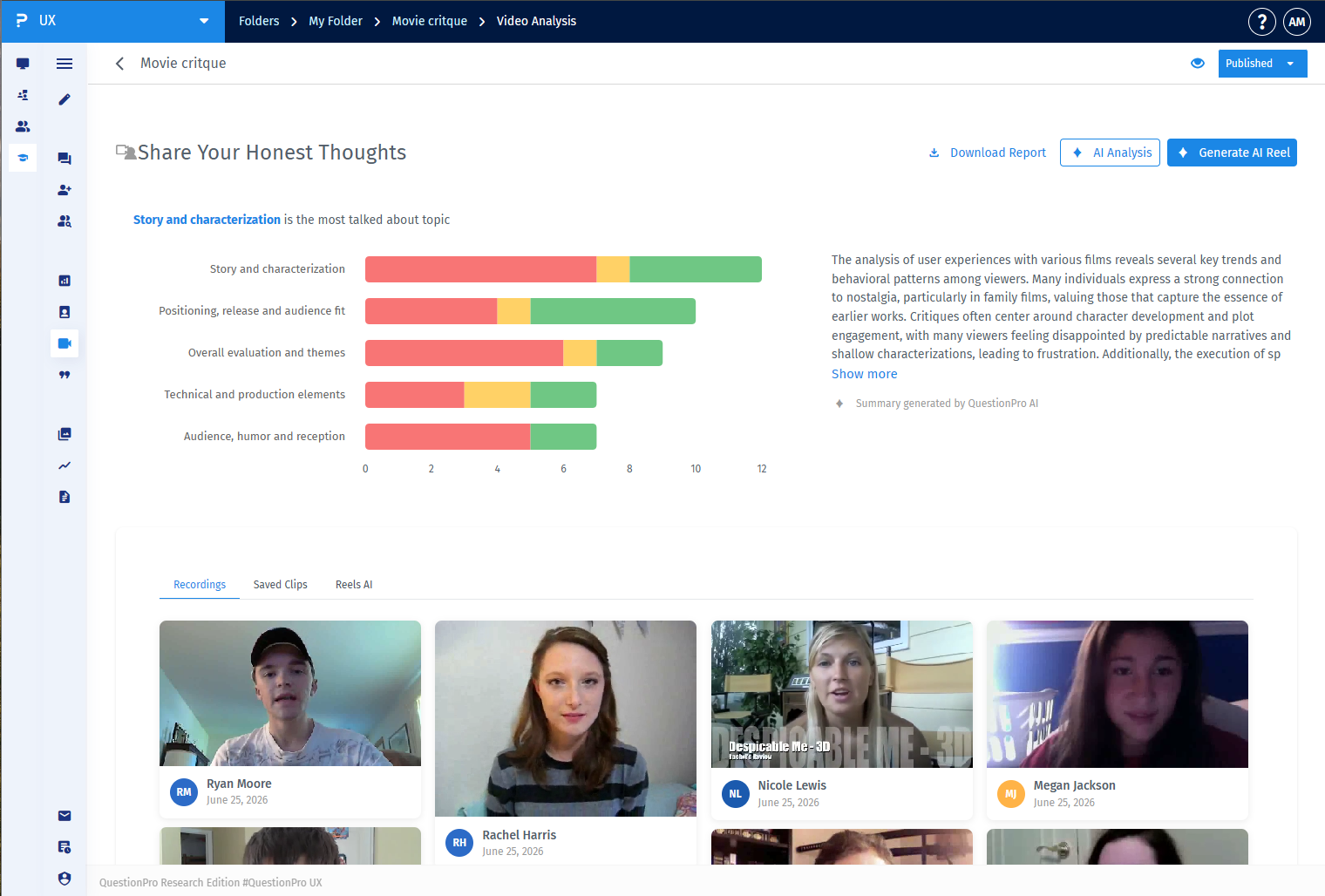
Once your video task data is collected, navigate to the Video Analysis tab in the left-hand sidebar. From here, you will see the aggregated AI theme breakdowns and can initiate the generation process by clicking the Generate AI Reel button in the top right corner.
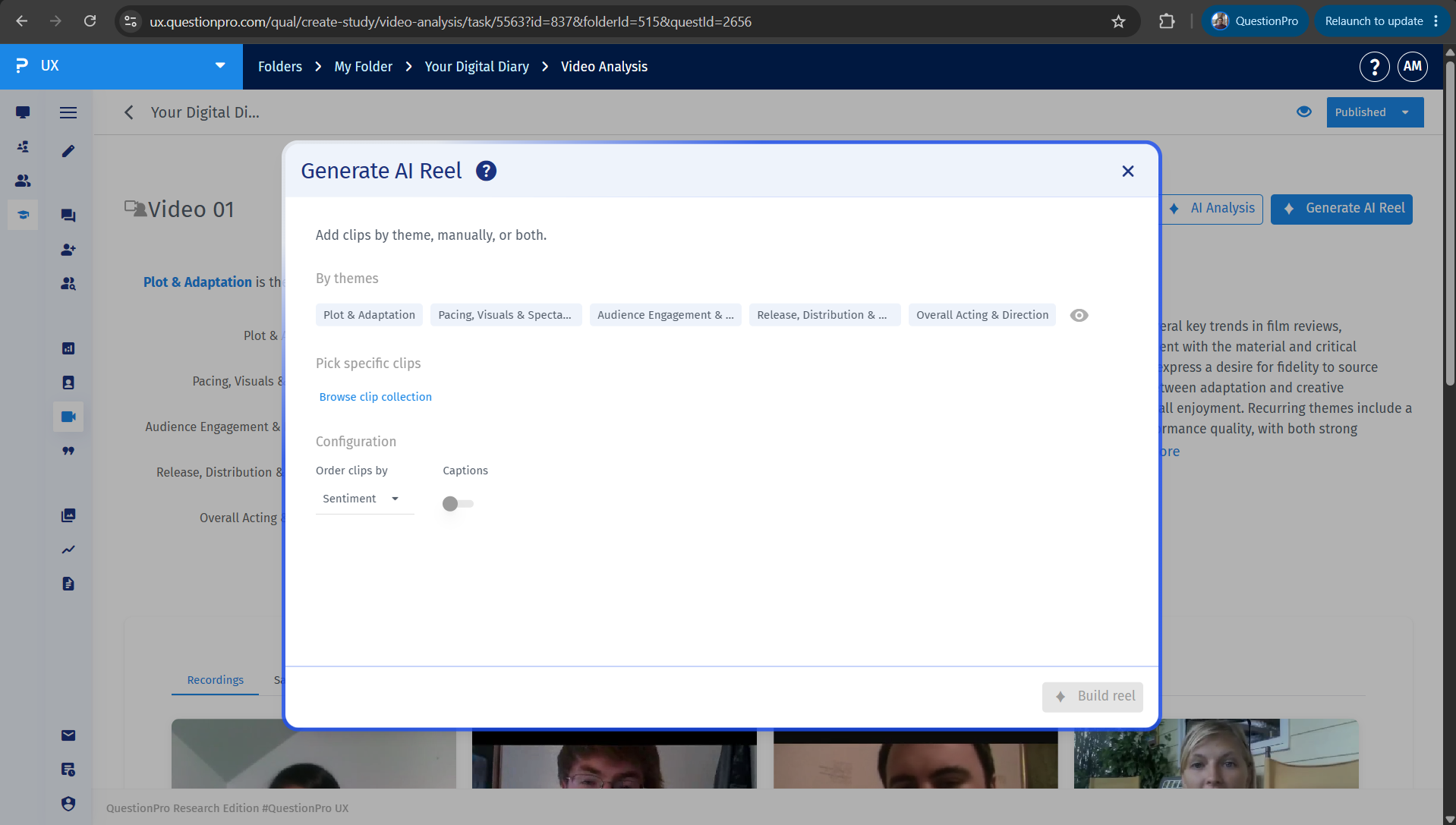
After clicking Generate AI Reel, a configuration window will appear. You can add clips automatically by selecting AI-extracted themes, browse your manually saved clip collections, or sort the ordering rules by sentiment. You can also toggle Captions on or off for the final output.
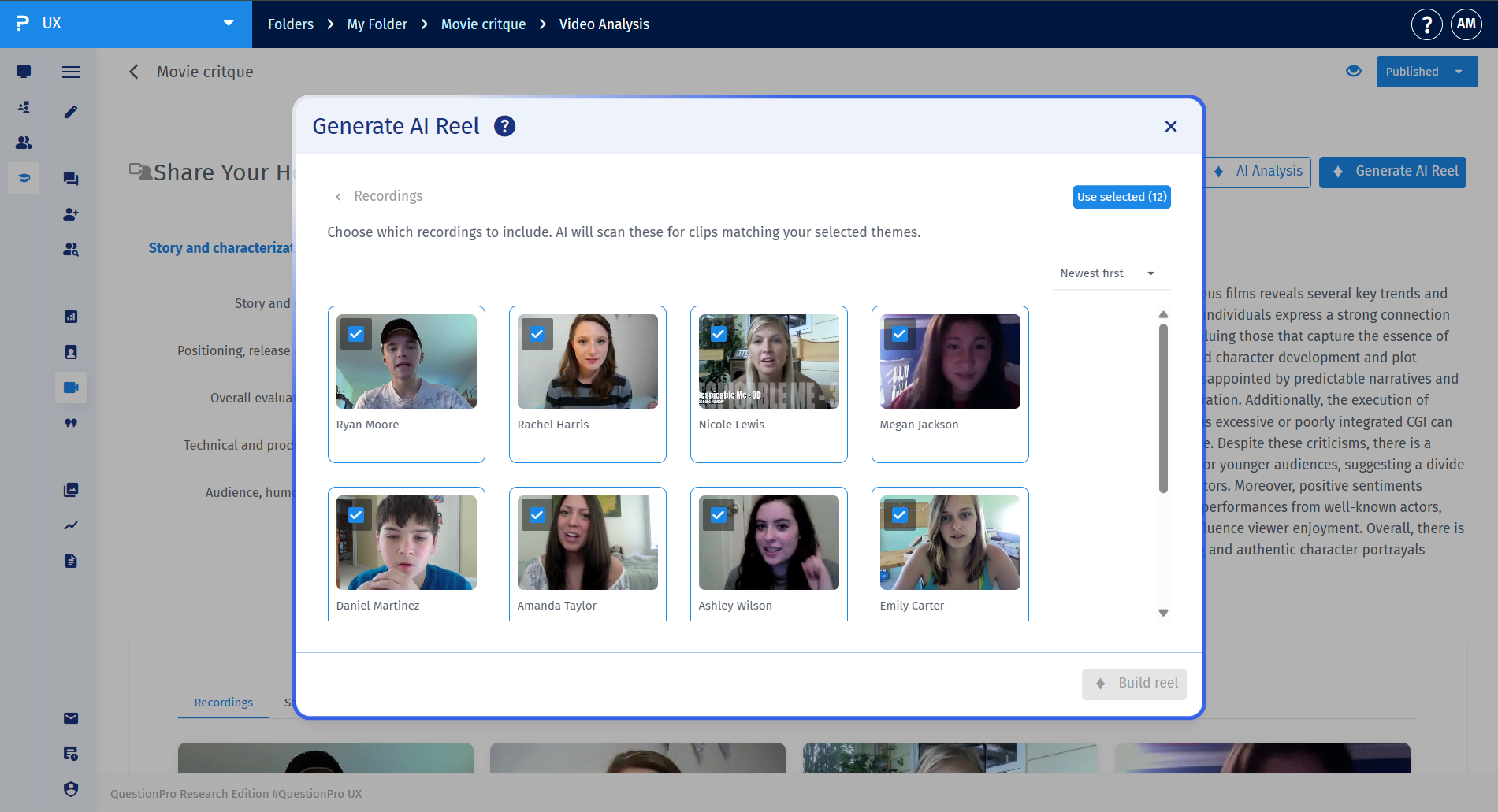
Yes. Within the configuration workflow, you can explicitly choose which recordings to include. The AI will scan only the selected participant videos to isolate and group clips matching your specified criteria.
Once generated, your reel becomes interactive within the workspace timeline. You can review the video, reorder clips by dragging them, add transition styles (such as Cross dissolve or Fade), and manually append or remove specific clips as needed.
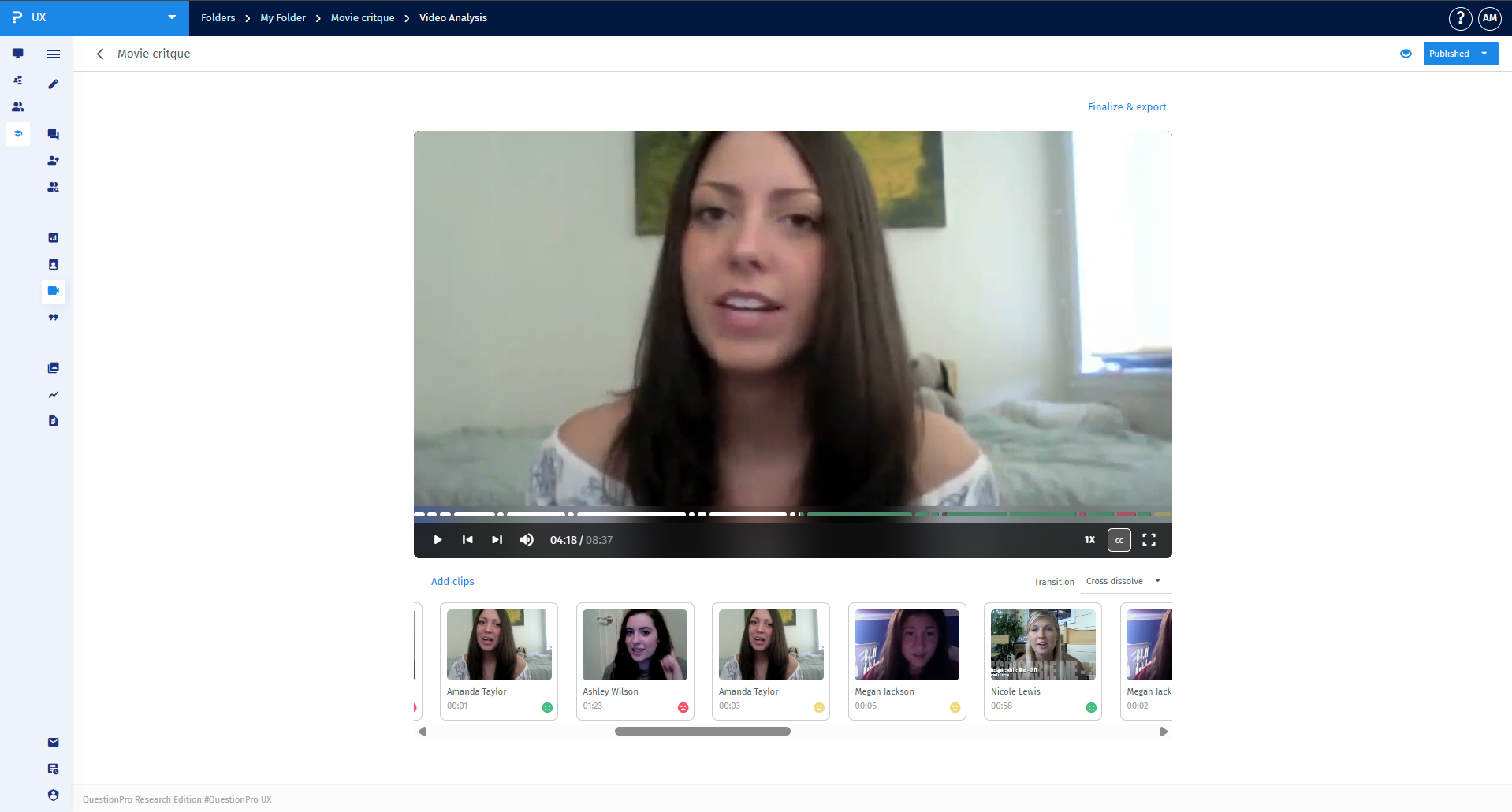
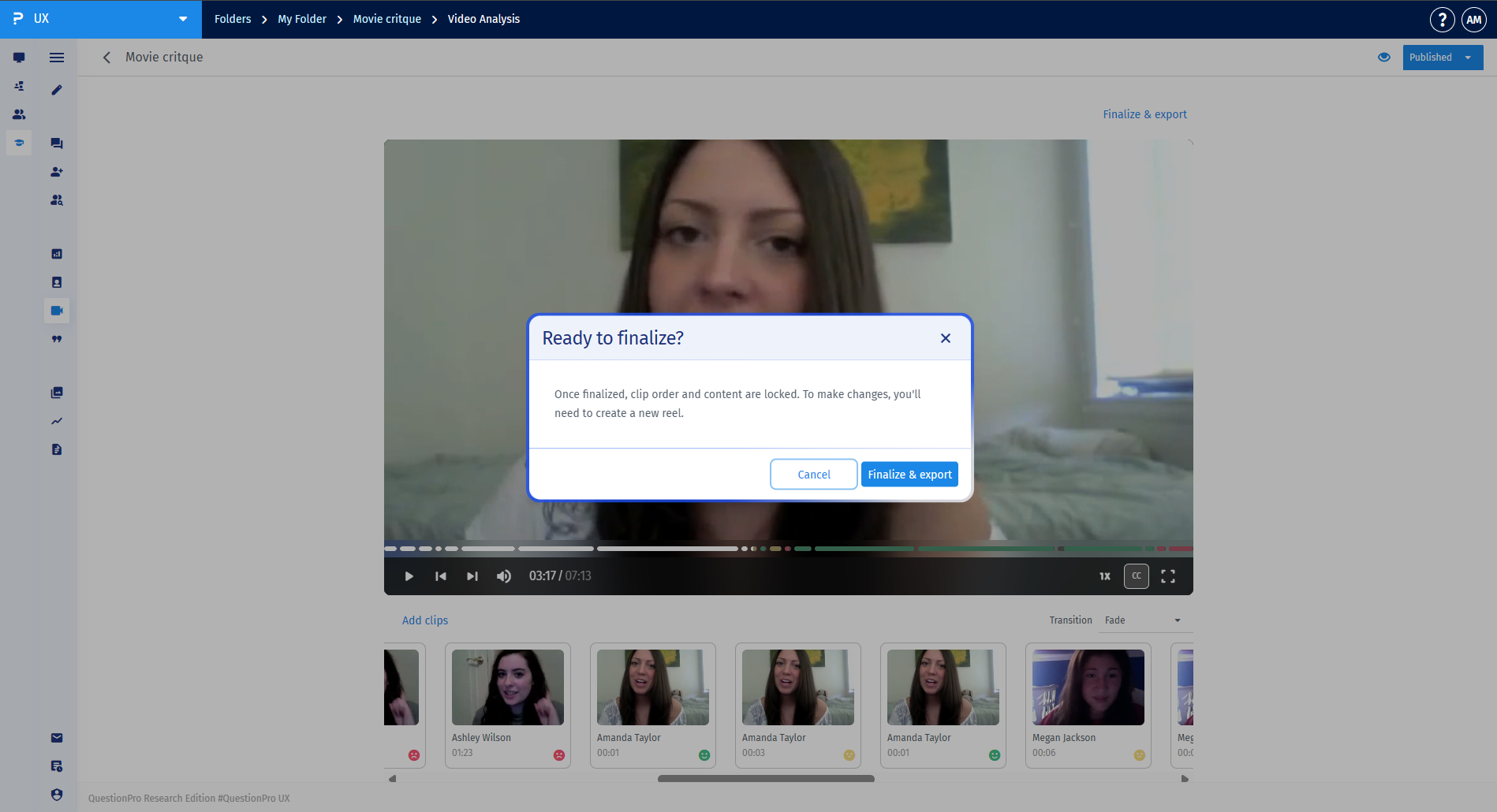
When you are satisfied with your timeline adjustments, click Finalize & export. A confirmation dialog will note that the clip order and contents will be locked upon final creation. Click Finalize & export to stitch the clips together.
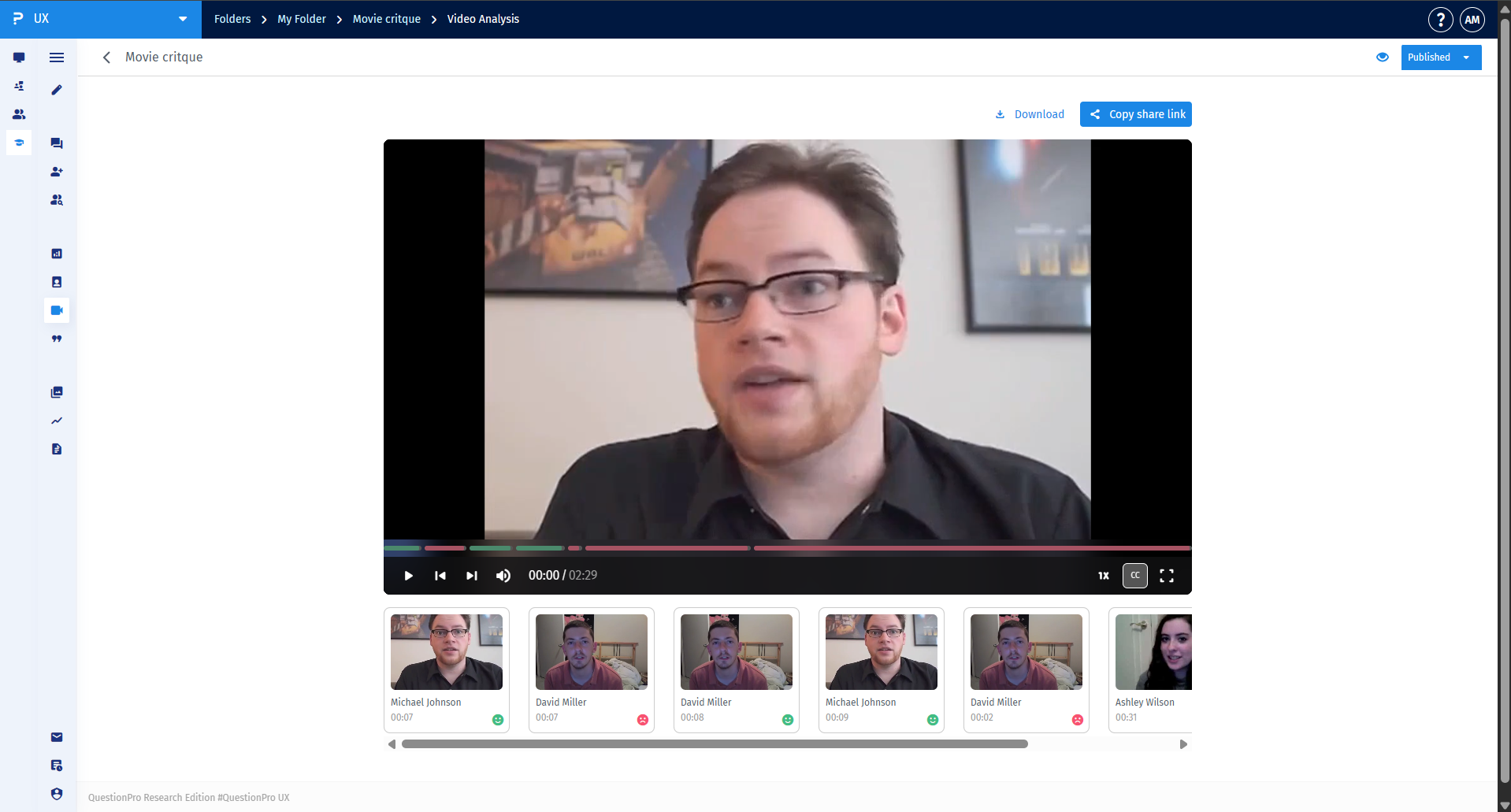
Once processing is complete, the reel is ready to share. Use the Download button to save the file locally, or select Copy share link to safely send a web-viewable version directly to your stakeholders.