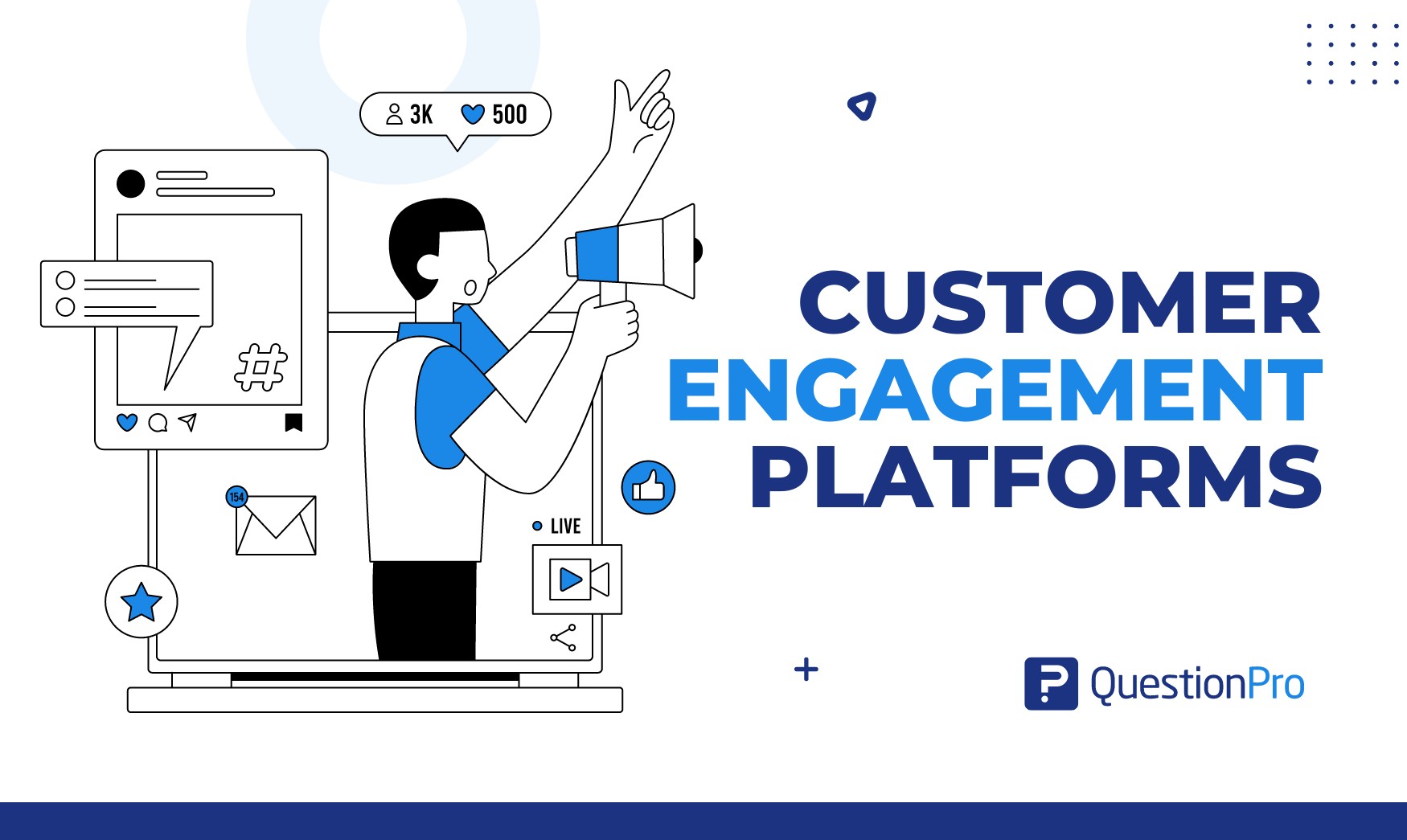
Customer engagement platforms are software that helps a business start, track, and improve conversations with customers across email, text, chat, apps, and surveys. They pull customer data into one place, then use it to send the right message at the right moment.
The category is crowded, and the labels overlap. A tool called a CRM, a CDP, or a feedback suite may all claim to drive engagement, which makes buying harder than it should be.
In this blog, we’ll define the category, compare it with adjacent tools, walk through selection criteria, review 10 platforms with current pricing, and show how to measure results.
What is a customer engagement platform?
A customer engagement platform (CEP) is software that unifies customer data and uses it to run personalized, multi-channel interactions across the customer lifecycle. Its job is to keep customers active, informed, and loyal after the first sale, not only to win the sale.
Most platforms work in four steps:
- Collect.
They gather behavior, purchase, support, and survey data from your website, app, store, and other systems.
- Unify.
They match that data to one customer profile.
- Act.
They trigger messages, offers, or tasks through email, SMS, push, chat, or in-app prompts.
- Learn.
They report which actions raised response, retention, or satisfaction.
If you want the broader concept first, our guide to customer engagement covers definitions, examples, and metrics without the software angle.
Customer engagement platform vs CRM, CDP, and marketing automation
These four tool types overlap, but each has a different core job. A CRM (customer relationship management system) stores sales and contact records. A CDP (customer data platform) unifies customer data from many sources. Marketing automation runs scheduled campaigns. A CEP sits on top and coordinates live, cross-channel interactions.
| Tool type | Core job | Best at | Weak spot |
|---|---|---|---|
| Customer engagement platform | Orchestrates interactions across channels | Triggered, personalized journeys | Needs clean data to work well |
| CRM | Stores contacts, deals, and service history | Sales tracking and account records | Limited real-time messaging |
| CDP | Unifies data from many sources | One customer profile | Rarely sends the messages itself |
| Marketing automation | Runs email and nurture campaigns | Lead scoring and scheduled sends | Mostly one-way, campaign-led |
| Customer experience software | Measures how customers feel | Surveys, journey maps, feedback analysis | Needs a channel tool to act at scale |
Many vendors now bundle two or three of these, so check what a product actually does before trusting its category label.
What features should a customer engagement platform have?
A solid platform covers eight core capabilities. Missing two or three of them usually means you are buying a point tool, not a platform.
- Unified customer profiles that merge web, app, purchase, and support data
- Segmentation by behavior, value, lifecycle stage, and sentiment
- Omnichannel messaging across email, SMS, push, in-app, and chat
- Journey orchestration that triggers actions from customer events
- Personalization using profile data and, increasingly, AI recommendations
- Feedback collection through surveys, polls, and reviews
- Analytics and testing with dashboards and A/B tests
- Integrations and consent controls for your CRM, help desk, ecommerce store, and privacy rules
Feedback collection is the one most buyers forget. Without it, you know what customers did but not why they did it.
Why do customer engagement platforms matter?
Engaged customers are worth more than satisfied ones. Gallup found that fully engaged customers represent an average 23% premium in share of wallet, profitability, revenue, and relationship growth. It also found that actively disengaged customers represent a 13% discount on the same measures. That research dates to 2014, but the gap it describes is still the case teams use to justify engagement budgets.
A platform turns that finding into daily practice in four ways:
- Retention: Triggered messages catch customers who go quiet before they leave.
- Insight: Behavior and survey data together show why customers stay or churn.
- Speed: Support issues reach the right team while the customer is still waiting.
- Efficiency: Teams reuse one data source instead of exporting spreadsheets between tools.
Better relationships also lift advocacy. Happy customers refer others, review products, and buy again.
How do the stages of customer engagement map to platform features?
Customers move through seven stages, from first awareness to long-term loyalty. Each stage needs a different platform capability and a different success measure.
| Stage | Customer goal | Platform capability | Metric to watch |
|---|---|---|---|
| Awareness | Learn the brand exists | Audience segments, ad and content tracking | Reach, click-through rate |
| Consideration | Compare options | Behavior-triggered content, live chat | Return visits, demo requests |
| Conversion | Decide to buy | Cart reminders, offers, quick checkout prompts | Conversion rate |
| Onboarding | Get started | In-app guides, welcome series | Time to first value |
| Engagement | Use the product often | Personalized recommendations, polls, tips | Active usage rate |
| Advocacy | Recommend the brand | Referral prompts, review requests | Net Promoter Score |
| Loyalty | Stay and spend more | Rewards, win-back flows, feedback loops | Repeat purchase rate, churn |
Mapping your own journey first shows which stage leaks the most customers. Our guide to the customer journey map explains how to build one.
How to choose a customer engagement platform
Choose by use case and data readiness, not by feature count. Five questions narrow the field quickly.
What problem must it solve first?
Pick one primary goal. A platform strong at ecommerce email may be weak at product onboarding, so the goal sets the shortlist.
- Cutting churn
- Lifting repeat purchases
- Speeding up support
Where does your customer data live?
List every system that holds customer data. A platform that connects natively to your CRM, store, and help desk saves months of integration work.
Which channels do customers actually use?
Check where your audience responds. Then match the platform to those channels.
- Mobile-first brands need strong push and in-app messaging.
- B2B software firms may need email and in-app guides.
- Retailers often lean on email and SMS.
What can your team run?
Some tools need developers and data engineers. Others let marketers build journeys alone. Be honest about your team’s skills and bandwidth.
What will it really cost?
Add every cost line before you compare vendors.
- License fees
- Usage charges
- Onboarding services
- Extra seats
Pricing models vary by vendor: per user, per contact, per message, or custom quote.
10 Top customer engagement platforms compared
These ten platforms cover the main buyer needs: feedback-led engagement, all-in-one CRM suites, cross-channel messaging, support-led engagement, and product onboarding. Pricing below comes from each vendor’s public page as of October 2026. Always confirm current figures before you buy.
| Platform | Best for | Starting price (public page) |
|---|---|---|
| QuestionPro | Feedback-led engagement | Free plan; paid from $99 per user per month |
| HubSpot | All-in-one CRM and marketing | Free CRM; paid tiers by hub |
| Salesforce Marketing Cloud | Enterprise Salesforce users | From $1,500 per org per month |
| Braze | Cross-channel consumer messaging | Custom quote |
| Klaviyo | Ecommerce email and SMS | Free to start; usage-based |
| MoEngage | Mobile-first brands | Custom quote |
| Zendesk | Support-led engagement | From $55 per agent per month |
| Intercom | Chat and AI support | From $29 per seat per month |
| Userpilot | In-app onboarding | From $299 per month |
| Sprinklr | Large-scale social and service | Custom quote |
1. QuestionPro
QuestionPro combines feedback collection with engagement tools, so teams learn why customers act as they do. Its Customer Experience suite covers NPS, CSAT, and CES surveys, journey mapping, closed-loop follow-up, and dashboards. Its pricing page lists a free Essentials plan, Advanced at $99 per user per month billed annually, and Team Edition at $83 per user per month for five or more users. Customer Experience pricing comes by quote.
- Best for: Teams that want feedback to trigger action.
- Watch for: It is not a bulk email or push engine, so pair it with a messaging tool for large campaigns.
2. HubSpot
HubSpot bundles a free CRM with marketing, sales, and service hubs on one customer record. Small and mid-sized teams like how fast they can launch email, forms, chat, and simple automations without engineers. HubSpot’s pricing page lists the paid tiers.
- Best for: Growing businesses that want one system.
- Watch for: Costs climb as you add contacts and hubs.
3. Salesforce Marketing Cloud
Salesforce suits enterprises that already run sales and service on its platform. Its marketing pricing page lists Marketing Cloud Next Growth at $1,500 per org per month and Engagement+ at $2,000 per org per month, both billed annually. Journey building, AI scoring, and data unification are deep but need setup.
- Best for: Large teams with admin and data resources.
- Watch for: Implementation time and total cost beyond the license.
4. Braze
Braze focuses on real-time, cross-channel messaging for consumer brands, including push, email, in-app, and SMS. Marketers build journeys from live behavior, and the platform handles very large audiences. Braze prices by quote through its website.
- Best for: Consumer apps and subscription brands.
- Watch for: Custom pricing and a learning curve for new teams.
5. Klaviyo
Klaviyo connects to online store data, so email and SMS campaigns can use purchase history, browse behavior, and product details. It is popular with ecommerce brands that sell on Shopify and similar platforms. Check Klaviyo’s pricing page for current tiers.
- Best for: Direct-to-consumer and ecommerce stores.
- Watch for: Less depth for non-commerce use cases like service or onboarding.
6. MoEngage
MoEngage targets mobile-first brands that need push, in-app, email, and web messaging with behavior analytics. It offers segmentation, journey flows, and AI-driven send-time optimization. Pricing is quote-based, so request details from MoEngage.
- Best for: Apps with large mobile audiences.
- Watch for: Less focus on survey-led feedback.
7. Zendesk
Zendesk builds engagement around support. Customers reach agents by email, chat, phone, or social, and AI tools suggest replies and automate common requests. Its pricing page lists Suite Team at $55 per agent per month and Suite Professional at $115, both billed annually. Monthly billing costs $69 and $149.
- Best for: Support teams that want engagement tied to tickets.
- Watch for: Limited proactive marketing features.
8. Intercom
Intercom blends live chat, a help center, and an AI agent called Fin. Intercom’s pricing shows Essential at $29 per seat per month, Advanced at $85, and Expert at $132, with Fin starting at $0.99 per outcome. It works well for product-led software companies that talk to customers inside the app.
- Best for: Software firms with in-app support.
- Watch for: Usage-based AI charges can add up with volume.
9. Userpilot
Userpilot helps product teams guide users inside web apps with tours, checklists, tooltips, and in-app surveys. Its praticing page lists Starter at $299 per month and Growth from $849 per month. Teams use it to speed onboarding and feature adoption.
- Best for: SaaS product and customer success teams.
- Watch for: It covers in-app engagement only, not email or SMS.
10. Sprinklr
Sprinklr unifies social media, advertising, and customer service on one enterprise platform. Large brands use it to monitor conversations and respond across dozens of channels. Pricing is by quote through Sprinklr.
- Best for: Global brands with heavy social volume.
- Watch for: High cost and complexity for smaller teams.
We removed three tools from the previous version of this list: Typeform, Optimizely, and Kangaroo. Typeform is a form builder, Optimizely centers on experimentation and content, and Kangaroo is a loyalty tool. All three are useful, but they fit narrower categories.
How does QuestionPro support customer engagement in practice?
QuestionPro helps teams hear customers first, then act. Three capabilities do the heavy lifting.
- Closed-loop feedback.
A low NPS or CSAT score can create a ticket for the account owner, so detractors get a reply before they churn. Escalation rules flag cases that sit too long.
- AskWhy questions.
This question type pairs a score with a short follow-up on the reason. You get the number and the explanation in one response.
- Live polls.
For events, webinars, and meetings, live polls and quizzes let audiences answer in real time. Teams pair them with their Survey Software to keep the data in one place.
Journey tracking adds context. The Journey Management Tool shows where scores drop between stages. QuestionPro’s AI features also summarize open-ended comments, flag themes, and spot churn risk, according to the product page.
What do real-world engagement programs look like?
These three illustrative scenarios show how different teams use a platform. They are composites, not customer case studies, and numbers will vary by business.
Retailer: Win-back after a quiet period
An online retailer segments shoppers who have not bought in 90 days. The platform sends a short survey asking why, then routes each answer to a matching action.
- Price-sensitive buyers get a discount code.
- Shoppers with a product complaint get a service call.
- Shoppers who simply forgot get a reminder with new arrivals.
Software company: Onboarding rescue
A SaaS firm sees that new accounts stall in week two. An in-app checklist guides setup, and a one-question poll asks what is blocking progress. Customer success follows up with accounts that stay stuck for five days.
Regional bank: Post-service feedback
A regional bank sends a short CSAT survey after each branch or call center visit. Low scores open a case for a manager within one business day.
- Managers call the customer back.
- Repeated issues go to the training team.
- Resolved cases trigger a thank-you note.
If you want more tactics, see our guide to customer engagement strategies.
How do you measure the ROI of a customer engagement platform?
Measure ROI by comparing a baseline to results after launch, using a small set of metrics tied to your main goal. Capture at least 90 days of baseline data before you switch anything on.
| Metric | What it shows | How to calculate |
|---|---|---|
| Net Promoter Score (NPS) | Likelihood to recommend | % promoters (9 to 10) minus % detractors (0 to 6); range is -100 to +100 |
| Customer satisfaction (CSAT) | Satisfaction with one interaction | Satisfied responses divided by total responses |
| Customer effort score (CES) | How hard it was to get help | Average rating on an effort scale |
| Repeat purchase rate | Loyalty over time | Customers with 2+ orders divided by all customers |
| Churn rate | Customers lost | Customers lost in a period divided by customers at start |
| Active usage rate | Product or app engagement | Active users divided by total users |
Run a pilot of eight to twelve weeks on one segment, with a holdout group that gets no new messages. Compare the two groups. The gap, minus platform and labor costs, is your net return.
What mistakes should you avoid when adopting a platform?
Most failures come from setup and habits, not from software. Watch for these five.
- Buying for features.
Teams pick the longest feature list, then use a fifth of it.
- Dirty data.
Duplicate or outdated profiles lead to wrong or repeated messages.
- Message overload.
Sending on every channel at once trains customers to ignore you.
- No feedback loop.
Teams track clicks but never ask customers how they feel.
- No owner.
Without one accountable person, journeys go stale after launch.
A good rule is to start with one channel and one use case. Prove it works, then expand.
Step-by-step guide to rolling out a customer engagement platform
A phased rollout limits risk and shows value early. Most mid-sized teams can follow these six steps.
- Set one goal and one metric, such as cutting 90-day churn.
- Audit your data and fix duplicates and missing consent records.
- Connect core systems: CRM, store or app, and help desk.
- Build one journey, like a welcome or win-back series.
- Launch to a pilot segment with a holdout group.
- Review weekly, then widen to more segments and channels.
What US privacy and messaging rules apply?
US rules shape how you can message customers, so build compliance into platform selection. Three apply most often.
- CAN-SPAM Act: Governs commercial email and requires accurate sender details and a working opt-out. The FTC says each violating email can bring penalties of up to $53,088.
- Telephone Consumer Protection Act (TCPA): Requires consent before marketing texts.
- California Consumer Privacy Act (CCPA): Lets residents ask what data a business holds, request deletion, and opt out of its sale or sharing, as the California Attorney General explains.
Pick a platform that stores consent by channel and handles deletion requests without manual work. This is general information, not legal advice, so confirm requirements with counsel.
Engagement tools work best when they listen first
The strongest customer engagement platforms do more than send messages. They connect what customers do with what customers say, then respond in time to matter.
Start small and pick one problem. Choose the platform that fits your data and team, and measure against a clear baseline. If feedback sits at the center of your plan, a survey and experience suite will serve you better than another outbound tool.
Frequently Asked Questions (FAQs)
Small businesses can start for free or under $100 a month with tools such as the QuestionPro Essentials plan or HubSpot’s free CRM. Enterprise suites like Salesforce Marketing Cloud start near $1,500 per org per month and often require a services budget.
Not on its own. A survey tool collects feedback, while an engagement platform also acts on it through messaging, segmentation, and workflows. Survey tools become part of an engagement stack when they trigger follow-ups or feed data into a CRM.
Lightweight tools can go live in days. Mid-market platforms often take a month or two for data connections, consent setup, and first campaigns. Enterprise rollouts with many data sources run longer, so start with one channel and one use case.
Yes. CAN-SPAM requires clear opt-out options and accurate sender details for commercial email, with penalties up to $53,088 per violation. Marketing texts also need prior consent under the TCPA, so choose a platform that stores consent records by channel.
Customer experience software measures how customers feel across touchpoints, using surveys, journey maps, and analytics. Customer engagement software acts on those signals with timely messages and offers. Most mature teams connect both so feedback triggers outreach instead of sitting in reports.