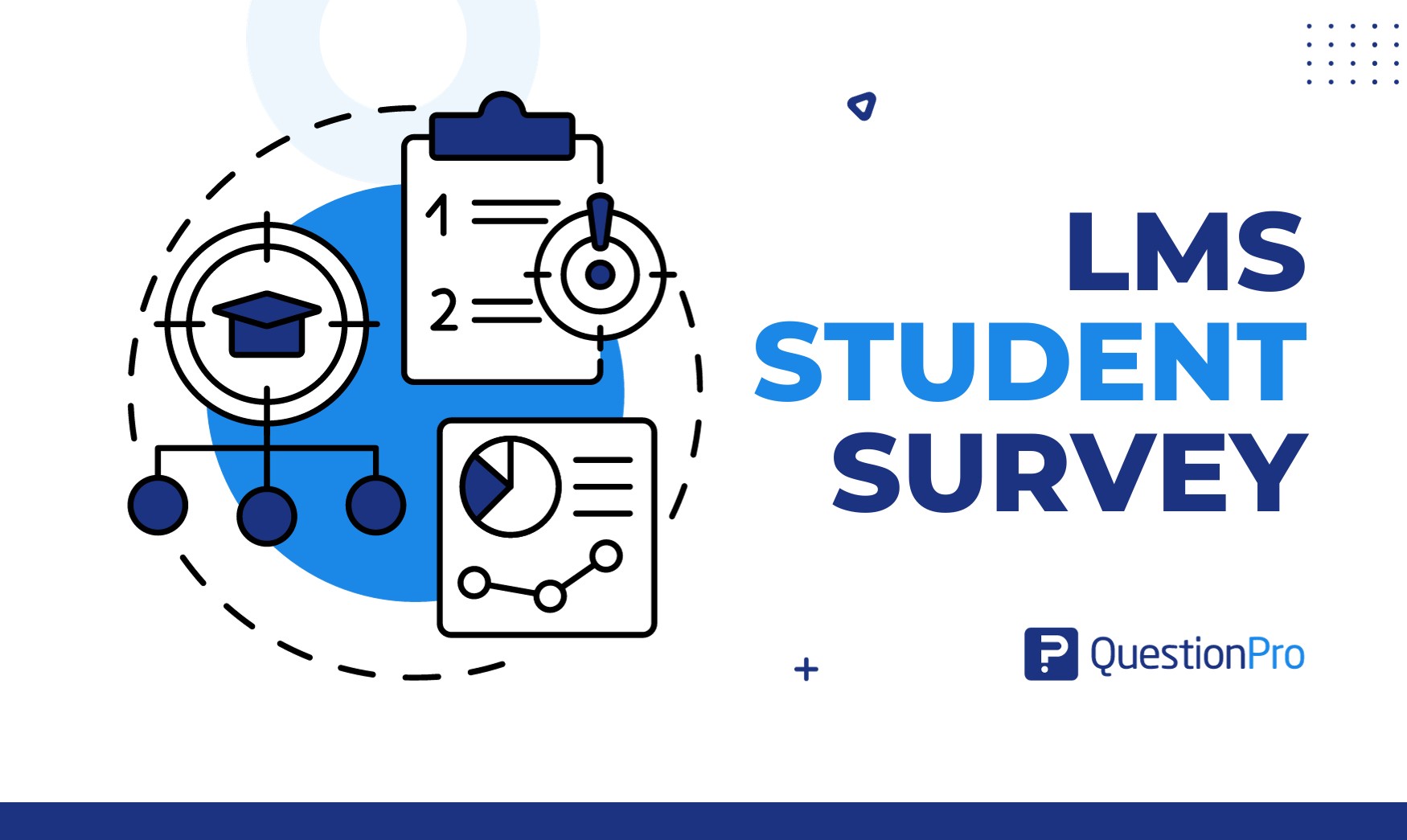
Online education keeps growing, and with it, the number of institutions relying on a Learning Management System to deliver coursework. An LMS student survey is how those institutions find out whether the platform is actually working for the students using it every day.
Without that feedback, institutions are left guessing whether a confusing navigation menu or an unclear assignment format is quietly hurting engagement. A well-designed survey turns that guesswork into something specific enough to act on.
This guide covers what an LMS student survey measures, how to design questions that produce honest answers, and how to run the process without triggering survey fatigue.
What is an LMS student survey?
An LMS student survey is a structured feedback tool that collects student input on their experience with a Learning Management System, covering areas like navigation, course content, communication features, and overall satisfaction.
Institutions use this feedback to measure how well their online learning tools are performing, spot friction points, and understand what students actually need from the platform, not just what the platform was designed to offer.
What should an LMS student survey measure?
An LMS student survey should measure five core areas: platform functionality, course content, instructional design, communication, and overall experience.
- LMS functionality.
Ease of navigation and accessibility of core features. - Course content and materials.
Relevance to learning objectives and clarity of instructions. - Instructional design.
Engagement with videos, interactive elements, and teaching methods. - Communication and collaboration.
Effectiveness of messaging tools and peer interaction features. - Overall experience.
General satisfaction and open suggestions for improvement.
How do you design effective LMS survey questions?
Effective LMS survey questions are clear, short, and matched to the type of feedback you actually need, which means choosing deliberately between open-ended and closed-ended formats.
Open-ended vs closed-ended questions
Open-ended questions let students answer freely, which produces richer detail but takes longer to analyze. A question like “Please share any additional comments about your experience with the LMS” works well here.
Closed-ended questions use fixed response options, which are faster to analyze and compare across a large group. A question like “Rate your satisfaction with the LMS interface on a scale from 1 to 5” fits this format. Most effective surveys combine both.
Likert scale and rating questions
A Likert scale is a response format that measures agreement or sentiment across a range, typically from strongly agree to strongly disagree, as explained in more depth in this guide to Likert scale questions. It works well for statements like “The LMS effectively supports my learning needs.”
A rating question uses a numerical scale instead, such as “On a scale of 1 to 10, how satisfied are you with the accessibility features of the LMS?” Both formats produce quantifiable data, but Likert scales are better suited to attitude questions, while rating scales work well for direct satisfaction checks.
How do you keep LMS survey responses anonymous?
Keeping LMS survey responses anonymous starts with avoiding personally identifiable information in the survey design and using a platform built to protect respondent identity.
Practical steps include:
- Avoiding fields that could identify an individual respondent, such as full name paired with a specific course section.
- Using a survey platform with anonymous response settings enabled by default.
- Sharing only summarized, aggregated results rather than individual answers.
- Communicating clearly to students how their confidentiality will be protected before they start.
Students give more honest, useful feedback when they trust their individual answers cannot be traced back to them, which is especially important for questions about instructor performance or peer dynamics. This mirrors research on survey confidentiality from Educause, which notes that anonymity meaningfully improves candor in student feedback on instruction.
When should institutions run an LMS student survey?
Institutions should run an LMS student survey at natural checkpoints in the academic calendar, such as mid-semester or right after a major assessment, rather than at random intervals.
Timing this well avoids survey fatigue, which happens when students are asked for feedback too often or during periods already overloaded with coursework. Spacing surveys out while still gathering feedback regularly strikes the right balance between staying current and not overwhelming students.
How do you get students to actually complete the survey?
Getting students to complete an LMS survey depends on clear communication about why the survey matters and how their input will be used.
- Explain the purpose upfront, including a short summary of how feedback drives improvements.
- Use multiple channels, such as email, in-platform notifications, and course announcements, to reach more students.
- Keep the process transparent, including expected completion time and confidentiality measures.
What should you look for in a survey platform for LMS feedback?
A survey platform for LMS feedback should be easy for students to use, compatible with your existing LMS, secure, and capable of clear reporting.
| Requirement | Why it matters |
|---|---|
| Ease of use | Low-friction surveys get higher completion rates |
| LMS compatibility | Reduces manual work distributing and collecting responses |
| Data security | Protects sensitive student information |
| Reporting depth | Turns raw responses into decisions administrators can act on |
QuestionPro EDU is built specifically for educational institutions, with survey templates, skip logic, and real-time reporting designed for this kind of feedback collection. Pairing it with general survey software features like multi-channel distribution makes it easier to reach students wherever they engage with coursework.
Common mistakes in LMS student surveys
A few recurring mistakes reduce the quality of feedback institutions collect.
- Asking too many open-ended questions, which increases analysis time without improving insight.
- Running surveys too frequently, which triggers fatigue and lowers completion rates.
- Failing to close the loop by sharing what changed based on previous feedback.
- Using vague questions that don’t map to a specific, actionable area of the platform.
Feedback is the fastest way to improve an online course
An LMS student survey costs little to run compared to the value of catching a confusing module or an unclear assignment format before it affects an entire semester of students. Consistent, well-timed surveys turn a static platform into one that visibly improves term over term.
An LMS student survey bridges the gap between how an online platform was designed and how students actually experience it day-to-day. By asking targeted questions at key moments, protecting student anonymity, and acting on the feedback you collect, you transform raw survey data into meaningful platform improvements. Consistently tuning your learning environment ensures your LMS continues to support student success term after term.
Frequently Asked Questions (FAQs)
Most effective LMS surveys stay under 15 questions, since a shorter form protects completion rates and keeps the time commitment reasonable for students already managing a full course load.
Making a survey mandatory can boost response rates, but it risks lower-quality answers from students rushing to finish. A better approach often pairs optional participation with clear communication about why the feedback matters.
Yes, if the core questions stay consistent term over term. Comparable question wording lets institutions track whether specific changes to the platform or course design actually improved satisfaction over time.
Aggregated, anonymized results typically go to course instructors and academic administrators responsible for the LMS, while individual identifiable responses should remain restricted to protect student confidentiality.
Not necessarily for question design, but IT staff input helps when interpreting technical complaints about navigation, load times, or accessibility features, since those issues often require a technical fix rather than a policy change.