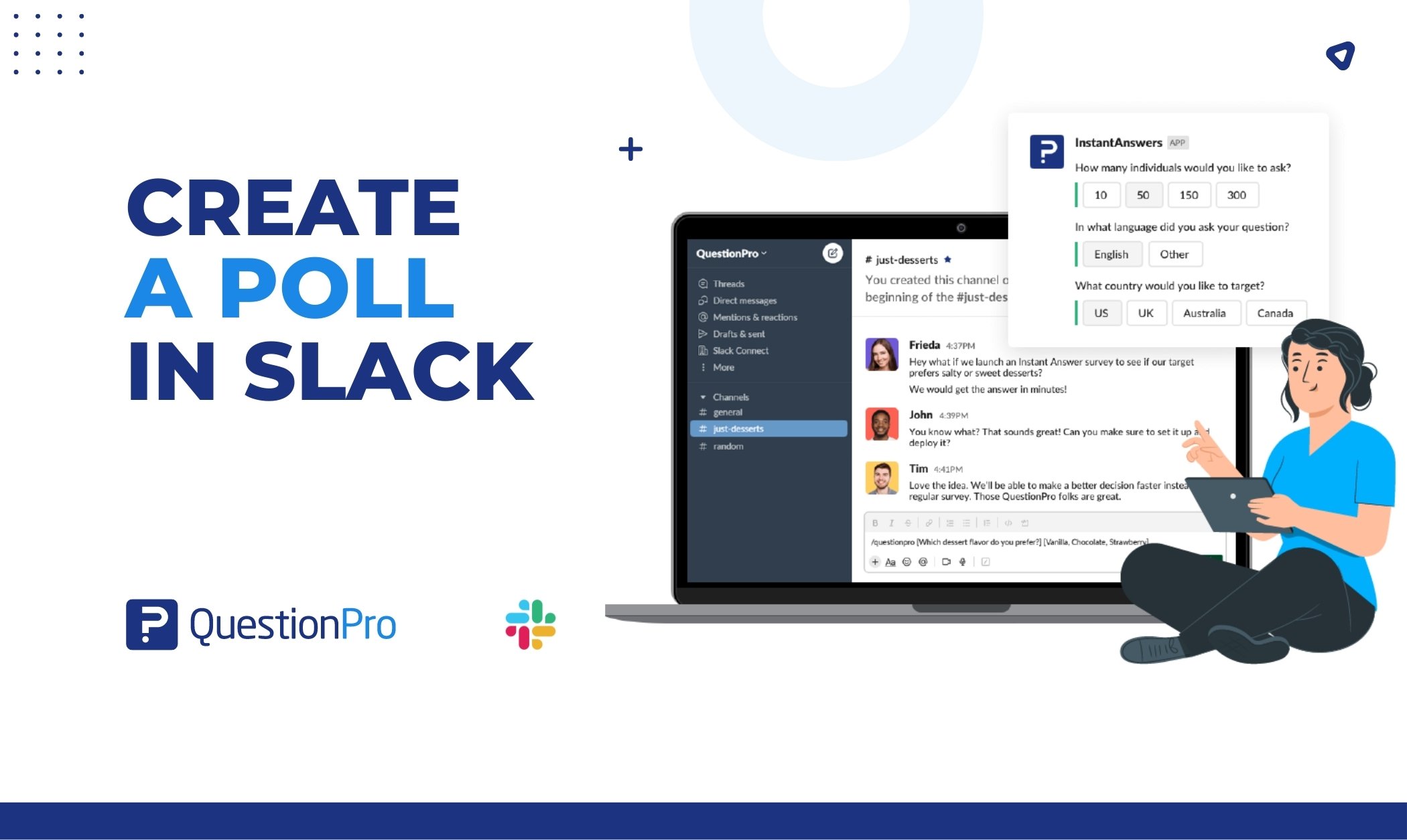
To create a poll in Slack, you use a shortcut such as emoji reactions or add a polling app. Slack has no dedicated poll feature of its own at the time of writing. A Slack poll is a single question posted in a channel that teammates answer with one click.
The right method depends on who you need answers from, whether votes must be anonymous, and how fast you need results. A lunch vote and a pulse check on team workload call for different tools.
In this guide, we’ll compare four ways to make a poll, walk through setup for each, and show how to read the results.
What is a poll in Slack?
A poll in Slack is a single-question vote posted in a channel or direct message, where members answer by clicking a reaction or a button. Results appear as people vote, so a group can settle a question in minutes.
Slack does not ship a dedicated poll tool. Teams build polls with emoji reactions, with Workflow Builder, or with an app from the Slack App Directory. An app here means an add-on that brings new commands and buttons into your workspace.
Every Slack poll has the same three parts:
- A question: One idea, written neutrally
- Options: A short list of answers people can click
- A deadline: The time the poll closes and the result is posted
Do not confuse a poll with a survey. One question tells you what people prefer. Several questions tell you why.
Which method should you use to create a poll in Slack?
Four methods cover almost every case: emoji reactions, Workflow Builder, a third-party polling app, and QuestionPro Instant Answers. Choose by audience first, then by how much control you need over voting rules.
| Method | Best for | Who answers | Main limit |
|---|---|---|---|
| Emoji reactions | Quick team decisions | Your channel | Votes are public, with no deadline or one-vote rule |
| Workflow Builder | Recurring check-ins | Your workspace | Full use needs a paid Slack plan |
| Polling app (Polly, Simple Poll) | Anonymous or scheduled polls | Your channel | Some features sit behind paid app plans |
| QuestionPro Instant Answers | Outside opinions | A verified research panel | Single-question format, and respondents are not your colleagues |
Step-by-step guide to creating a poll in Slack with built-in and app options
Three methods work entirely inside your own workspace. Each takes only a few minutes to set up.
Emoji reactions
Emoji reactions are the fastest route and work on every Slack plan. Follow these steps:
- Write your question in a channel message.
- List each option with its own emoji beside it.
- Add each emoji yourself so voters only need to click.
- State a deadline in the message, such as “Vote by 3 p.m. Friday.”
- Count the reactions at the deadline and post the result.
Subtract your own seed reaction from each count. Otherwise, your starter vote inflates every option by one.
Workflow Builder
Workflow Builder is Slack’s built-in tool for automating routine tasks without code. Slack’s help center lists it for paid plans, so free workspaces may not have the full feature set.
You can start a workflow on a schedule or from a link. Add a form step that asks your question, then route the answers to a person or a channel. That makes it a good fit for a weekly mood check. It feels clunkier than a polling app for one-off votes, so confirm which form and connector steps your plan includes before you build.
Polling apps like Polly and Simple Poll
A polling app adds a slash command, which is a typed shortcut that starts with a forward slash. Install the app from the Slack App Directory, type its command in a channel, choose a question type and audience, then send now or schedule it.
Polly’s own guide lists what its polls support:
- Question types: multiple choice, numeric scale, agree or disagree, NPS (Net Promoter Score), and open-ended
- Scheduling with recurring days, times, and a voting deadline
- An anonymous option set by the poll creator
- Result export to Google Sheets or CSV
Simple Poll is a lighter alternative for fast single-choice votes. Check each app’s current plan limits before a team-wide rollout, because anonymous and recurring options often sit on paid tiers.
How does QuestionPro Instant Answers work in Slack?
QuestionPro Instant Answers sends one question to a panel of verified respondents and streams the answers back into your Slack channel. It solves a different problem than the methods above: what do people outside your company think?
QuestionPro Instant Answers is a tool for high-frequency research. Respondents are double opted-in, which means they confirmed twice that they want to take part. The sample is balanced to census data by age, gender, region, and ethnicity.
How to install it and post a question
Setup follows the same pattern as any Slack app. Take these steps:
- Search for QuestionPro Instant Answers in the Slack App Directory.
- Select Add to Slack, choose your workspace and channel, and review the permissions.
- Authorize the app.
- Type /questionpro in the channel to open the question dialog.
- Enter your question, the answer type, and the answer options.
- Choose the sample size and target region, then submit.
What to expect after you submit
Answers arrive in the same channel as they come in. QuestionPro’s Instant Answers overview gives these practical limits:
- Turnaround runs from minutes to hours, not days
- Single-select and multi-select questions work best
- A few hundred responses, such as 300, give a reliable directional read
- Subgroup analysis needs a larger base
When it beats a team poll
Say a product manager in Austin wants to know which of two package designs shoppers prefer. A poll to colleagues would only show what coworkers think. Instant Answers puts the question in front of a demographically balanced panel instead.
Need more than one question, or need to ask why? Build a full survey with QuestionPro survey software and share the link back in Slack.
How do polls, surveys, and pulse surveys differ in Slack?
A poll asks one question, a survey asks several, and a pulse survey repeats a short question set on a schedule. Choosing the wrong format is the most common reason a Slack poll produces answers nobody can use.
- Poll: One question, answered in seconds, best for decisions such as picking a meeting time.
- Survey: Several questions, usually opened through a link, best for finding reasons behind an opinion. The guide on when to use a survey or a poll covers the split in detail.
- Pulse survey: A short, recurring set of questions that tracks sentiment over time. The employee pulse survey guide shows sample questions by theme.
- Async check-in: A scheduled prompt that replaces a status meeting, often built in Workflow Builder.
Regular listening matters. Research found that 20% of employees worldwide were engaged at work in 2025, so a quick, repeated read on how people feel is worth the effort.
What are real-world examples of Slack polls?
Slack polls work best when the question is narrow and the decision is close. These five scenarios show how the method changes with the stakes.
| Scenario | Sample poll question | Best method |
|---|---|---|
| Picking an offsite day | “Which works better: Thursday or Friday?” | Emoji reactions |
| Release retro | “How confident are you in the new release process, 1 to 5?” | Polling app with a scale |
| Workload check | “Is your current workload sustainable?” | Anonymous polling app |
| Product name test | “Which name do you prefer, A or B?” | Instant Answers |
| Weekly mood | “How was your week?” | Workflow Builder on a schedule |
For live meetings or webinars where people respond in a browser, QuestionPro LivePolls fits better than a Slack channel.
How do you write Slack poll questions that get honest answers?
Honest answers come from neutral wording, one idea per question, and options that do not overlap. A poll gives people seconds to respond, so any confusing phrase turns into noise.
Compare two versions of the same question. “Don’t you agree the new schedule is better?” pushes people toward yes. “How do you feel about the new schedule?” with options from very negative to very positive does not.
Keep the option list short and cover every real choice, with an “Other” option when needed. Avoid combining two topics, such as “Is the pace and the workload right?” Split them into two polls. For more on neutral wording, see this poll maker guide.
Step-by-step guide to measuring Slack poll results
A poll succeeds when enough of the right people answer and someone acts on the result. Measure it with a few simple checks.
- Work out participation: voters divided by channel members. If 30 of 50 members vote, participation is 60%.
- Compare it with your own past polls. A drop across two polls in a row signals fatigue or a poorly timed post.
- Check for position bias. If the first option wins every time, shuffle the order.
- Separate casual votes from decisive ones. A 6 to 4 split calls for discussion, while a 9 to 1 split can close the issue.
- Post the outcome and the next action within one working day.
What mistakes should you avoid when you create a poll in Slack?
Most failed polls share the same few problems, and each one is easy to fix once you spot it. Watch for these:
- No deadline: Votes trickle in for days and the decision stalls.
- Public votes on sensitive topics: People copy the early leaders or stay quiet.
- Too many options: Emoji polls get crowded past about five choices.
- Treating team opinion as market research: Colleagues are not your customers.
- Silence afterward: If nobody sees a result, the next poll gets fewer votes.
Final thoughts on creating a poll in Slack
The best Slack poll is the simplest one that matches your audience. Whatever method you pick, set a deadline, keep the question neutral, and share what you decided.
- Quick team call: Emoji reactions
- Anonymous or scheduled poll: A polling app
- Routine check-in: Workflow Builder
- Opinion from outside your company: Instant Answers
Frequently Asked Questions (FAQs)
Not by default. Emoji reactions show who voted for what. Anonymous voting usually comes from a polling app, where the poll creator switches it on. Some apps reserve that setting for paid plans, so check before promising privacy.
For most team decisions, 24 hours works. Teams spread across Eastern and Pacific time need a window that covers both mornings, so avoid closing a poll within a few hours of posting it.
Apps like Polly export results to Google Sheets or CSV. Emoji reaction polls have no export, so you must copy the counts by hand into a spreadsheet or post them as a summary message in the channel.
Two to five is the practical range. Emoji polls become crowded past about five choices, and voters start picking the first or last option. If you need more choices, ask a ranking question in a polling app instead.
There is no fixed rule. Start with one recurring poll every two weeks, watch participation, and slow down if it falls. Reserve ad hoc polls for decisions and use a pulse survey to track sentiment over time.