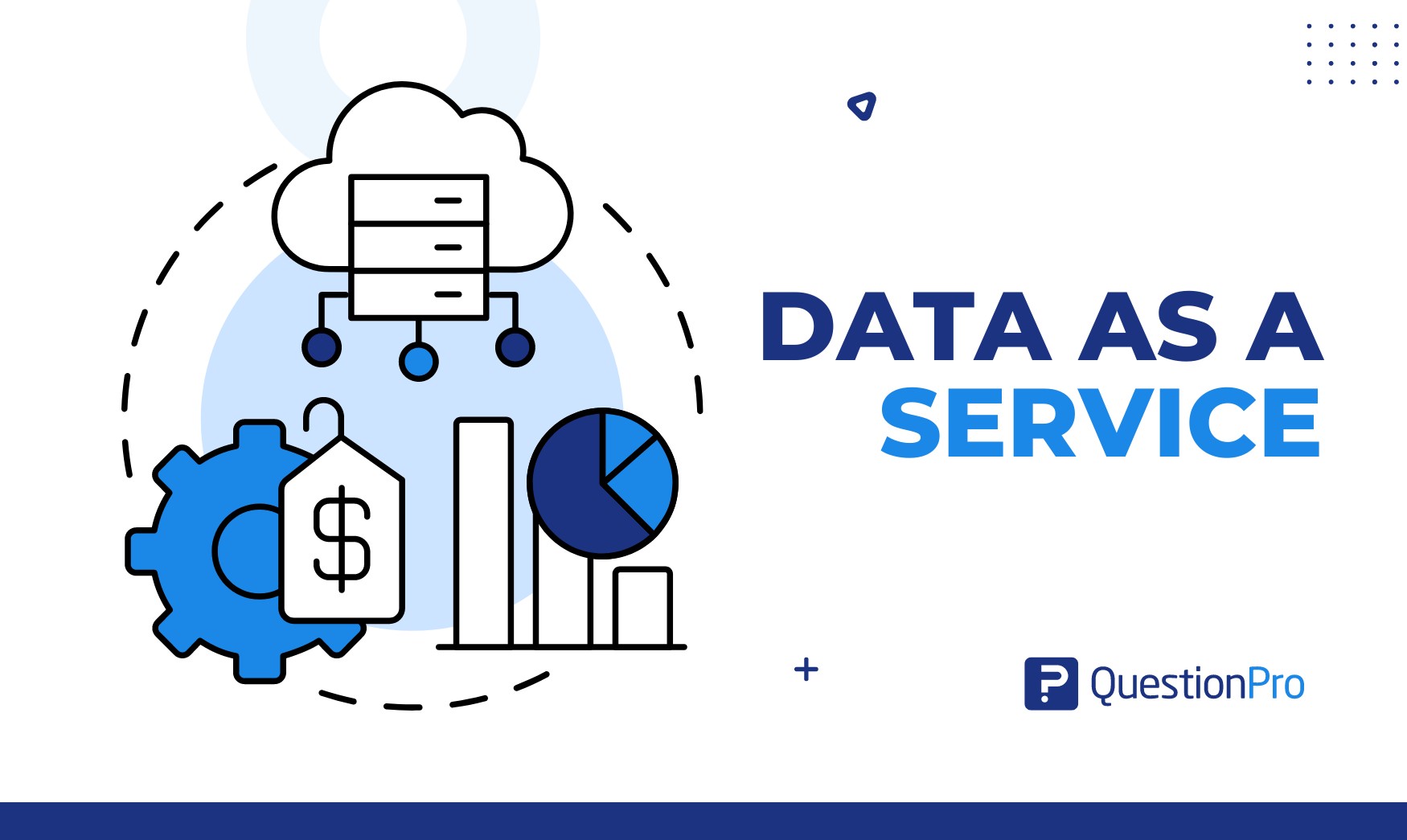
Data as a service is a model that gives teams access to managed data through cloud platforms, APIs, dashboards, or shared repositories. Instead of storing data in separate systems and asking every team to clean or move it manually, DaaS makes reliable data easier to access when people need it.
A business can use data from internal systems, third-party providers, research platforms, customer feedback tools, or cloud data services without building every data pipeline from scratch.
For companies in the USA, this matters because teams often work across many platforms, regions, customer segments, and compliance requirements. A clear data-as-a-service model can reduce duplicated work and make data easier to manage. In this article, we will explain what data as a service means, how it works, where it is used, its benefits and challenges.
What does data as a service mean?
Data as a service, or DaaS, means delivering data to users through a managed service instead of requiring each team to collect, clean, store, and prepare the data on its own.
A DaaS model can give users access to data through:
- Cloud platforms
- APIs
- Dashboards
- Data marketplaces
- Shared repositories
- Integrated analytics tools
- Managed research platforms
The purpose is to make data easier to access, reuse, and analyze. DaaS works best when the data is clean, governed, documented, and available to the right people.
It is not only about storing data in the cloud. It is about giving teams usable data in a format that supports reporting, analytics, research, marketing, customer experience, risk analysis, and operations.
How does data as a service work?
Data as a service works by collecting data from different sources, preparing it, storing it in a managed environment, and delivering it to users through controlled access.
A simple DaaS workflow looks like this:
- Data is collected from surveys, CRM systems, product tools, transactions, support tickets, or third-party sources.
- Data is cleaned and organized so users can trust the output.
- Data is stored in a cloud platform, warehouse, repository, or managed system.
- Data is delivered through APIs, dashboards, integrations, or reports.
- Access is controlled through permissions, governance rules, and privacy settings.
- Usage is monitored so the service can improve over time.
The National Institute of Standards and Technology defines cloud computing as on-demand network access to shared computing resources. This helps explain why many DaaS models rely on cloud infrastructure, since users can access data services without managing all the underlying systems themselves.
Data as a service vs. traditional data management
Traditional data management focuses on storing, processing, and controlling data inside an organization. Data as a service focuses on making prepared data available to users through a managed service model.
Both approaches matter. A DaaS model still needs data management, governance, quality checks, and security. The difference is how people access and use the data.
| Traditional data management | Data as a service |
|---|---|
| Data is stored inside separate systems | Data is delivered through a managed service |
| Teams often request data manually | Users access data through dashboards, APIs, or repositories |
| Data preparation may happen on a case-by-case basis | Data is prepared for repeated use |
| Ownership can be unclear | Service ownership is defined |
| Access may depend on technical teams | Access is easier for approved users |
| Success is based on storage and control | Success is based on usability, trust, and access |
| Traditional data management asks, “Where is the data stored?” | Data as a service asks, “Can the right people access reliable data when they need it?” |
Where is data as a service used?
Data as a service is used anywhere teams need reliable access to data without building every data system themselves.
Common areas include marketing, customer experience, research, finance, supply chain, product analytics, and risk management.
DaaS is useful when teams need:
- Faster access to trusted data
- Centralized reporting
- Third-party data enrichment
- Customer insights
- Predictive analytics
- Market research data
- Cross-team data sharing
- Cloud data services
- Better data integration
For example, a marketing team may use DaaS to combine customer behavior data with survey feedback. A supply chain team may use it to monitor demand signals. A risk team may use it to access external market or compliance data.
What are common use cases of data as a service?
Data-as-a-service use cases vary by industry, but the main goal is to give teams easier access to usable data.
1. Market research and customer insights
Research teams can use DaaS to collect, organize, and share survey data, customer interviews, panel data, and market reports.
This helps teams avoid losing insights in old folders or slide decks. It also makes research easier to reuse across campaigns, product decisions, and customer experience programs.
2. Personalized marketing
Marketing teams can use DaaS to access customer segmentations, behavior patterns, preference data, and feedback signals.
This helps them understand which audiences respond to specific campaigns and which messages need adjustment.
Useful marketing data can include:
- Customer segments
- Purchase behavior
- Website activity
- Survey feedback
- Campaign response data
3. Predictive analytics
Predictive analytics uses historical data to estimate future outcomes. In a DaaS model, teams can access prepared datasets that support forecasting, churn prediction, demand planning, or product adoption analysis.
This works best when data quality and documentation are strong.
4. Supply chain optimization
Supply chain teams can use DaaS to monitor inventory, supplier performance, shipment data, demand changes, and market signals.
This helps teams respond faster when demand shifts or operations become less predictable.
5. Risk management
Risk teams can use DaaS to access customer, financial, operational, market, or compliance data in one managed environment.
For US companies working in regulated industries, access controls, audit trails, privacy rules, and data governance are especially important.
Risk teams often need visibility into:
- Compliance data
- Financial exposure
- Customer records
- Operational issues
- Market changes
- Access logs
What are the benefits of data as a service?
The main benefit of data as a service is easier access to reliable data. It helps teams spend less time chasing files and more time using information.
Key benefits include:
- Accessibility: Approved users can access data through dashboards, APIs, or shared platforms.
- Scalability: Teams can add more data sources and users as needs grow.
- Cost control: Businesses may reduce the need to build every data pipeline or system internally.
- Speed: Teams can access prepared data faster.
- Flexibility: Data can support different use cases across teams.
- Better collaboration: Departments can work from shared data sources.
- Improved analytics: Clean and organized data supports stronger reporting and analysis.
DaaS does not fix poor data by itself. The benefit comes when the service includes quality checks, governance, documentation, and clear ownership.
What are the challenges of data as a service?
Data as a service can create problems if teams focus only on access and ignore quality, privacy, and control.
The most common challenges include:
- Data security: Sensitive data needs strong protection.
- Privacy compliance: Teams must manage consent, retention, and access rules.
- Data quality: Poor data leads to poor analysis.
- Integration issues: Systems may not connect cleanly.
- Vendor dependency: Teams may become too dependent on one provider.
- Cost management: Usage fees can increase as data volume grows.
- Unclear ownership: Nobody may know who fixes errors or updates the data.
How can businesses build data as a service offering?
Businesses can build a data-as-a-service offering by starting with a clear user need, then designing the data, access model, governance, and delivery method around that need. A simple process includes:
- Define the use case
Decide what question the data service should answer and what business problem it should solve. A strong use case keeps the service focused instead of turning it into a general data dump.
- Identify the users
Know who needs the data, how they will use it, and what decisions they need to make with it. A marketing team, product team, analyst, or external customer may each need different formats and levels of detail.
- Map the data sources
List where the data comes from, such as internal systems, customer records, survey data, transaction data, third-party sources, or public datasets.
- Check data quality
Review accuracy, completeness, duplication, consistency, and freshness before making the data available. Poor-quality data can damage trust and lead users to make the wrong decisions.
- Set governance rules
Define who owns the data, who can access it, how permissions work, and what privacy or compliance controls are required. Governance is especially important when customer, financial, or sensitive business data is involved.
- Choose the delivery method
Decide how users will access the data, such as dashboards, APIs, reports, repositories, integrations, or self-service portals.
- Document the data
Explain the data sources, definitions, fields, limitations, update frequency, and recommended use cases.
- Monitor usage
Track adoption, user requests, errors, access issues, and feedback. This shows whether the service is useful and where it needs improvement.
The best DaaS models are not just technical systems. They are services with users, standards, support, and regular improvement.
How can QuestionPro InsightsHub support data as a service?
QuestionPro InsightsHub can support data as a service by helping research teams centralize, organize, and share survey findings, reports, discussions, and customer insights in one repository.
This matters because research data often sits across spreadsheets, dashboards, PDFs, slide decks, and project folders. When teams cannot find past research, they may repeat work or miss useful evidence.
InsightsHub can help teams:
- Store past studies and reports
- Search research data
- Organize survey findings
- Share insights with stakeholders
- Create dashboards
- Connect findings across projects
- Reuse research for future work
Final takeaway on data as a service
Data as a service helps teams access managed data through cloud platforms, APIs, dashboards, repositories, and integrated tools.
It can improve speed, access, collaboration, and analytics, but only when the data is accurate, secure, governed, and clearly documented.
For research, customer experience, marketing, product, finance, and operations teams, DaaS works best when it is treated as a service, not just a storage system. The real value comes from making trusted data easier for the right people to use.
Frequently asked questions (FAQs)
An example of data as a service is a customer insights repository that gives approved teams access to survey results, customer comments, dashboards, and reports from one managed platform.
Data as a service focuses on delivering data through a managed access model. Data as a product focuses on treating data as a reusable product with users, ownership, quality standards, documentation, and ongoing improvement.
The benefits of data as a service include easier access, faster reporting, lower manual effort, better collaboration, scalable data access, and more consistent analytics.
US companies often manage data across many tools, teams, and compliance requirements. DaaS helps approved users access trusted data while supporting governance, privacy, and security controls.