




A usability test script is the document that keeps a usability testing session on track. It tells the moderator what to say, which tasks to assign, and how to ask questions without steering participants toward a specific answer.
Without one, sessions drift. One participant gets a helpful hint, another gets none, and the notes from each session stop lining up with each other.
In this article, we’ll cover what a usability test script includes, how it differs from a test plan, and how to write one that produces consistent, citable insights.
What is a usability test script?
A usability test script is a written guide that a moderator follows during a usability testing session, covering the introduction, warm-up questions, tasks, and closing questions in a fixed order.
It exists so that every participant experiences the same session. The same wording, the same task order, and the same follow-up prompts make the resulting data comparable across people.
Most scripts sit inside a broader usability testing plan, but the script itself is the part read aloud or followed step by step during the live session.
Usability test script vs. usability test plan
A script and a plan sound similar, but they answer different questions. Teams often confuse the two, which leads to skipping one of them entirely.
The table below breaks down the difference.
| Document | What it answers | When it’s used |
|---|---|---|
| Usability test script | What does the moderator say and ask, in what order? | During the live session |
| Usability test plan | Why are we testing, who are we testing, and how will we analyze results? | Before the session, during setup |
A plan sets the research strategy. A script executes it in the room, or on the call, with real participants.
Why a usability test script matters
A script turns a loosely run session into a repeatable process. That matters more once more than one moderator is involved, or once you plan to run the same test again after a redesign.
Here is what a solid script gives you:
- A structured, systematic approach.
Every participant receives the same instructions and the same tasks, in the same order.
- Clear research objectives.
The script spells out exactly what participants need to accomplish and what you’re measuring, which keeps sessions on topic.
- Less bias and fewer leading questions.
Neutral, pre-written wording stops moderators from unintentionally nudging participants toward an answer.
- Better use of time.
A script that has already been trimmed of redundant tasks keeps sessions within their time limit.
- Consistency in reporting.
Comparable sessions produce comparable notes, which makes the analysis phase faster and more defensible.
How to write a usability test script
A usability test script is built in four parts: the introduction, warm-up questions, tasks, and wrap-up questions. Each part has its own job to do before the next one begins.
Step 1: Write the introduction
The introduction sets expectations before any task begins. State who you are, what the session covers, and how long it will take.
Ask permission to record the session at this stage, not later. Also remind participants that you’re testing the product, not their ability, since that single line noticeably reduces performance anxiety.
A short, unscripted exchange, such as asking about their day, helps participants relax before the tasks start.
Step 2: Add warm-up questions
Warm-up questions gather background context and ease participants into the session. Keep this part short; two to four questions is usually enough.
Common warm-up questions include:
- What is your current role?
- How long have you used [Product Name] or similar tools?
- Have you used [Product Name] before, and for what purpose?
Who you recruit for this stage matters as much as the questions themselves. Tools like QuestionPro Audience help teams reach participants who actually match the target user profile before the script is even used.
Step 3: Design the tasks
Tasks are the core of the script, and they’re also where most scripts go wrong. A task should describe a goal, not a set of interface steps.
Keep these principles in mind when writing tasks:
- Tie every task directly to a research objective.
- Write realistic scenarios that mirror what users actually do with the product.
- Avoid the exact wording used on buttons or menus in the interface.
- Never hint at the correct path to a solution.
- Order tasks so they build on each other logically.
For example, instead of “Click the Reports tab and generate a report,” write “Your manager needs a summary of last quarter’s activity. Please put that together.” The second version tests whether the participant can find their own path, which is the entire point of the test.
Step 4: Close with wrap-up questions
Wrap-up questions capture overall impressions once the tasks are done. This is where participants reflect instead of perform.
Useful closing questions include:
- What did you think of the overall experience?
- How does this compare to similar products you’ve used?
- Was there anything that surprised or frustrated you?
Close by thanking the participant and confirming what happens with their feedback next.
Moderated vs unmoderated usability testing
The format of your test changes how the script should read. Moderated tests are run live, with a researcher present to ask follow-up questions in real time. Unmoderated tests run without a moderator, so the script has to stand on its own.
Choose a moderated format when you need to probe the “why” behind a participant’s actions, or when the product is early stage and likely to confuse people in ways you can’t predict.
Choose an unmoderated format when you need faster turnaround, a larger sample, or lower cost, and the tasks are simple enough to follow without live guidance. Testing methods like these are covered in more depth in this breakdown of usability testing methods.
Unmoderated scripts need extra detail. Every instruction has to be self-explanatory, since there’s no one in the room to clarify a confusing task.
5 Types of usability test questions to ask
Different question types pull out different kinds of insight. A well-rounded script usually draws from more than one category.
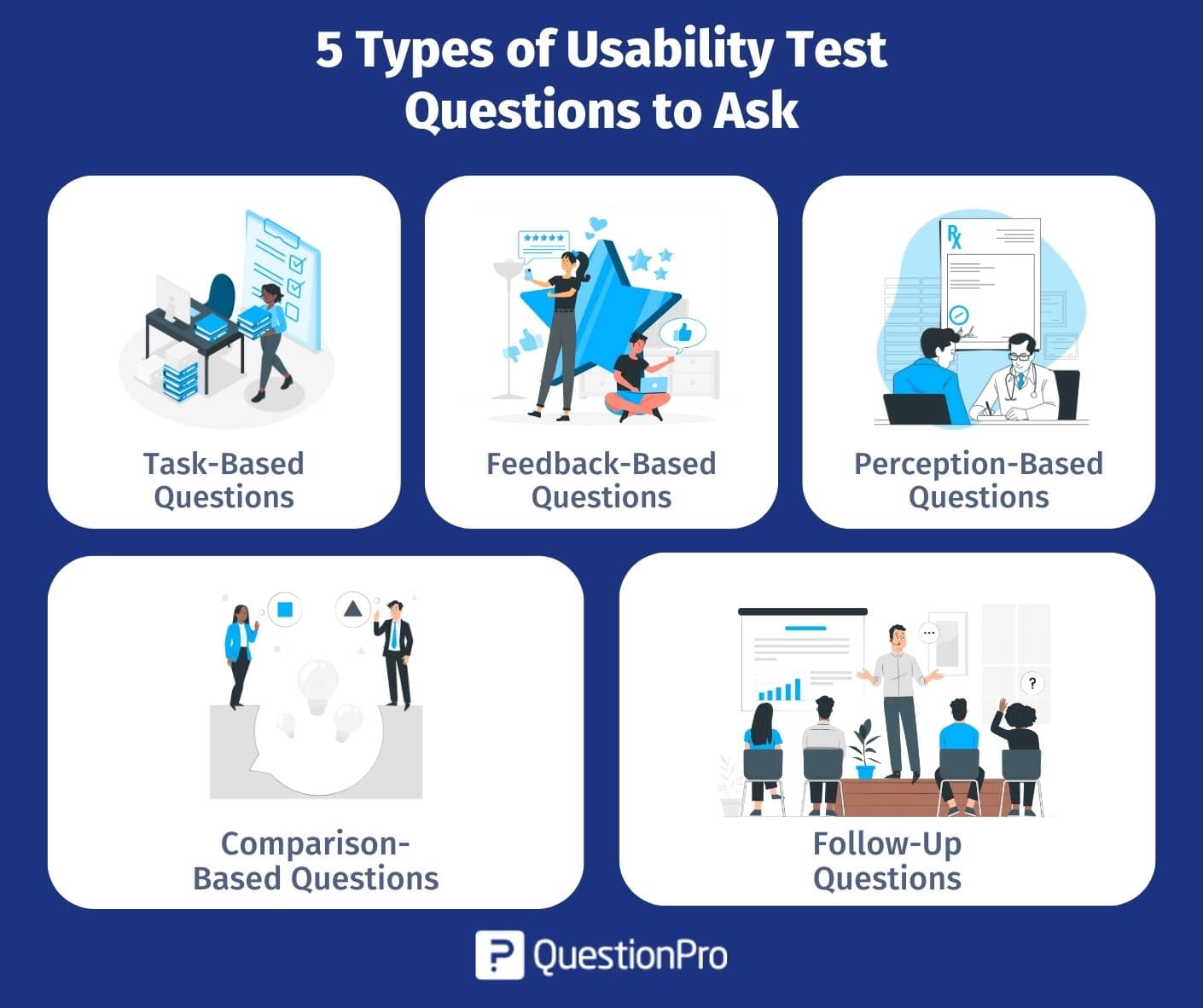
| Question type | Purpose | Example question |
|---|---|---|
| Task-based | Measures whether users can complete a specific goal | “Find the customer support contact information on this page.” |
| Feedback-based | Captures opinions about the overall experience | “What did you think of the checkout process?” |
| Perception-based | Reveals first impressions and brand fit | “What is your first impression of this page’s design?” |
| Comparison-based | Benchmarks the product against alternatives | “How does this compare to other tools you’ve used?” |
| Follow-up | Clarifies a comment or behavior after the fact | “Can you tell me more about what felt confusing there?” |
Mixing these five types keeps a session from feeling like a single long interrogation, and it gives you both quantitative and qualitative signal to work with.
Usability test script example
A short example makes the structure easier to picture. Here’s a condensed script for a SaaS project management tool.
- Introduction: “Thanks for joining. We’re testing the software today, not you, so there are no wrong answers. Is it okay if I record this session?”
- Warm-up: “What’s your current role? How long have you used project management tools like this one?”
- Task: “You’ve just signed up for this platform to manage a new marketing project. Please set it up and upload the first project file.”
- Wrap-up: “How did that feel overall? Was there anything you expected to find but couldn’t?”
The same structure works for a fitness app, an e-commerce checkout, or an internal dashboard. Only the tasks and warm-up questions need to change to match the product.
How to measure a successful usability test
A script is only useful if it produces data you can act on. Decide what “success” looks like before the first session, not after.
Track these signals across sessions:
- Task success rate. The share of participants who completed each task without help.
- Time on task. How long each task took, compared against a reasonable benchmark.
- Error rate. How often participants took a wrong path before recovering.
- Participant confidence. A quick post-task rating of how sure participants felt about their actions.
Sample size affects how much you can trust these numbers. Research from Nielsen Norman Group has repeatedly found that testing with around five participants per round surfaces most of a product’s usability problems, which is why teams often run several small rounds instead of one large one.
Platforms like QuestionPro UX pair this kind of qualitative script with quantitative survey software, so task-level feedback and satisfaction scores live in the same place instead of two disconnected spreadsheets.
Common mistakes to avoid when writing a usability test script
Most weak usability data traces back to a handful of scripting mistakes rather than a bad product. The table below covers the most common ones.
| Mistake | Why it hurts your data |
|---|---|
| Leading task wording | Tells participants where to click instead of testing whether they can find it themselves |
| Reusing interface labels in tasks | Turns a discovery task into a simple word-matching exercise |
| Too many tasks per session | Fatigues participants and lowers the quality of later responses |
| No time limit stated | Makes sessions run long and inconsistent across participants |
| Skipping the wrap-up | Loses the participant’s overall impression, which is often the most useful feedback |
Catching these issues during a pilot run, before real sessions start, is far cheaper than catching them in the data afterward.
Building a script you’ll actually reuse
A usability test script earns its value the second time you use it, not the first. Once the wording is tested and the tasks are proven to work, updating it for the next round takes minutes instead of hours.
Treat the script as a living document. Small edits after each round, based on what confused participants or ran long, compound into a much sharper tool over time.
Frequently Asked Questions (FAQs)
Most moderated sessions run between 30 and 60 minutes. Shorter sessions keep participants focused and reduce fatigue, while longer sessions risk lower-quality responses toward the end, especially in remote, unmoderated formats.
Not always. Minor updates usually only require editing the affected tasks. Larger redesigns, or a shift in research objectives, call for a fresh script so the questions still match what you’re trying to learn.
Rarely without changes. Unmoderated scripts need more explicit task wording and built-in follow-up prompts, since there’s no moderator present to clarify instructions or dig deeper on a confusing answer during the session.
Most researchers keep sessions to five to eight tasks. Beyond that, participant fatigue sets in, and later tasks in a session start producing noticeably less reliable data than the tasks that came first.
Usually a UX researcher or designer drafts it, with input from product managers on business goals. Having someone outside the immediate team review it first helps catch jargon or assumptions participants won’t share.



