Cross-channel orchestration is the practice of coordinating what a customer sees, hears, and receives across every channel. Each message builds on the last one instead of repeating it. A shopper who abandons a cart should not get the same offer by email, text, and app push within the hour.
Most brands already run several channels. Few of them make those channels work as one conversation.
In this guide, we break down how orchestration works, how it differs from omnichannel and multichannel, and how to implement and measure it.
What is cross-channel orchestration?
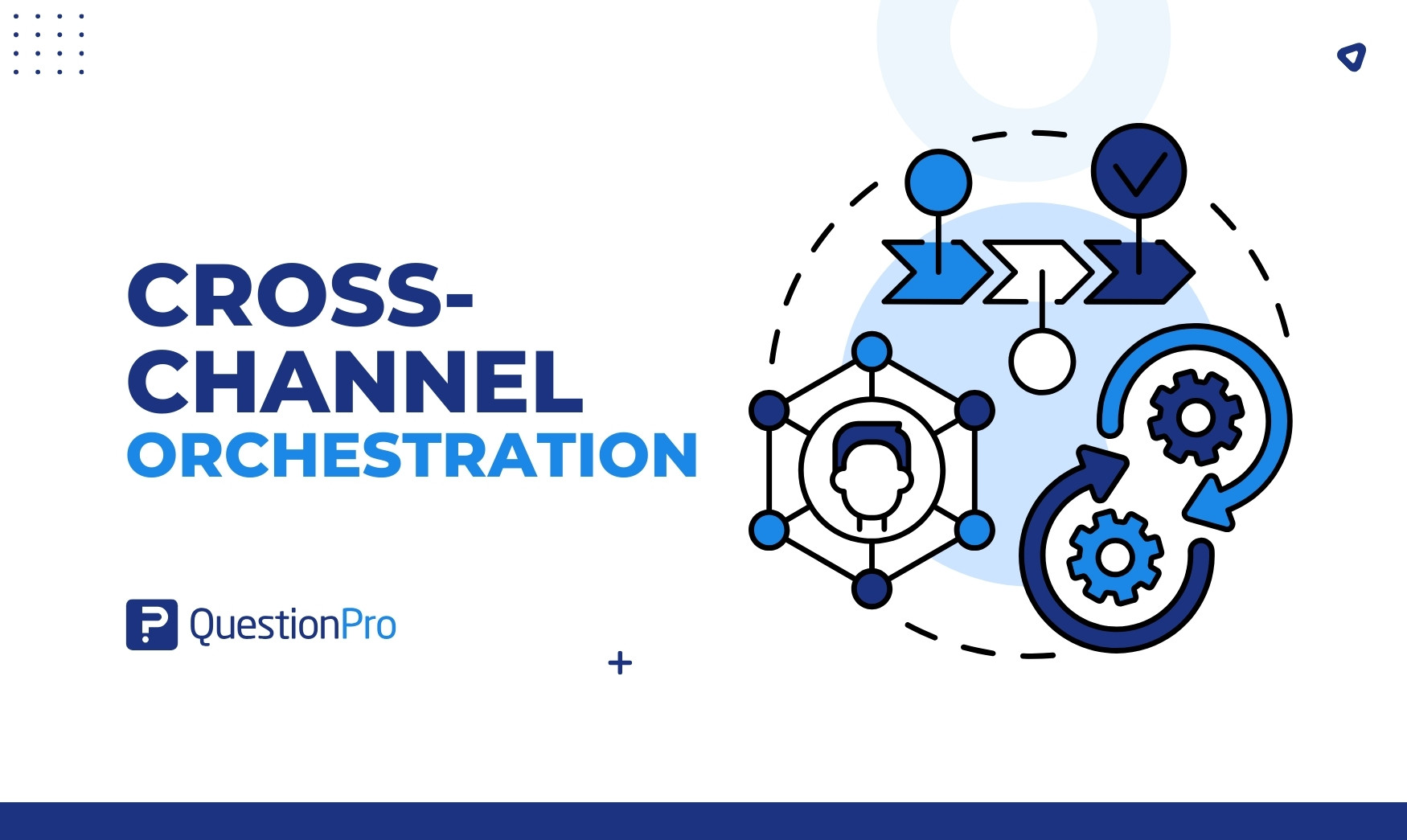
Cross-channel orchestration is the coordination of timing, content, and sequence of customer interactions across channels, using shared customer data and rules. Channels include email, SMS, web, mobile app, social media, call center, and in-store. The goal is one consistent, relevant experience wherever the customer shows up.
Think of an orchestra. Each instrument (channel) can play on its own. Orchestration is the conductor deciding who plays, when, and how loudly, so the result sounds like one piece of music.
Three ideas sit at the center:
- Shared data: Every channel reads from and writes to the same customer profile.
- Shared rules: A central decision layer chooses the channel, message, and moment.
- Shared feedback: Customer responses change what happens next.
It is the engine behind journey orchestration, which applies the same coordination to the whole customer lifecycle.
How does cross-channel orchestration work?
Cross-channel orchestration works as a loop. A customer action creates a signal, the system recognizes the customer, a decision engine picks the next best action, a channel delivers it, and the response feeds back into the profile.
- Signal: A customer does something, such as browsing, buying, complaining, or going quiet.
- Identity resolution: The system links that action to one person across devices and channels.
- Decision: Rules or models pick the best channel, message, and timing. This is often called the next best action.
- Delivery: The message goes out on the chosen channel, with suppression rules so other channels stay quiet.
- Feedback: Opens, clicks, purchases, support contacts, and survey answers update the profile.
The loop then restarts. More feedback makes the decision in step three better.
Cross-channel orchestration vs. omnichannel vs. multichannel
Multichannel means using many channels independently, omnichannel is the connected experience a customer perceives, and cross-channel orchestration is the operating method that makes that connected experience happen. They are related, but they are not the same thing.
| Term | What it means | Data | Customer experience |
|---|---|---|---|
| Multichannel | Many channels, each run on its own | Siloed by channel | Repeated or conflicting messages |
| Cross-channel | Channels share context at key handoffs | Partly shared | Better continuity, some gaps |
| Omnichannel | All channels feel like one brand | Unified profile | Seamless from the customer’s side |
| Cross-channel orchestration | The coordination layer that sequences channels | Unified profile plus rules | Right message, right channel, right time |
For a deeper look at the first two, read our guide on omnichannel vs multichannel. In short, omnichannel is the outcome and orchestration is how you get there.
Why does cross-channel orchestration matter?
Customers expect brands to know them, and they notice when brands do not. Orchestration closes the gap between those expectations and the disconnected experience many customers still get.
Research found that 71% of consumers expect companies to deliver personalized interactions, and 76% get frustrated when that does not happen. Salesforce’s State of the Connected Customer research tells a similar story. 79% of customers expect consistent interactions across departments, yet 55% feel they are talking to separate groups instead of one company. Another 56% often have to repeat information to different representatives.
The business benefits follow from fixing that:
- Fewer repeat contacts: Customers stop re-explaining their issue.
- Higher conversion: Follow-ups arrive on the channel the customer actually uses.
- Less message fatigue: Frequency rules stop the same offer from flooding every channel.
- Better data: One profile replaces five partial ones.
- Faster learning: You can test a sequence, not just a single email.
Step-by-step guide to implementing cross-channel orchestration
You can implement cross-channel orchestration in seven steps: define the journey, unify the data, segment audiences, set triggers and rules, build the content, launch with a test group, and then measure and refine. Start with one journey, not the whole business.
Step 1: Define the journey and the goal
Pick one journey with a clear business outcome. Write the goal as a number, for example “lift 30-day repeat purchase rate by 10%.”
Good starting journeys include:
- First purchase
- Onboarding
- Renewal
- Win-back
Then map the touchpoints customers use today. A customer touchpoints inventory shows every place the journey can break.
Step 2: Unify customer data
Orchestration fails without one view of the customer. Match records on a stable ID such as email or customer number. Then connect these sources into a single profile:
- CRM
- Web and app analytics
- Email and SMS platforms
- Support tool
- Survey and feedback data
- Consent status
Consent belongs in the profile. A message you cannot legally send is never the next best action.
Step 3: Segment your audience
Group customers by behavior and need, not just demographics. Useful starting segments are new, active, at-risk, and lapsed customers.
Add feedback to behavior. A recent buyer with a low satisfaction score needs a different path than one with a high score. Survey software connected to your data makes that score easy to collect.
Step 4: Set triggers, rules, and channel priority
Triggers start a journey. Rules decide what happens next. Write both down before you build anything.
- Trigger example: Cart abandoned for 2 hours.
- Channel rule: Email first, then push if the app is installed, then SMS only if the customer opted in.
- Suppression rule: Stop all promotional messages when a support ticket is open.
- Frequency cap: Set a weekly limit across all channels combined, and test it, rather than a limit per channel.
Step 5: Build channel-specific content
Keep the offer, tone, and next step the same everywhere. Adapt only the format:
- Email: Explain the offer and show the product.
- Push: Nudge with one line and one tap.
- SMS: Stay short and include one link.
- Call center: Show agents the same offer and history.
Step 6: Launch with a holdout group
A holdout group is a slice of the audience that does not receive the orchestrated journey. You compare it with the group that does.
Many teams hold out 5% to 10% of the audience for two to four weeks. Treat that as a practical starting point, not a fixed rule.
Step 7: Measure, learn, and expand
Close the loop in three moves:
- Compare results with the goal from step one.
- Fix the weakest handoff first.
- Add the next journey.
What are some cross-channel orchestration examples?
Good orchestration shows up as small decisions that feel natural to the customer. The three examples below cover retail, banking, and a documented restaurant case.
Retail: Abandoned cart
A shopper adds shoes to a cart on mobile and leaves. Here is what the system does next:
- It waits two hours, then sends a push reminder and holds the email.
- If the shopper buys, it cancels every other message.
- If not, it sends a next-day email with the product and reviews.
The orchestration is in what did not happen: no duplicate message after the purchase.
Banking: Loan application
An applicant starts a loan form on a laptop and stops at the income step. The bank sends a secure email with a resume link. If nobody opens it for 48 hours, a banker gets a task to call.
The banker sees the exact step the applicant reached. The applicant never repeats details.
Restaurant: Panera
According to Braze’s Panera case study, Panera coordinated email, push, in-app messages, and content cards in one journey after a menu change. Braze reports:
- A 5% retention lift among at-risk guests
- 2X loyalty offer redemptions
- 2X purchase conversions from abandoned-order follow-ups
The case study gives no baseline figures, so treat the numbers as directional.
How do you choose which channels to orchestrate first?
Start with the channels where customers already hand off between touchpoints and where the handoff hurts most. Do not connect everything at once.
Score each channel pair from 1 to 5 on four questions:
- How many customers move between these two channels in the same journey?
- How often do customers repeat information at this handoff?
- How much revenue or retention depends on it?
- How hard is the data connection to build?
Connect the highest-scoring pair first, usually email plus app or web plus call center.
Rule of thumb: if two channels share customers but not data, that pair is your first project.
How do you measure cross-channel orchestration?
Measure orchestration at the journey level, not the channel level. A channel report tells you whether an email was opened. A journey report tells you whether the customer got what they needed.
| KPI | What it shows | How to collect it |
|---|---|---|
| Journey completion rate | Share of customers who reach the goal | Journey analytics |
| Handoff drop-off | Where customers quit between channels | Funnel by channel pair |
| Repeat-contact rate | How often customers re-explain an issue | Support and survey data |
| Incremental conversion | Lift versus the holdout group | Holdout test |
| Time to resolution | Speed from first contact to fix | Support system |
| Opt-out rate | Message fatigue signal | Email and SMS platforms |
| CSAT or CES by journey | Satisfaction and effort at key moments | Post-interaction surveys |
| NPS by journey stage | Loyalty trend | Relationship surveys |
Track CSAT (customer satisfaction score), CES (customer effort score), and NPS (Net Promoter Score) next to behavior. Behavior tells you what happened. Surveys tell you why. Our guide to customer journey analytics explains how to combine both.
What mistakes should you avoid in cross-channel orchestration?
The most common failure is buying a platform before fixing data and ownership. Technology does not coordinate channels if teams still own them separately.
- Starting with tools: Define the journey and rules first.
- Dirty or split data: Duplicate profiles send duplicate messages.
- Per-channel frequency caps: Five channels each sending three messages is fifteen messages.
- Ignoring consent: Opt-in rules differ by channel, and in the US, SMS marketing requires prior consent under the TCPA (Telephone Consumer Protection Act).
- No holdout group: Without one, you cannot prove the lift.
- Orchestrating the wrong moments: Automating a bad experience just delivers it faster.
- No feedback loop: If customers cannot tell you what failed, you only see the drop-off.
How does QuestionPro Customer Experience support orchestration?
Orchestration engines decide what to send. They are weaker at telling you whether the experience felt right. QuestionPro Customer Experience fills that listening gap with three specific jobs:
- Feedback at handoffs: Trigger a short survey after a key channel switch, such as after a chat moves to a phone call.
- Reasons behind scores: AskWhy pairs a rating with the customer’s own explanation, and open-end sentiment analysis finds the themes.
- Closed-loop action: Low scores can route to an owner for follow-up before the customer churns.
You can also build journey maps from live feedback and attach KPIs to each stage with journey mapping software. For an omnichannel view of the same ideas, see our omnichannel customer journey guide.
Orchestration is a habit, not a project
The brands that do this well do not have the most channels. They have the clearest rules, the cleanest data, and the habit of asking customers how it felt. Orchestration is never finished, because customer behavior keeps changing.
Pick one journey this quarter. Connect two channels, set one frequency cap across both, hold out a small group, and read the results next to customer feedback. That single loop will teach you more than a company-wide rollout planned in a slide deck.
Frequently Asked Questions (FAQs)
Marketing automation runs rules inside one tool, usually email. Cross-channel orchestration coordinates decisions across email, SMS, app, web, and service channels using one customer profile, so messages are sequenced and suppressed across channels instead of sent independently.
A single two-channel journey, like cart recovery, can go live in four to eight weeks if data is clean. Unifying data across a whole company usually takes longer, so most teams roll out journey by journey over several quarters.
Yes, at a lighter scale. A small business with email, SMS, and a website can orchestrate with simple rules: one contact per day, stop promotions after a purchase, and resume after a support case closes. No enterprise platform is required.
Not always. A customer data platform (CDP) helps unify profiles, but a well-maintained CRM with shared IDs and reliable integrations can support a first journey. A CDP becomes valuable as channels, volume, and real-time needs grow.
Consent rules vary by channel. Text marketing requires prior express written consent under the TCPA, and email must follow CAN-SPAM opt-out rules. Store consent status per channel in the customer profile so the decision layer never selects a channel the customer declined.