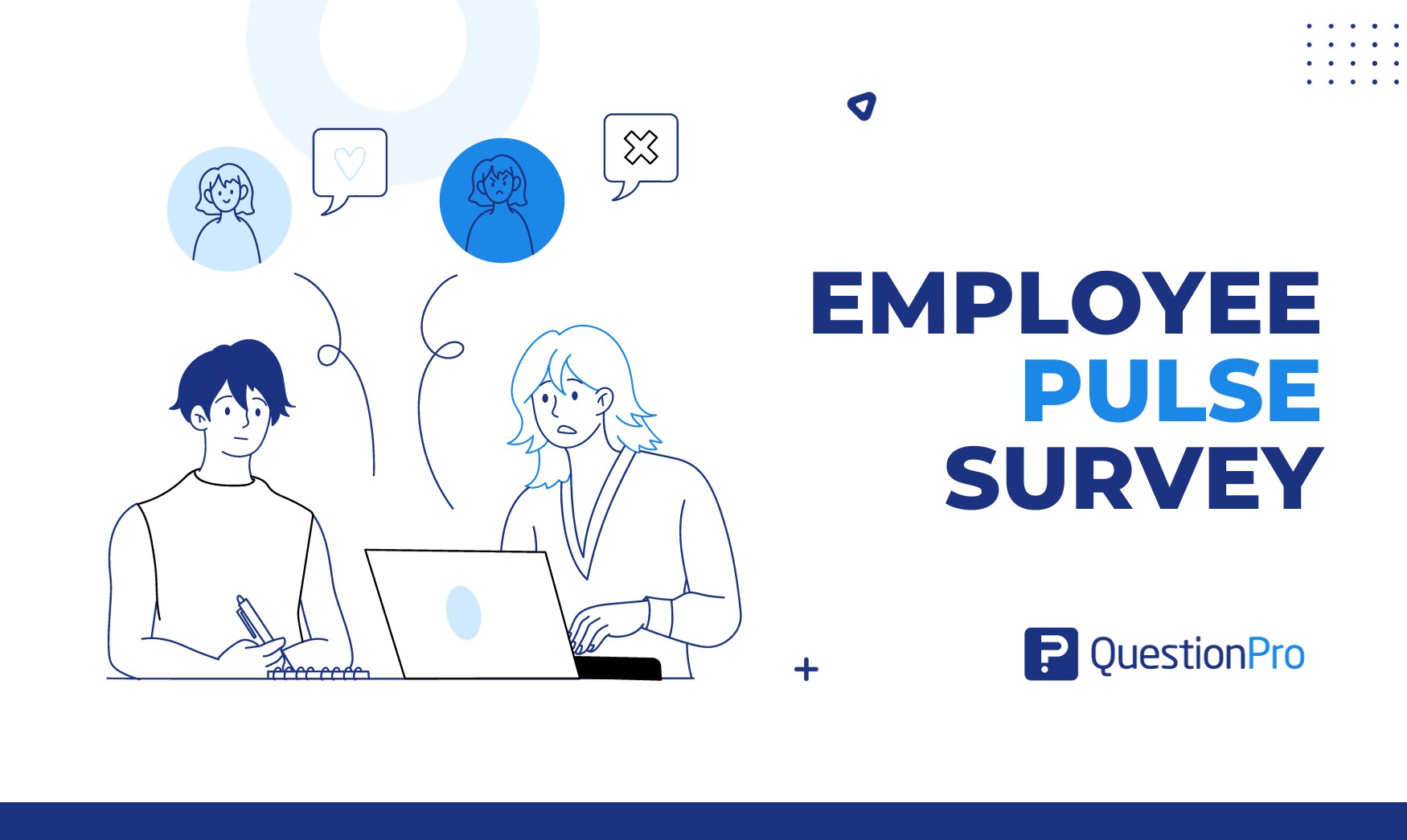
An employee pulse survey is a short, recurring questionnaire that shows how people feel about work right now. Most take under five minutes and focus on one or two topics, so leaders get a fresh read between annual surveys.
Gallup reports that only 31% of U.S. employees were engaged at work in 2025, and 17% were actively disengaged. Problems like these build quietly. A pulse survey catches them while they are still small.
In this blog, we cover the definition, sample questions, cadence, measurement, and how to turn results into action.
What is an employee pulse survey?
An employee pulse survey is a brief, recurring survey that measures employee sentiment on a specific topic. Organizations usually send it every few weeks, and employees finish it in a few minutes.
The name comes from medicine. A pulse check reads vital signs quickly, without a full physical. The survey asks the same few items over time, so changes show up as trends instead of one-off scores.
Perceptyx, an employee listening provider, groups pulse surveys into three jobs:
- Monitoring: Track sentiment over time with a steady set of questions.
- Discovering: Find out why a score moved, often with open-ended questions.
- Responding: Test how people react to an event, such as a reorganization or a new policy.
How is an employee pulse survey different from an engagement survey?
A pulse survey is short and frequent, while an employee engagement survey is long and runs once or twice a year. They work best as a pair. The engagement survey sets the baseline, and the pulse tracks movement between baselines.
| Factor | Employee pulse survey | Employee engagement survey |
|---|---|---|
| Length | 3 to 10 questions | 40 to 70 questions |
| Frequency | Every 2 to 6 weeks, or after an event | Once or twice a year |
| Scope | One or two topics | The full employee experience |
| Turnaround | Days | Weeks to months |
| Best for | Spotting change early | Setting baselines and benchmarks |
Three nearby terms often get mixed up with pulse surveys:
- eNPS (employee Net Promoter Score): One question, “How likely are you to recommend us as a place to work?”, scored from 0 to 10. Many pulses include it as an anchor.
- Employee poll: A single question with no tracking over time.
- One-on-one check-in: A conversation, not data. It adds context but cannot show company-wide trends.
For a full side-by-side, read pulse surveys vs. annual employee surveys.
What questions should you include in an employee pulse survey?
Pick 5 to 10 questions across two or three themes, rate them on one consistent scale, and add one open-ended question. Keep one or two anchor questions in every round so trends stay comparable, and rotate the rest. The employee pulse survey template gives you a ready starting set.
The examples below use a 1 to 5 agreement scale unless noted.
Engagement and satisfaction
These questions show overall morale. They make good anchors because you can repeat them every cycle.
- On a scale of 0 to 10, how likely are you to recommend this company as a place to work?
- I am happy with my role and responsibilities.
- I feel motivated to do my best work here.
Manager effectiveness
Managers shape most of the day-to-day experience, so a few targeted statements go a long way.
| Statement | What it reveals |
|---|---|
| My manager gives me clear priorities. | Role clarity |
| I receive recognition from my manager for good work. | Recognition habits |
| I can raise a concern with my manager without worry. | Whether people feel safe speaking up |
Workload and wellbeing
Use these when you suspect burnout, or after a busy season.
- I have the right tools to do my job effectively.
- I am satisfied with my work-life balance.
- My workload is manageable most weeks.
Culture and inclusion
Culture questions work best when you ask about specific behaviors, not abstract values. Try “My company’s values are clear to me” and “I feel I belong on my team.” You can also ask whether people here are treated fairly, regardless of their background.
Communication and change
After a reorganization or policy shift, these questions show whether people understood the change.
- Our organization promotes free and transparent communication.
- I understand why the recent change happened.
- I know what is expected of me after the change.
One open-ended question
End with a single free-text prompt, such as “What is one thing we should start, stop, or continue?” Open comments explain the scores. Limit it to one, because long text boxes lower completion.
What are the benefits and limits of an employee pulse survey?
Pulse surveys give fast, trackable signals, but they trade depth for speed. Knowing both sides helps you decide when a pulse is enough and when you need a longer study.
Benefits
- Fast feedback: responses arrive within days, so leaders can react while an issue is still live.
- Trend visibility: repeated items show direction, not just a snapshot.
- Agility: teams can test whether a change worked within one cycle.
- Culture insight: recurring questions reveal how morale shifts across teams and sites.
- Lighter load: a short survey feels easier to finish than a 60-question form.
Limits
- Less depth: a handful of questions rarely explains root causes on its own.
- Fatigue risk: frequent surveys without visible action erode trust.
- Small samples: team-level results can be too thin, or too identifiable, to report.
- No broad benchmark: pulses complement the annual survey. They do not replace it.
When should you run an employee pulse survey?
Run one whenever a decision, change, or risk makes waiting for the annual survey too slow. Five moments stand out:
- Onboarding: Short check-ins at day 30, 60, and 90.
- After a reorganization, layoff, or leadership change: Measure trust and clarity.
- Hybrid or return-to-office changes: See how the new policy lands.
- New initiatives: Compare scores before and after a wellbeing or training program.
- Peak seasons: Check workload in busy periods, such as holidays in retail or flu season in healthcare.
A worked example
Picture a U.S. retailer with 600 store employees that moves to a new scheduling app. This is an illustrative scenario, not real data. HR sends a four-question pulse two weeks after launch, covering ease of use, schedule fairness, manager support, and one open comment.
Fairness scores drop sharply in three stores. Managers there hold a team huddle and adjust the shift-swap rules. A second pulse a month later shows scores recovering, and the company has proof the fix worked.
How often should you run an employee pulse survey, and how long should it be?
The right cadence is the one your managers can act on. For most teams, that means every four to six weeks or once a quarter, with weekly or biweekly pulses reserved for short projects. QuestionPro’s guide to pulse survey best practices goes deeper on cadence.
| Cadence | Best for | Questions | Time to complete |
|---|---|---|---|
| Weekly or biweekly | Short projects, active change | 1 to 3 | Under 2 minutes |
| Monthly | Ongoing change programs | 5 to 8 | 2 to 3 minutes |
| Every 4 to 6 weeks, or quarterly | Steady-state monitoring | 5 to 10 | 2 to 4 minutes |
| Event-triggered | Reorganizations, launches | 3 to 5 | Under 3 minutes |
These ranges are practical guidelines, not research benchmarks. A simple test applies: if your action plans take six weeks, a weekly survey just collects data nobody reads.
Step-by-step guide to running an employee pulse survey
A good pulse follows a repeatable loop, from one clear objective to a visible action. Here is the sequence that works for most teams.
- Set one objective.
Write the decision the results will inform.
- Choose the audience.
Pick the whole company or one group, such as a single department.
- Select 5 to 10 questions.
Combine one or two anchors with rotating items.
- Set anonymity rules.
Decide the minimum group size for reporting before you send.
- Send it where employees already are.
Use email, mobile, Slack, or Microsoft Teams.
- Review within a week.
Segment by team, tenure, and location.
- Share findings and commit to one action.
Do it within two weeks.
How do you keep employee pulse survey responses anonymous?
Employees answer honestly only when they trust that answers cannot be traced back to them. Decide how you will protect identity before you write the first question.
An anonymous survey collects no identifying data at all. A confidential survey collects identity, such as department or tenure, but shows it only in grouped results. Most pulse programs use the confidential model, because it allows segmentation.
Set a minimum reporting group size. Many teams choose five respondents, so a manager never sees a result built from one or two people. Watch for demographic questions that single someone out in a small team. Then tell employees exactly what you collect and who sees it. If you promise anonymity, you cannot follow up with individuals.
How do you measure employee pulse survey results?
Track four things: participation, favorability, trend, and follow-through. Together they tell you whether people are answering, how they feel, which way things are moving, and whether you are acting.
- Response rate: Completed surveys divided by invitations sent. Many teams aim for 70% or higher and treat anything under 50% as a warning sign that trust is slipping.
- Favorability: The percentage of positive answers, such as a 4 or 5 on a 5-point scale.
- eNPS: Promoters (9 to 10) minus detractors (0 to 6), as a percentage of respondents. If 100 people answer and 45 are promoters and 30 are detractors, your employee net promoter score (eNPS) is 15. Scores range from -100 to 100.
- Trend: Compare at least three cycles before you react to a single dip.
- Segments: Split results by team, tenure, and location to find where a problem sits.
- Action rate: The share of commitments you completed on time.
How do you turn pulse survey results into action?
Share results quickly, pick one fix per team, and show people what changed. Action is where most programs fail.
Gallup finds that only 8% of employees strongly agree their organization takes action on surveys. The same research notes that managers are ultimately accountable for up to 70% of their team’s engagement. That makes managers your most important audience for results.
Give each manager their own team’s data and a short starting prompt. Ask them to discuss it with the team, choose one improvement, name an owner, and set a date. Then announce what changed in a simple “you said, we did” update before the next pulse.
What common mistakes reduce the value of a pulse survey?
Most pulse programs fail through process, not question wording. These six mistakes appear most often, and each has a simple fix. Frequent surveying without results also feeds survey fatigue, which lowers response rates over time.
| Mistake | Why it hurts | Fix |
|---|---|---|
| Collecting feedback without acting | Trust erodes, and response rates fall | Commit to one visible action per cycle |
| Asking too many questions | Completion drops and answers get careless | Cap the survey at 10 questions |
| Changing the rating scale | Trend lines break | Keep one scale across cycles |
| Weak anonymity | Candid answers fade | Set a minimum reporting group size |
| One survey for every role | Frontline and office needs differ | Tailor wording and delivery by role |
| Surveying faster than you can act | Employees see repeated questions and no change | Match cadence to your action cycle |
How do you choose employee pulse survey software?
Choose software that makes anonymity, speed, and follow-through easy, not the tool with the longest feature list. Start from your cadence and headcount, then check these criteria:
- Anonymity controls: Minimum group sizes and role-based access to results.
- Delivery options: Mobile, email, Slack, Microsoft Teams, and QR codes for employees without desks.
- Question flexibility: Templates, consistent scales, and open-text support.
- Dashboards: Trend and segment views that managers can read without training.
- HR system integration: Roster feeds so you can segment without re-uploading lists.
- Action tools: A way to assign and track the follow-up.
- Security and compliance: Data handling that meets your company policy.
How much does employee pulse survey software cost?
Vendors price pulse tools in a few ways. Four models are common:
- Per employee, per month: Cost scales with headcount.
- Flat tiers by company size: Predictable, but you may pay for unused seats.
- Limited free plans: Useful for small teams, with caps on questions or reports.
- Bundles in a larger employee experience suite: The pulse module comes with other tools.
Ask about minimum contract size, annual commitments, and extra charges for integrations or benchmarking. Prices change often, so confirm current rates on each vendor’s page. To compare options side by side, see this list of employee pulse survey tools.
How does QuestionPro Employee Experience support pulse surveys?
The part that matters most after sending is what managers can do with the data. QuestionPro Employee Experience is built around that follow-through step.
Three capabilities support that step:
- Confidential roster.
Slice results by department or location while individual identity stays hidden.
- Role-based dashboards.
Each manager sees only their own team’s results.
- Action planning.
Managers build and track a plan directly from their team’s data, so findings become assigned tasks instead of a slide deck.
Pulse data only matters once someone acts on it
A pulse survey is a promise as much as a measurement. Each time employees answer, they expect something to change.
Start small and repeat the loop:
- One objective for each round.
- Five questions that map to it.
- One visible action employees can point to.
Trust builds with every cycle. Skip the action, and even the best-designed survey will lose its audience within a few rounds.
Frequently Asked Questions (FAQs)
Yes. A company with under 50 employees can run a pulse with three to five questions. Anonymity is harder in small teams, so report results for the whole company instead of individual teams, and be honest that answers may be recognizable.
Generally no. Managers should see grouped results for their team, with a minimum group size. Showing individual answers discourages honesty. Share open comments only after you remove names and details that could identify the writer.
First, check whether people saw action after the last round. Falling participation usually signals broken trust, not boredom. Share a “you said, we did” update, shorten the survey, and let managers set aside a few minutes during work hours.
Offer mobile-friendly links, QR codes at break rooms, and short surveys that take under three minutes. Schedule them around shifts, allow completion on paid time, and provide the survey in the languages your workforce speaks.
Read a sample first, then group comments into themes such as workload, tools, or recognition. Count how often each theme appears and track it over cycles. Text analysis software can speed up grouping across hundreds of comments.