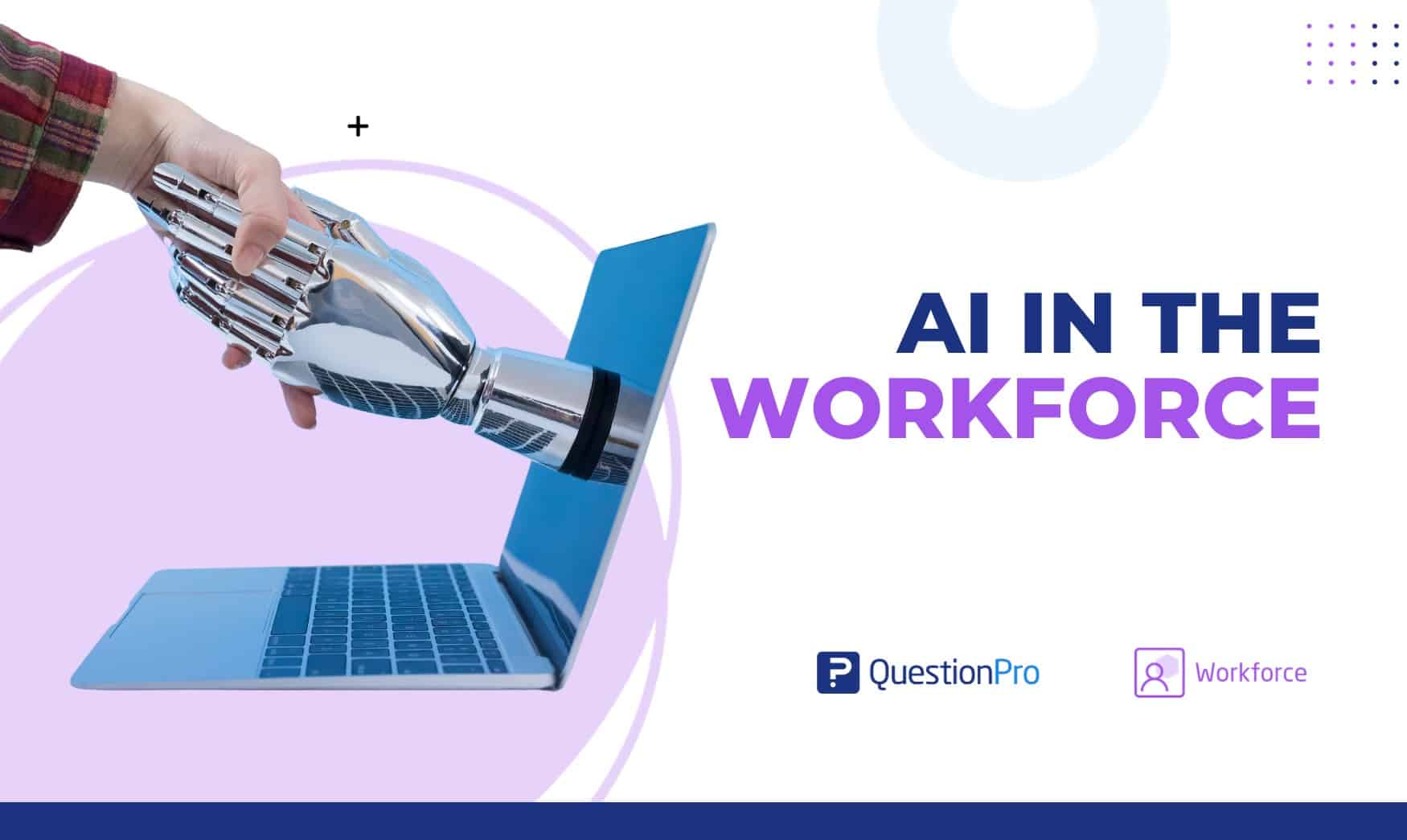
AI in the workforce now touches how US employees plan projects, answer customer questions, and process feedback. It shows up as automation, data analysis, and decision support built into everyday work, not just inside specialized tech teams.
Adoption keeps climbing, but so do the open questions. Companies want faster workflows without losing accountability, fairness, or trust between managers and their teams.
In this guide, we’ll break down what AI in the workforce actually means, where it delivers real value, what risks to watch for, and how to bring it in responsibly.
What is AI in the workforce?
AI in the workforce is the use of artificial intelligence tools to support employee tasks, business decisions, and daily operations across a company. Artificial intelligence, in this context, is technology that can analyze data, recognize patterns, generate content, and make predictions.
People often use “AI in the workforce” and “AI in the workplace” as if they mean the same thing, but there is a small difference worth knowing. AI in the workforce refers to how AI changes what employees do and the skills they need. AI in the workplace refers more broadly to the tools, policies, and environment a company builds around AI use. Most articles blend the two, and this guide does too, but the distinction matters once a company starts writing internal AI policy.
AI rarely replaces a full job. It usually changes parts of one. An employee might spend less time drafting a first version of a report and more time reviewing it, adding context, and deciding what happens next.
How is AI adoption changing across the US workforce?
AI adoption in the US workforce is rising quarter over quarter, though regular use still lags behind experimentation. Most employees have tried AI at work, but fewer use it daily.
| Metric (May 2026) | Figure |
|---|---|
| Employees using AI a few times a week or more | 30% |
| Employees using AI daily | 15% |
| Organizations that have integrated AI tools | 47% |
| Employees who say AI improved their productivity | 65% |
Gallup’s ongoing AI tracking shows organizational adoption climbing from 41% to 47% between the first and second quarters of 2026, while more than half of US employees now use AI as part of their job in some capacity.
Manager support matters more than most companies assume. Gallup has found that employees with actively supportive managers are far more likely to use AI regularly and to say it has changed how they work, which is why a rollout plan should include manager training, not just tool access.
What are real-world examples of AI in the workforce?
AI in the workforce shows up in everyday business operations across nearly every industry, not only inside advanced tech teams. Each example below works as a standalone use case.
- Customer service: AI chatbots answer routine questions, route support tickets, and summarize customer issues before a human agent responds.
- Healthcare: AI helps review medical images, organize patient records, and support administrative workflows so clinical staff spend more time with patients.
- Financial services: AI flags unusual transactions, supports fraud prevention, and helps analysts assess risk faster than manual review.
- Manufacturing: AI monitors equipment sensors, flags quality issues early, and predicts maintenance needs before a machine fails.
- Human resources: AI organizes candidate information, recommends personalized employee training, and analyzes feedback for engagement patterns.
These examples share a pattern. AI handles the repetitive first pass, and a person makes the judgment call that follows it.
What are the benefits of AI in the workforce?
The benefits of AI in the workforce are faster workflows, better data analysis, fewer repetitive tasks, and more consistent support for employees and customers. These gains are strongest when AI supports human judgment instead of replacing it.
| Benefit | What it looks like day to day |
|---|---|
| Faster summarization | Long reports, tickets, or survey comments condensed into a few key points |
| Better feedback analysis | Open-ended comments sorted into themes without manual tagging |
| Less admin work | Scheduling, data entry, and routine emails handled automatically |
| Personalized training | Learning recommendations matched to a role or skill gap |
| Clearer coaching prep | Managers walk into reviews with a summary instead of a stack of raw notes |
None of these benefits remove the need for people. A manager still has to listen to what employees are actually saying and decide which changes are realistic to make.
What are the risks and common mistakes with AI in the workforce?
The risks of AI in the workforce include bias, privacy exposure, unclear decision-making, and treating AI adoption as a technology project instead of a people one. Most of these risks trace back to a handful of avoidable mistakes.
- Letting biased data drive people decisions.
AI systems can reflect bias in hiring, performance evaluation, and promotion recommendations if the underlying data is incomplete or unfair. - Treating AI as a black box.
Employees deserve a clear explanation of how AI is used, what data it touches, and where a human reviews the output. - Skipping manager enablement.
Rolling out tools without training managers to support their use slows adoption and increases mistrust. - Ignoring data exposure.
Employees who paste sensitive company or customer data into a public AI tool can send it somewhere it cannot be recalled. - Redesigning roles without support.
Changing what a job involves without retraining or communication leaves employees feeling blindsided.
Companies that treat these as governance issues, not just IT issues, tend to see fewer problems later.
What skills do employees need to work well with AI?
Employees need AI literacy, critical thinking, communication, and sound judgment to work well with AI tools. AI literacy means understanding what a tool can do, what it cannot do, and how to check its output for errors.
| Skill | Why it matters |
|---|---|
| AI literacy | Recognizing when an AI output looks incomplete, biased, or wrong |
| Prompting and framing | Asking clear, specific questions to get useful results |
| Data interpretation | Reading AI-generated summaries with the right context |
| Communication | Explaining AI-assisted decisions to colleagues and customers |
| Judgment | Knowing when a task needs full human review, not a shortcut |
Employees do not need to become data scientists. They need enough understanding to question a result that looks off before it reaches a customer or a performance review. SHRM’s research on AI in the workplace points to the same theme: upskilling, not fear, is what actually prepares a workforce for AI.
How can you introduce AI into your workforce responsibly?
Introducing AI into your workforce responsibly means starting small, being transparent with employees, and building in human review before scaling up. Follow these steps in order.
- Pick one workflow, not the whole company.
Start with a single repetitive task, such as summarizing feedback or drafting first-pass reports. - Tell employees what changed and why.
Explain what data the tool uses and where a person still makes the final call. - Train managers first.
Managers who understand a tool are far more likely to help their teams use it well. - Set a human review point.
Decide upfront which outputs need a person to check before they go further. - Measure results before expanding.
Confirm the tool actually saves time or improves quality before rolling it out company-wide. - Revisit the policy regularly.
- AI tools and regulations change quickly, so a policy written a year ago may already be outdated.
McKinsey’s research on workplace AI has found that many companies invest heavily in tools but few report reaching real maturity, largely because leadership, training, and workflow redesign lag behind the technology itself. Adoption alone does not create value. The steps around it do.
How do you measure AI’s impact on your workforce?
You measure AI’s impact on your workforce by tracking time saved, output quality, and how employees feel about the change, not just how many people opened the tool. Usage logs tell you adoption. They rarely tell you whether the work actually improved.
A useful measurement approach combines a few different signals:
| What to measure | How to capture it |
|---|---|
| Time saved on a task | Compare before-and-after time estimates for the same workflow |
| Output quality | Manager or peer review scores on AI-assisted work |
| Employee sentiment | Pulse surveys asking how AI has changed daily work |
| Trust and transparency | Follow-up questions on whether employees understand how AI is used |
| Business outcome | Ties to the metric AI was meant to improve, such as ticket resolution time |
Sentiment analysis, the process of using AI to detect tone and emotion in open-ended text, can speed up the third and fourth rows here by scanning survey comments for recurring concerns instead of reading each one manually. It works best when a person still checks the flagged comments for context.
How does AI improve 360-degree feedback?
AI improves 360-degree feedback by grouping similar comments, summarizing open-ended responses, and comparing feedback across reviewer groups faster than a person could do manually. A 360-degree feedback process collects input from managers, peers, direct reports, and sometimes clients, which creates a large volume of comments to review.
That volume is exactly where AI adds the most value. Instead of a manager reading through dozens of free-text responses, AI can highlight repeated themes and flag where scores diverge sharply between reviewer groups. This does not replace the manager’s judgment. It gives them a clearer starting point for the coaching conversation that follows.
For teams running structured reviews, 360 Feedback Software built on top of a Survey Software platform can collect input from every reviewer group in one place instead of stitching together separate forms.
How does QuestionPro support AI in workforce feedback?
QuestionPro supports AI in workforce feedback by combining survey automation, employee listening, text analysis, and structured feedback programs in one platform. The focus is on understanding how employees experience change, not automating tasks for its own sake.
With QuestionPro AI, teams can generate survey questions faster, run pulse and engagement surveys, and use built-in text analysis to find themes in open-ended comments. Feedback trends can then be reviewed by department, role, or location to see where support is actually needed.
The value is not just working faster. It is using AI-assisted feedback to see where employees feel confident, where they need support, and where a policy needs to change before it causes friction. Teams exploring this can look at QuestionPro Employee Experience Software for a fuller picture of how listening and AI analysis work together.
AI works best when people stay accountable
AI in the workforce is not a single decision a company makes once. It is an ongoing set of choices about which tasks to automate, which decisions to keep human, and how much transparency employees deserve along the way.
The companies getting the most value are not the ones using the most AI tools. They are the ones that paired adoption with training, clear communication, and a way to measure whether it actually helped.
Frequently Asked Questions (FAQs)
AI is used for automation, customer support, recruitment, training, data analysis, scheduling, quality checks, and employee feedback analysis.
AI may replace some tasks, but many jobs are more likely to change than disappear completely. Workers will need new skills to work with AI tools.
The benefits include faster workflows, better data analysis, less repetitive work, improved training, and more consistent feedback processes.
The risks include bias, privacy concerns, job disruption, employee monitoring concerns, inaccurate outputs, and unclear decision-making.
AI can summarize comments, identify repeated themes, compare feedback by reviewer group, and support clearer development recommendations.