


PowerPoint exports
PowerPoint exports lets you turn supported widgets from a QuestionPro BI dashboard into a presentation. Choose the insights you want to share and assign them to slides directly from the dashboard, without rebuilding the presentation from scratch. Use the exported file for client updates, team reviews, and stakeholder discussions.
You can customize the opening and closing slides with text, formatting, and images, or leave them out when they are not needed. The export window shows which widgets are available and how they will be exported. Once the presentation is ready, download the PowerPoint file and review it before sharing it with your audience.
Watch this video to learn how to export your BI dashboard insights to PowerPoint:
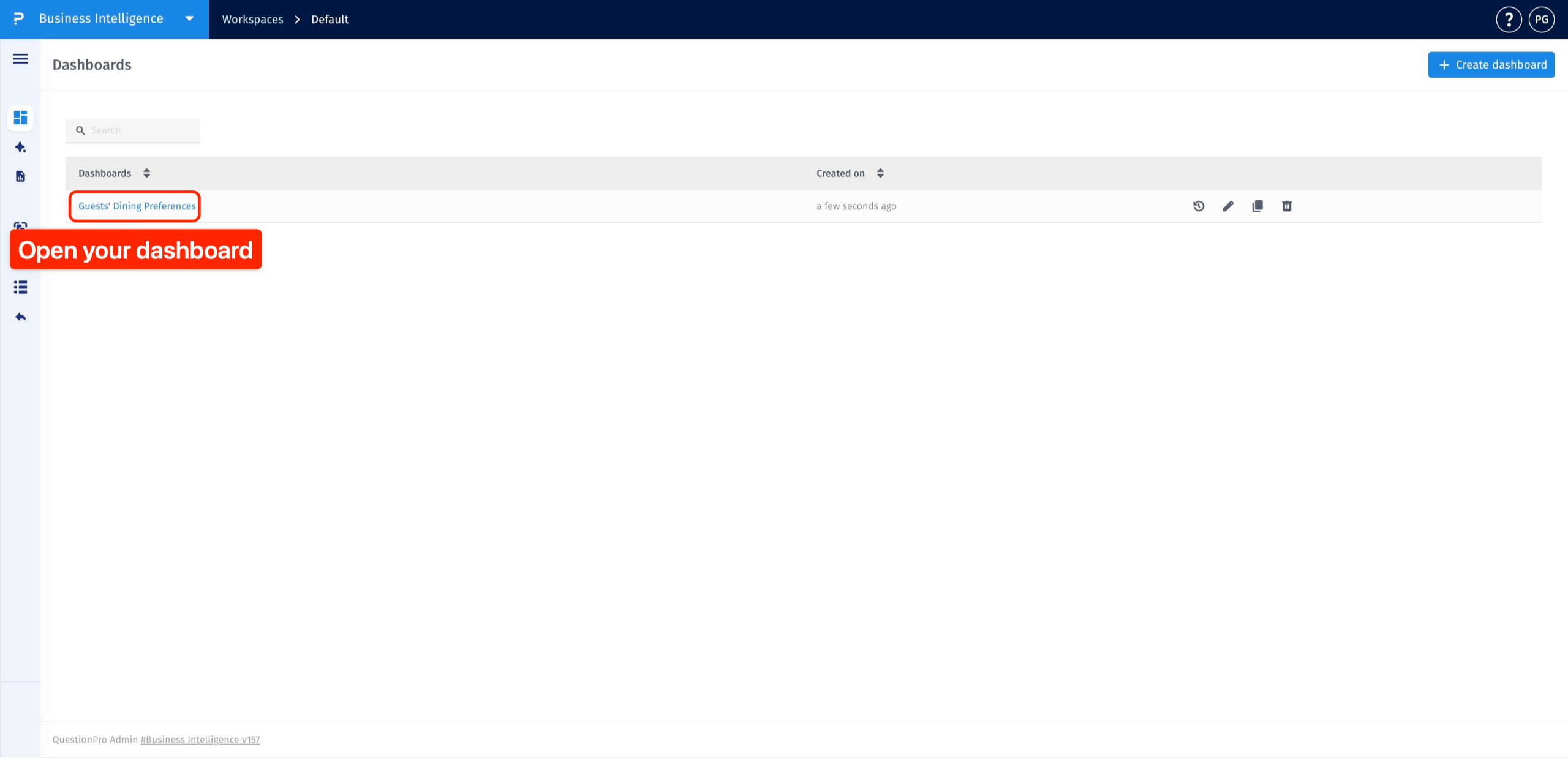
Click to download the video- In your BI workspace, open Dashboards and click the name of the dashboard you want to export.
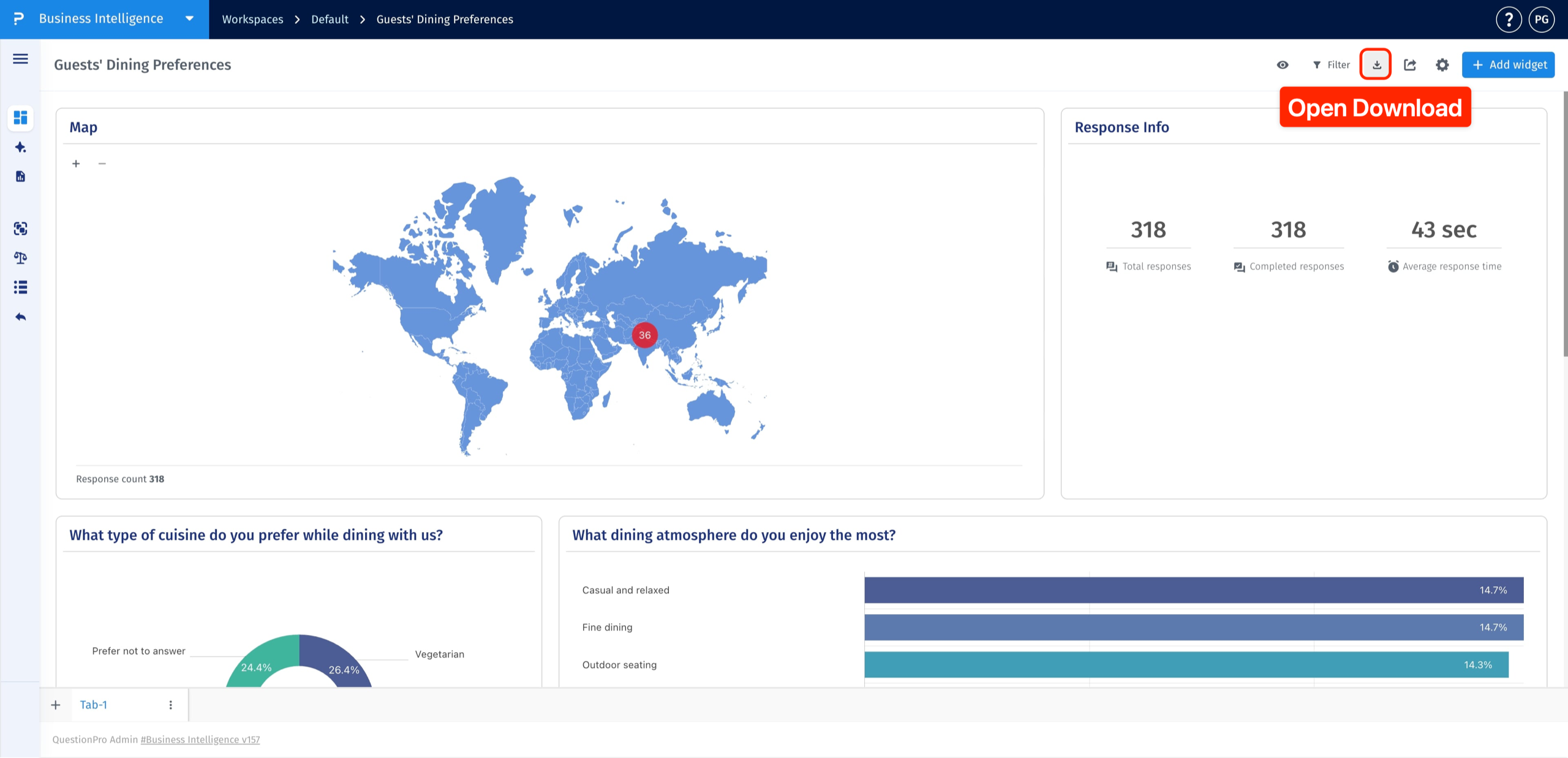
- Click the Download icon in the top-right corner of the dashboard.
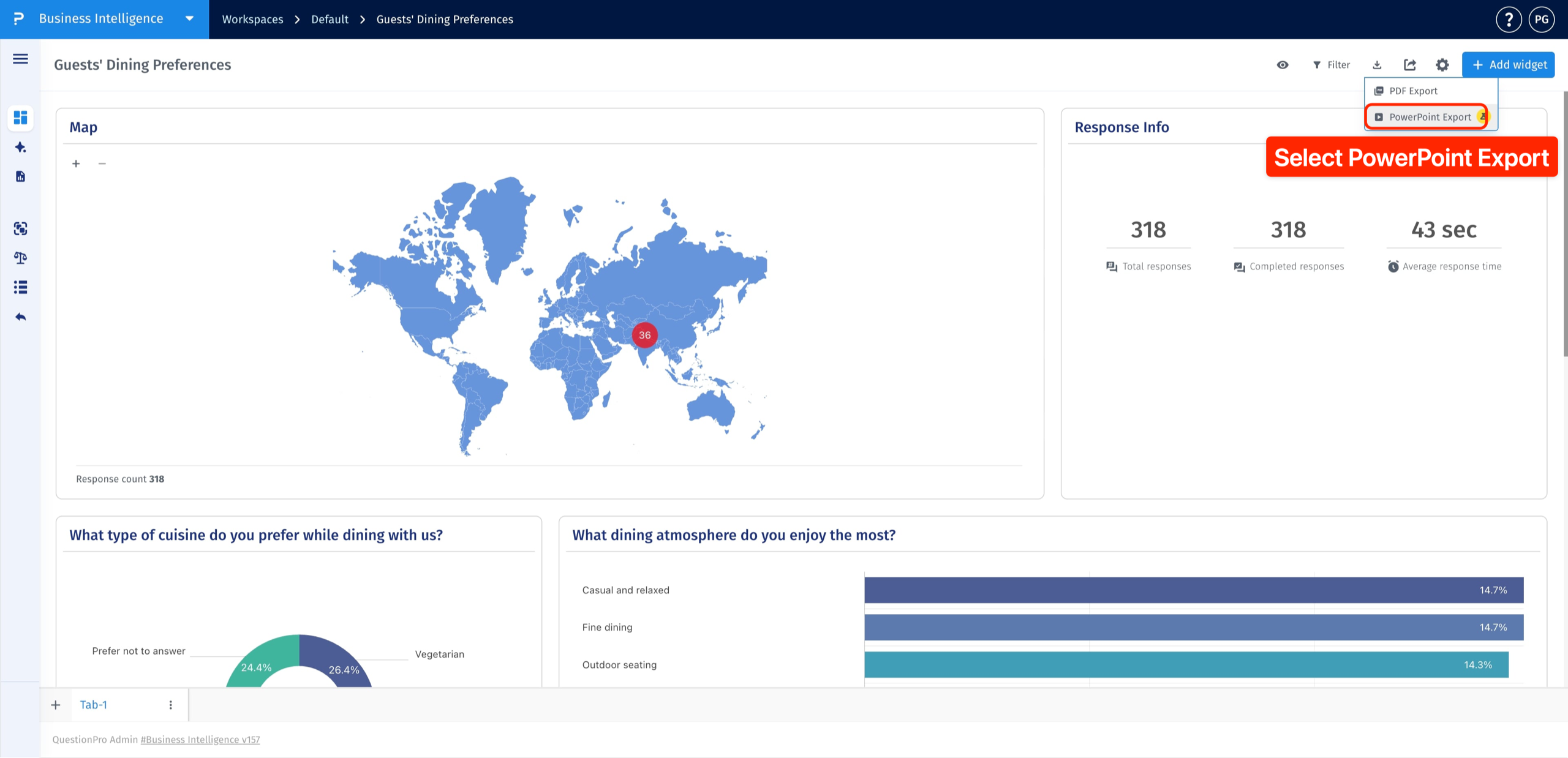
- Select PowerPoint Export.
In the PowerPoint export window, select the checkboxes beside the widgets you want to include. Clear a checkbox to leave that widget out of the presentation.
Use the Source and Type columns to identify each widget, and check Exports as to see its export format. Unsupported widgets cannot be selected.
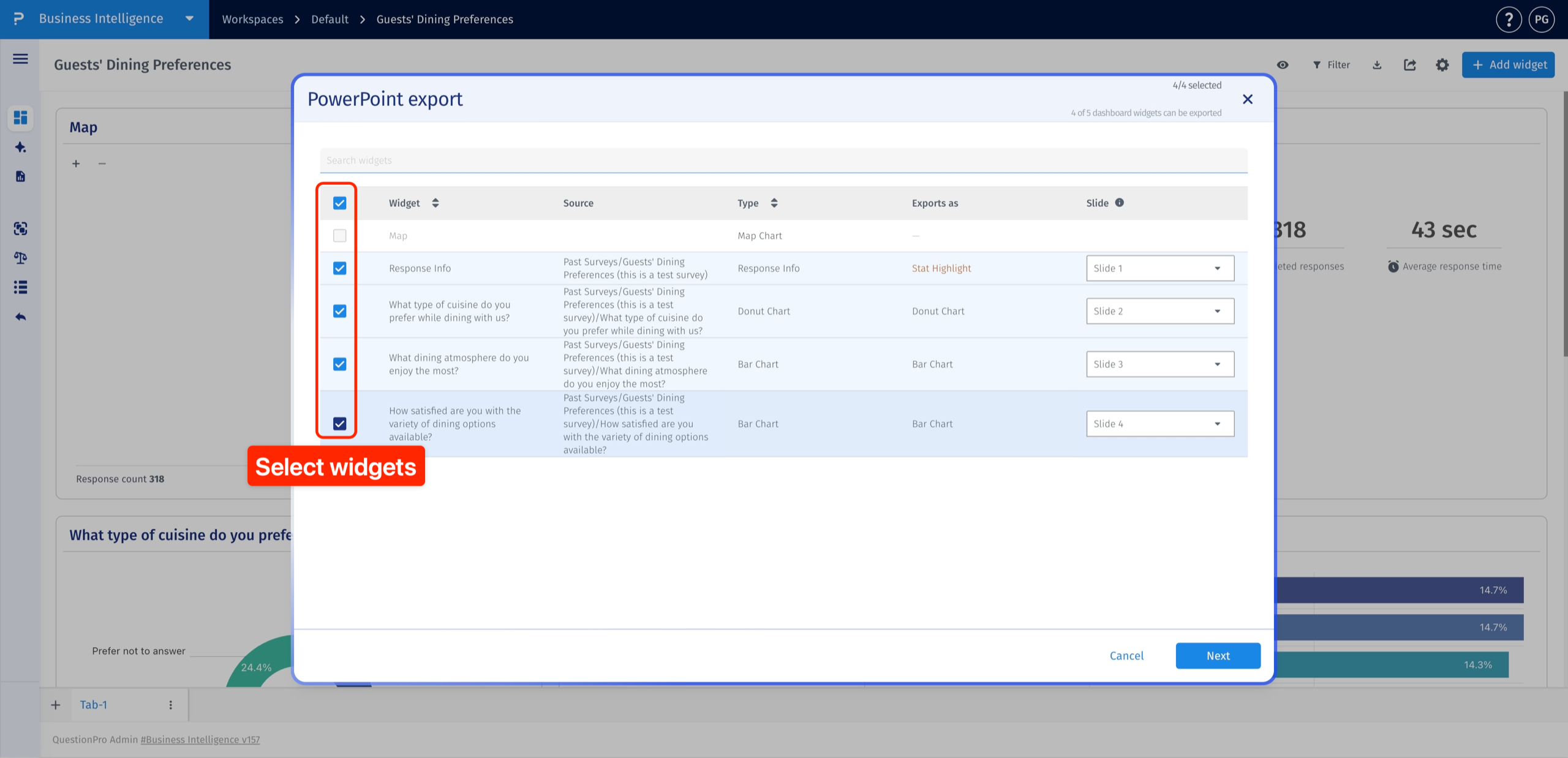
Open the Slide dropdown beside the selected widget and choose its destination slide. Repeat this for any other widgets whose slide placement you want to change.
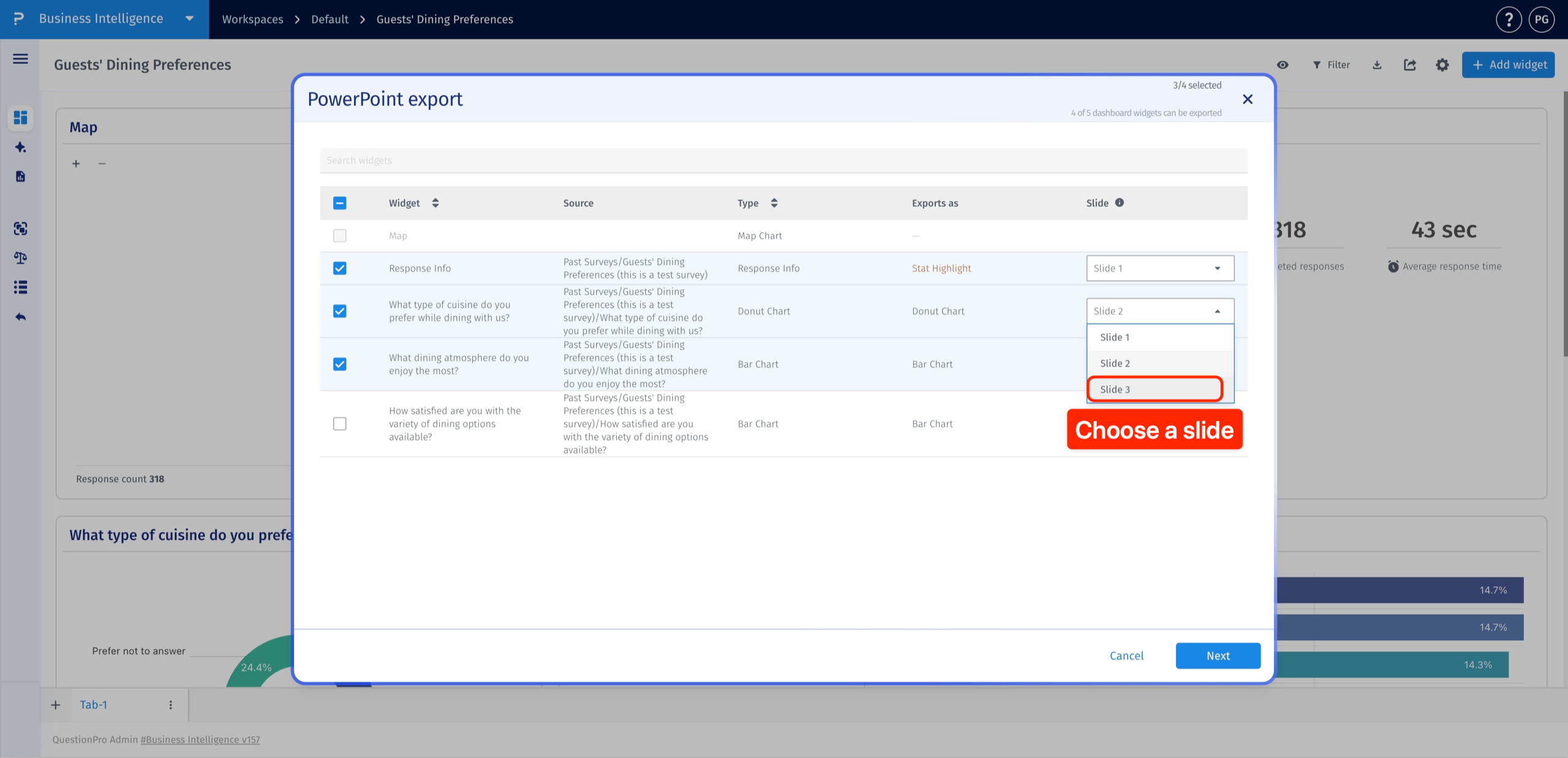
After choosing your widgets and arranging their slides, click Next to open the intro and outro settings.
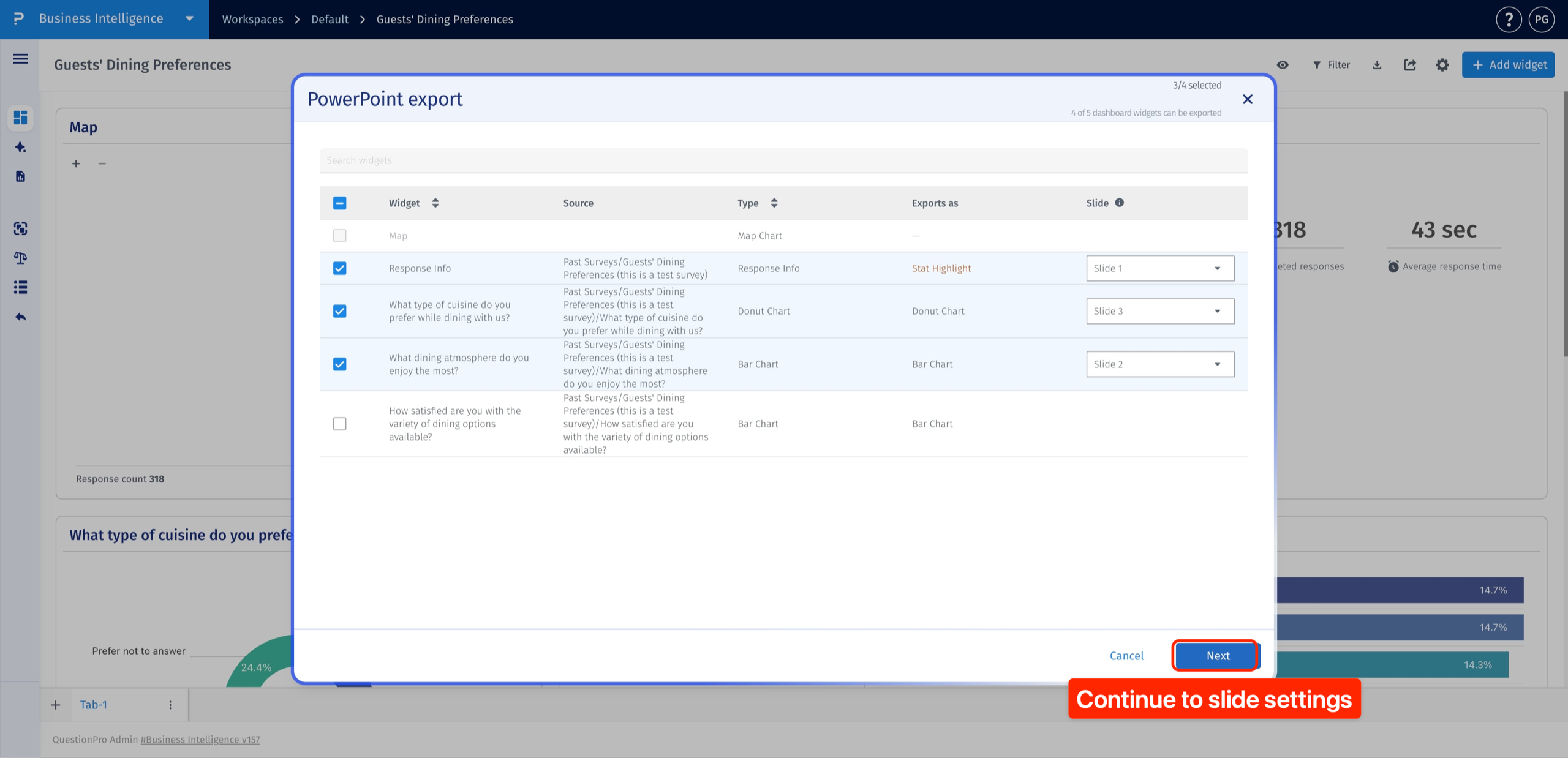
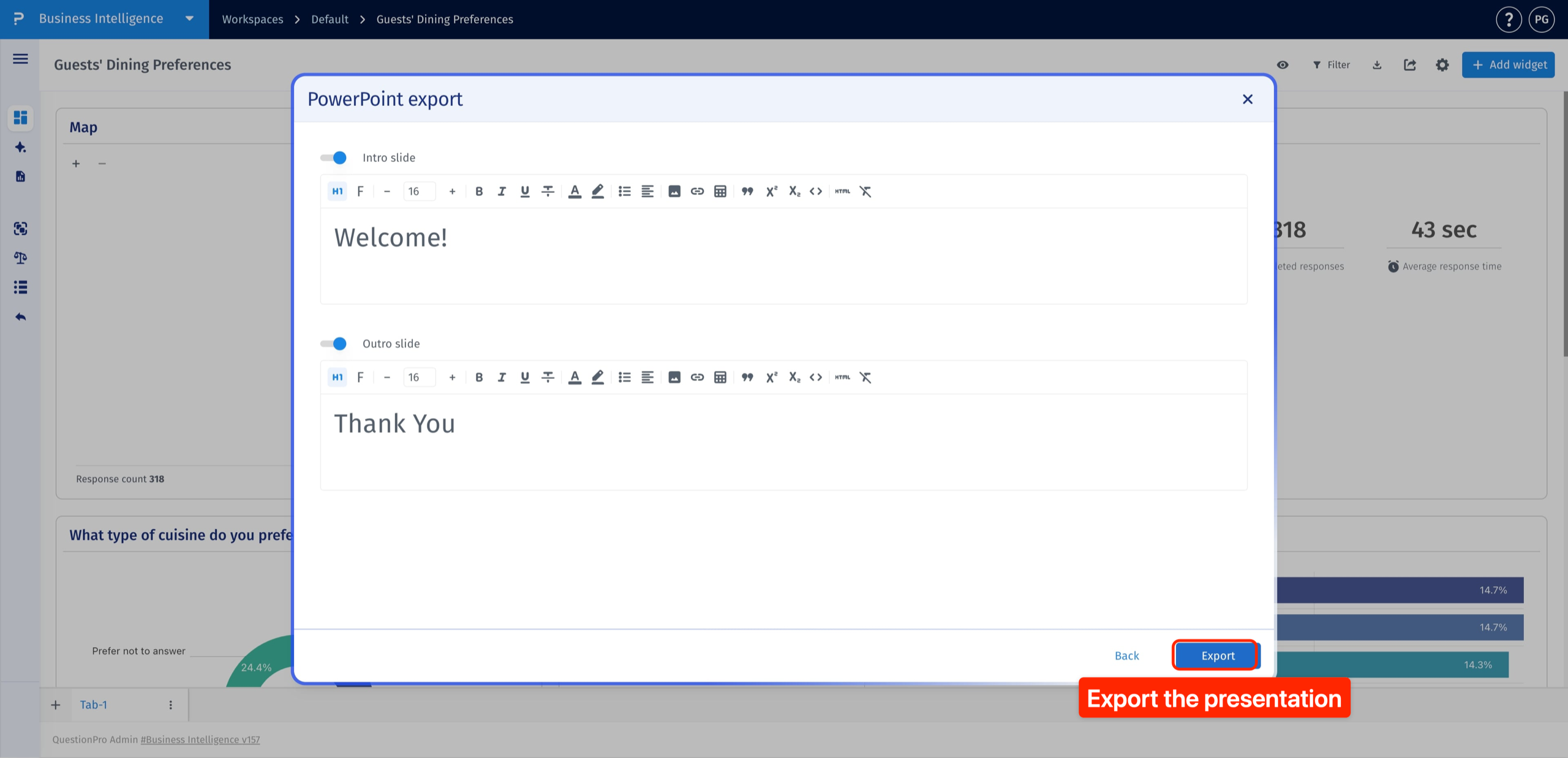
Edit the text in the Intro slide and Outro slide editors. Use the toolbar to format the text, change its font and size, or add an image. For example, introduce the presentation with a title and close it with a summary or thank-you message.
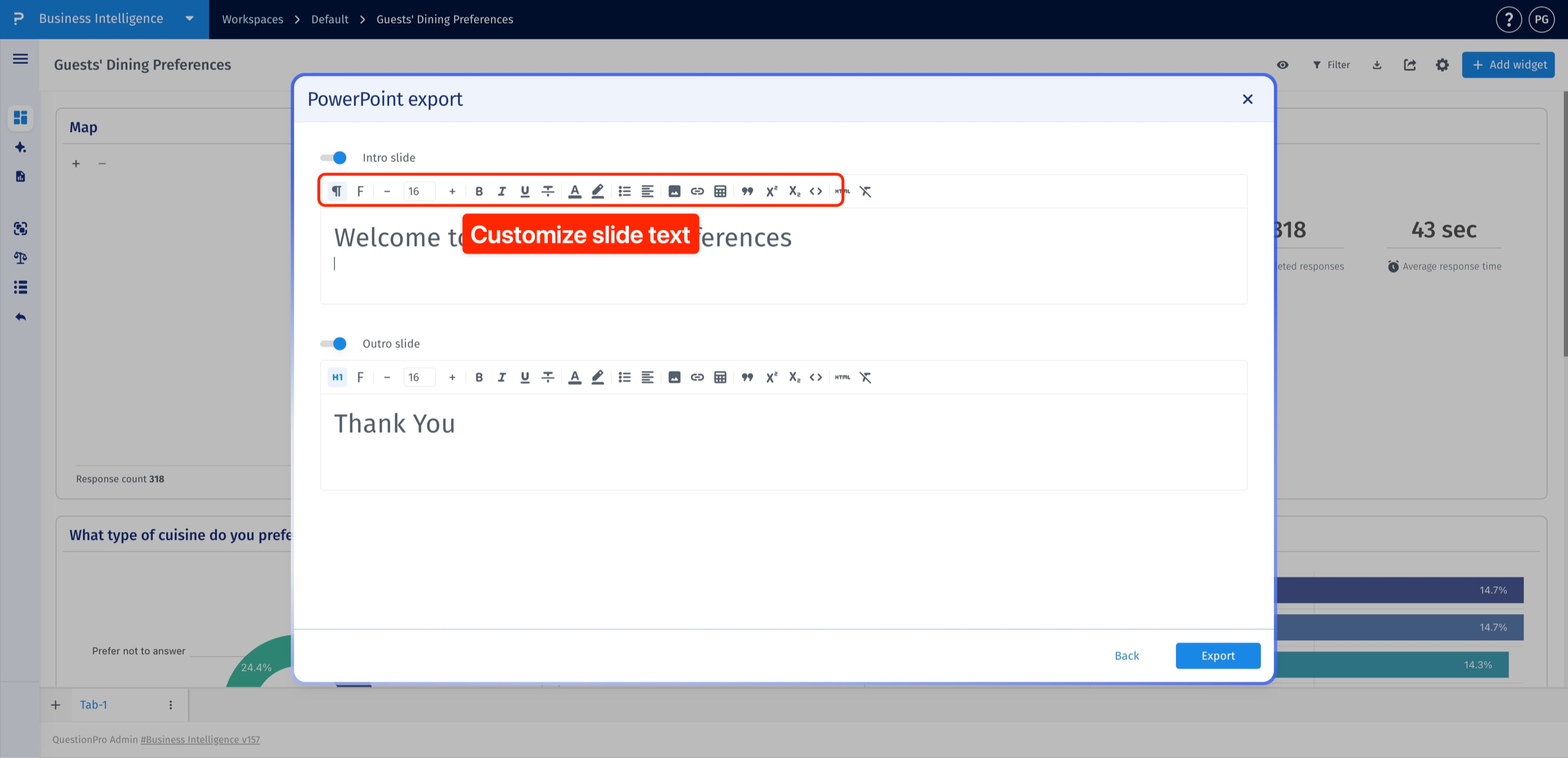
Yes. Turn off the toggle beside Intro slide or Outro slide to exclude it. The toggles work independently, so you can keep either slide, include both, or leave both out.
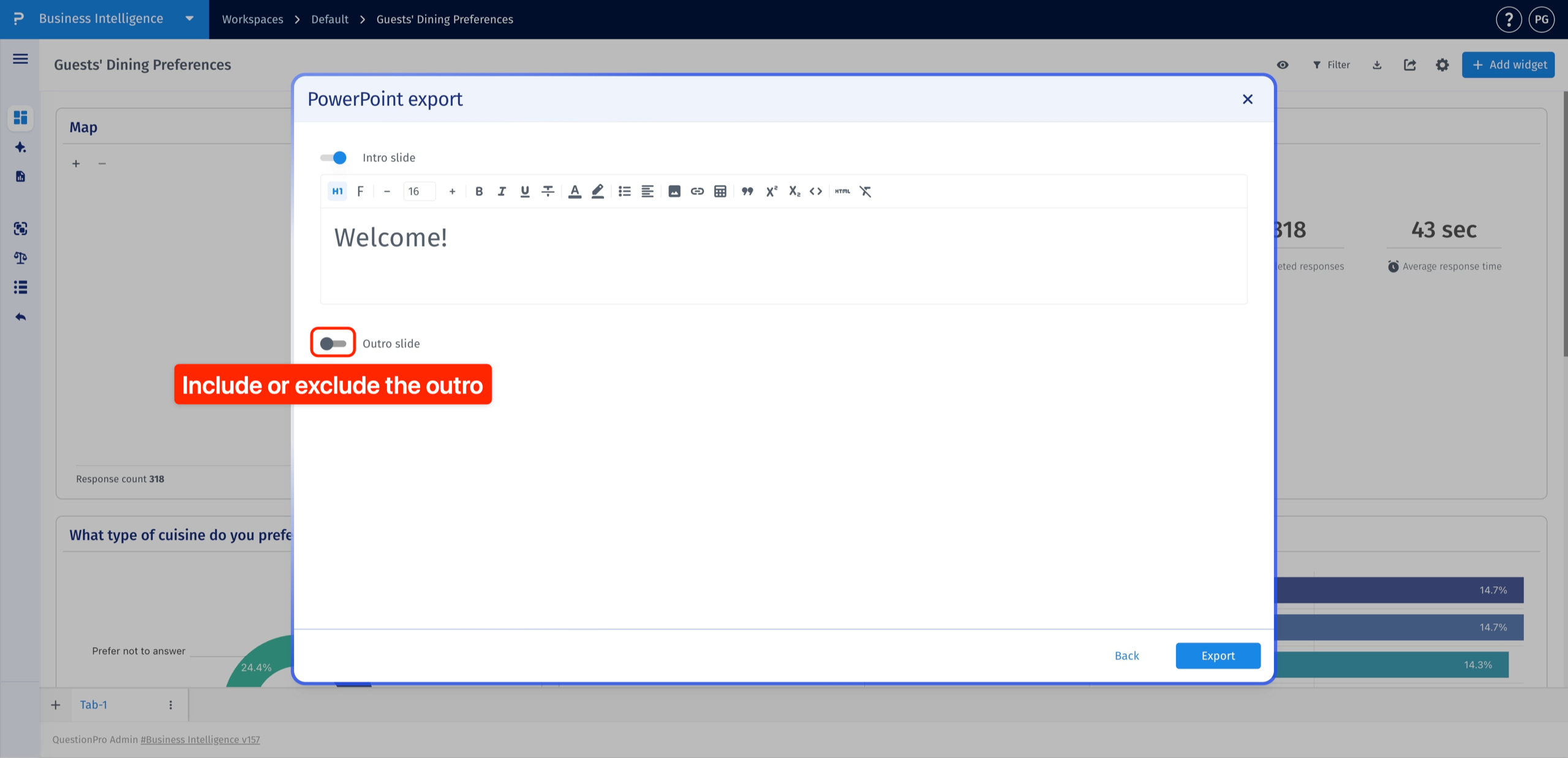
Review your settings and click Export to generate the presentation.
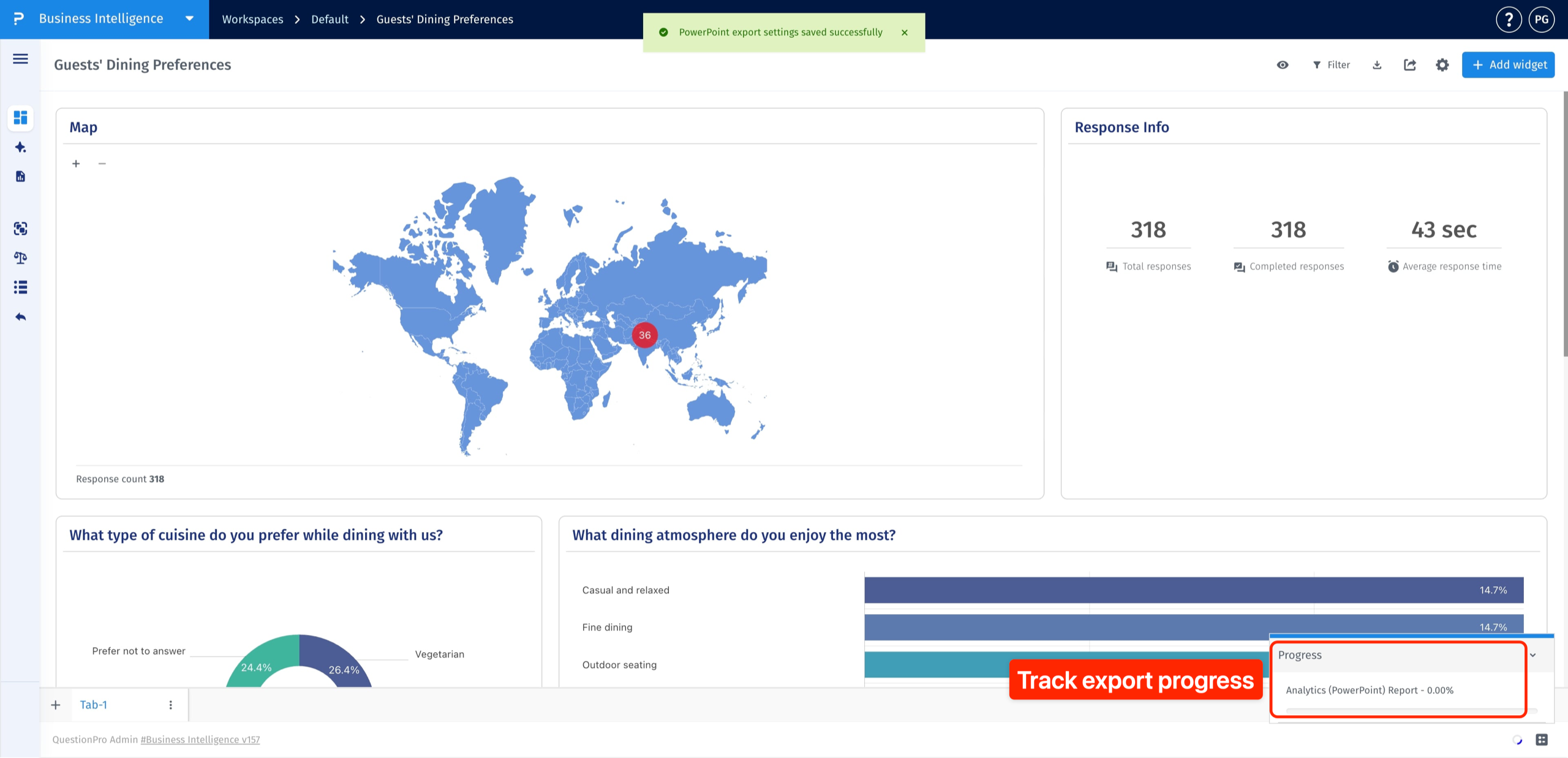
Follow the export in the Progress panel in the bottom-right corner of the dashboard.
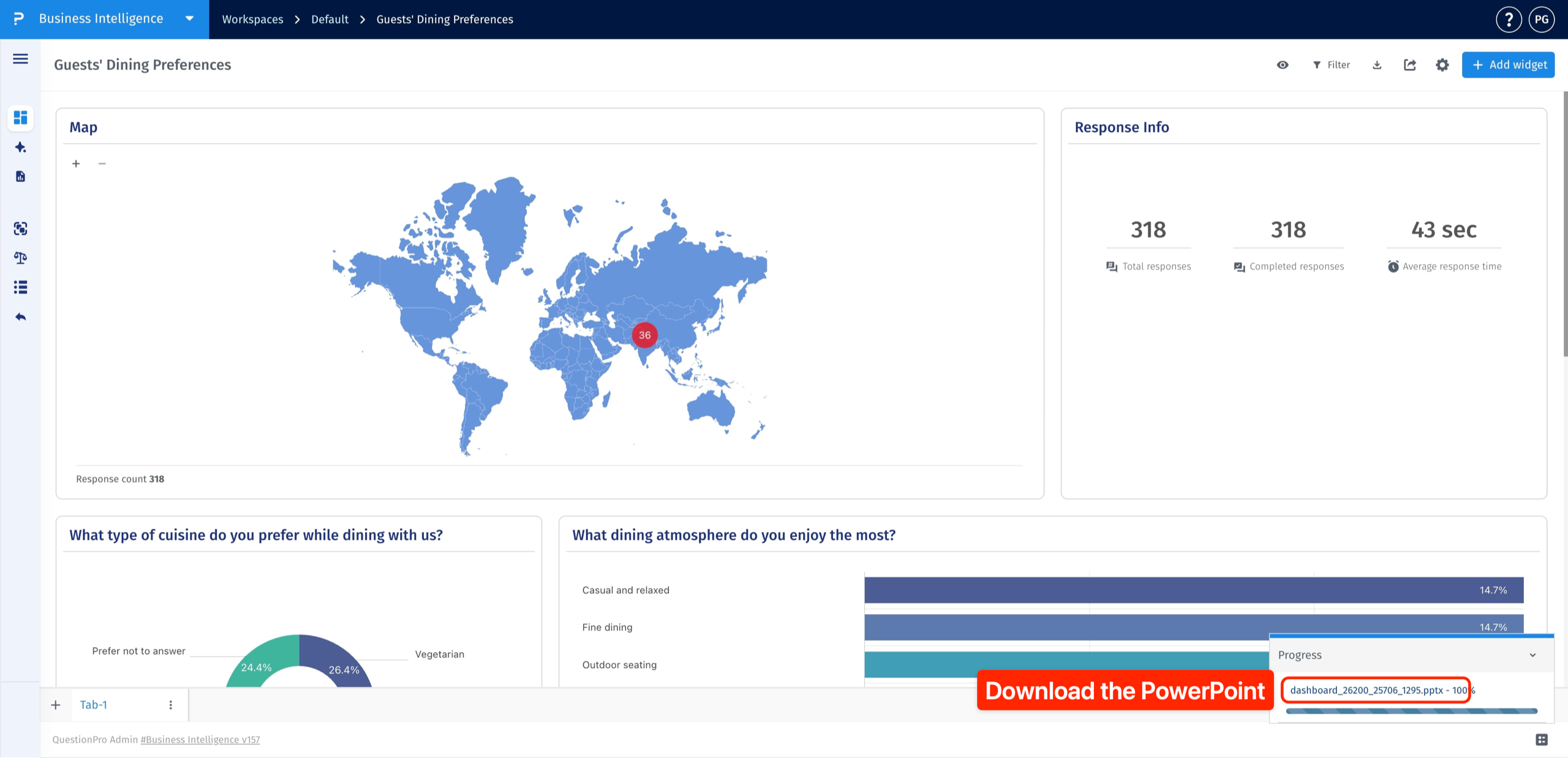
Once progress reaches 100%, click the generated presentation filename to download the .pptx file.
Open the downloaded file in PowerPoint and review the selected widgets, slide order, and intro and outro content. Widget support and export format vary; use the export window to see what is available for your dashboard. Do not assume that every exported widget is an editable PowerPoint chart.
This feature is available with the following licenses :
Research Edition Communities Customer Experience Employee Experience University - Research Edition
