


Text Summary Widget in TextAI
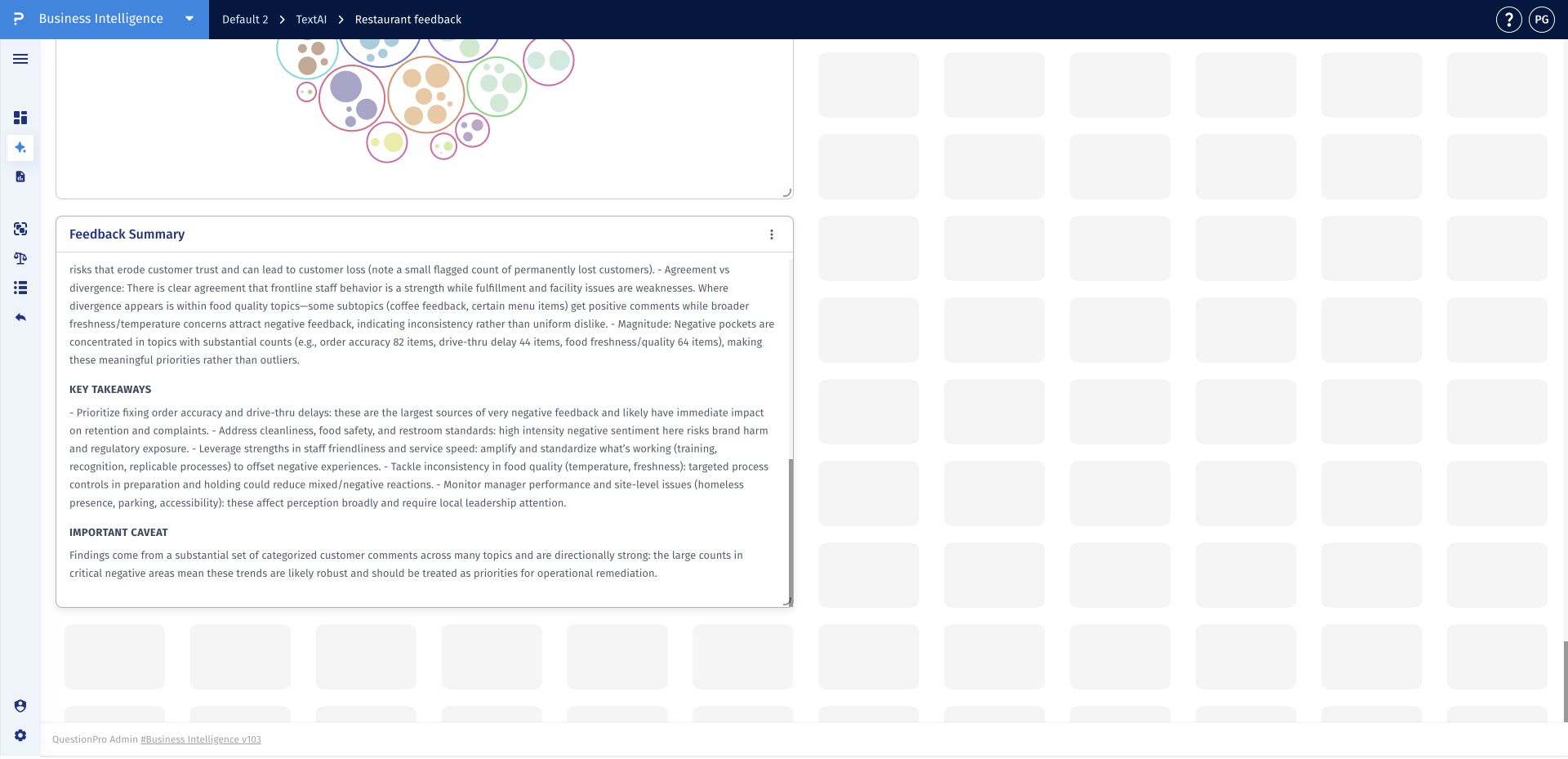
The Text Summary widget turns TextAI results into a narrative overview that stakeholders can read directly in the dashboard. It summarizes the analyzed feedback, surfaces key takeaways, and states important caveats about the analysis.
Use the widget as a starting point for interpretation, not as a replacement for validation. AI-generated text can contain inaccuracies, so confirm important counts, sentiment patterns, and conclusions against the dashboard's visualizations and response-level evidence.
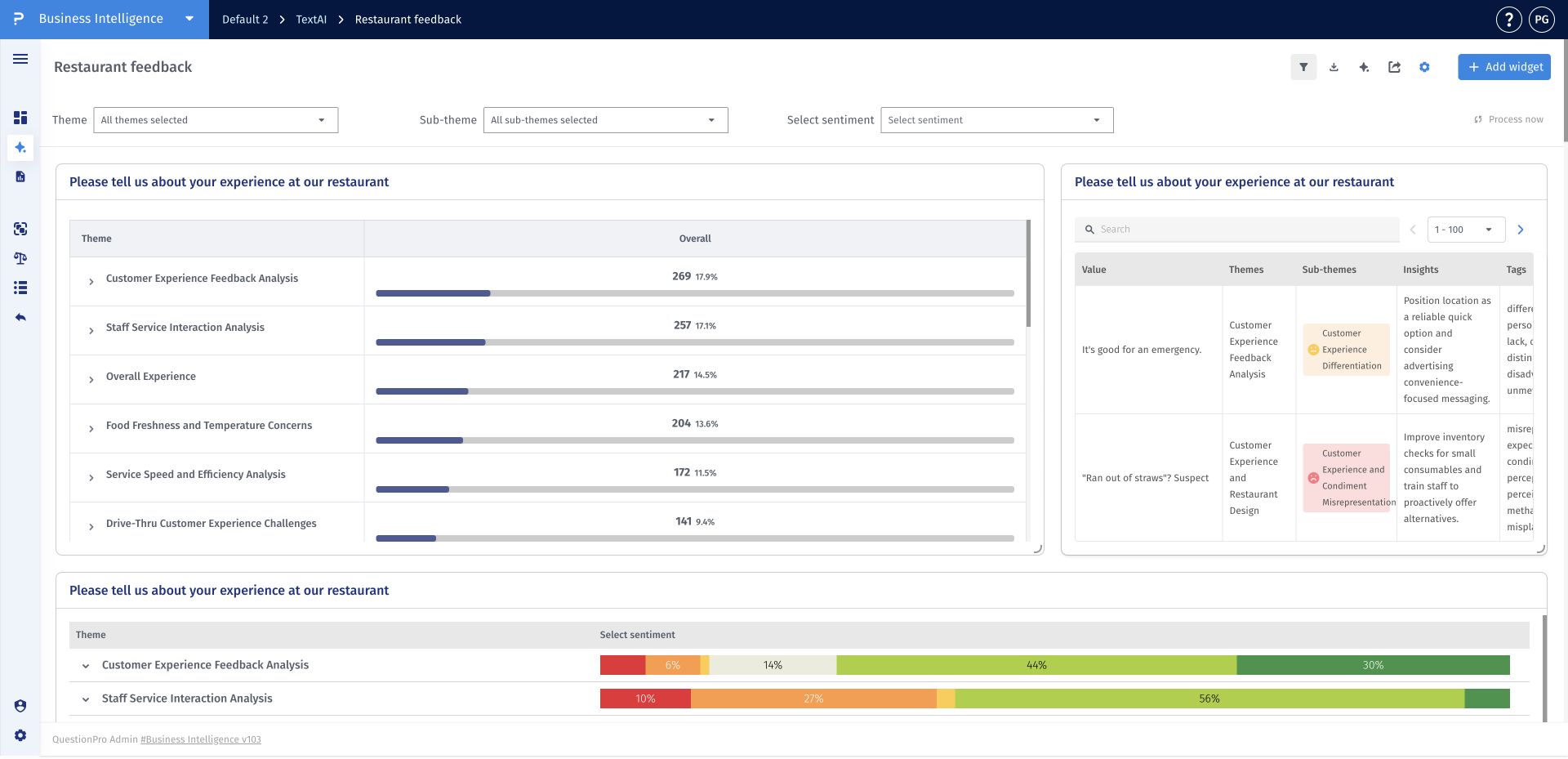
- Step 1: Open a TextAI dashboard and click Add widget.
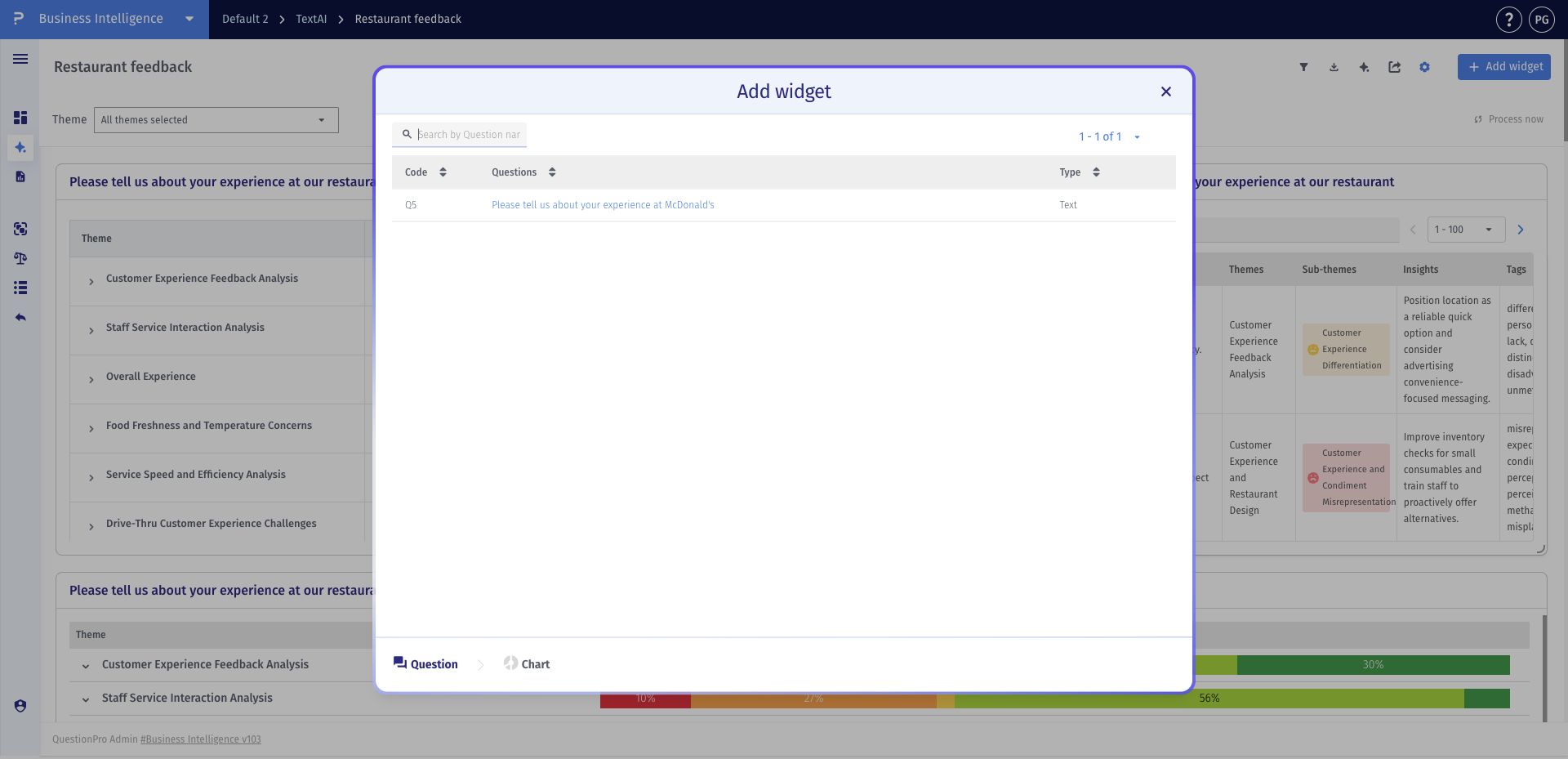
- Step 2: Select the open-ended question you want to summarize.
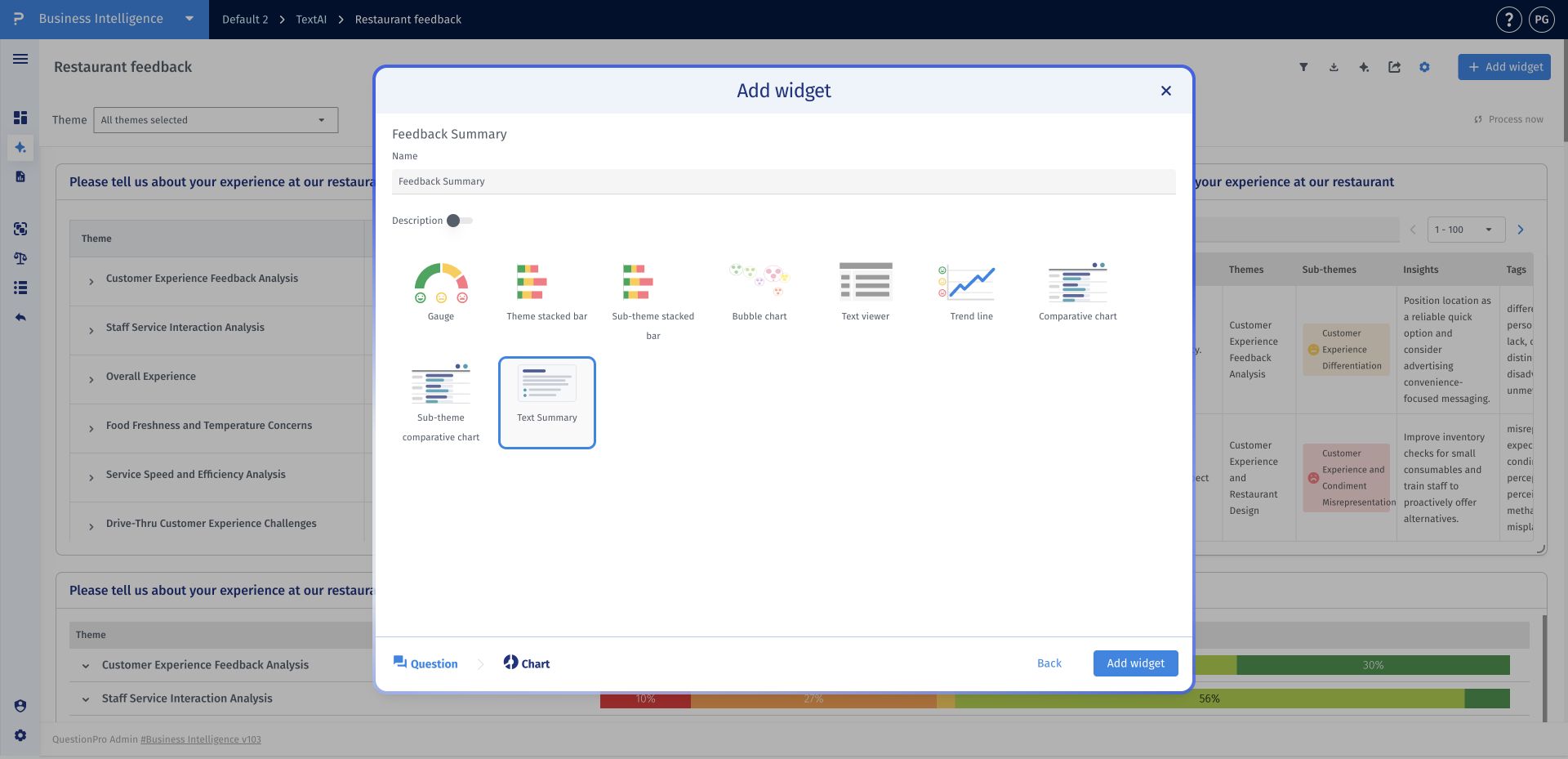
- Step 3: Choose Text Summary, enter a clear widget name, and click Add widget.
- Step 4: Review the summary, key takeaways, and caveat. Validate important counts and conclusions against the dashboard charts and response-level evidence.
What is the difference between Thematic and Thematic & Sentiment summaries?
Thematic focuses on the topics and themes in the analyzed feedback. Thematic & Sentiment also includes the sentiment associated with that feedback. Use the summary widget's mode dropdown to choose the perspective that matches your reporting question.
Should I validate the summary before sharing it?
Yes. Compare important claims with the dashboard's charts, counts, and original responses. AI-generated summaries can contain inaccuracies, so verify conclusions that will influence a decision or be shared with stakeholders.
Does a summary replace the codebook or individual responses?
No. The summary is a narrative interpretation of the analyzed feedback. The codebook defines the themes and sub-themes, while response-level views let you inspect the original comments and their coding.
Why should I check the summary's scope after applying filters?
Do not assume that changing a chart filter regenerates the narrative. Check the question, segment, and scope described in the summary against the filtered charts before using them together. This avoids presenting a broader summary as if it described only the selected subset.
This feature is available with the following licenses :
Research Edition Communities Customer Experience Employee Experience University - Research Edition
