


Design Settings in TextAI
Design settings let you control the appearance of a TextAI dashboard from one place. Choose a theme color, a chart color palette, sentiment colors, a font family and a font size to present feedback in a consistent style. Use these settings when preparing dashboards for client reviews, internal reporting or an established brand palette.
Open the Design tab in dashboard Settings to adjust the options and review the preview before saving. Your saved settings apply to supported areas of existing widgets, and new widgets inherit the dashboard design. Save a configuration as a named theme when you want to select the same combination again on another dashboard. Appearance changes do not recode responses or change the underlying analysis.
Watch this video for a walkthrough of Design Settings in TextAI:
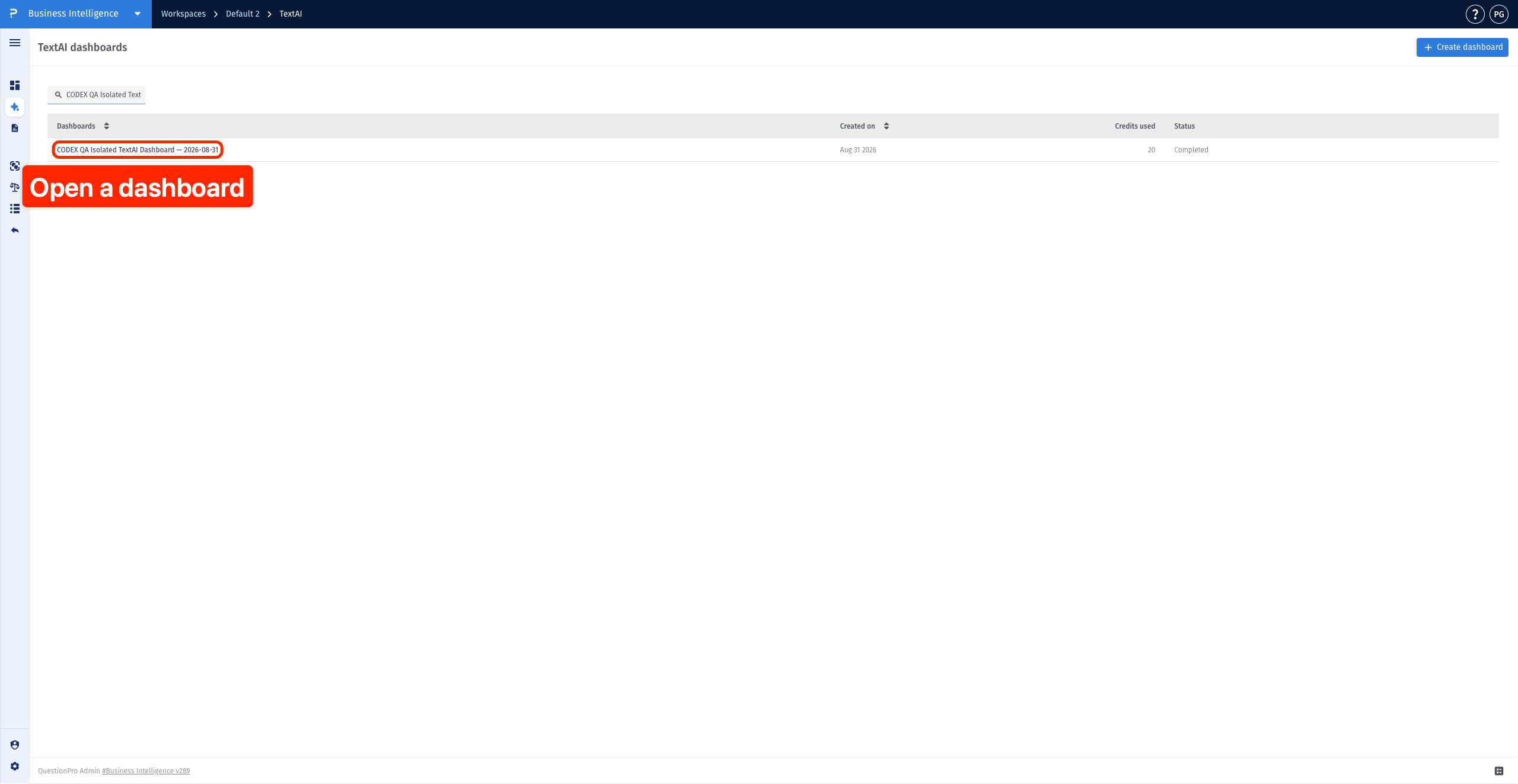
Click to download the video- From the TextAI dashboard list, select the dashboard you want to style.
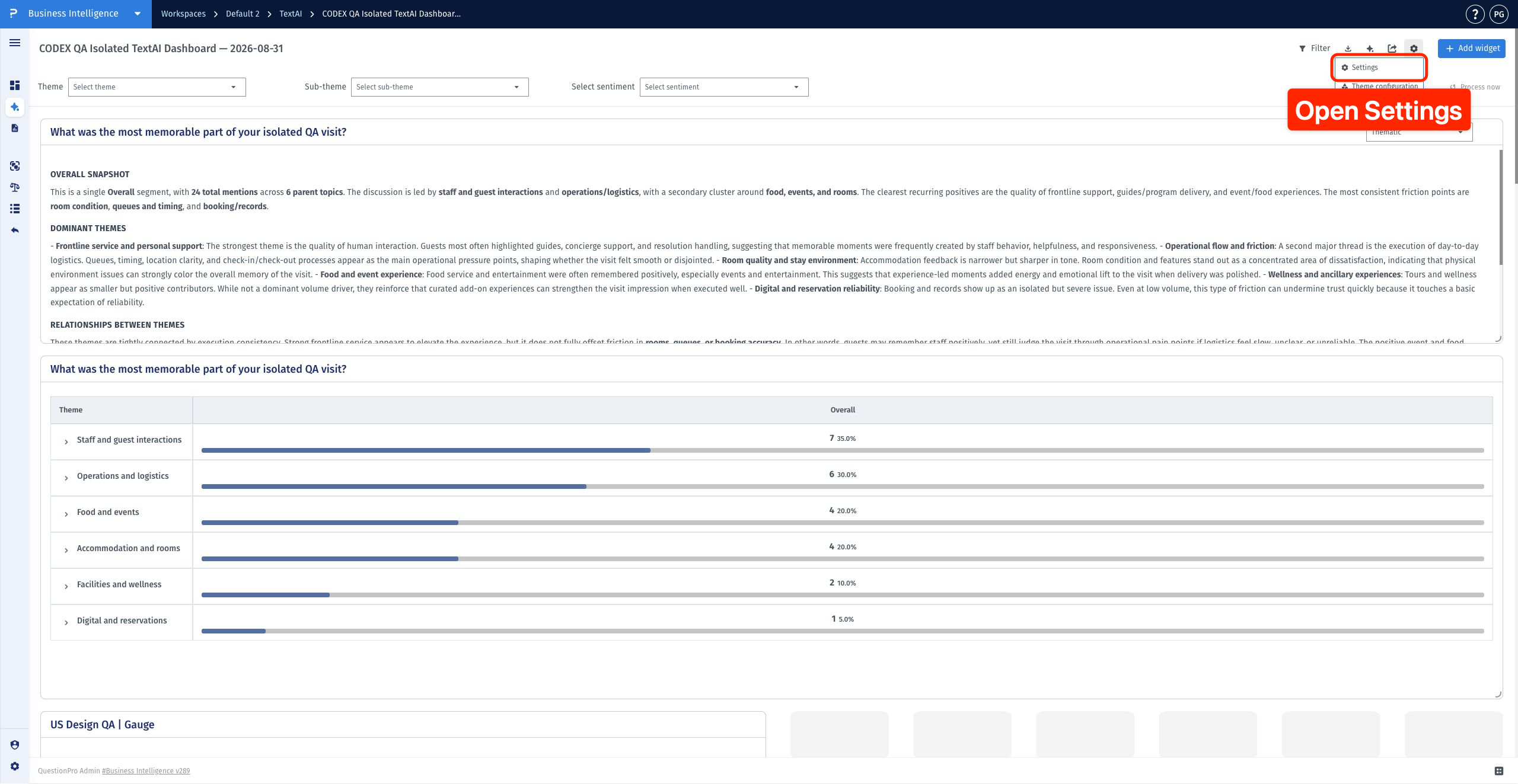
- Click the dashboard settings icon, then choose Settings.
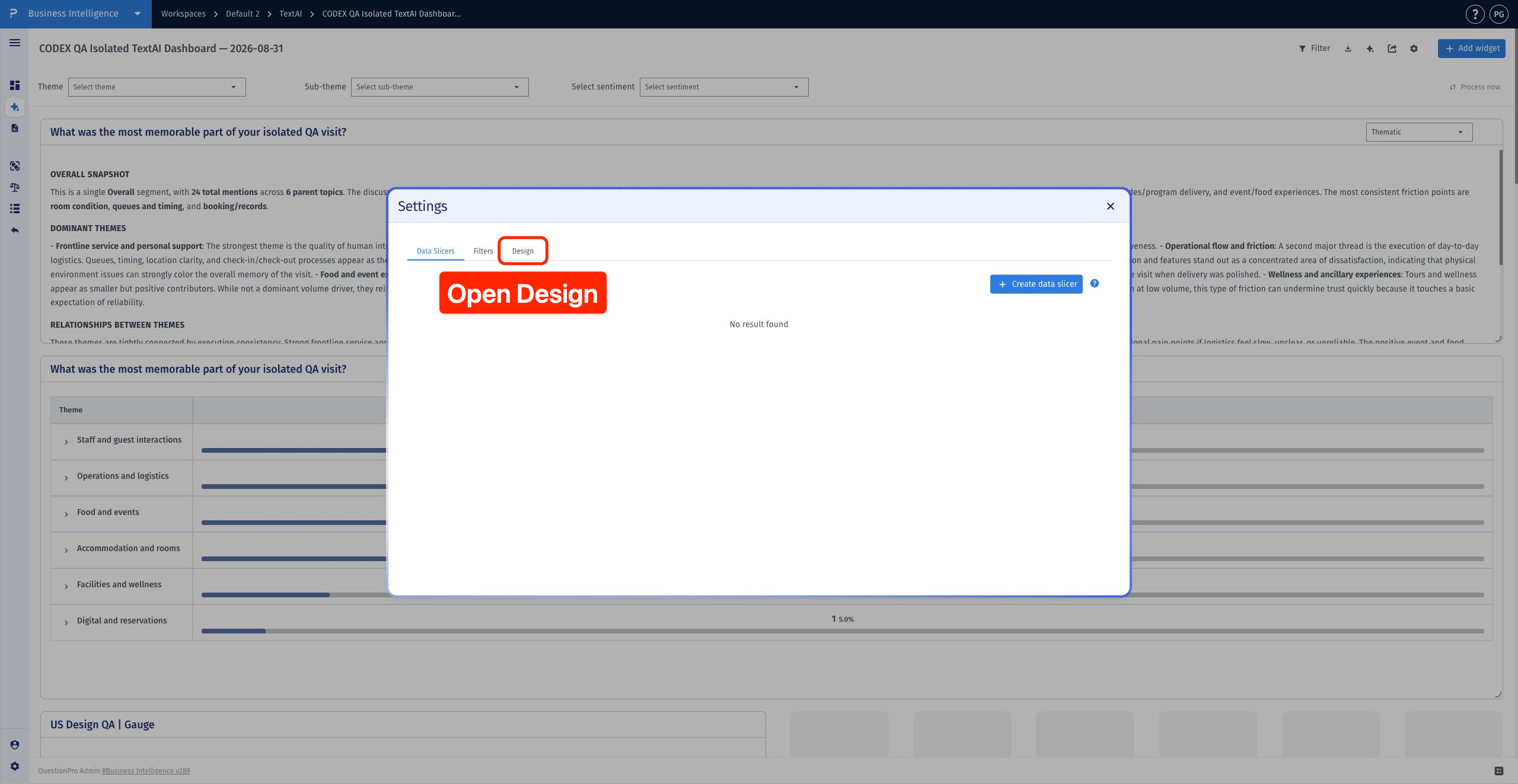
- Select Design to see the appearance controls and preview.
- Click the Theme color swatch, then choose a color or enter its HEX value. Click the preview to dismiss the picker.
- Open Color palette and select a preset, or choose Custom and click a swatch to edit it. Use the add or remove controls when needed.
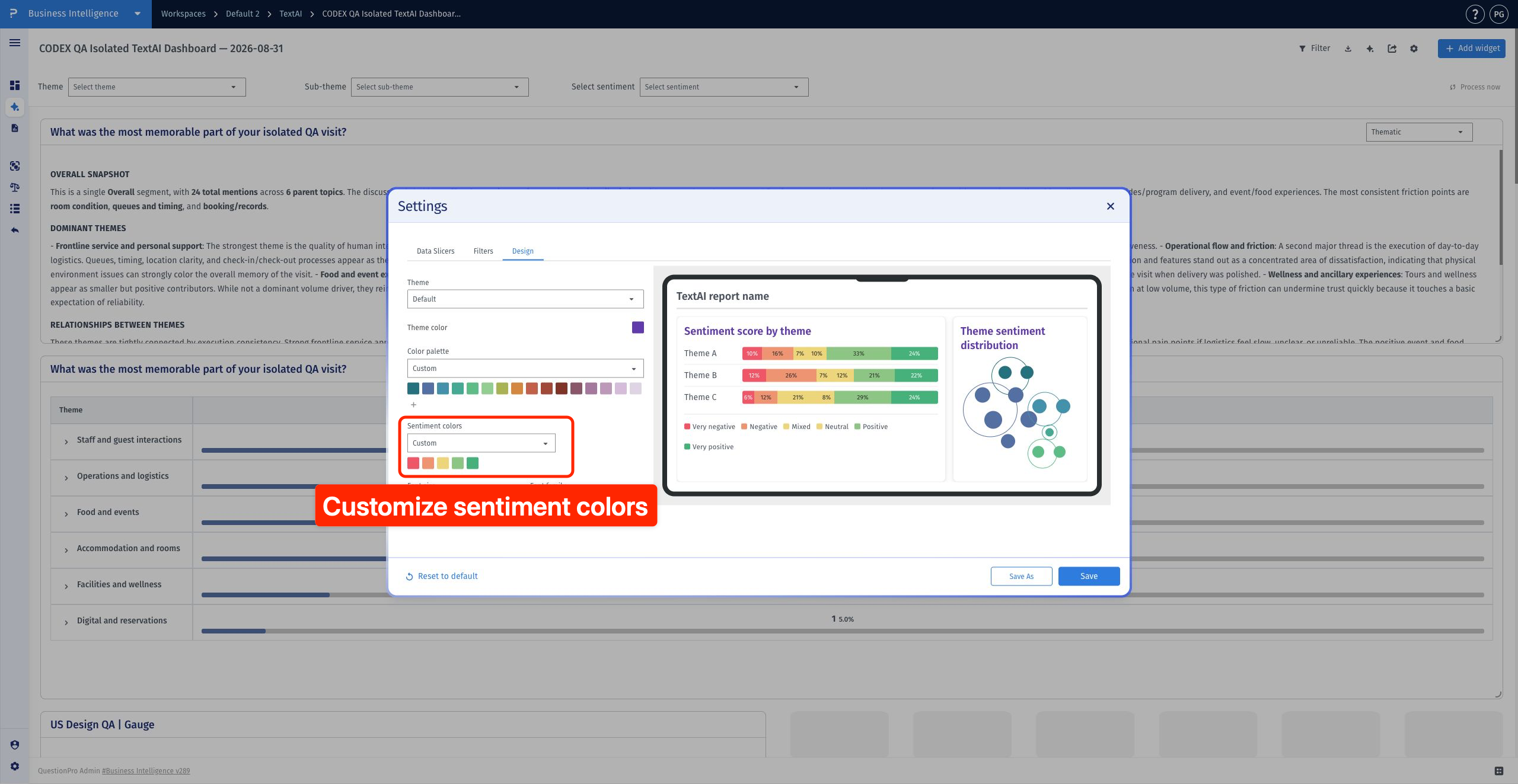
- Open Sentiment colors, choose Default or Custom, and click a custom swatch to edit its color.
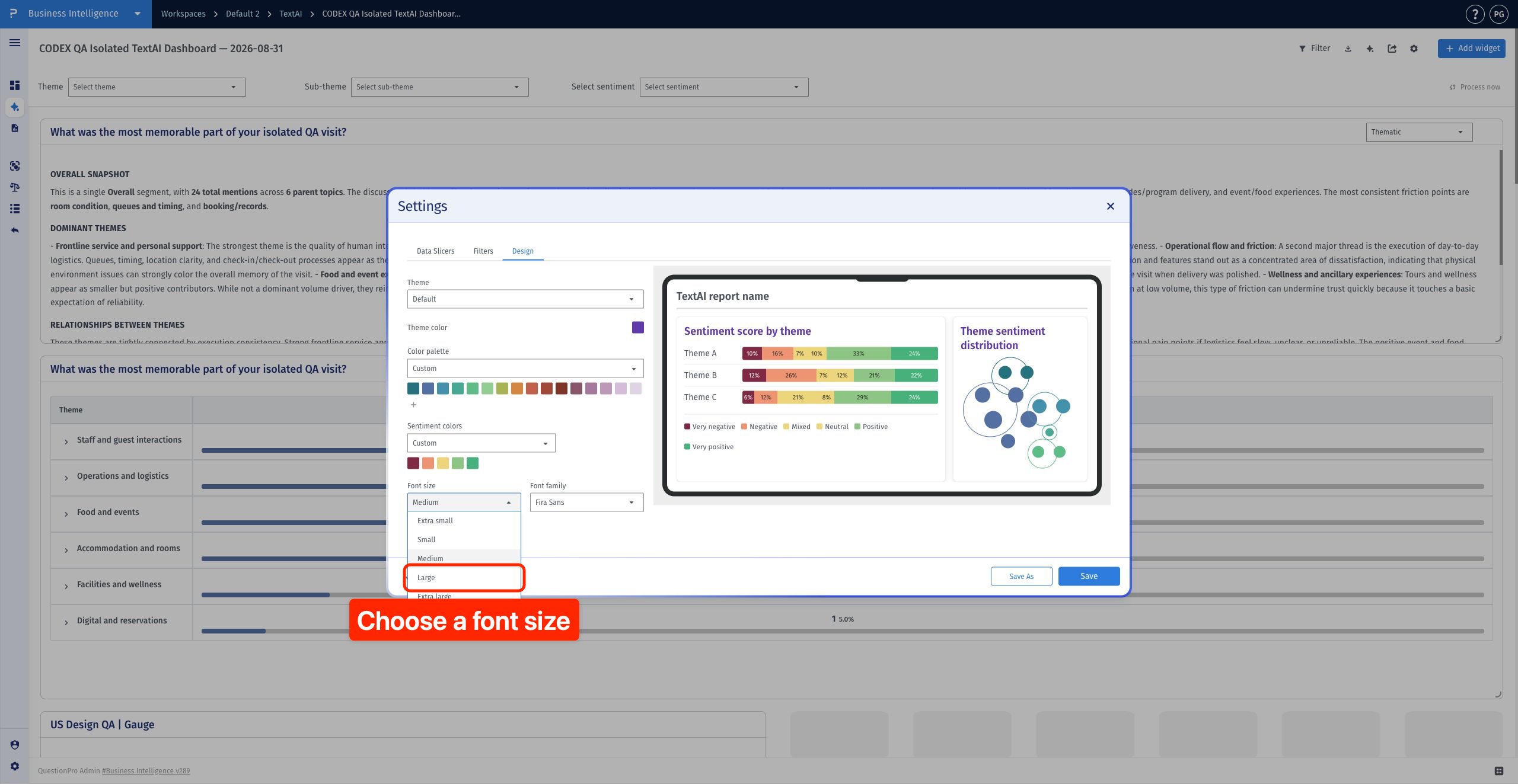
- Open Font size and choose the size you need.
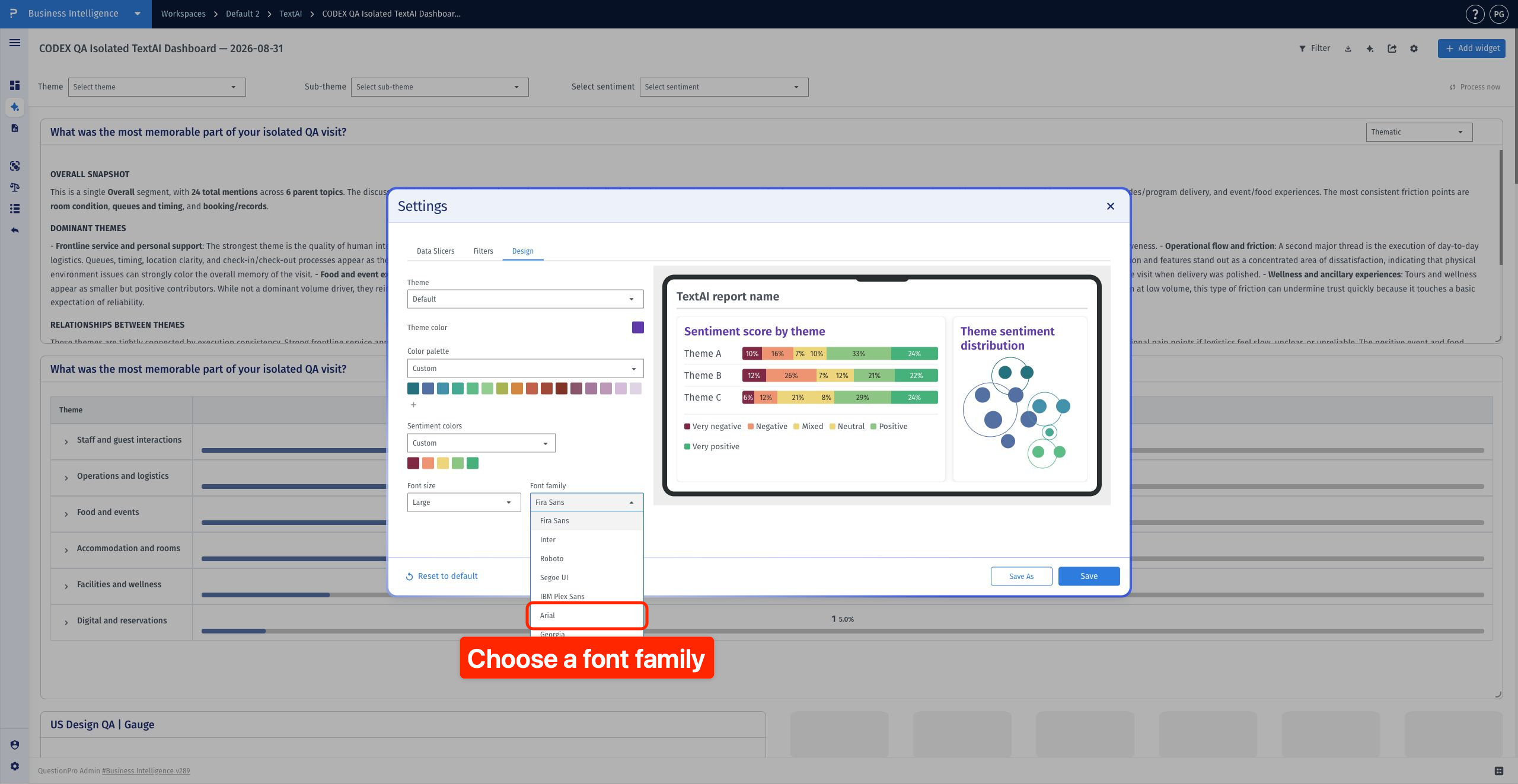
- Open Font family and choose a font. Review the combined result in the preview.
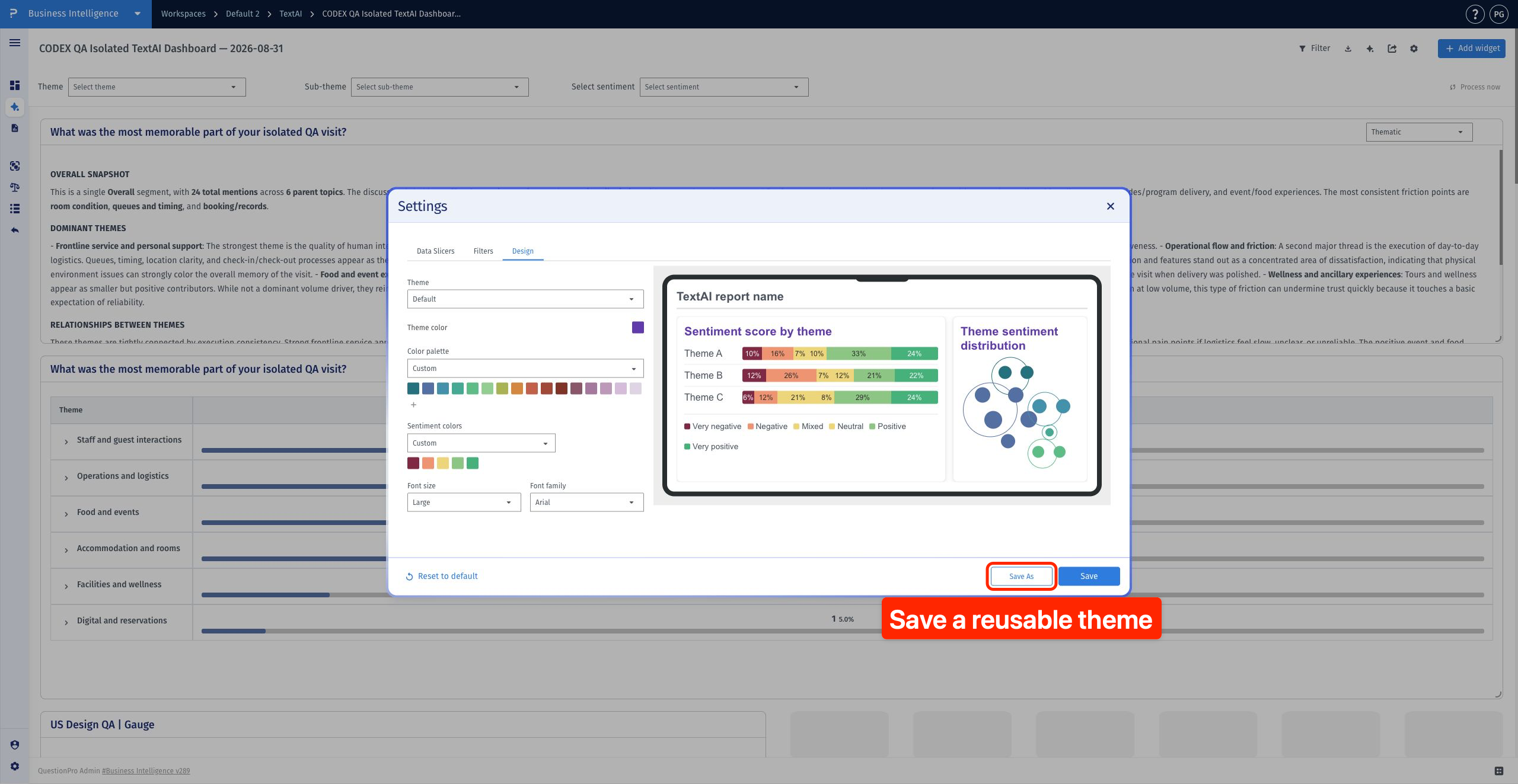
- While still editing in Design, click Save As to store the current colors and typography as a reusable theme.
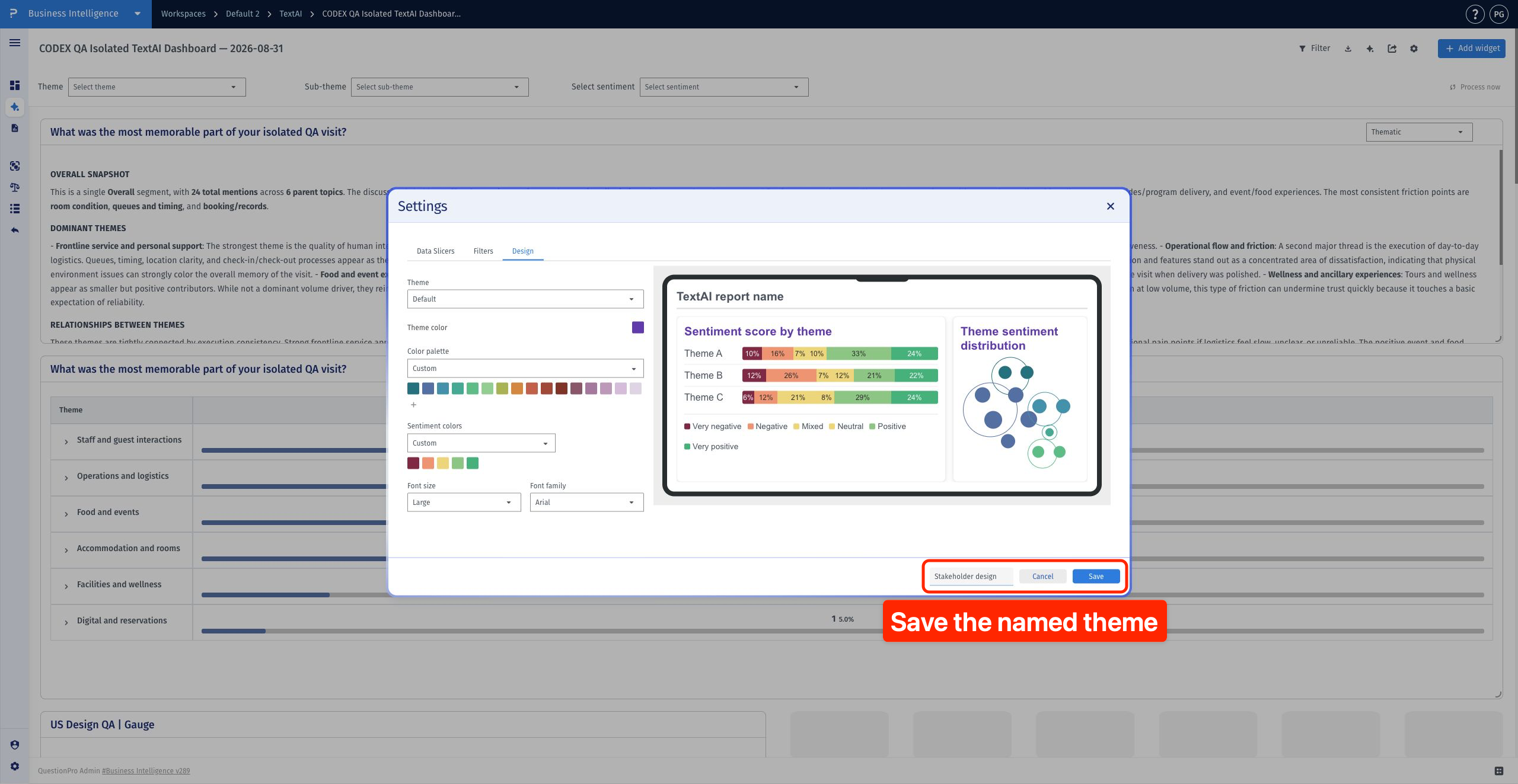
- Enter a unique theme name and click Save. The theme is saved and applied to the dashboard; Settings stays open.
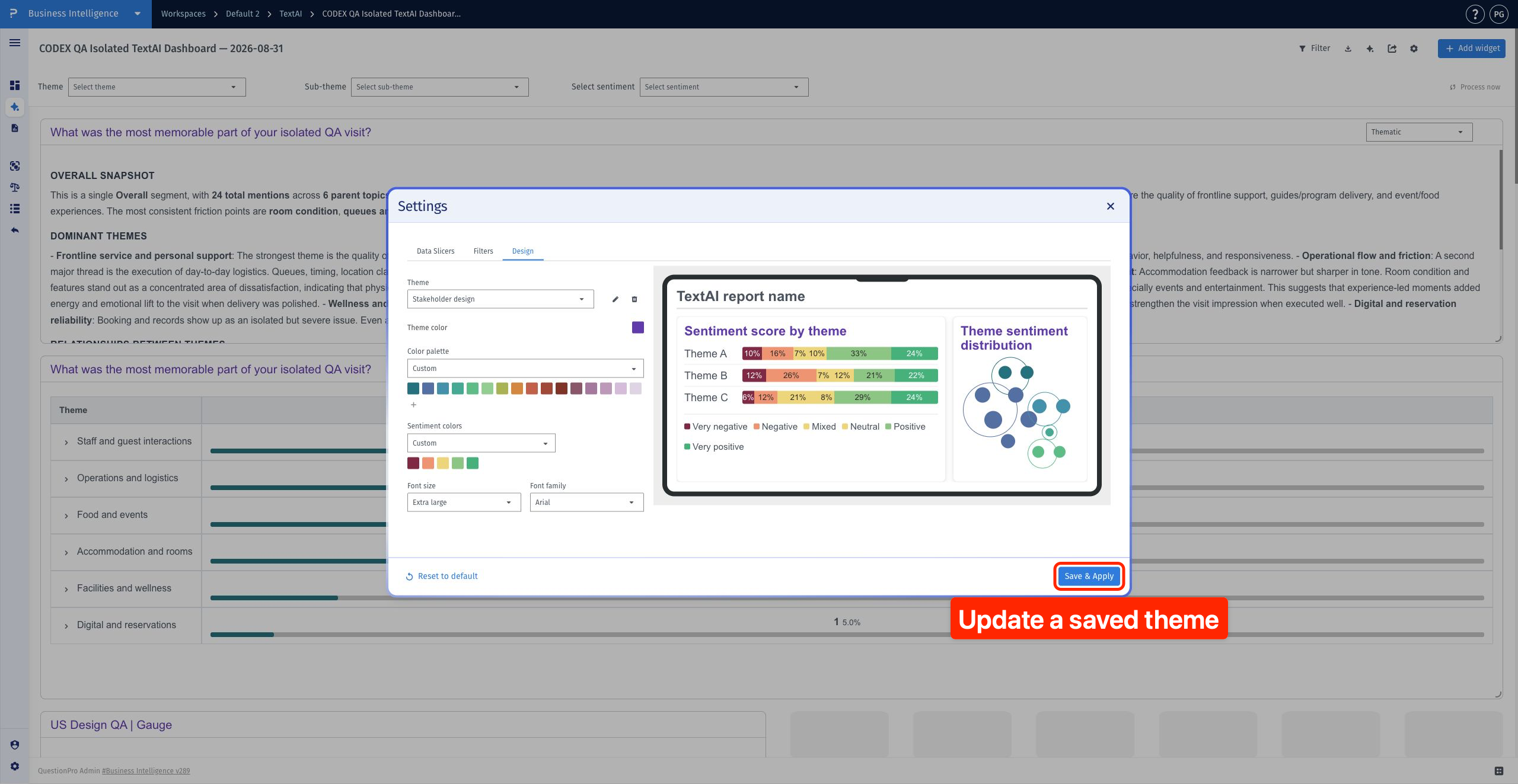
- To refine the selected custom theme, change the settings and click Save & Apply. This updates the named theme and applies it to the current dashboard.
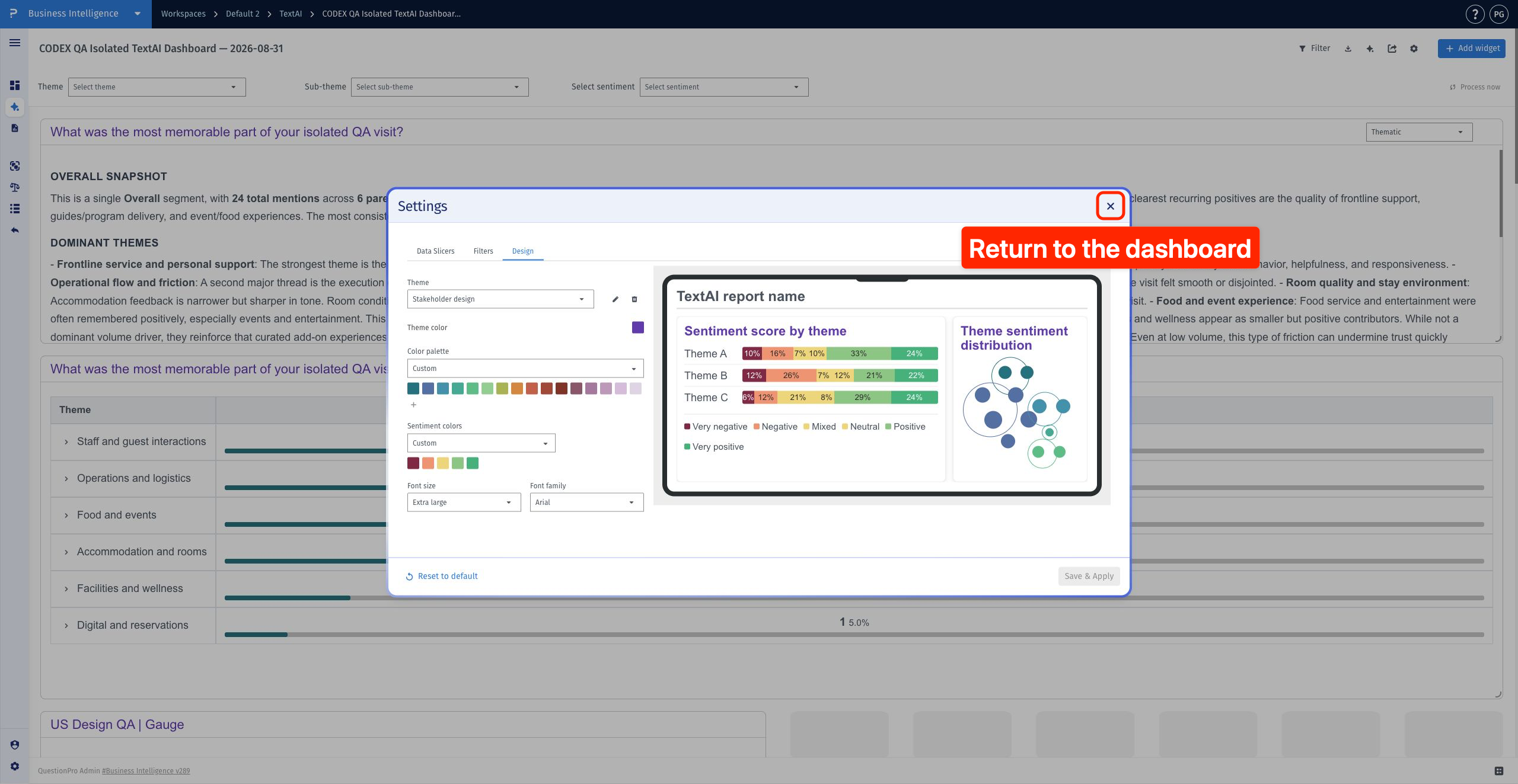
- When the save finishes, click Close to return to the dashboard.
- Scroll through the dashboard to review the saved colors and typography across supported widget areas.
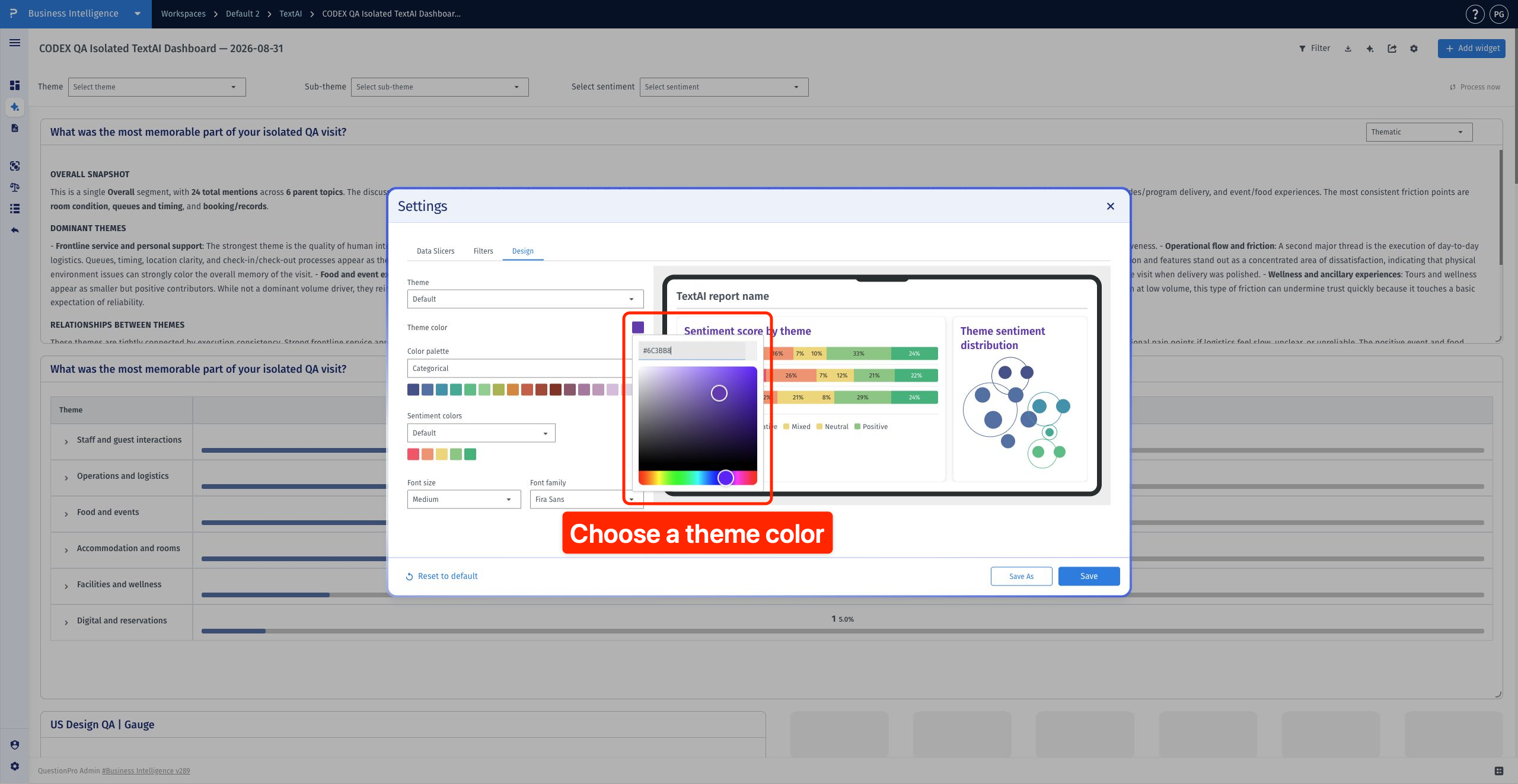
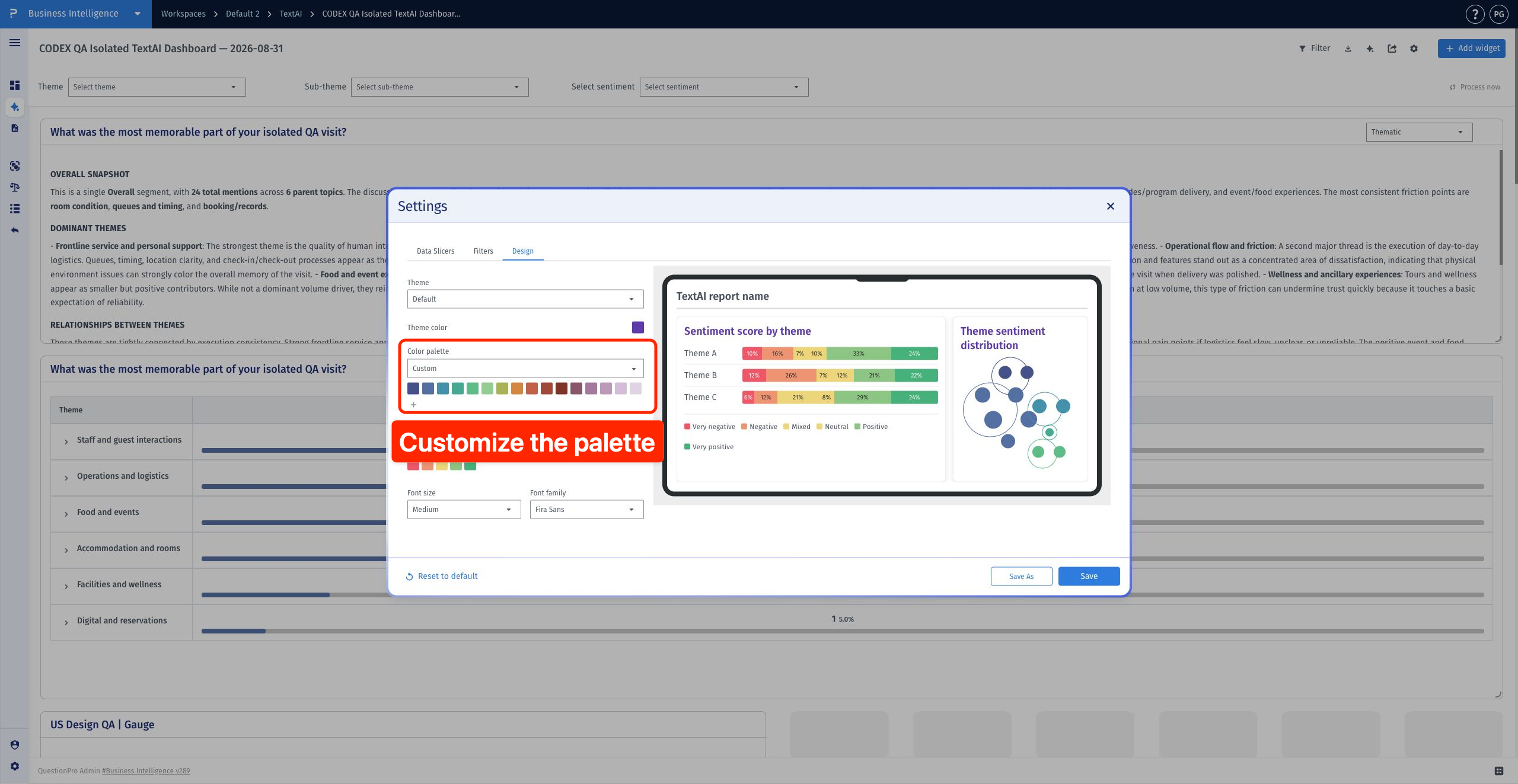
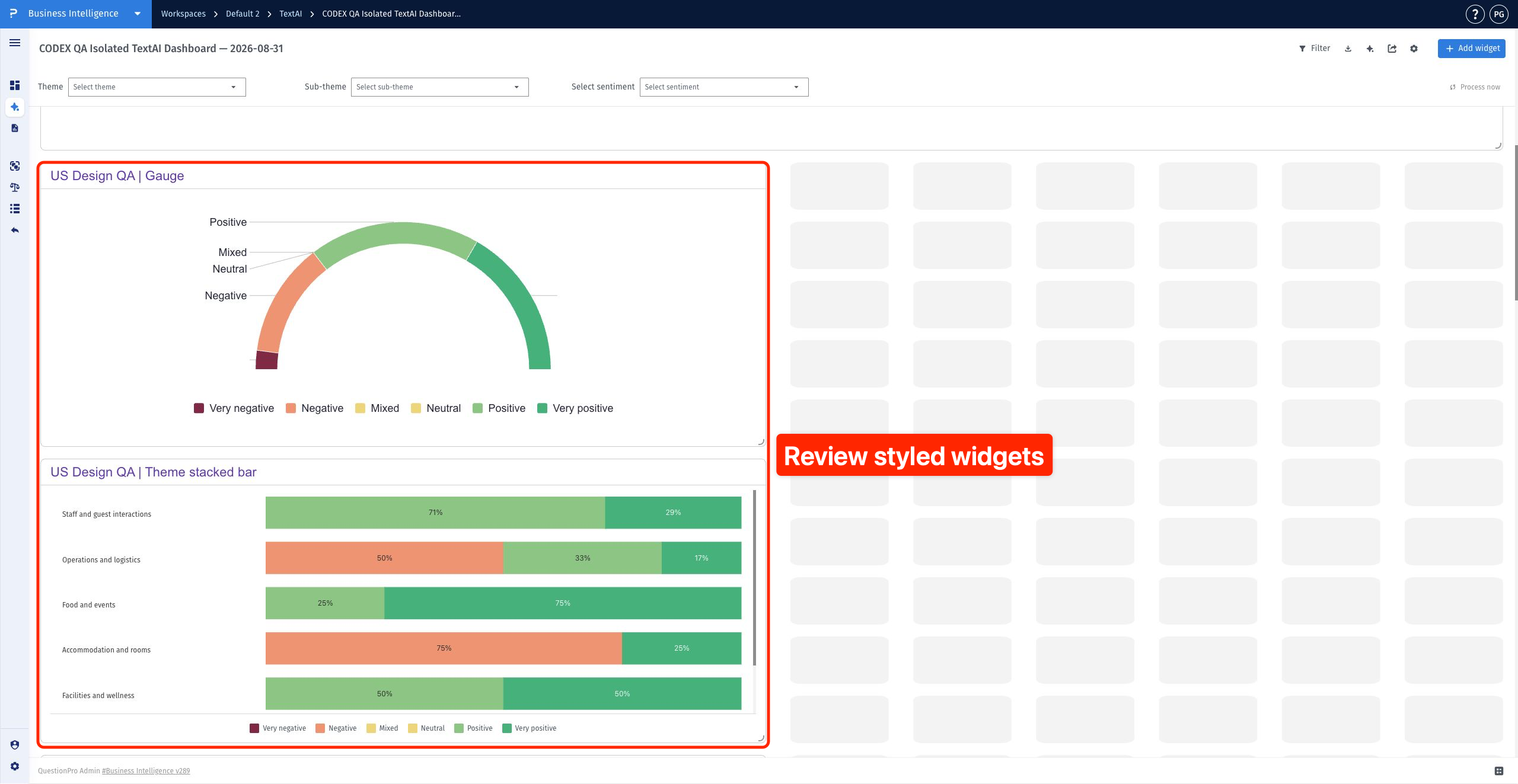
Theme color controls widget-title accents and supported chart accents, including the Trend line. The color palette controls theme or sub-theme chart colors, including Bubble chart colors and comparative-chart mini-bars.
Sentiment colors control the categories shown in Gauge, Theme stacked bar and Sub-theme stacked bar widgets, together with their legend keys. They also control the sentiment icons in Text viewer. Mixed and Neutral use the same center color but remain distinct categories.
Font size and font family update widget titles and other supported chart or table text. Text viewer response text retains its standard formatting. A design setting does not necessarily restyle every label, control or piece of response text.
- Theme: Default and any saved custom themes.
- Color palette: Categorical, Divergent, Blue, Green, Red, Orange and Custom.
- Sentiment colors: Default and Custom.
- Font size: Extra small, Small, Medium, Large and Extra large.
- Font family: Fira Sans, Inter, Roboto, Segoe UI, IBM Plex Sans, Arial and Georgia.
Save applies the current design to the current dashboard. During the same Design session, Save As stores the current theme color, chart palette, sentiment colors, font size and font family as a reusable named theme and applies it to the current dashboard. Settings stays open after saving. A theme name can contain up to 100 characters; it must be unique and cannot be Default.
When a custom theme is selected, Save & Apply updates that named theme and applies it to the current dashboard. Select the saved theme on another dashboard when you want to reuse it. Changing one dashboard does not automatically select that theme on other dashboards.
