A small business survey tool helps small teams collect feedback from customers, employees, leads, and event attendees without needing a full research department. The right tool should be affordable, easy to use, and strong enough to turn responses into decisions.
For many US small businesses, surveys answer practical questions that guesswork cannot: are customers satisfied, why did a buyer leave, what do employees need, and which product idea deserves more investment. A short customer or employee survey turns scattered opinions into organized feedback you can act on.
The challenge is picking a tool that fits the business. Some tools are too basic once you need branding or logic. Others are too complex for a team that just wants to create a survey, collect responses, and act. In this guide, we’ll cover what to look for, compare the top options, and show how to plan a survey that actually gets used.
What is a small business survey tool?
A small business survey tool is software that lets small teams create, send, and analyze surveys for customer feedback, employee feedback, product research, and everyday business decisions.
Business size definitions vary. The US Small Business Administration sets industry-based size standards, usually tied to annual receipts or employee count, so what counts as “small” looks different from one industry to the next.
For survey software, size is less important than fit. The real question is whether the tool gives a small team speed, simplicity, and useful reporting without a complicated setup.
A good small business survey tool should let you:
- Build surveys quickly using templates.
- Add your logo and brand colors.
- Send surveys by email, web link, QR code, or social media.
- Track responses as they arrive.
- Create reports that are easy to share.
- Connect survey data with other business tools.
What features should a small business survey tool include?
A small business survey tool should include the features needed to create, share, brand, and analyze surveys without adding unnecessary complexity.
| Feature | Why it matters for a small team |
|---|---|
| Ease of use | Most small teams have no dedicated researcher, so the builder needs to be fast to learn |
| Survey templates | Saves time on common use cases like satisfaction, engagement, and feedback surveys |
| Multiple question types | Multiple choice, rating scales, open text, ranking, and matrix questions cover most needs |
| Survey logic | Shows or skips questions based on a previous answer, keeping surveys shorter |
| Branding | Logos, colors, and custom themes make a survey look professional |
| Distribution options | Email, website, QR code, and social sharing reach people where they already are |
| Reporting dashboards | Response trends, completion rates, and downloadable results without extra tools |
| Integrations | CRM, email, and analytics connections keep feedback tied to customer records |
Security and compliance matter too. If a survey collects personal information, the tool should support secure data handling and relevant privacy rules such as GDPR or CCPA.
Best small business survey tools
The right pick depends on the job. A one-off internal form may only need a basic builder, while an ongoing customer feedback program needs branding, logic, reporting, and integrations.
1. QuestionPro
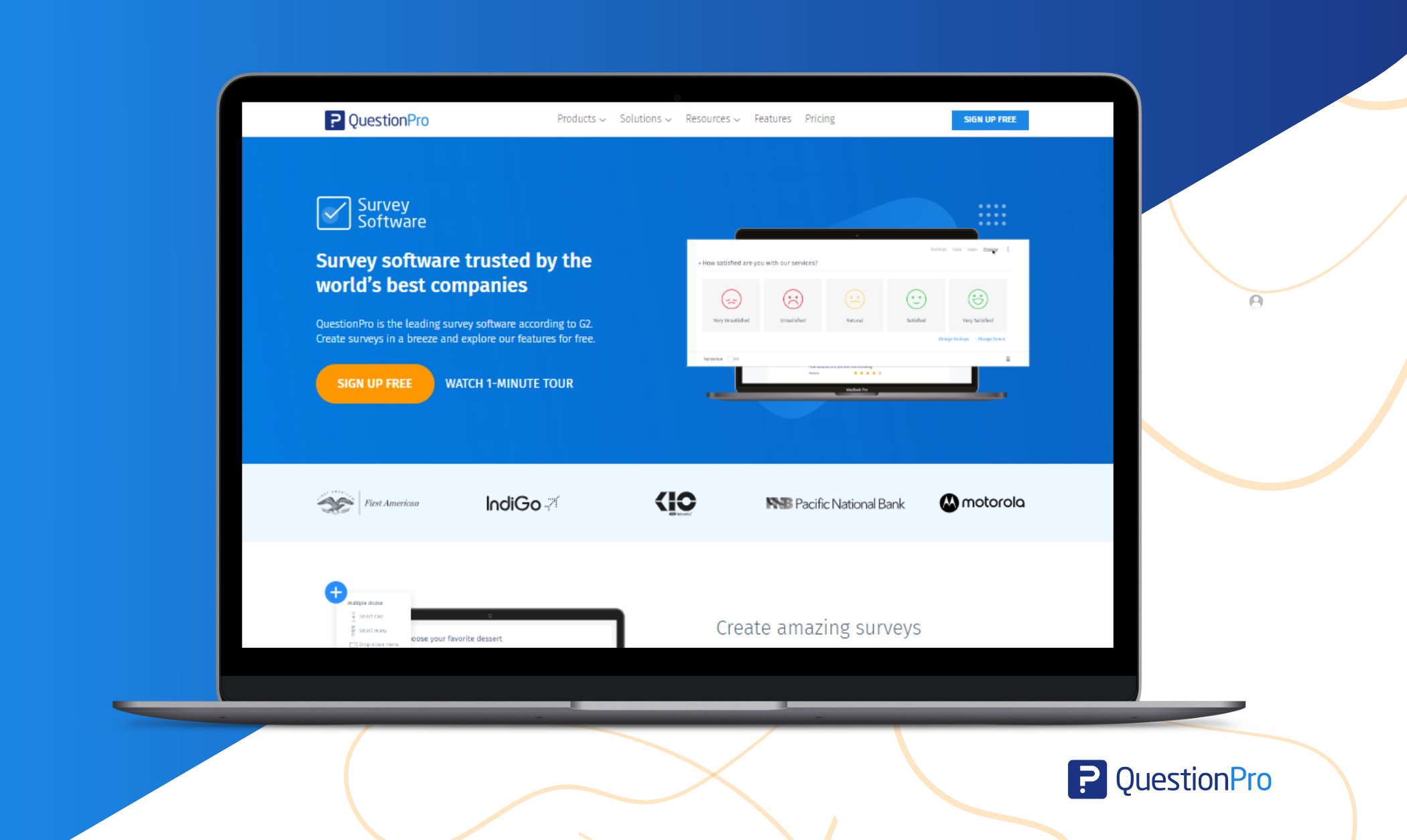
QuestionPro fits small businesses that want more than a basic form builder but still need an easy starting point. It offers a free plan, 50-plus question types, ready-made templates, survey logic, branding, and reporting that scale up as a business grows.
Best for: Customer and employee feedback, branded surveys, and teams that expect to need more advanced research tools later.
2. SurveyMonkey
SurveyMonkey is a widely recognized online survey tool with familiar templates and workflows. It suits small businesses that want a well-known option with broad feature coverage.
Best for: Businesses that want a familiar interface and do not mind checking plan limits carefully before upgrading.
3. Google Forms
Google Forms is a free, simple starting point for internal forms and quick polls, and it works naturally inside Google Workspace.
Best for: Simple internal surveys, quick one-off feedback, and teams already living in Google Workspace.
4. Typeform
Typeform presents one question at a time in a conversational format, which can lift completion rates for lead forms and feedback forms.

Best for: Interactive, visually polished surveys, lead capture, and short quizzes.
5. Jotform
Jotform combines a large template library with flexible form logic and file upload support, making it a fast option for building branded forms.
Best for: Small teams that want quick setup and do not need deep survey-specific analytics.
6. Zoho Survey
Zoho Survey is a practical choice for businesses already using Zoho CRM or other Zoho apps, since it connects directly into that ecosystem.
Best for: Small businesses standardized on Zoho tools that want surveys to plug into existing workflows.
7. SurveyPlanet
SurveyPlanet keeps things simple with unlimited surveys and responses on its paid plan and a clean, modern editor.
Best for: Small businesses that want straightforward surveys without a long list of advanced settings.
Here is how the seven compare at a glance.
| Tool | Best for | Pricing model |
|---|---|---|
| QuestionPro | Customer and employee feedback with room to grow | Free plan; paid plans scale with features |
| SurveyMonkey | Familiar, broad-feature survey platform | Free plan; paid tiers by response and feature limits |
| Google Forms | Simple internal forms and quick polls | Free |
| Typeform | Conversational, high-completion surveys | Free plan; paid tiers by response volume |
| Jotform | Fast branded form building | Free plan; paid tiers by submissions |
| Zoho Survey | Teams inside the Zoho ecosystem | Free plan; paid tiers by features |
| SurveyPlanet | Simple, unlimited surveys | Free plan; flat-rate paid tier |
Pricing and plan limits change often, so check each vendor’s current pricing page, or compare live user ratings on G2 before deciding.
Small business survey tool vs. form builder vs. research platform
These three get confused because they can all technically collect answers, but they are built for different jobs.
A basic form builder, such as a plain contact form, is meant for short data capture like registrations or simple requests. It usually lacks survey logic, reporting dashboards, or question-type variety.
A small business survey tool sits in the middle. It adds templates, branding, survey logic, and reporting built specifically for feedback and decision-making, without the cost or complexity of enterprise research software.
An enterprise research platform is built for large-scale studies, advanced statistical analysis, and dedicated research teams. Most small businesses do not need this level of complexity or its price tag.
If the goal is a quick form with no analysis, a form builder is enough. If the goal is structured feedback you can report on and act on, a small business survey tool is the right fit.
How do you choose the right survey tool for a small business?
Start with the survey goal, not the list of software options. The best tool is the one that matches your feedback process, budget, and team skill level.
Think through what you are trying to learn and who will answer. A new-customer satisfaction survey needs a different setup than an internal employee check-in. Then think through how the survey will look and travel. If a survey needs to represent your brand to customers, branding and logic matter more than they would for a quick internal poll. If leadership or clients will see the results, reporting quality becomes a bigger factor than it would for a one-time test.
Finally, think about where the data needs to go. A business already using a CRM or email platform should weigh integrations heavily, since manually moving survey data wastes the time a good tool is supposed to save. A basic form may be enough for occasional internal feedback, while a dedicated survey tool earns its cost once feedback starts shaping customer experience, product decisions, or sales strategy.
A small business example: Turning survey answers into a decision
A ten-person local bakery chain noticed weekend sales slipping but had no clear reason why. Instead of guessing, the owner sent a short, branded customer satisfaction survey by email and QR code at checkout, asking about wait times, product variety, and weekend hours.
Within a week, QR code responses from in-store customers and email responses from regulars pointed to one clear issue: customers wanted earlier weekend opening hours. The owner adjusted the schedule for two locations, tracked repeat visits over the following month, and saw weekend traffic recover. The entire project used templates, simple branding, and a reporting dashboard, with no dedicated research staff involved.
This is the practical value of a small business survey tool. It is not about running constant research. It is about asking the right people a focused question and acting on what they say.
Step-by-step guide to planning a small business survey
A good survey starts with a clear business question. If the goal is vague, the responses will be hard to use.
- Define the survey goal
Write one sentence that explains what you need to learn, such as “We want to know why first-time customers do not return within 60 days.” This keeps the survey focused. - Identify the right audience
Choose the people who can answer your question, whether that is new customers, lost customers, employees, or event attendees. A focused audience gives cleaner results than sending every survey to everyone. - Write clear survey questions
Use simple wording and avoid leading questions, which push someone toward a specific answer. Instead of “How much did you love our service?” ask “How satisfied were you with our service?” - Brand the survey
Add a logo, colors, and a short introduction explaining the purpose, the time it takes, and how the responses will be used. A branded survey helps respondents trust the request. - Choose the right distribution channel
Email works well for customers and employees, QR codes work well for events and in-store checkout, and website pop-ups can capture visitor feedback. - Monitor survey performance
Track open rate, response rate, completion rate, and drop-off points. A high drop-off rate usually means the survey is too long or confusing. - Analyze and share results
Use charts, dashboards, and filters to find patterns, then share a short summary with the people who can act on it. - Act on the feedback
The value of a survey shows up after the responses are collected. Use the findings to improve service, update products, train teams, or adjust marketing.
How much does a small business survey tool cost?
Most small business survey tools follow a freemium model, where a free plan covers basic needs and paid tiers unlock branding, logic, advanced reporting, and higher response limits.
Free plans typically work for occasional internal surveys or very small response volumes. Paid plans become worthwhile once a business needs ongoing customer feedback programs, team collaboration, deeper analytics, or integrations with a CRM or email platform. Costs scale mainly with the number of responses, users, and advanced features needed, rather than company size alone.
Since pricing and plan limits change frequently, the most reliable step is comparing current plans directly on each vendor’s pricing page before committing.
What mistakes should small businesses avoid with surveys?
The most common mistake is sending a long, unfocused survey and hoping something useful comes back.
Other mistakes worth avoiding include:
- Asking too many questions, which drives up drop-off rates.
- Using leading questions that push respondents toward a specific answer.
- Sending every survey to the entire contact list instead of a focused audience.
- Skipping branding, which can make a survey look untrustworthy or like spam.
- Collecting feedback without a plan to act on the results.
- Ignoring response rate and completion rate data that would explain weak results.
A simple check avoids most of these problems: before sending a survey, confirm there is one clear question it needs to answer and one clear plan for using the results.
How does QuestionPro support small business surveys?
QuestionPro gives small teams a flexible way to create, send, and analyze feedback in one place, without requiring a dedicated research function.
Small businesses can use QuestionPro to build customer satisfaction surveys, employee feedback forms, product research surveys, and event surveys from the same account. It also supports offline data collection, which helps for in-person feedback at stores, pop-ups, or events with unreliable internet.
A few things make it a practical starting point:
- A free plan that covers real survey creation, not just a limited demo.
- Templates and branding that let a small team look professional without design help.
- Room to add logic, deeper reporting, or integrations later, instead of switching tools as the business grows.
One good survey beats ten unfocused ones
A small business survey tool should make feedback easier to collect, understand, and use. It should never slow a small team down with unnecessary complexity.
For simple internal forms, a basic tool is often enough. For customer feedback, employee feedback, and repeated survey projects, a dedicated small business survey tool usually gives more control over branding, reporting, and follow-through. Start with one focused survey, review what the answers actually tell you, and build a repeatable feedback habit from there.
Frequently Asked Questions (FAQs)
Yes. Google Forms is free for basic needs, and most dedicated tools, including QuestionPro, SurveyMonkey, Typeform, Jotform, Zoho Survey, and SurveyPlanet, offer free plans that cover real survey creation before any upgrade is needed.
There is no fixed number. A sample of 50 to 100 responses from the right audience often reveals clear patterns, and quality of audience targeting matters more than raw response volume for most small business decisions.
Yes, most small business survey tools support both use cases from a single account, though it is worth keeping customer and employee surveys separate so results stay easy to compare over time.
Most small businesses can build effective surveys themselves using templates and built-in guidance from their survey tool, without hiring anyone. Outside research help is usually only worth the cost for large-scale studies or statistically complex analysis.
The clearest sign is needing branding, survey logic, or real reporting that a basic form builder cannot provide, since those gaps usually mean feedback is being collected but not actually used well.
Switching usually means re-creating templates and reconnecting integrations, so most small businesses are better off choosing a tool with room to add features later rather than switching platforms as needs grow.