


Question Stacks
Question Stacks combine answers from compatible questions in one survey into named metric groups. Each group uses a shared answer scale, with the first selected question providing the baseline. Review the mappings for the other questions so that equivalent answers contribute to the same category. Use related questions that measure a meaningful common concept.
Save the definition once and select its metric group when adding a question-based dashboard widget. For example, combine Helpfulness and Clarity ratings into a support-experience distribution. The widget pools mapped item answers across the selected questions. You can reopen the stack to maintain its groups and mappings, then refresh and review widgets that use the saved definition.
Watch this video to learn how to create Question Stacks in QuestionPro BI:
Click to download the video
- Open the Stacks list in your BI workspace.
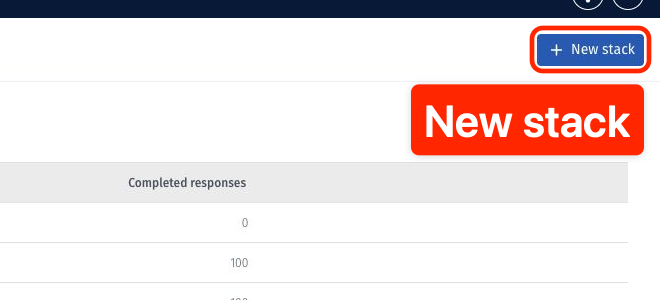
- Select New stack.
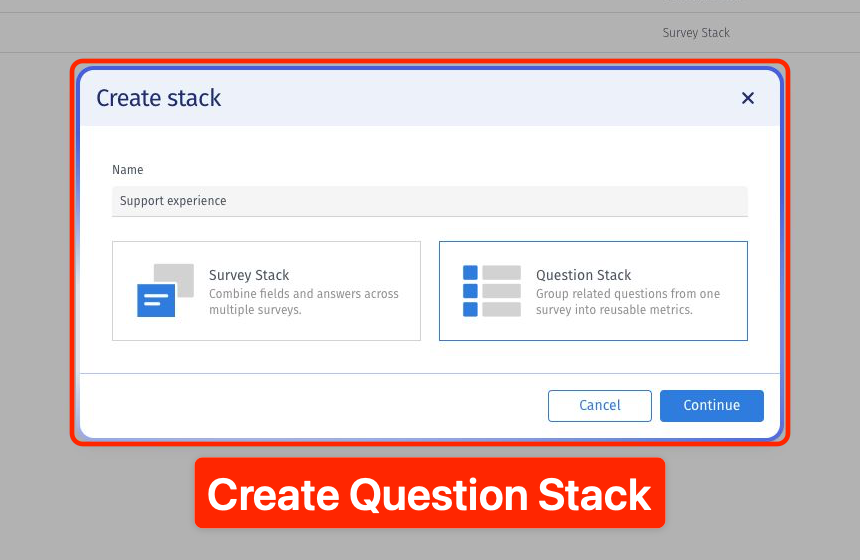
- Enter a descriptive name, choose Question Stack, and select Continue. For this example, use Support experience.
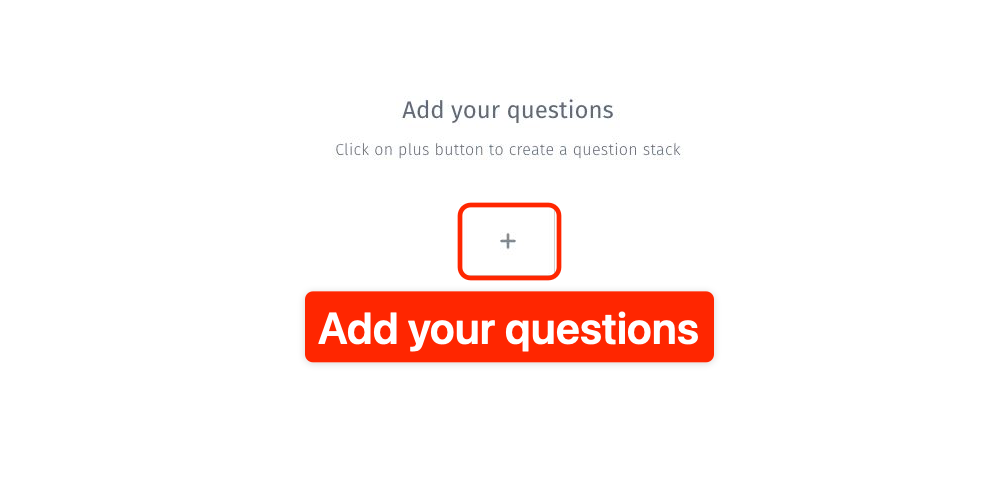
- Select Add your questions.
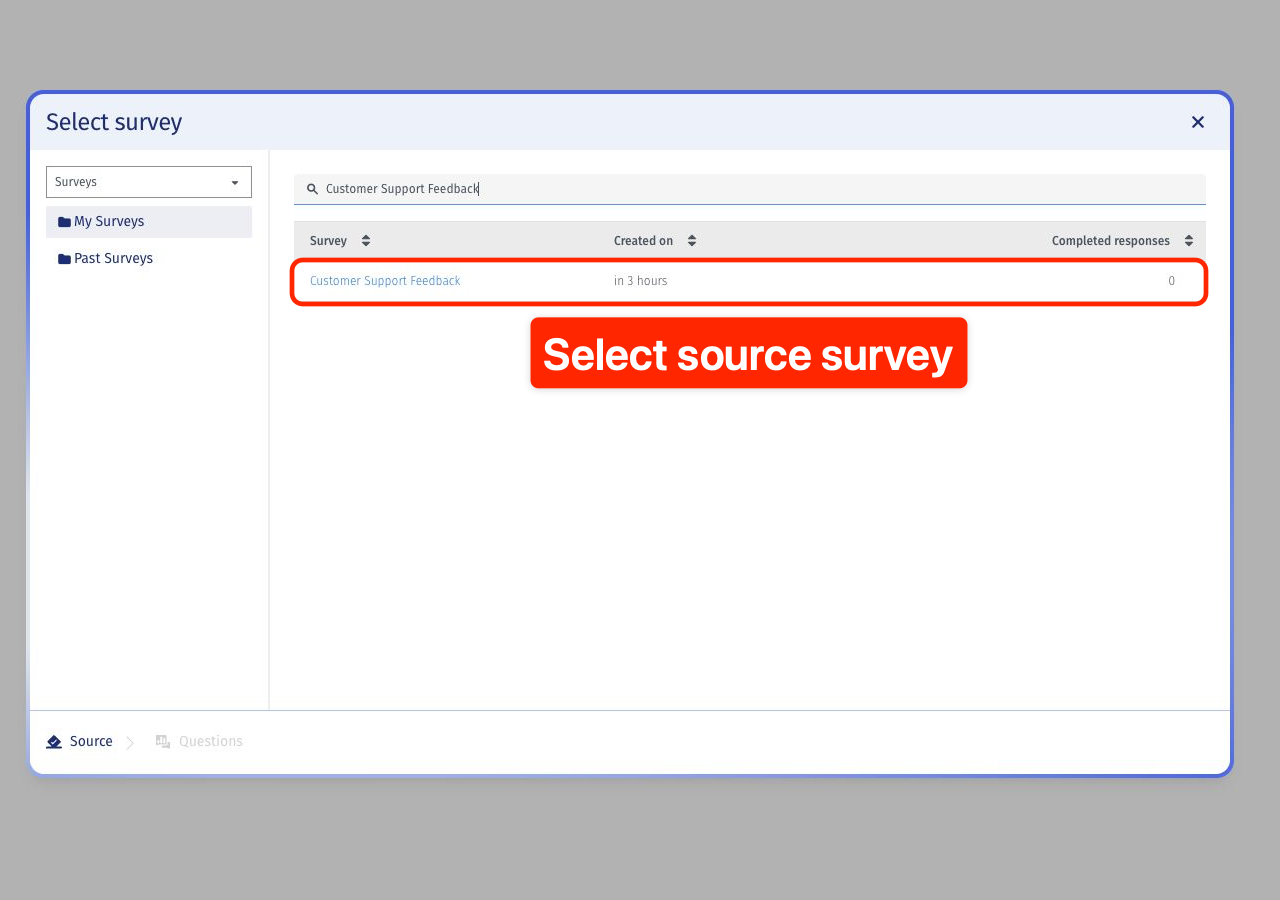
- Find and select the source survey that contains the questions to combine.
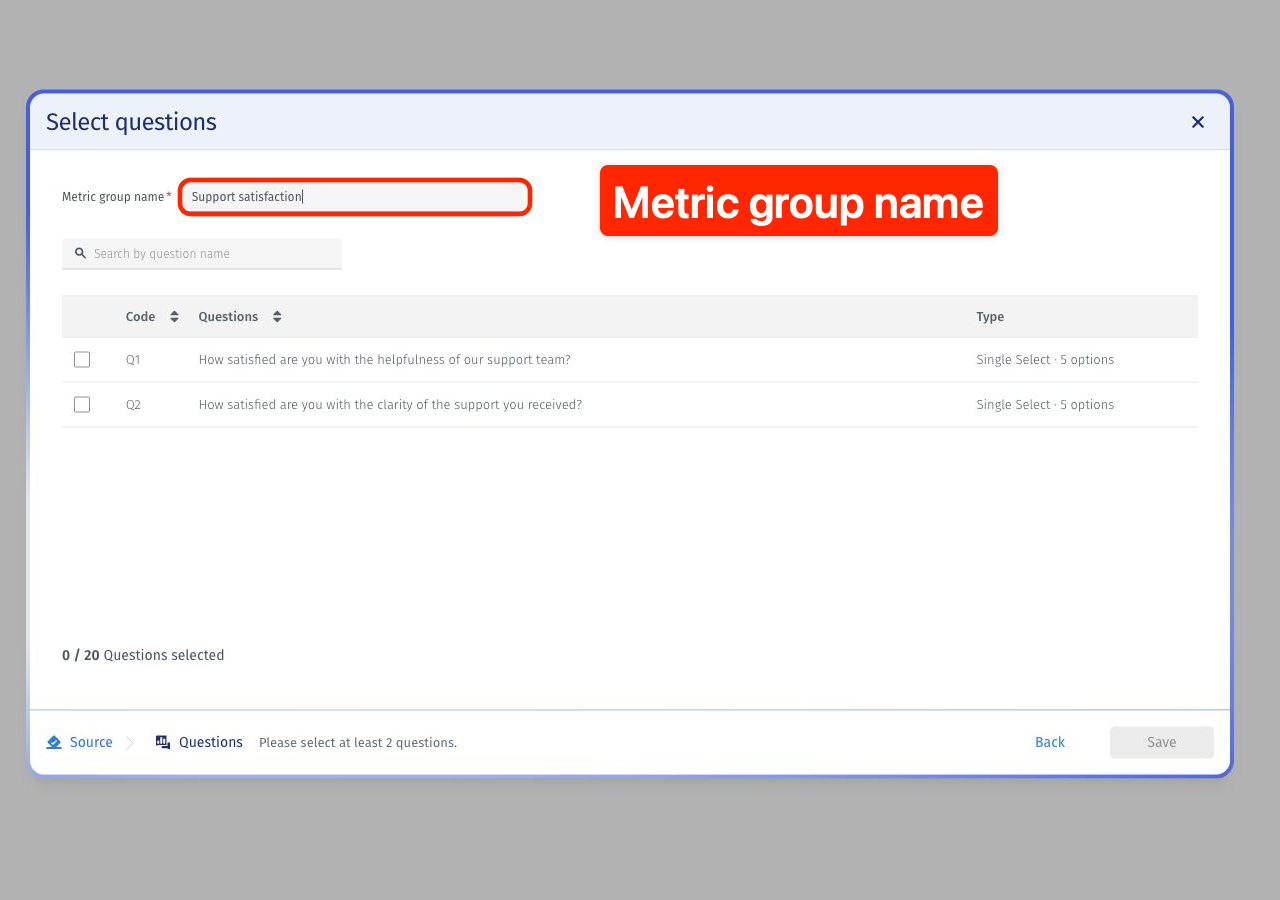
- Enter a Metric group name that describes the measure. For this example, use Support satisfaction.
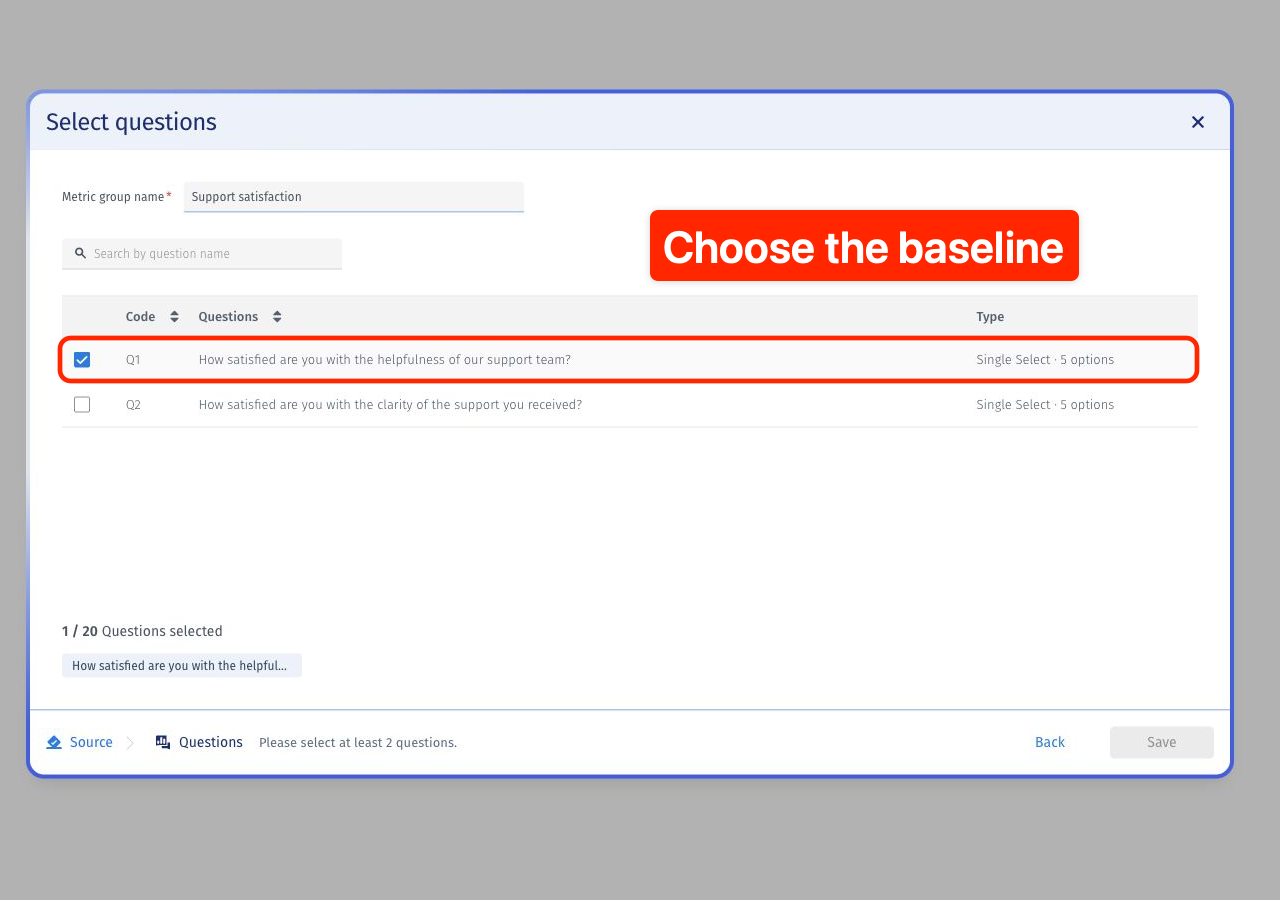
- Select the first question. Its answer options become the baseline scale. For this example, choose Q1, about the helpfulness of the support team.
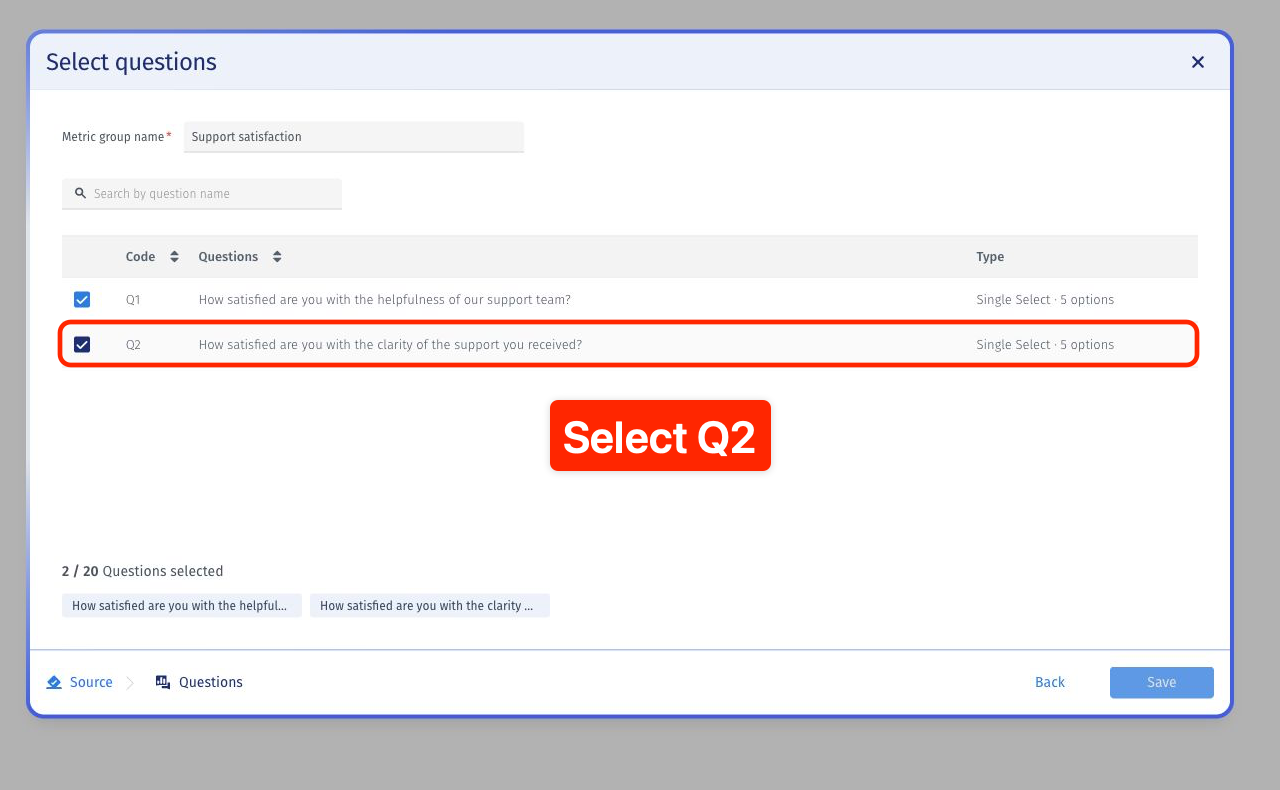
- Select at least one additional compatible question. For this example, choose Q2, about the clarity of the support received, which uses the same five answer labels.
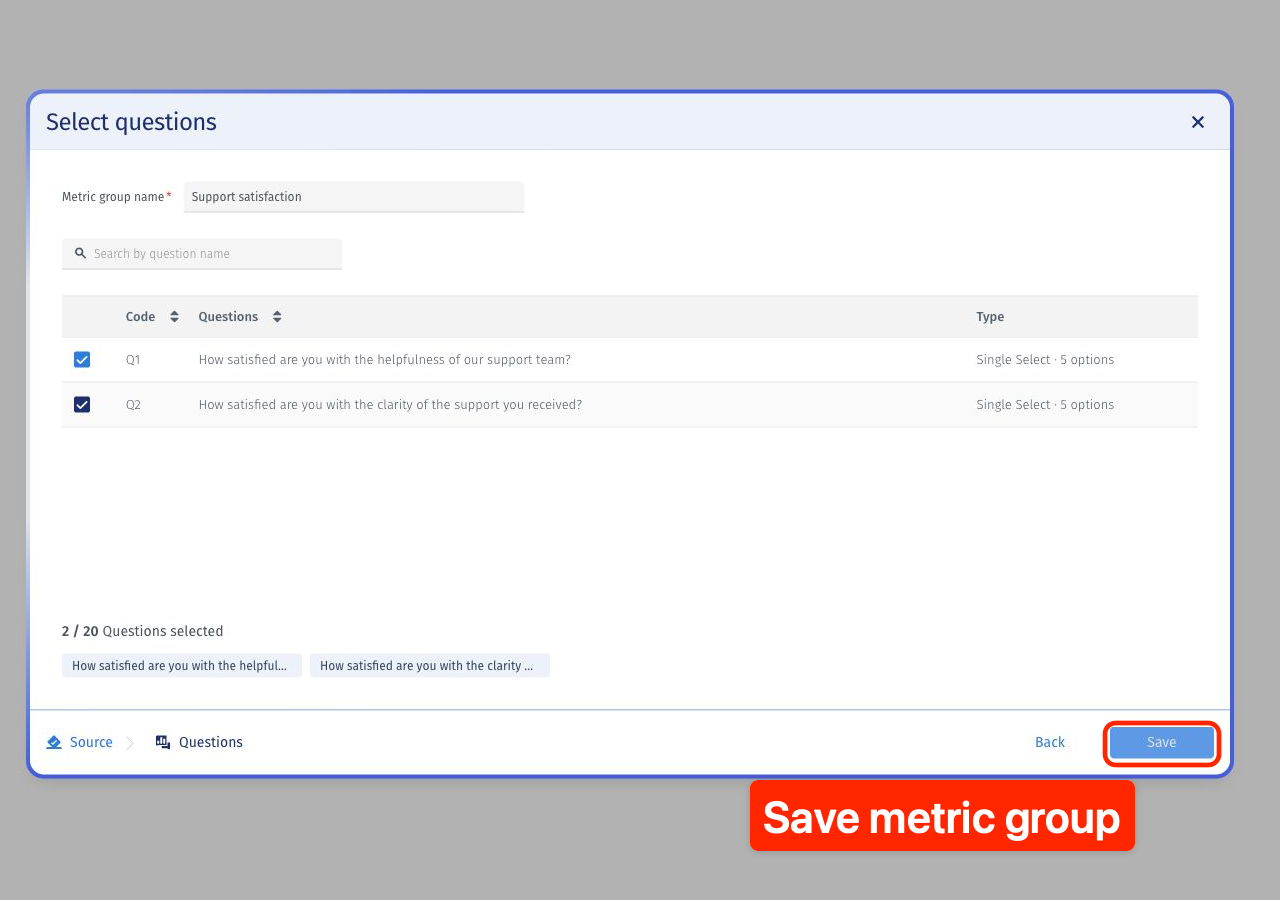
- Check the selected-question counter and chips, then select Save to add the metric group.

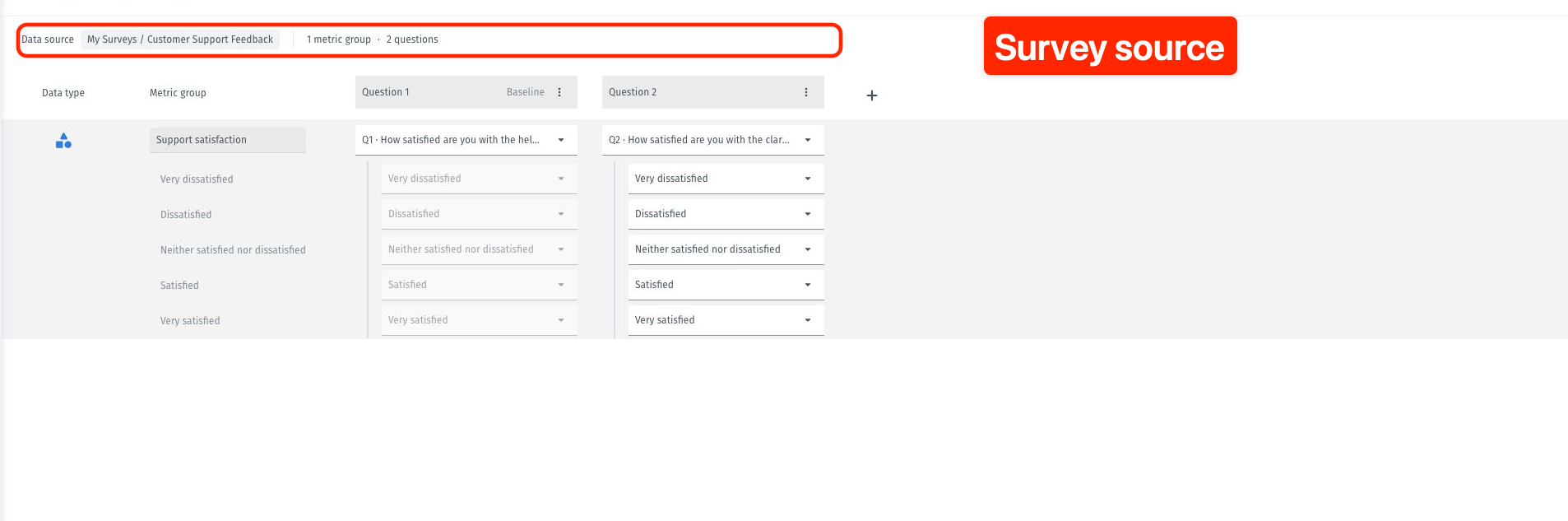
- Review the source survey and group summary beneath the stack header.
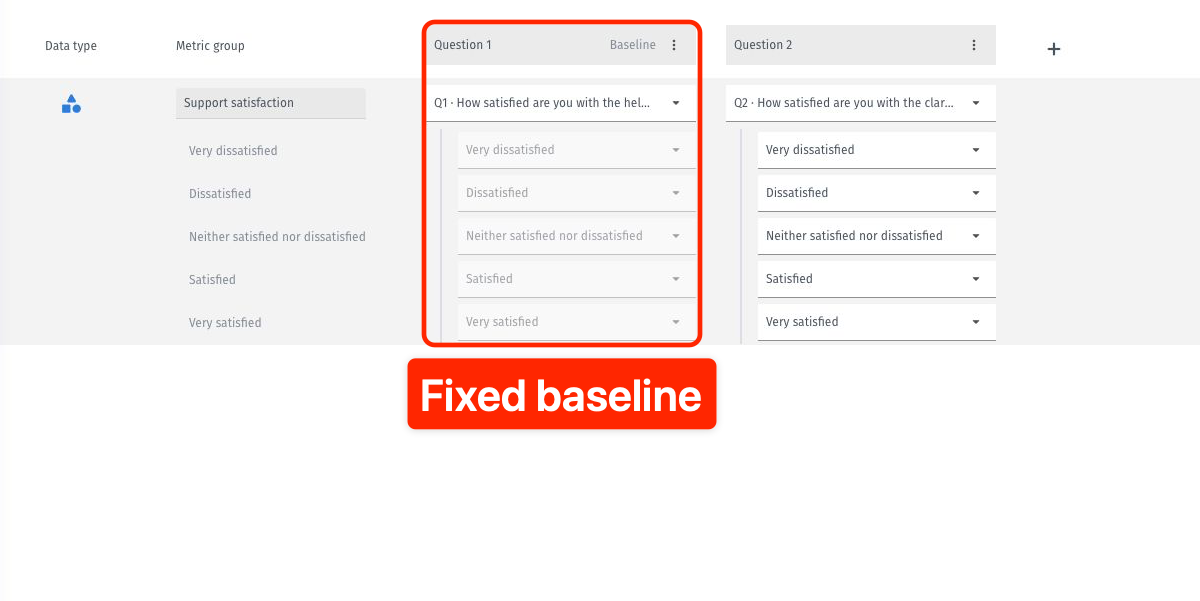
- Expand the group if it is collapsed. The first question is the reference; its baseline answer controls are disabled.
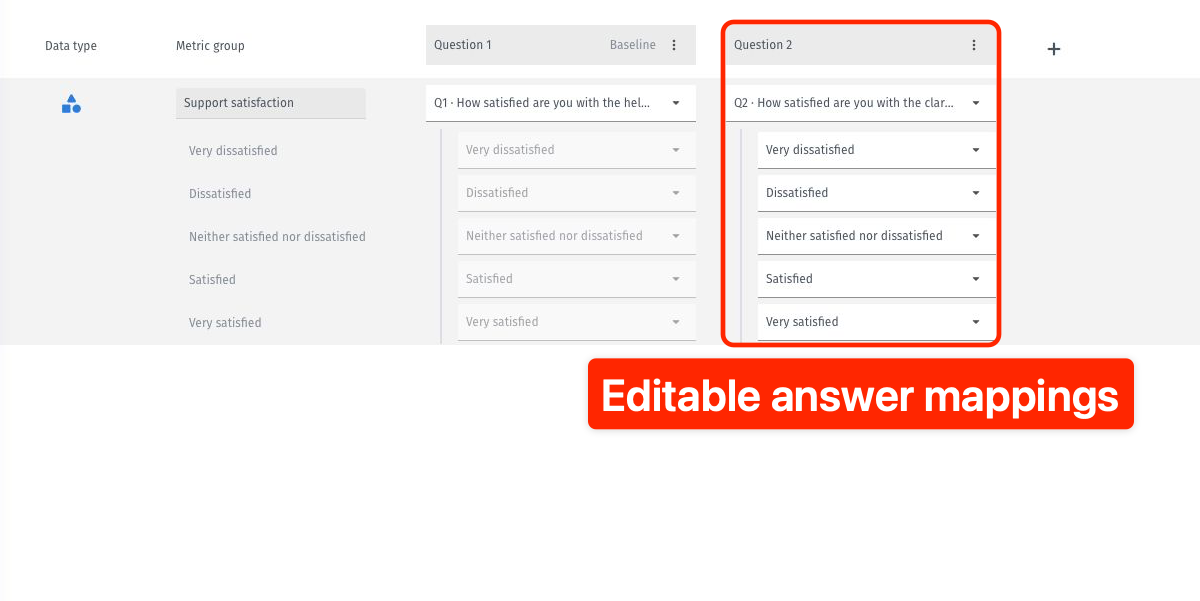
- Review each later question column against the baseline. Its answer controls remain editable.
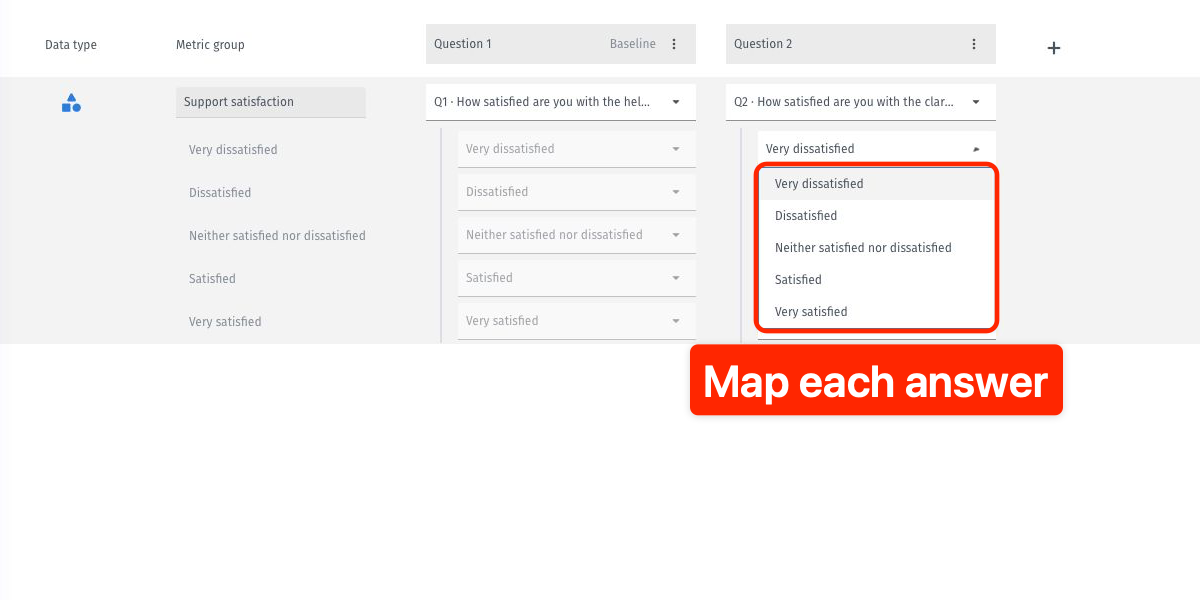
- Use an answer dropdown to correct a match when needed. Matching labels are populated automatically. Map every answer once; reusing an answer clears its previous assignment.
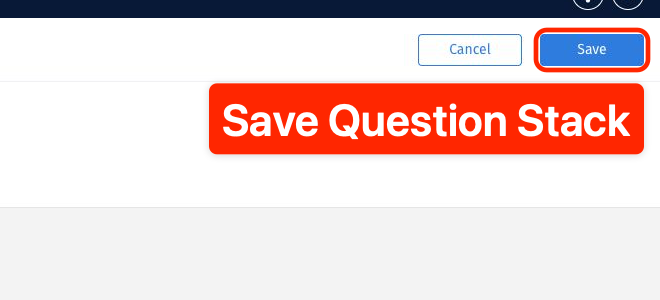
- Select Save to store the Question Stack and return to the Stacks list.
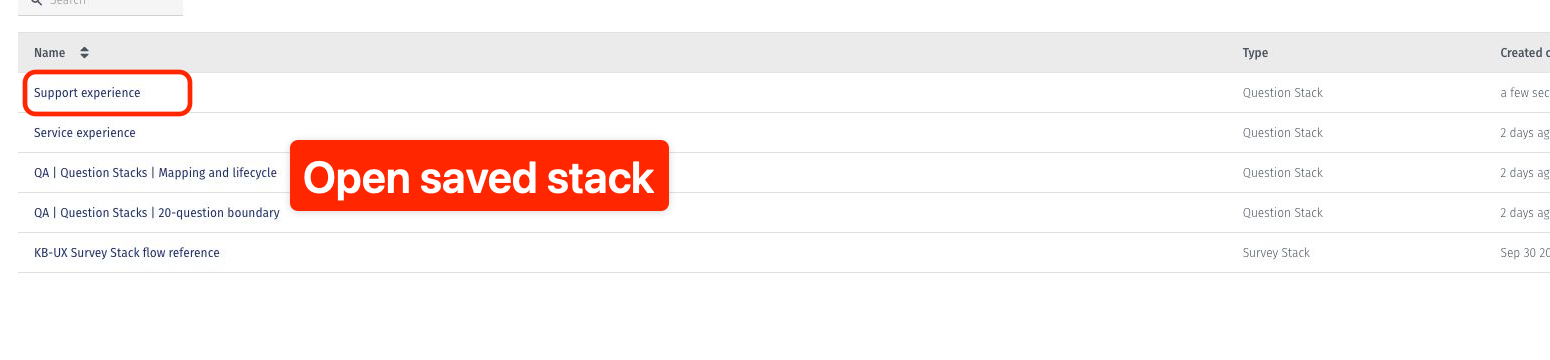
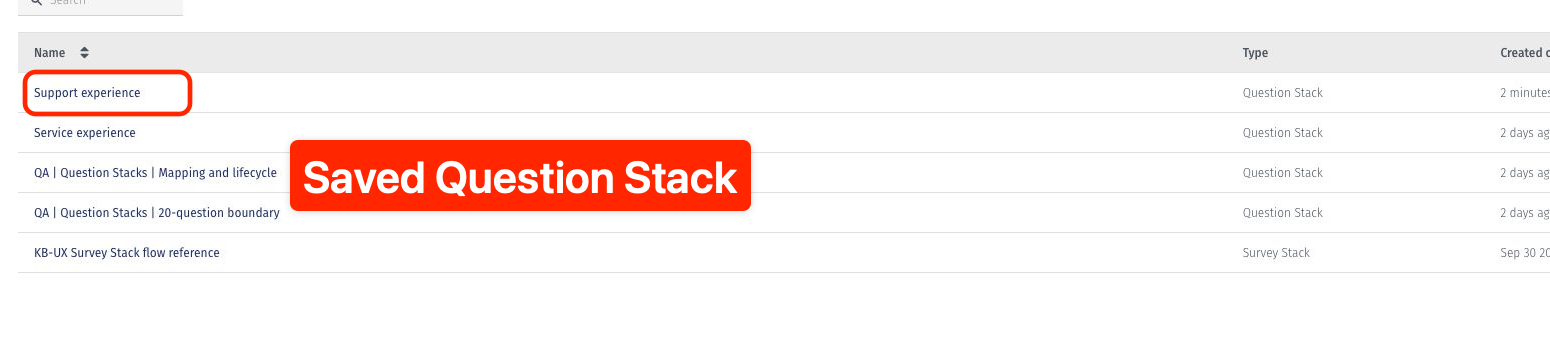
- Open the saved Question Stack from the Stacks list.
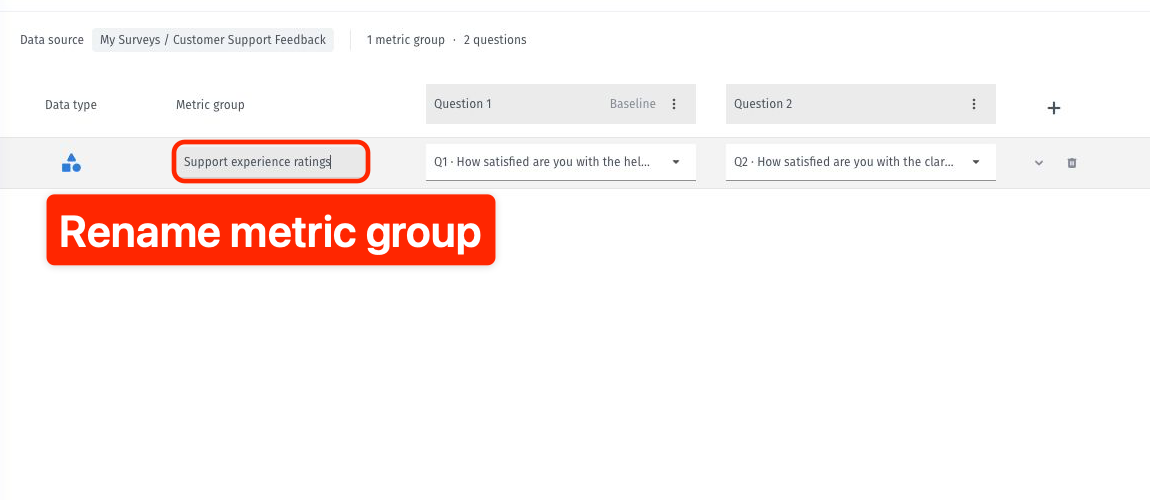
- Review the groups and give each one a unique, descriptive name. For this example, change Support satisfaction to Support experience Ratings.
- Use Add metric group to create another metric from the same source survey.
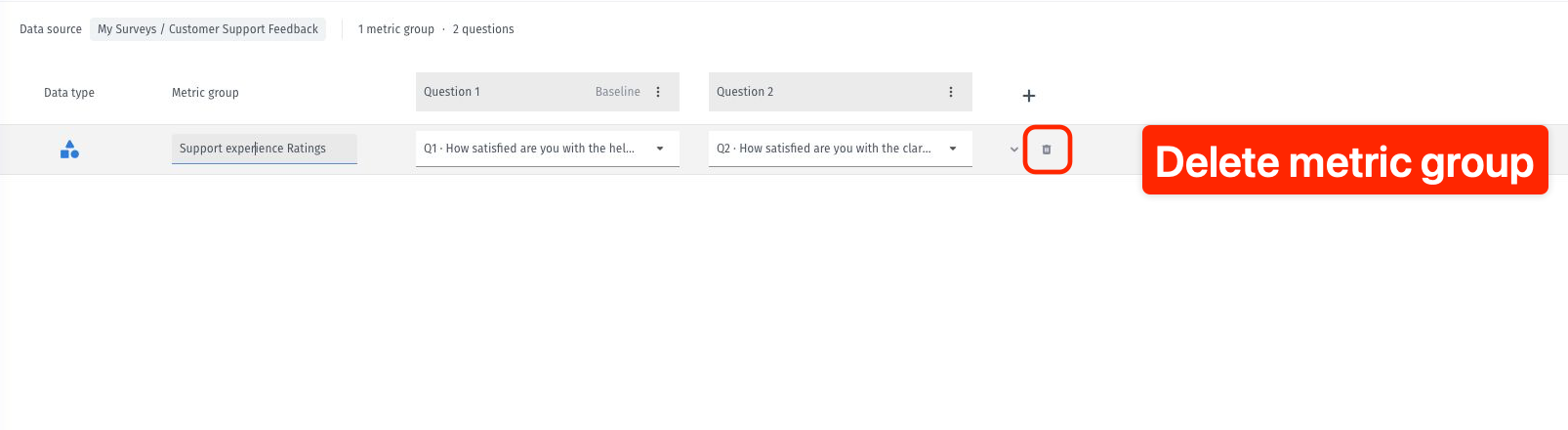
- The delete icon beside an existing metric group is its removal option. This example keeps the group in place.
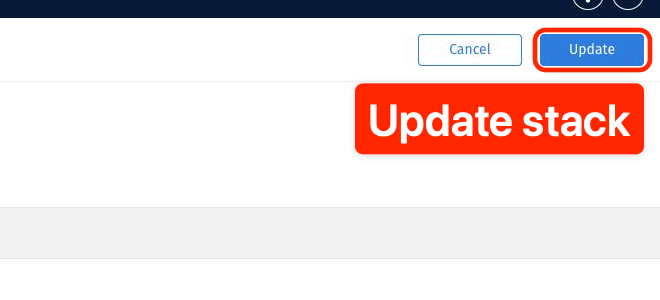
- Select Update to save the changes and return to the list. Refresh and review widgets that use a changed definition.
- Confirm that the updated stack appears in the Stacks list.

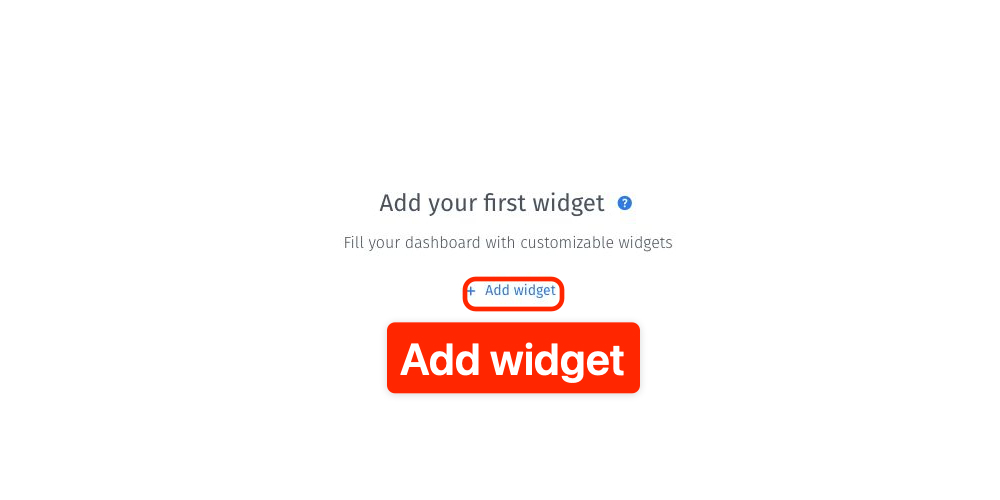
- Open the destination dashboard and select Add widget.
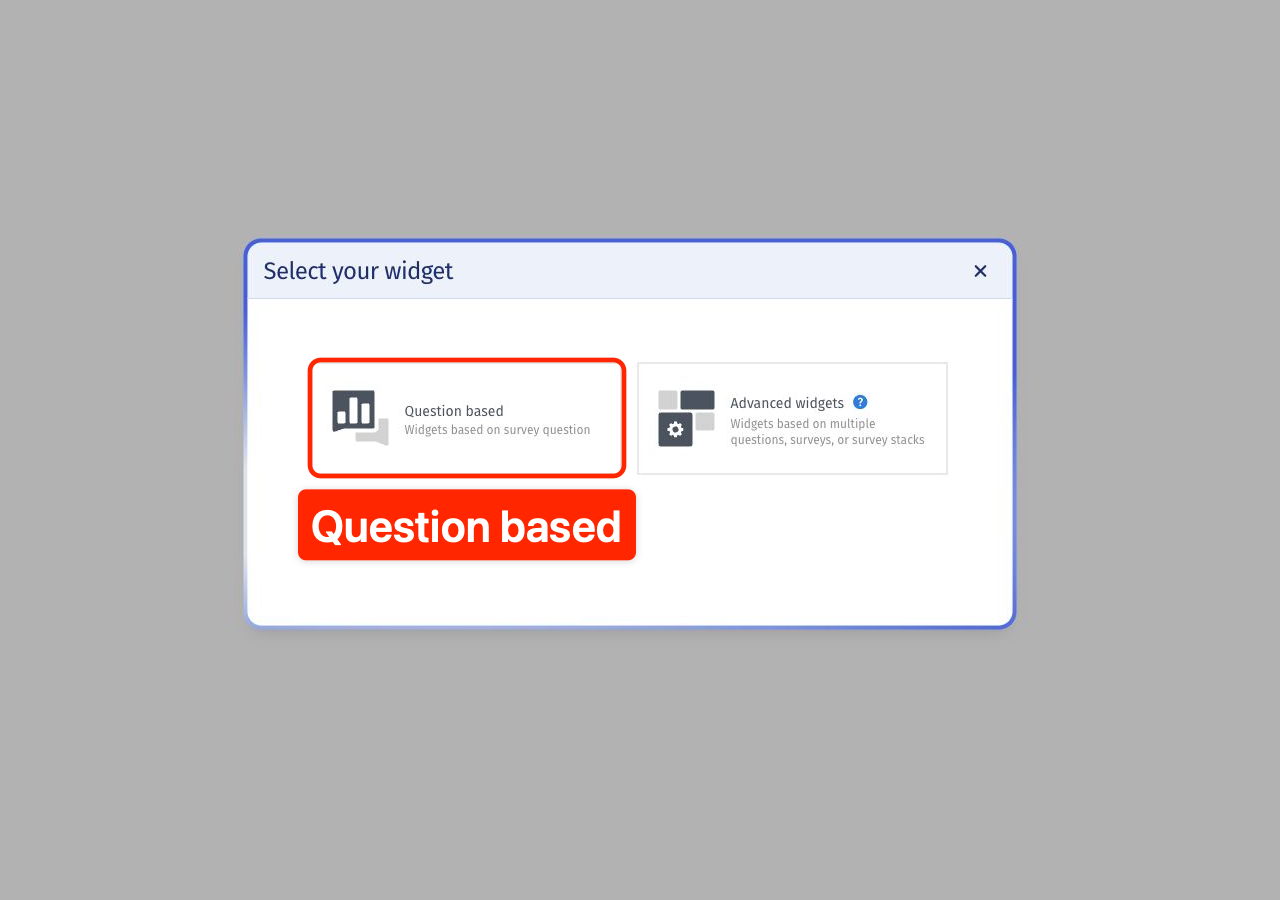
- Choose Question based.
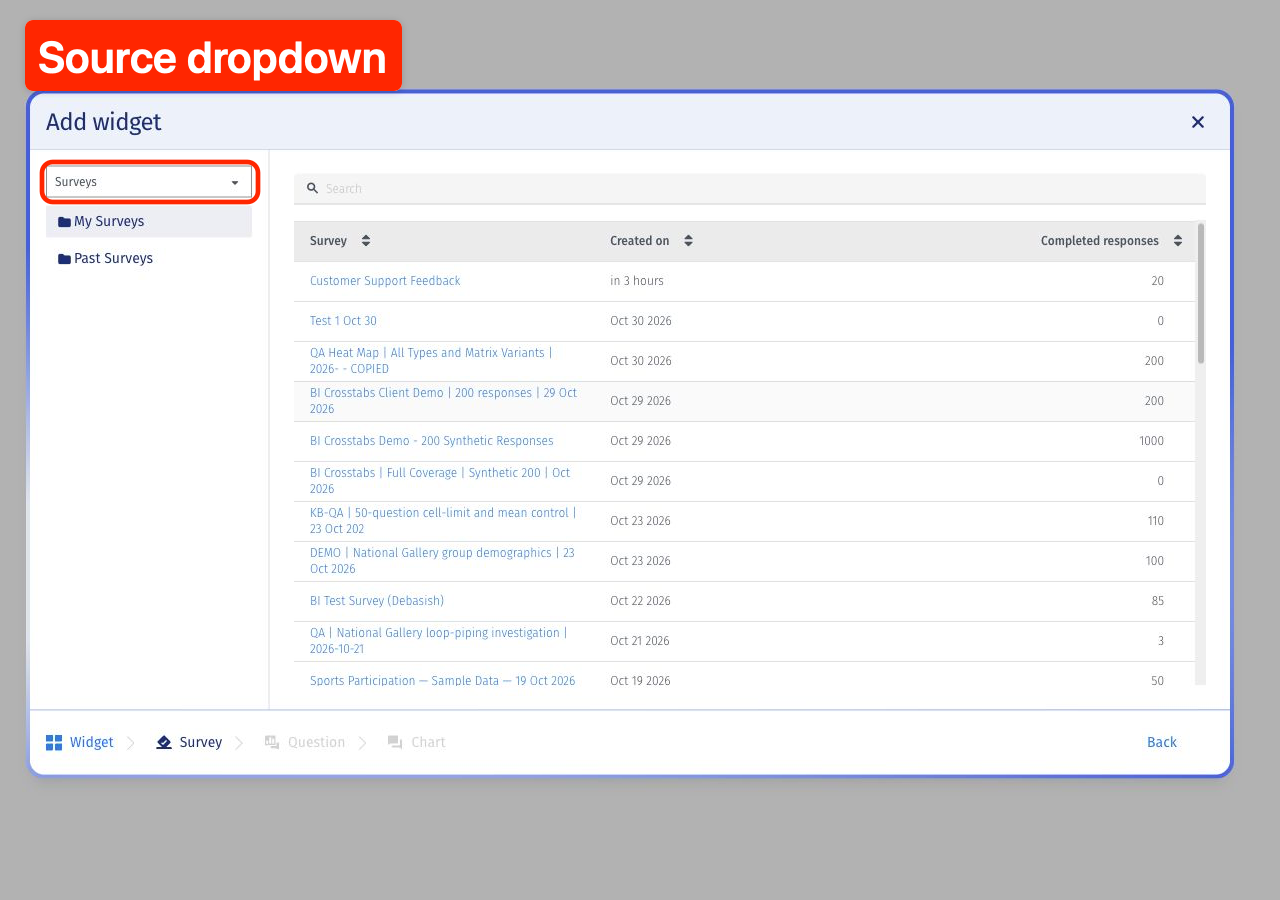
- Open the Surveys source dropdown.
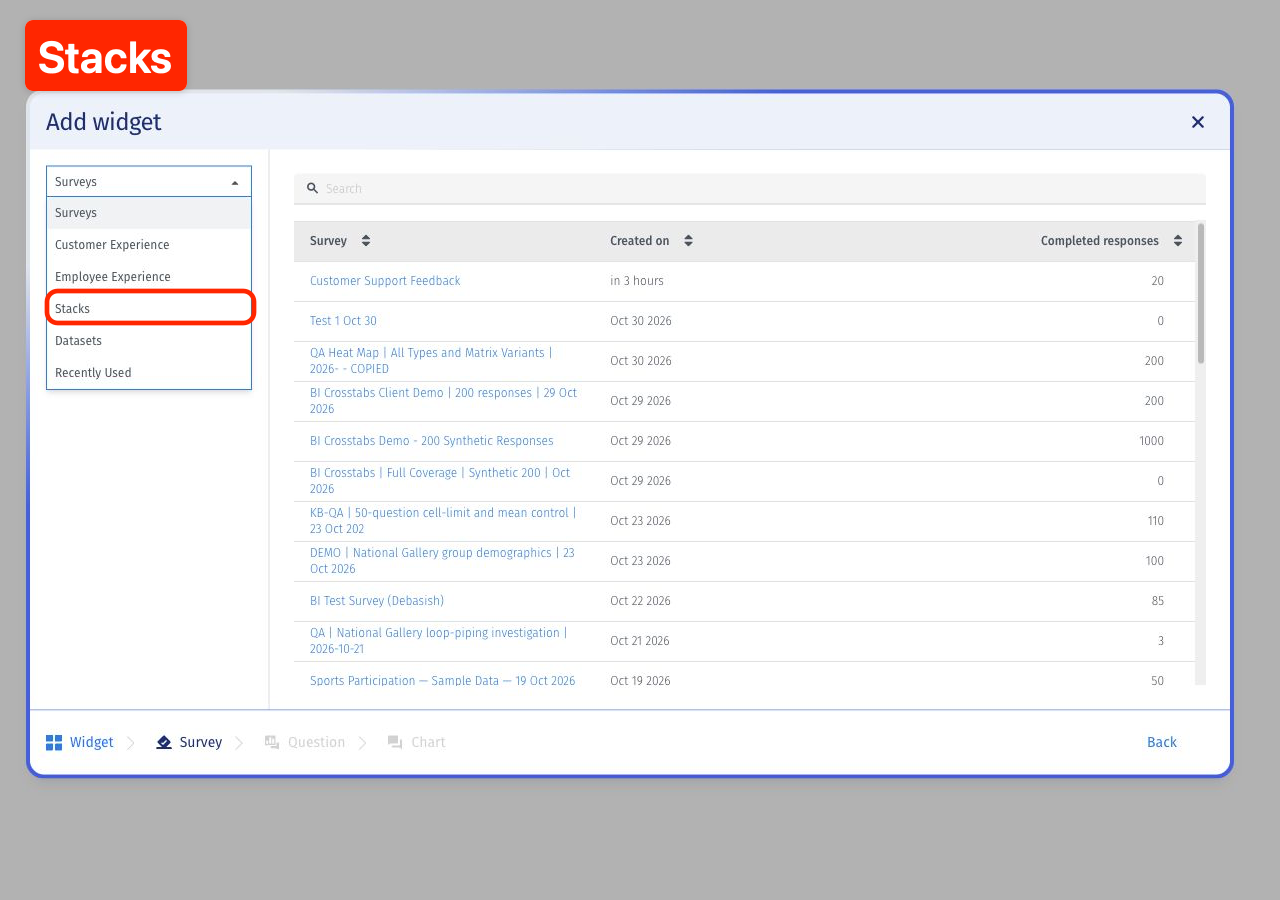
- Choose Stacks.
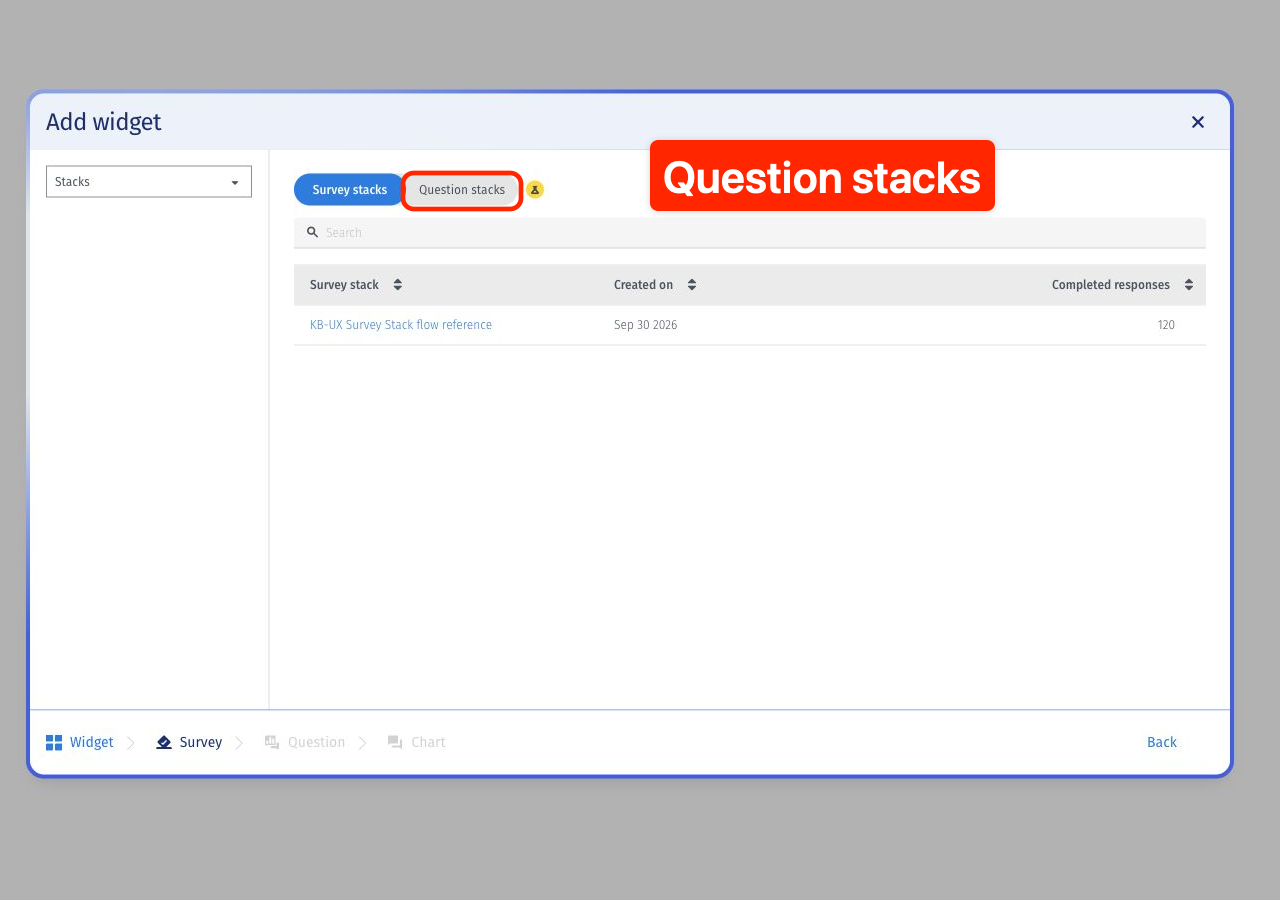
- Select Question stacks.
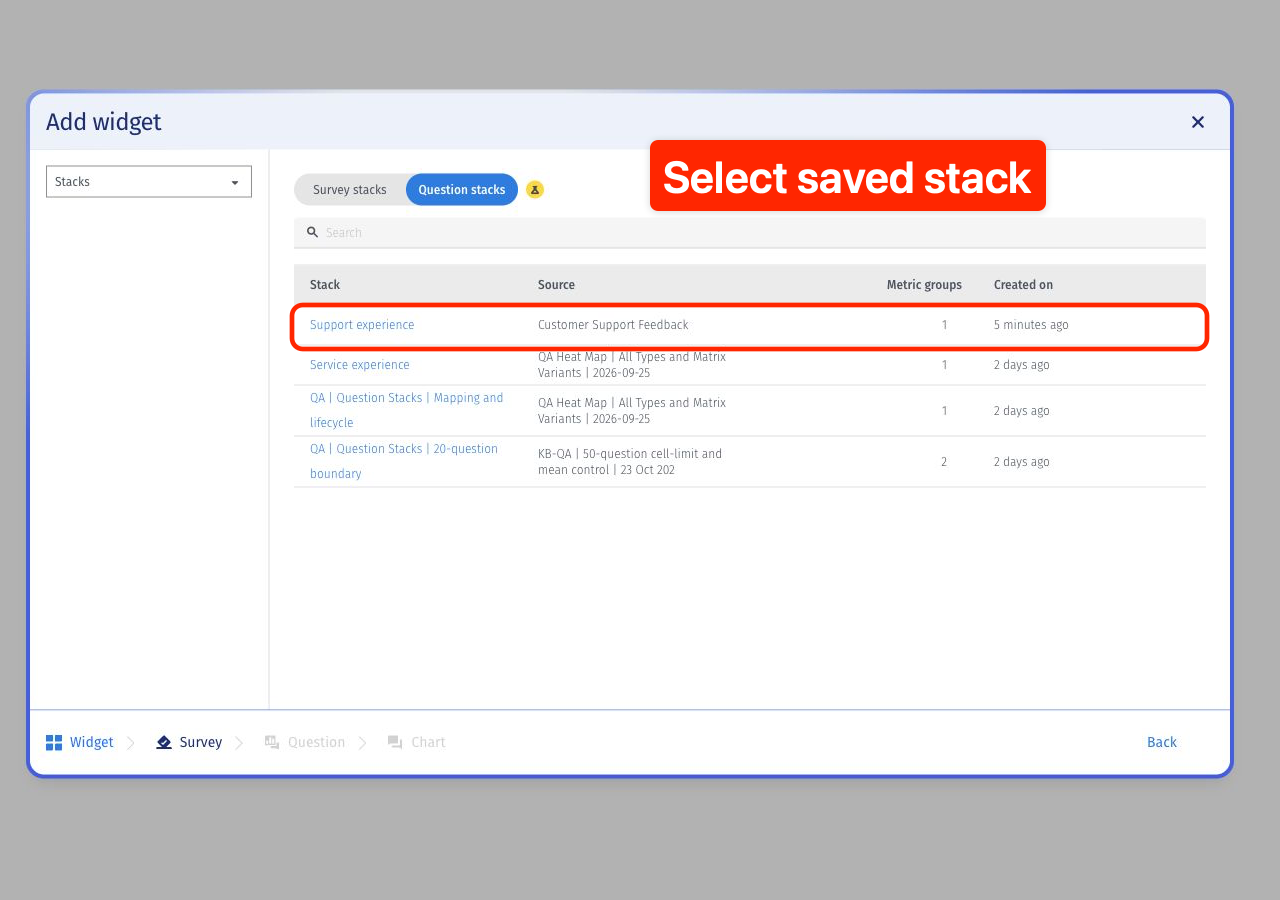
- Select the saved Question Stack. For this example, choose Support experience.
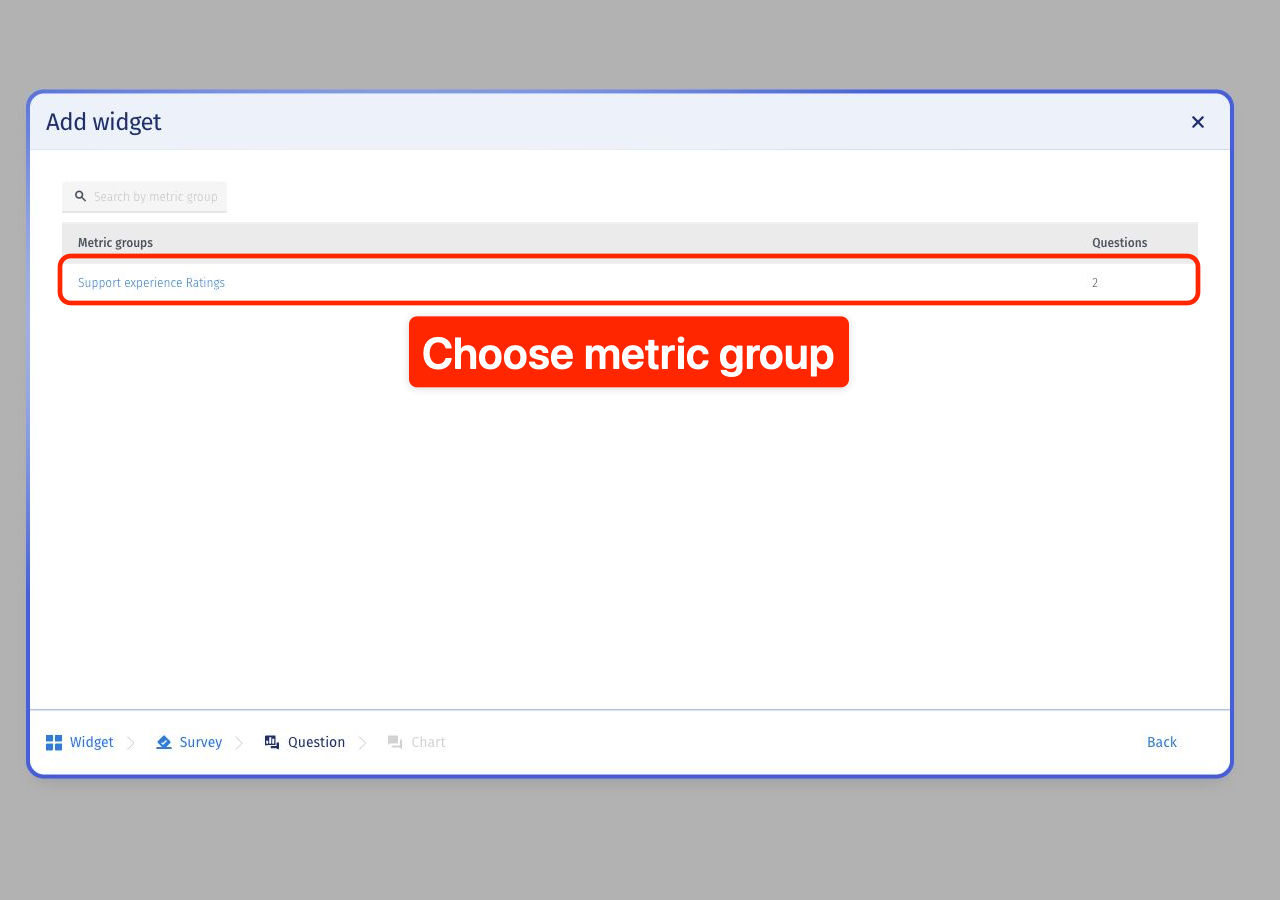
- Select the metric group to report. For this example, choose Support experience Ratings.
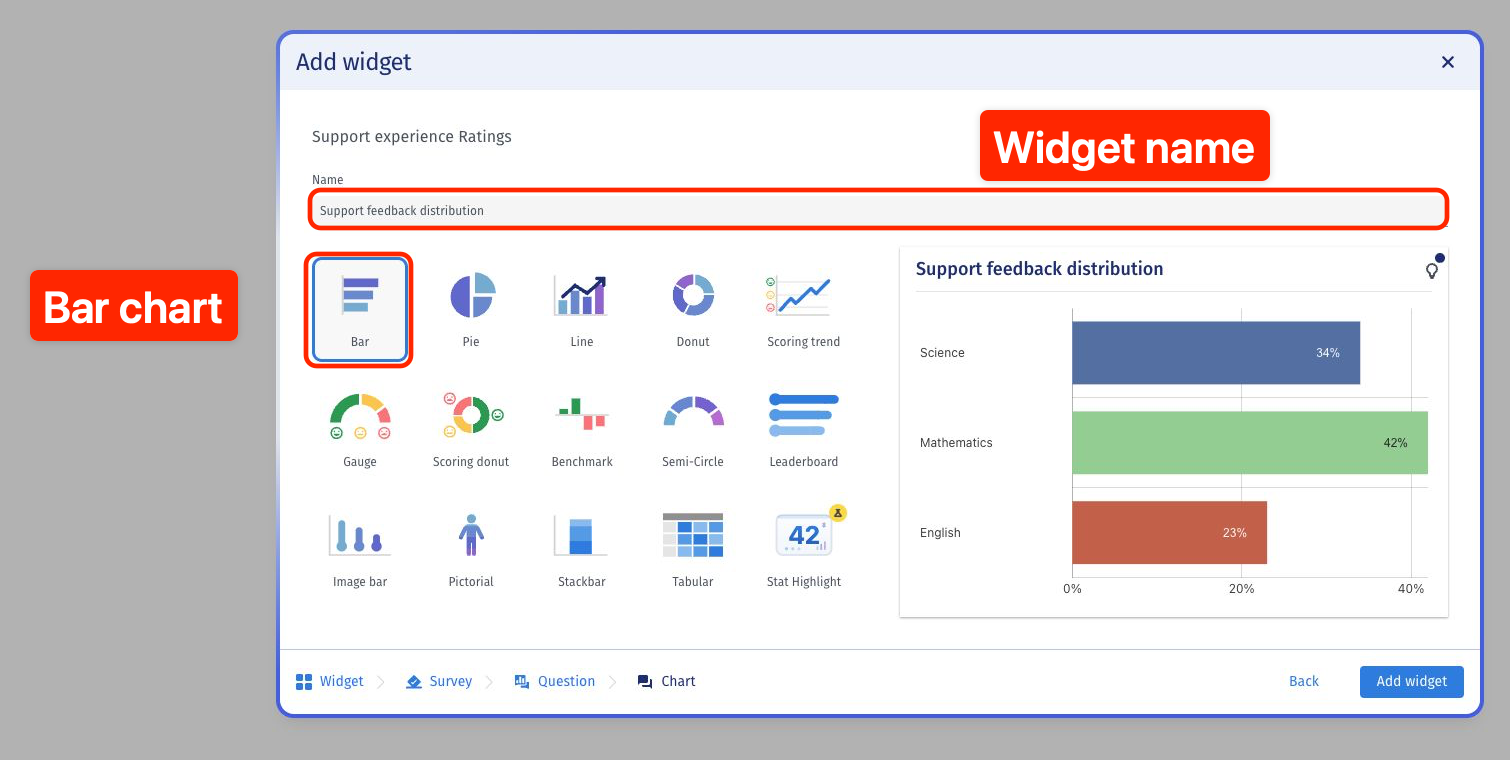
- Enter a widget name and choose Bar. For this example, use Support feedback distribution. You can also use Pie or Tabular to present the pooled result.
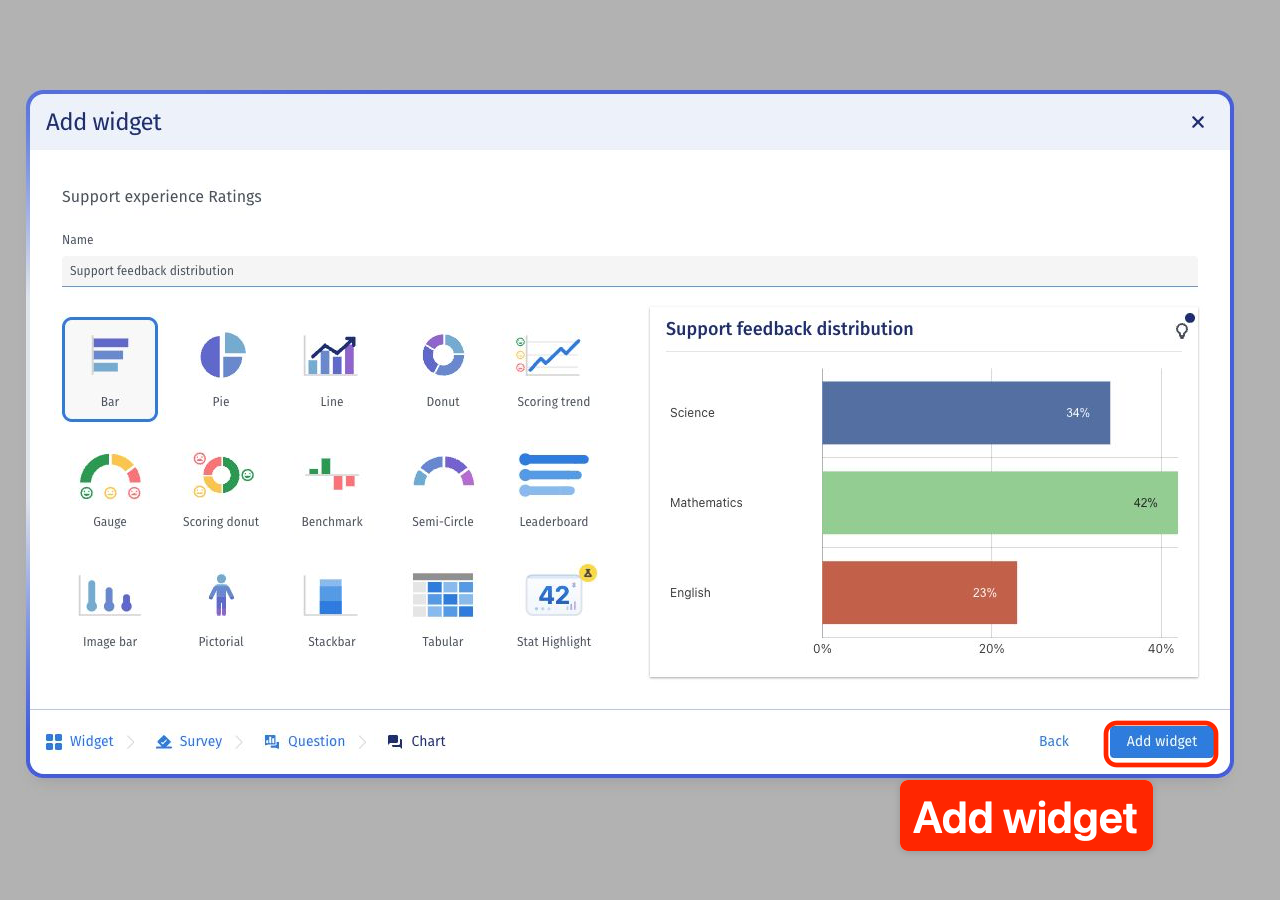
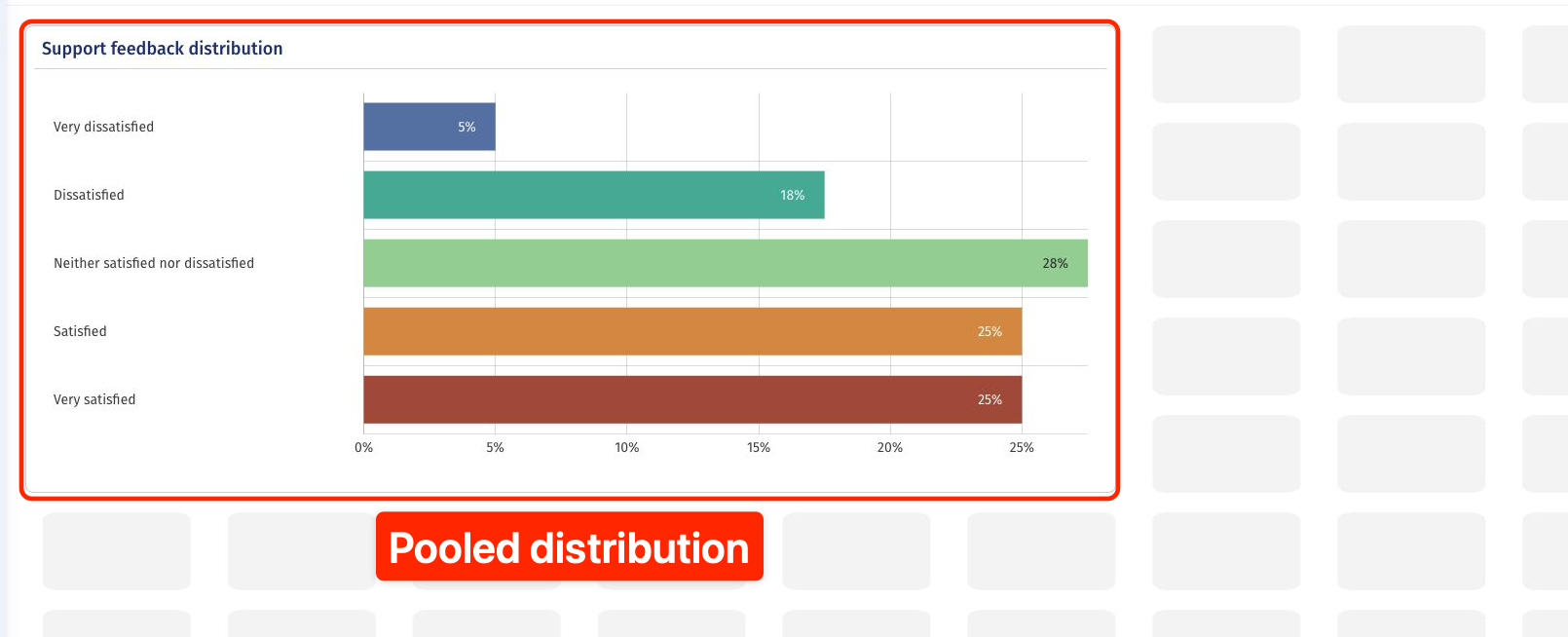
- Select Add widget and review the pooled distribution on the dashboard.
- Review the saved pooled distribution on the common satisfaction scale.
Each metric group supports two to twenty compatible questions. Incompatible questions remain visible but disabled. Matching answer counts alone do not make every question type compatible.
Use Add metric group to select another compatible set from the same survey. A question can appear in more than one group.
Use the question-column menu to move a column, make a later question the baseline, or delete a column. Review every mapping after changing the baseline. Deleting a column affects every metric group at that position; read the confirmation before proceeding.
Keep at least two questions in each group and complete all mappings before saving. If you cancel with unsaved changes, confirm whether to discard them. Dismissing that confirmation keeps the draft open.
Can I combine questions from different surveys?
A Question Stack uses one survey. Use the Survey Stack workflow when your task involves combining data across surveys.
Why are some questions disabled?
The selected baseline constrains compatibility. Other questions must meet the supported type and answer-count requirements. Matching answer counts alone are insufficient for every question type.
Why can I not save the stack?
Check that every group has a name, group names are unique, at least two compatible questions are selected, and every answer is mapped once to the common scale.
Can I change the first question?
The column menu lets you move a question or make a later question the baseline. Review all mappings after changing the baseline.
Will changing a mapping affect existing widgets?
Yes. Dependent widgets use the saved metric-group definition when refreshed. Review those widgets after saving a change.
