

- Custom Variable Widget
- Priority Matrix
- Heatmap Widget
- Grid Widget
- Weighted mean widget
- Comment List widget
- Widget Filters
- Ranking List Widget
- Distribution Chart
- NPS Widget
- Trend Widget
- Word Cloud Widget
- Cross tab widget
- KPI Comparison Widget
- Bubble chart
- Custom Metric Trend Chart
- Trend Comparison Widget

AI-Assisted Journey Map Import
AI-Assisted Journey Map Import enables teams to quickly transform existing documentation into structured journey maps. This feature is designed to reduce manual setup, accelerate migration from legacy formats, and operationalize journey insights.
AI-Assisted Journey Map Import allows you to upload one or more files containing journey information and automatically create a journey map by extracting stages, steps, and lanes. You can import structured files such as Excel as well as supporting documentation in PDF format. The system analyzes the uploaded content, shows a preview of the detected structure, and lets you adjust the mappings before creating the journey.
Watch this video to learn how AI-Assisted Import Maps automatically convert your files into journey maps using AI.
To import a journey map using AI, follow these steps:
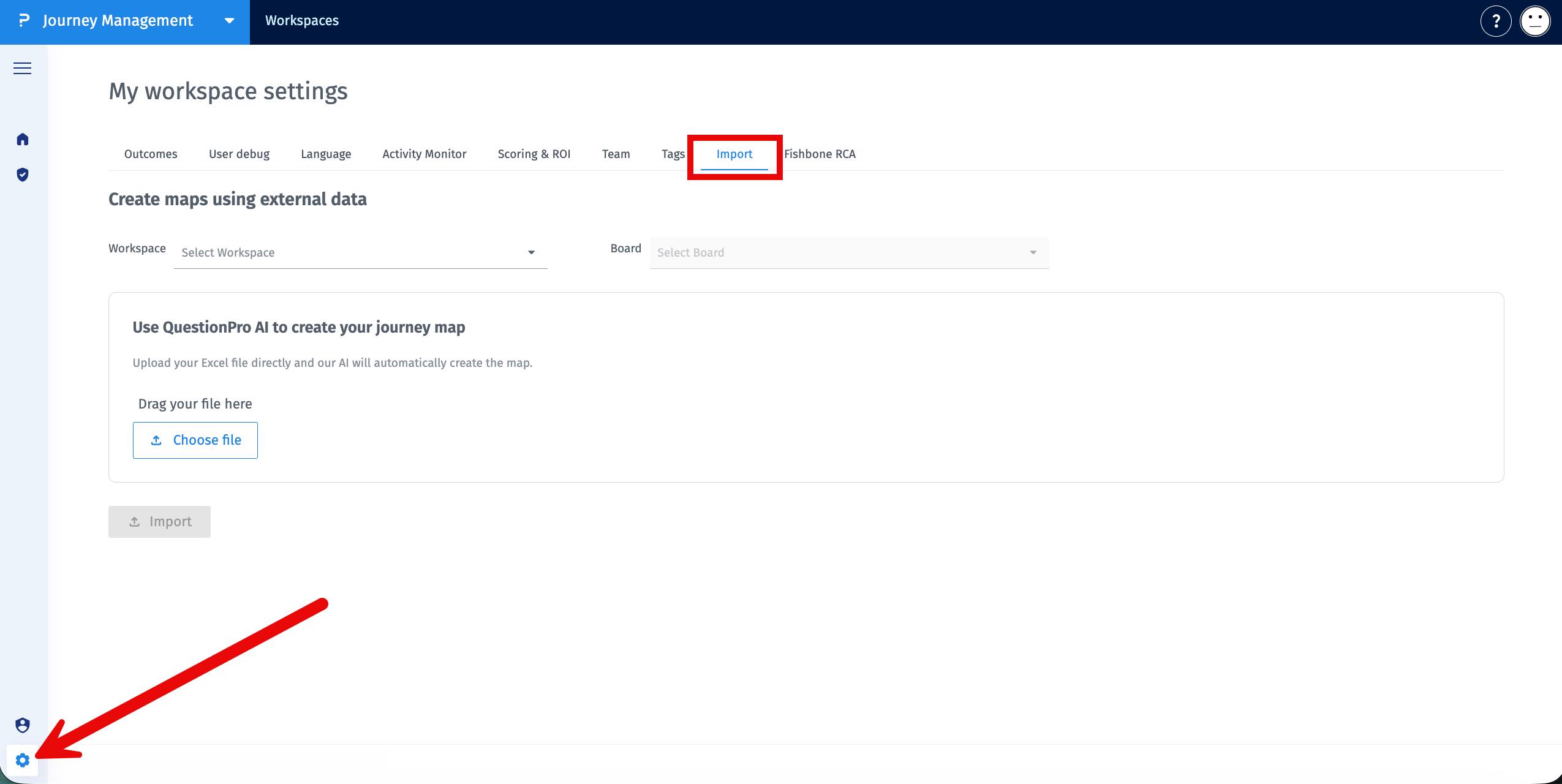
- Go to Journey Management.
-
Open Settings » Import.

-
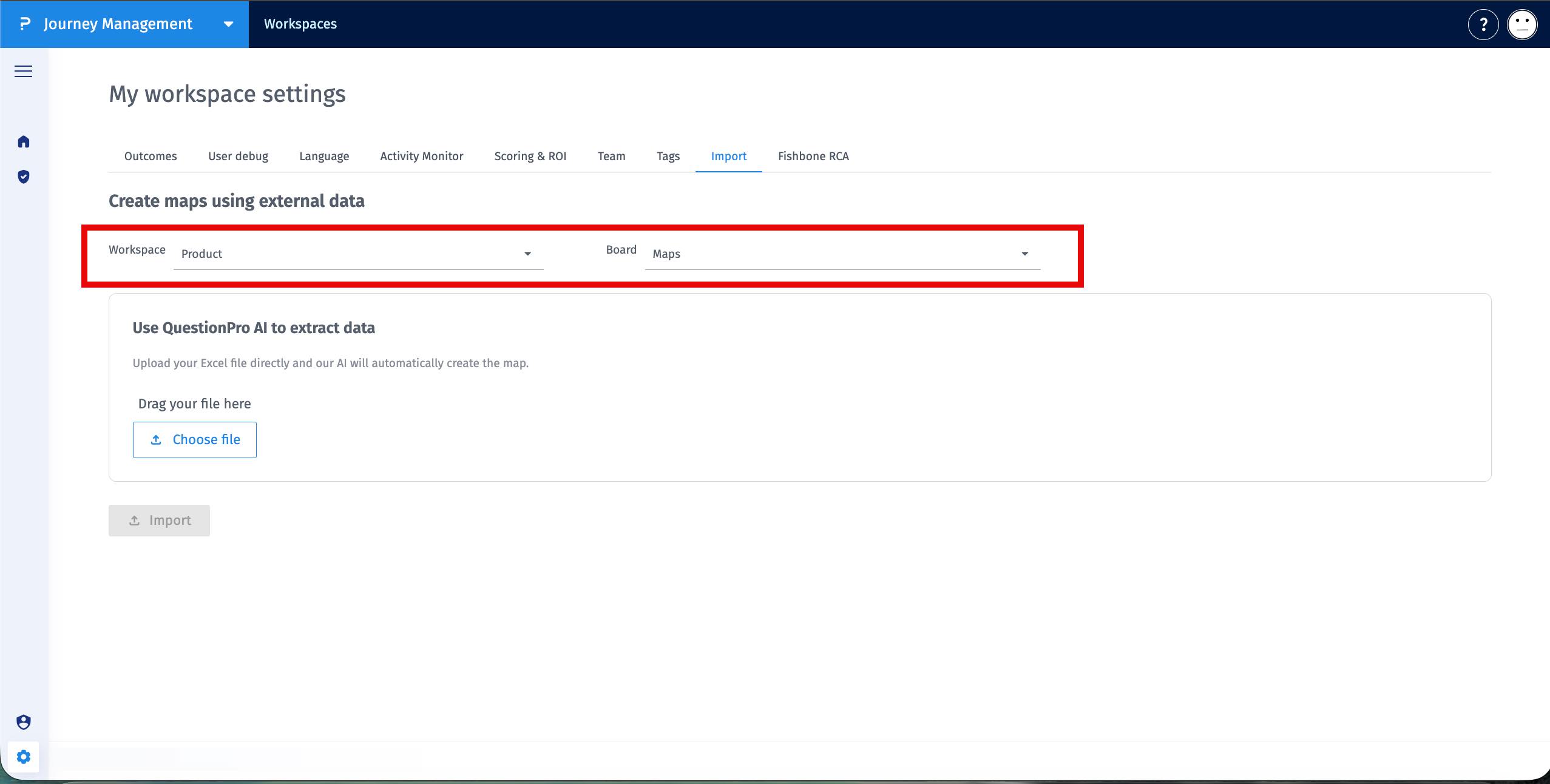
Choose the Workspace and Board where the journey should be created.
-
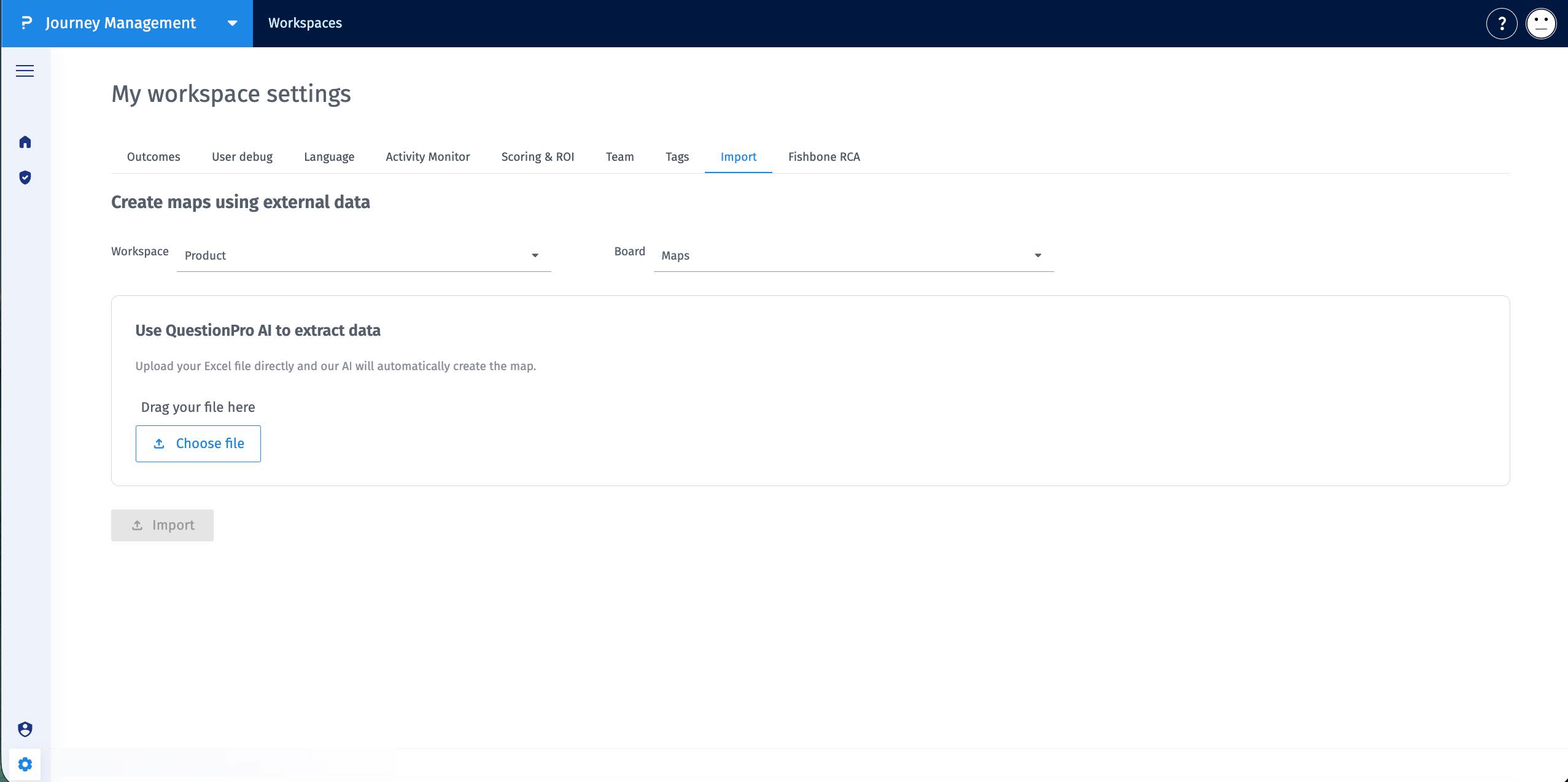
Select one or more files using the Choose file button. You can upload Excel (.xlsx) files for structured journey data and PDF (.pdf) files.
-
Click Import. The system analyzes all selected files together and generates a unified journey map.
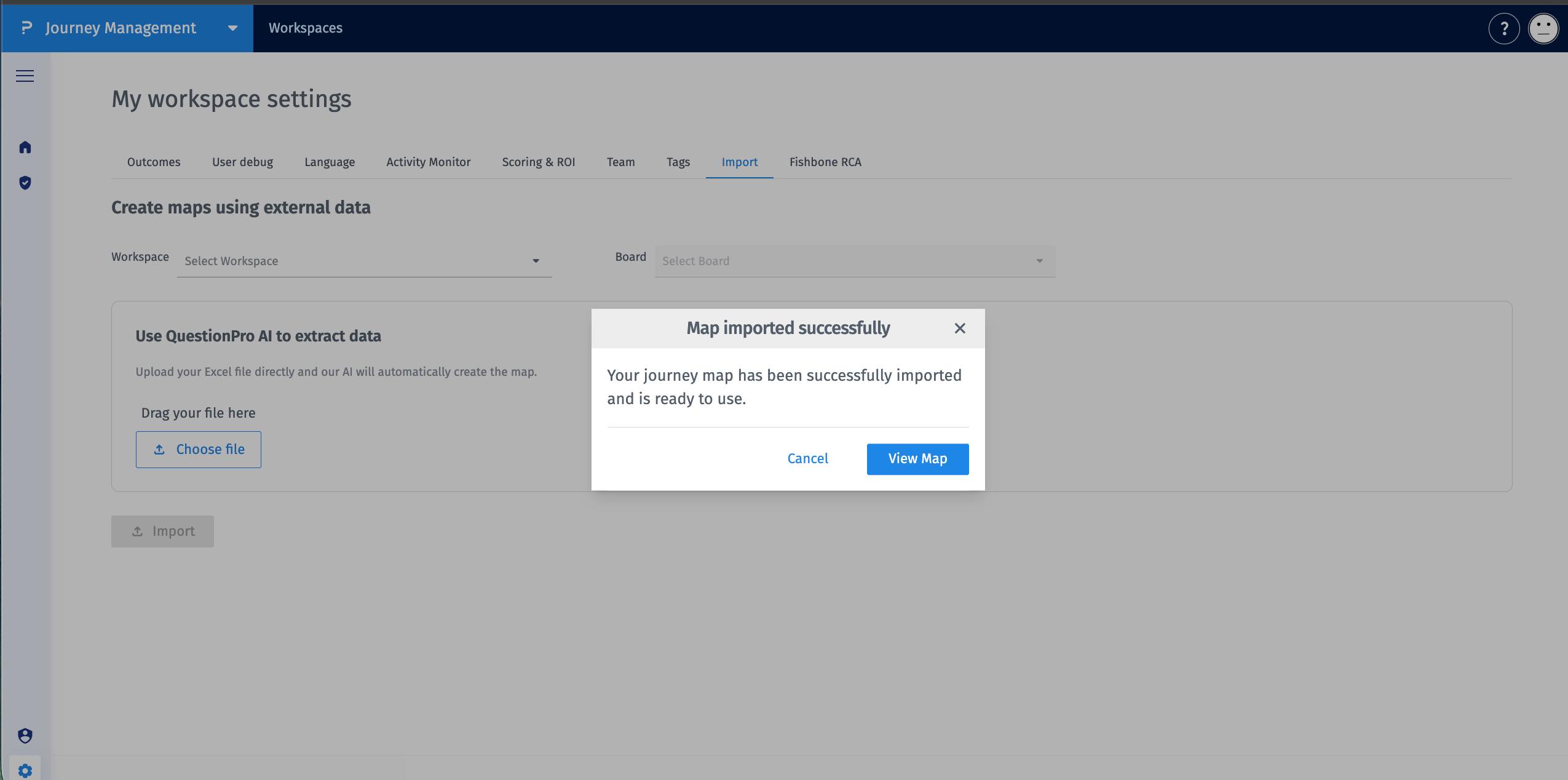
After import, the journey map is configured automatically:
- A new journey map is created in the selected board.
- Stages appear as the main lifecycle sections identified across the uploaded files.
- Steps appear within their respective stages.
- Lanes appear as swimlanes based on detected roles, themes, or categories.
- Information from multiple files is consolidated into a single visualization.
- You can edit, rename, or extend the journey like any other journey map.
Frequently Asked Questions
The following questions address common usage scenarios, limitations, and best practices for using AI-Assisted Journey Map Import.
You can currently upload Excel and PDF files to generate journey maps. Support for PowerPoint files and ZIP uploads is planned for an upcoming release.
No strict template is required. The AI reads and interprets your structure automatically, identifying stages, steps, and lanes. However, cleaner formatting such as clear headers and consistent columns will improve mapping accuracy.
QuestionProAI is designed to preserve your structure and context with high accuracy by automatically identifying stages, steps, and lanes from your file. After generation, you can review and refine the journey directly in the editor to make any adjustments needed.
Yes. Once imported, the journey behaves like any other journey in Journey Management:
- Add or remove stages
- Modify steps or lanes
- Enhance with insights, ownership, or metrics
No. Imports always create new journey maps inside your selected workspace and board. Your existing journeys remain unchanged.
AI-Assisted Journey Map Import is included with Journey Management at no additional cost.
Use AI-Assisted Import when:
- You already have journeys documented in Excel or PDFs
- You are migrating journeys from another platform
- You want to accelerate onboarding, audits, or workshops
Yes. It is designed for enterprise-scale journeys with multiple stages, steps, and lanes. Expanded bulk-import capabilities are on the roadmap to further support large transformation programs.
The feature works best with structured journey content. If the document is primarily free-form narrative, the AI may not reliably convert it into stages and steps, and manual creation may be recommended.
AI-Assisted Import reduces manual effort and accelerates time-to-value by:
- Eliminating duplicate journey documentation
- Standardizing structures across teams
- Making existing research immediately actionable
- Turning static files into live, manageable journeys
