

- Custom Variable Widget
- Priority Matrix
- Heatmap Widget
- Grid Widget
- Weighted mean widget
- Comment List widget
- Widget Filters
- Ranking List Widget
- Distribution Chart
- NPS Widget
- Trend Widget
- Word Cloud Widget
- Cross tab widget
- KPI Comparison Widget
- Bubble chart
- Custom Metric Trend Chart
- Trend Comparison Widget

Comments in Journey Maps
Comments let you and your team discuss any card on a journey map without changing the card itself. Every card type on the map supports comments. You can add a comment, assign it to a teammate, reply to a thread, edit or delete your comments, and resolve a discussion once it's done.
Comments also work on shared links. Anyone with Commenter access through the map's general link can leave a comment, which shows up as an anonymous comment.
- A journey map in a Journey Management workspace.
- At least one card on the map.
- Owner, Editor, or Commenter access to the map. Learn more about access management.
You can comment on any card on the map. The steps below use a card in the Insights lane as an example.
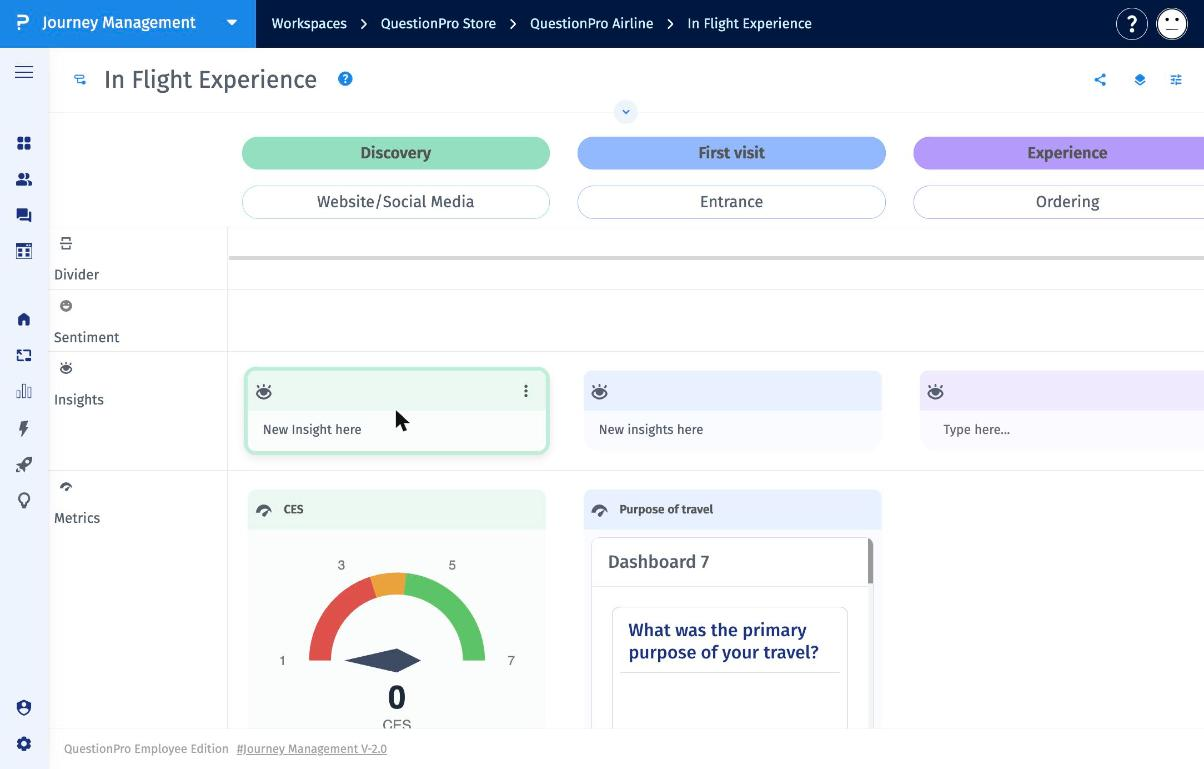
- Navigate to Journey Management and open your journey map.
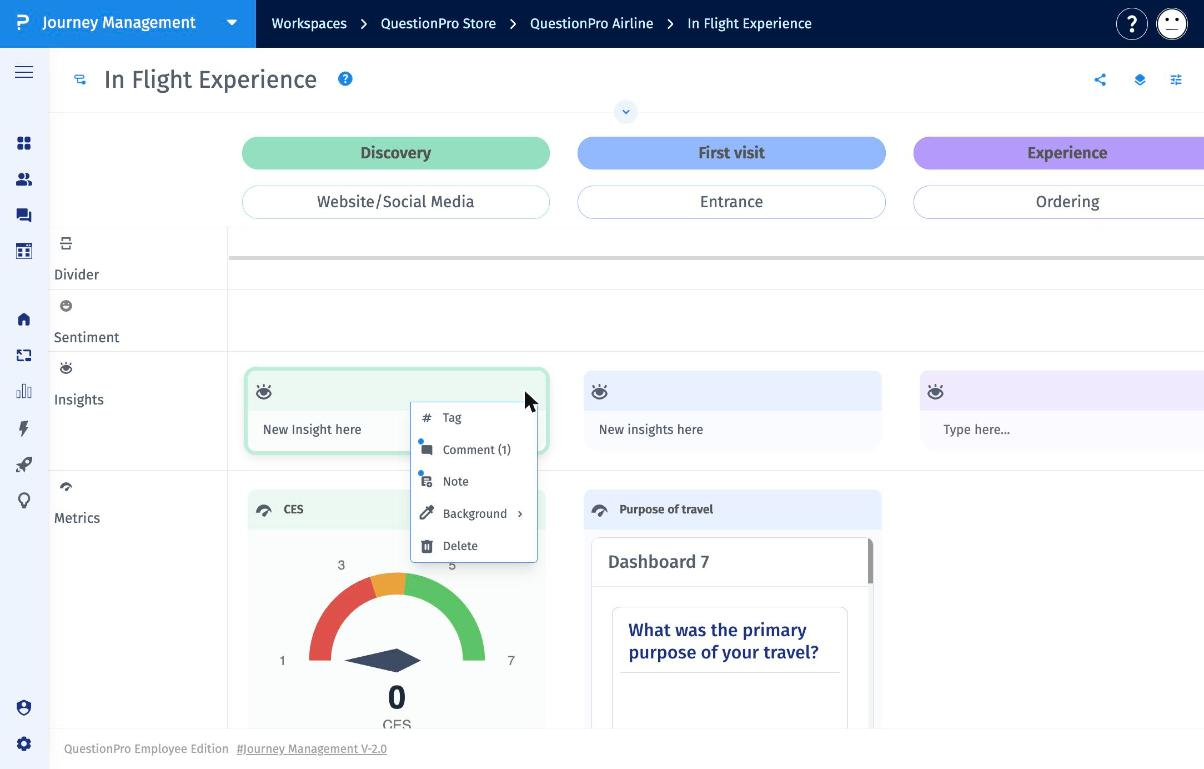
- Hover over the card and click the three dots (⋮) in its top-right corner.
- Select Comment.
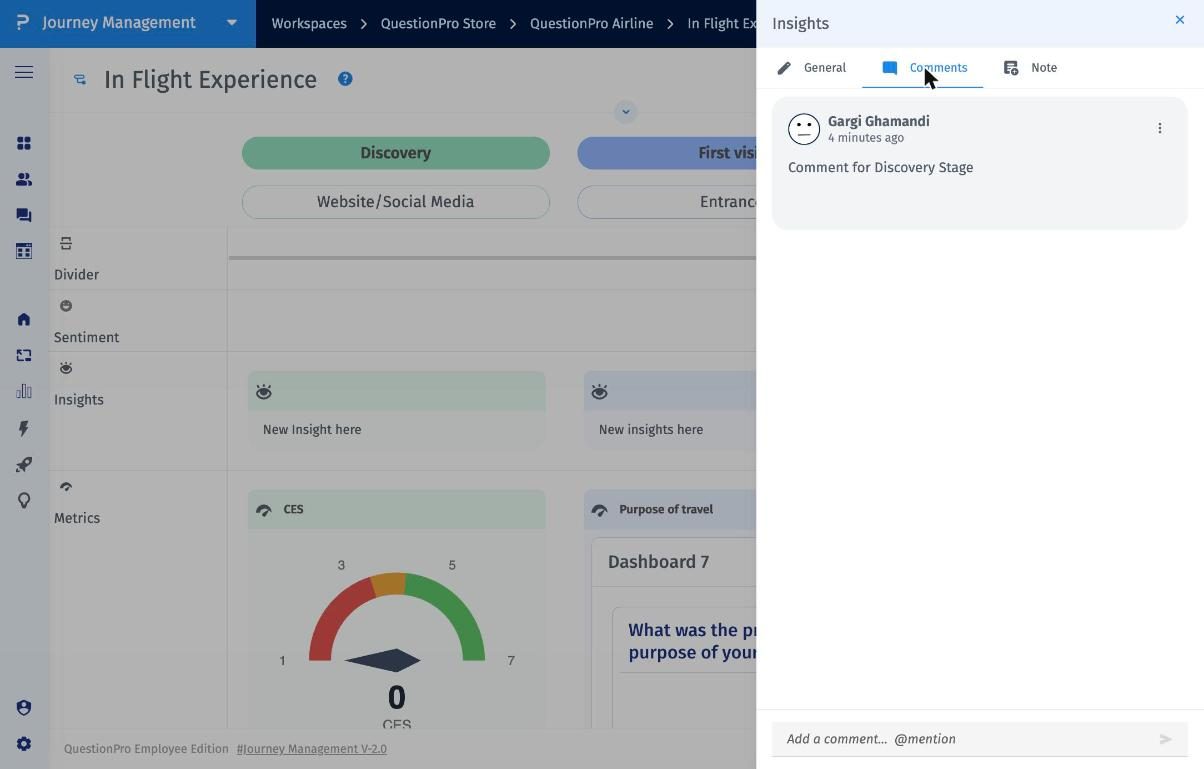
- Click the Comments tab in the drawer to see all comments on the card.
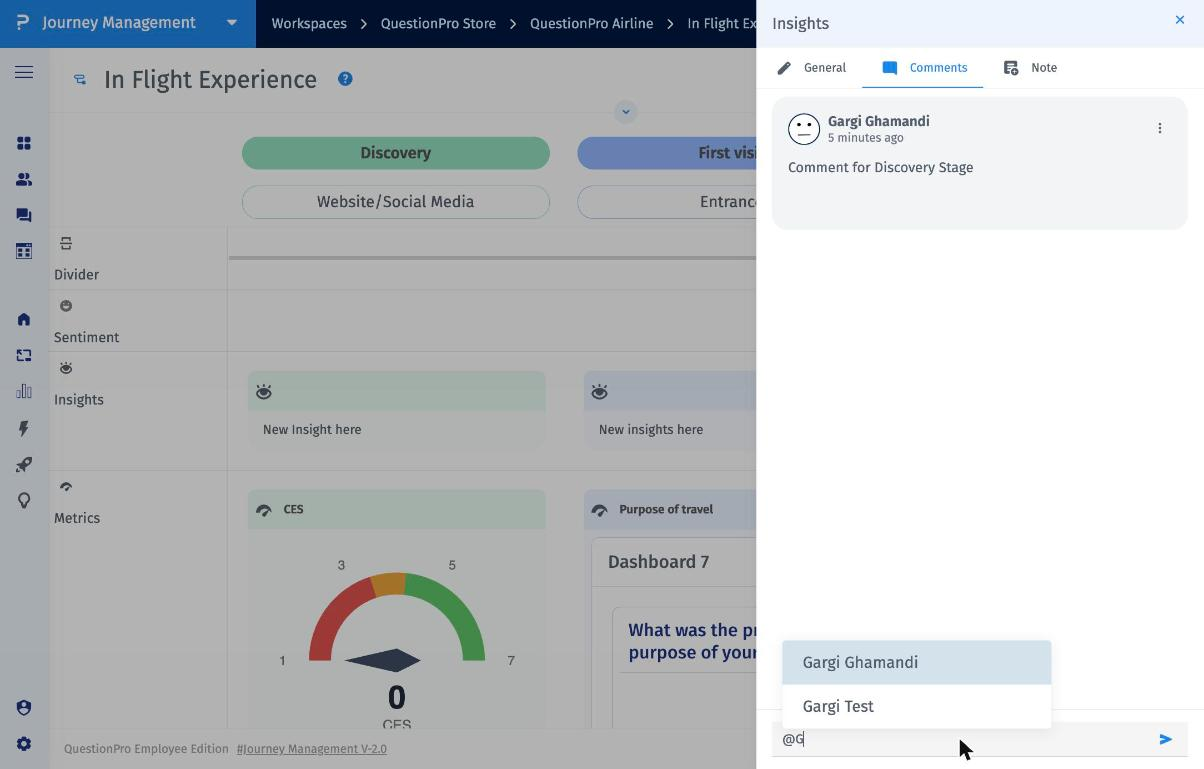
- To add a comment, click the Add a comment box at the bottom of the drawer and type your comment.
- To assign the comment to a teammate, type @ followed by their name and select them from the list. The assigned teammate receives an email about the comment.
- Click the Send arrow to post the comment.
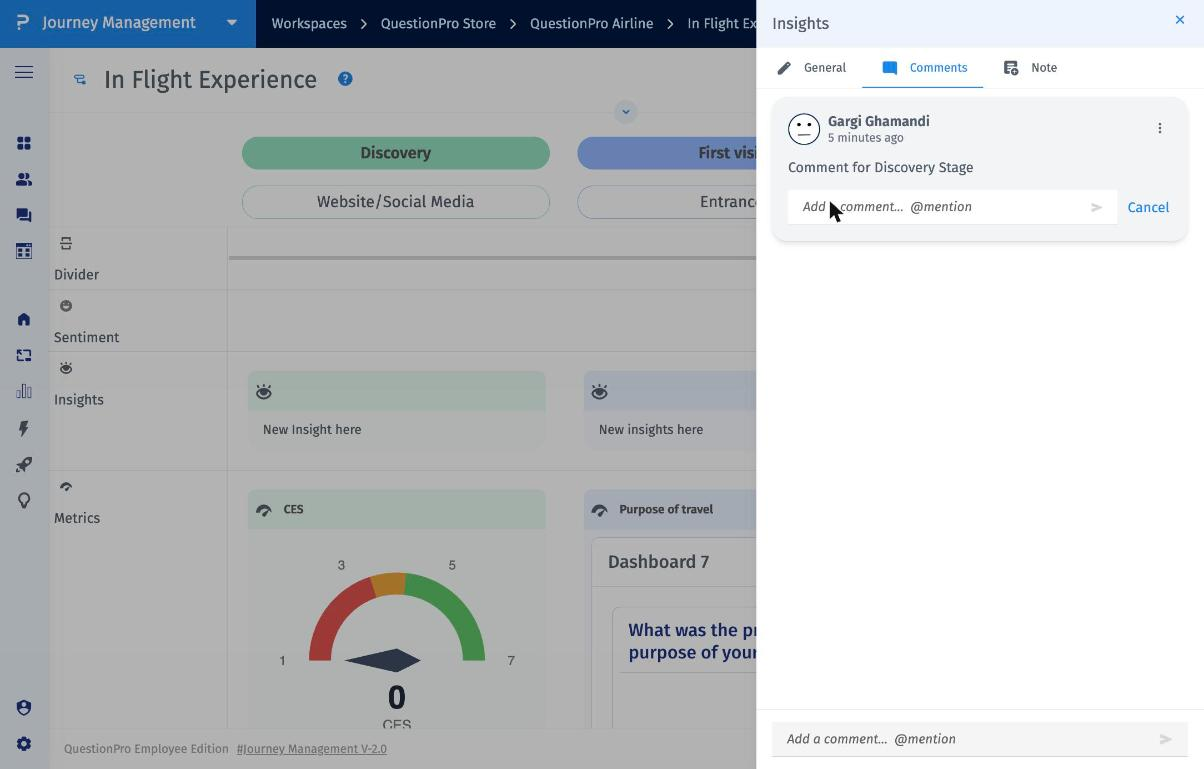
Hover over a comment to see Reply and Resolve. Click the three dots (⋮) on the comment to see Edit and Delete.
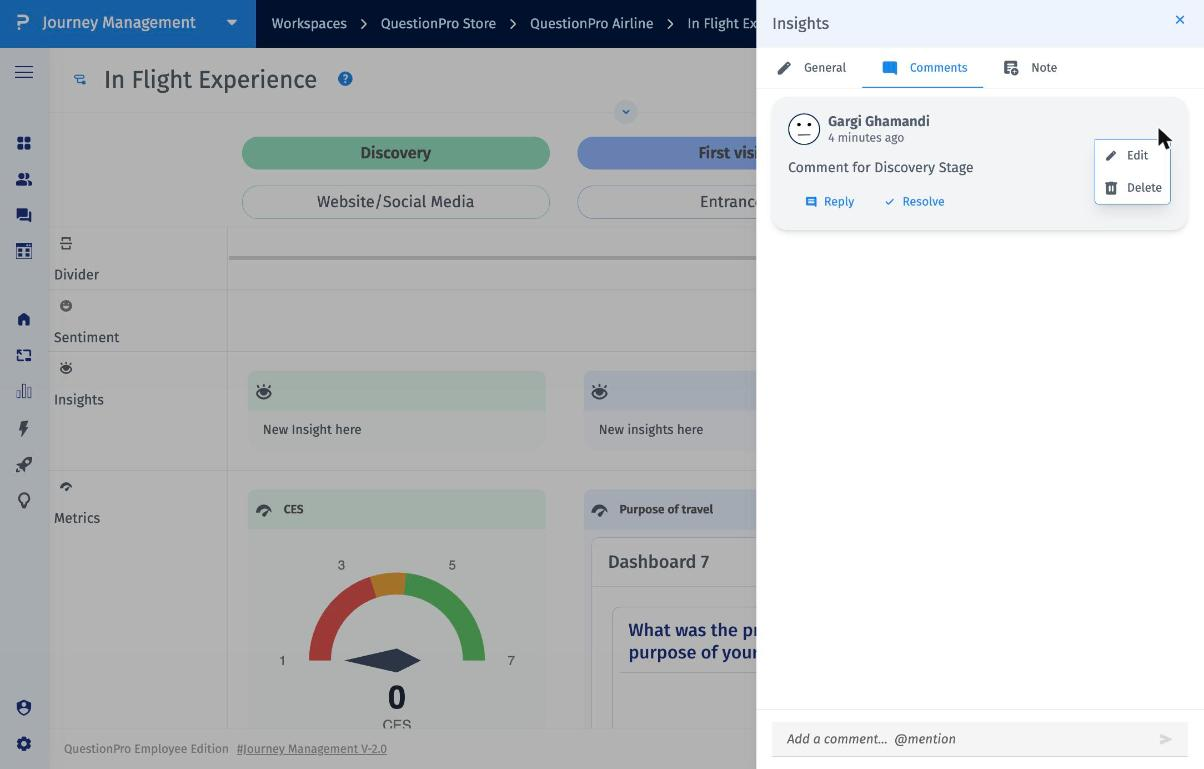
- Reply: Respond to the comment in the same thread.
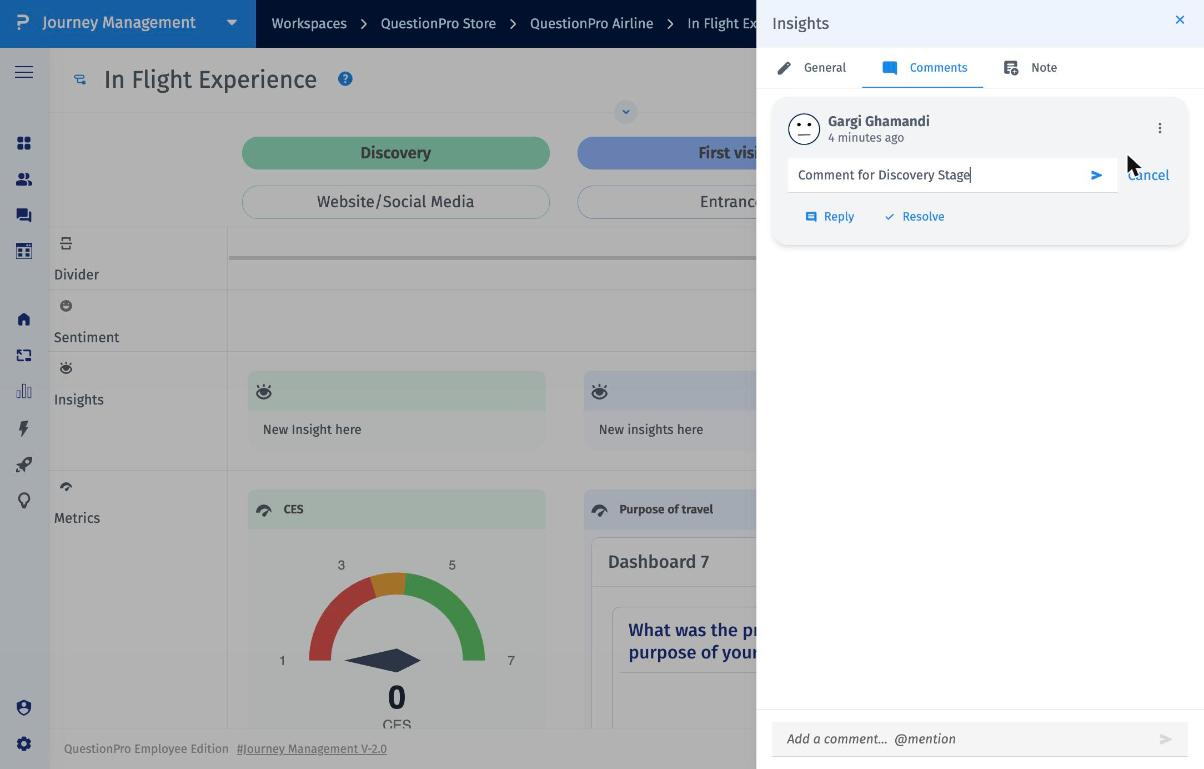
- Edit: Update the comment text and click the Send arrow to save.
- Resolve: Mark the discussion as done. The comment moves into the Resolved group.
- Delete: Permanently remove the comment.
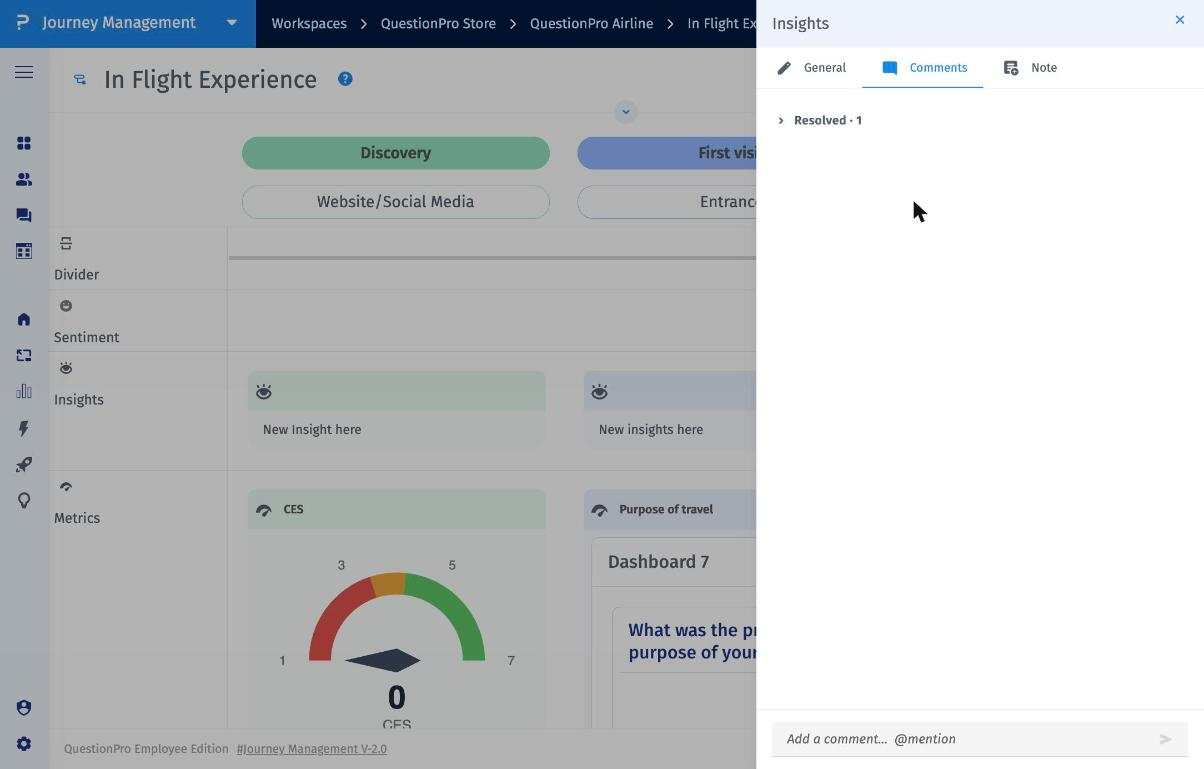
- In the Comments tab, click Resolved to expand the group.
- Hover over the comment and click Reopen to move it back into the active comments.
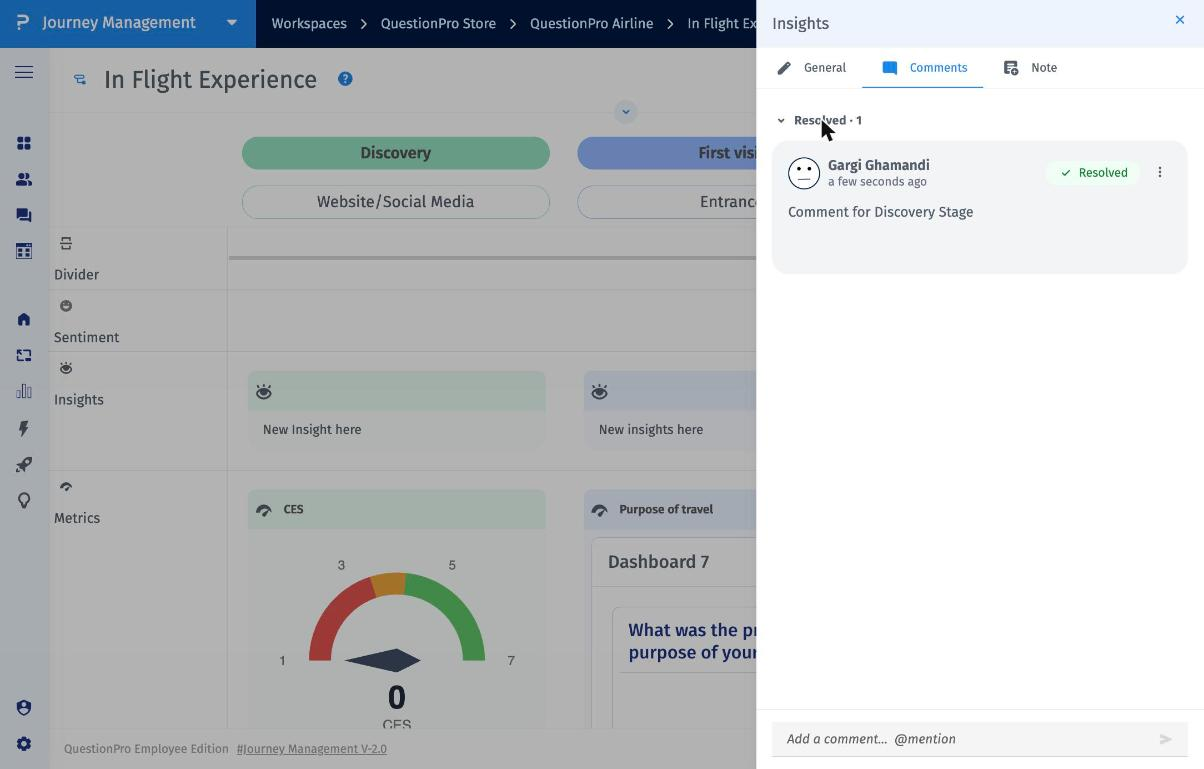
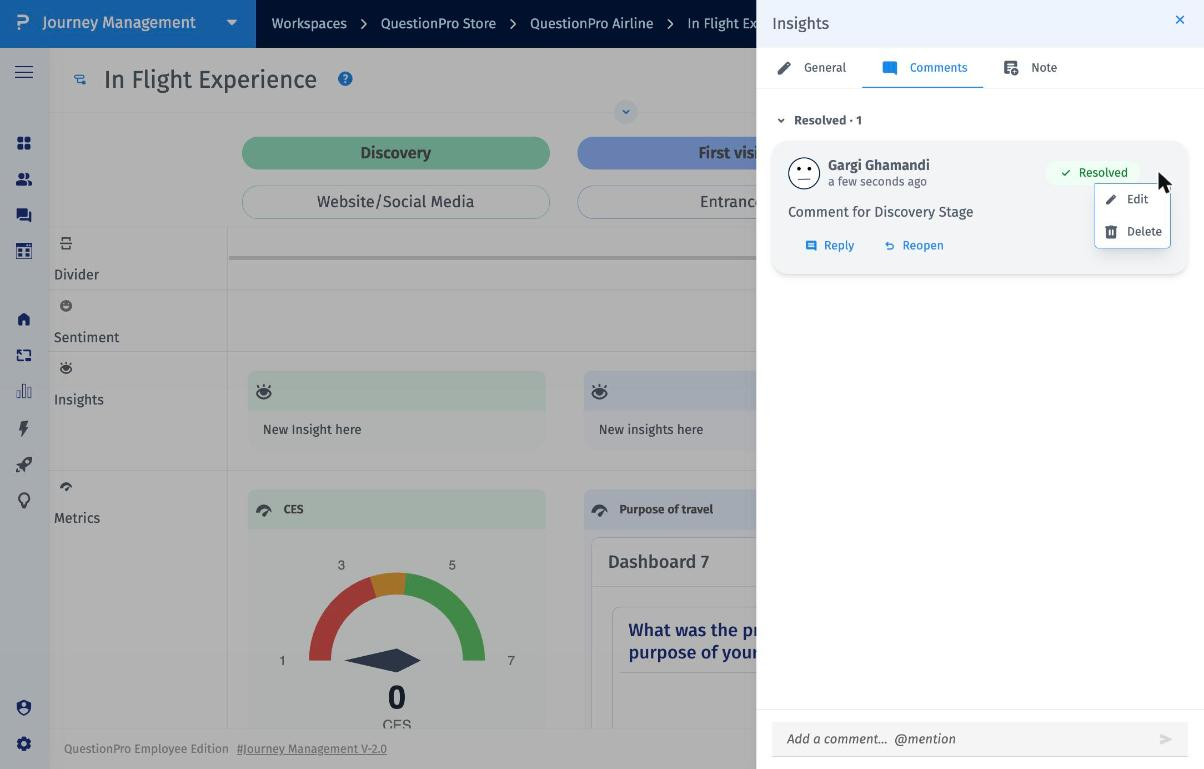
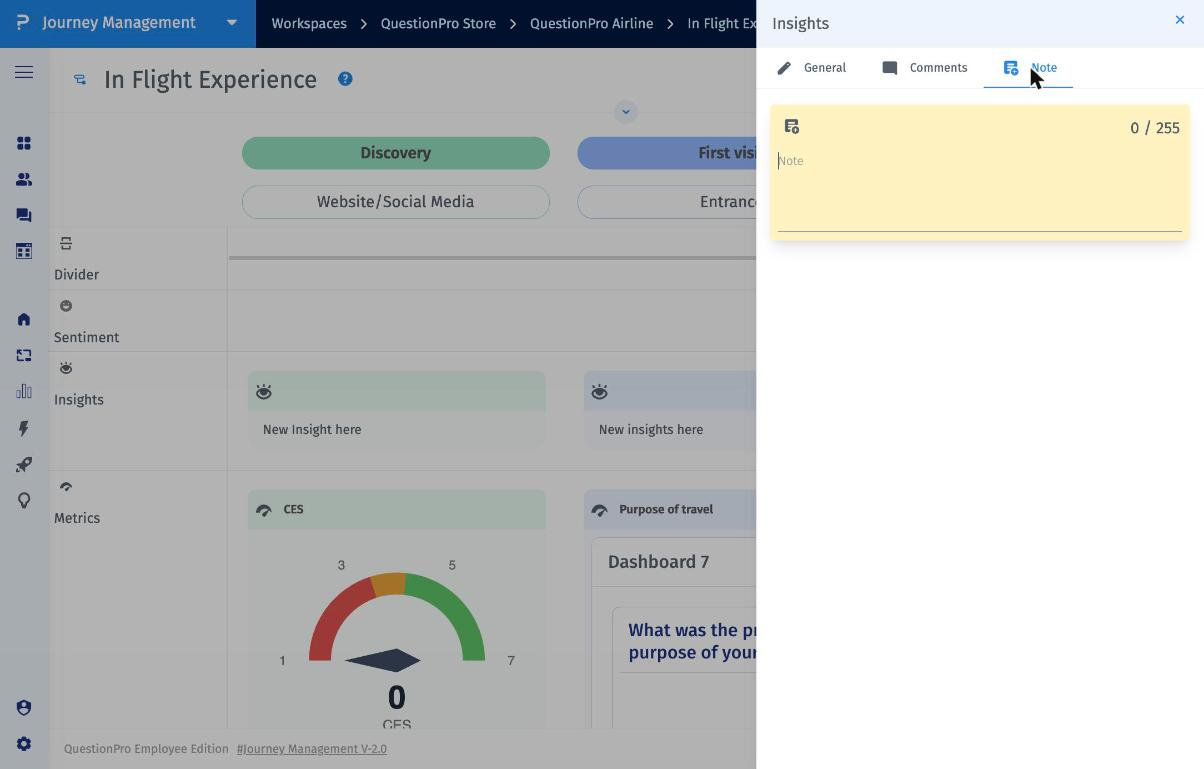
Comments are a conversation: they show who wrote them, can be assigned to teammates, support replies, and can be resolved. A Note is a single sticky note on the card (up to 255 characters), available from the Note tab in the same drawer.
Yes. When a map's General access is set to Anyone with the link with the Commenter role, anyone who opens the shared link can comment on the map's cards. These comments appear as anonymous comments.
- Open the journey map and click the Share icon in the top-right corner.
- Under General access, select Anyone with the link.
- Set the role to Commenter.
- Click Copy link to share it, then click Done.

Note: Anonymous commenters can only comment; they can't edit the map. To know who left a comment, add people directly under People with access instead of using the general link. For more details, see access management.
- Contextual discussions: Feedback stays attached to the exact card it's about.
- Clear ownership: Assign comments to teammates, who are notified by email.
- Clear status: Resolve threads once they're handled, and reopen them if needed.
- Wider input: Collect feedback from stakeholders outside your workspace through a Commenter link.
Which cards can I comment on?
All cards on a journey map support comments, not just Insights cards.
Where can I see how many comments a card has?
Click the three dots (⋮) on the card. The count appears next to the Comment option, for example Comment (1).
Does resolving a comment delete it?
No. Resolved comments move to the Resolved group and can be reopened at any time.
How does a teammate know a comment is assigned to them?
They receive an email when you assign a comment to them.
Why does a comment show as anonymous?
It was added by someone using the map's general link with Commenter access, without being added as a named user.
